

128G Carlinkit Ai Box Android 13 Wireless Carplay HDMI Output Wireless Adapter Android Auto Car Play Qualcomm 6225 Fota Upgrade
- Fast delivery
- 30-day returns
Product details
| Brand Name | Carlinkit |
|---|
Features
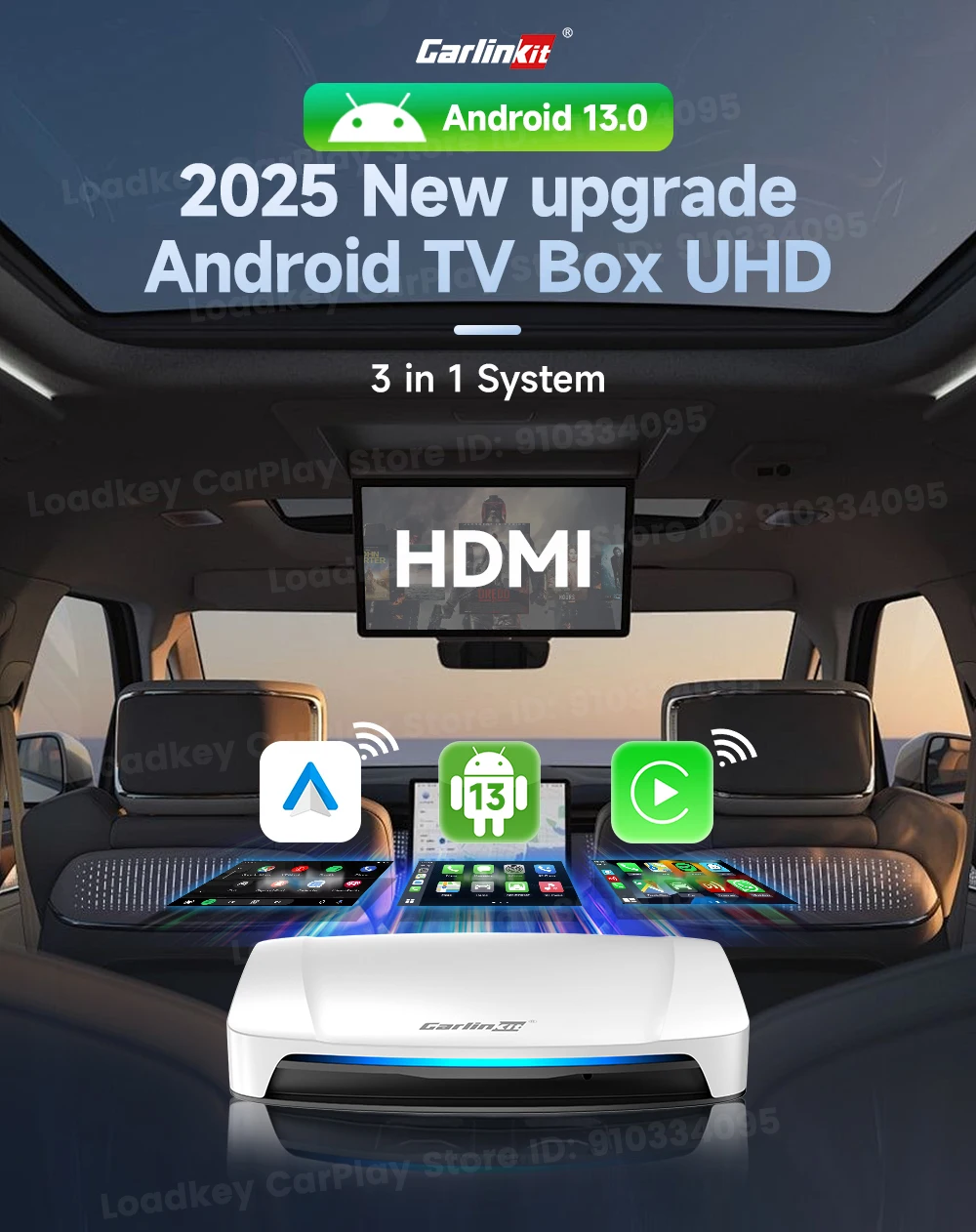
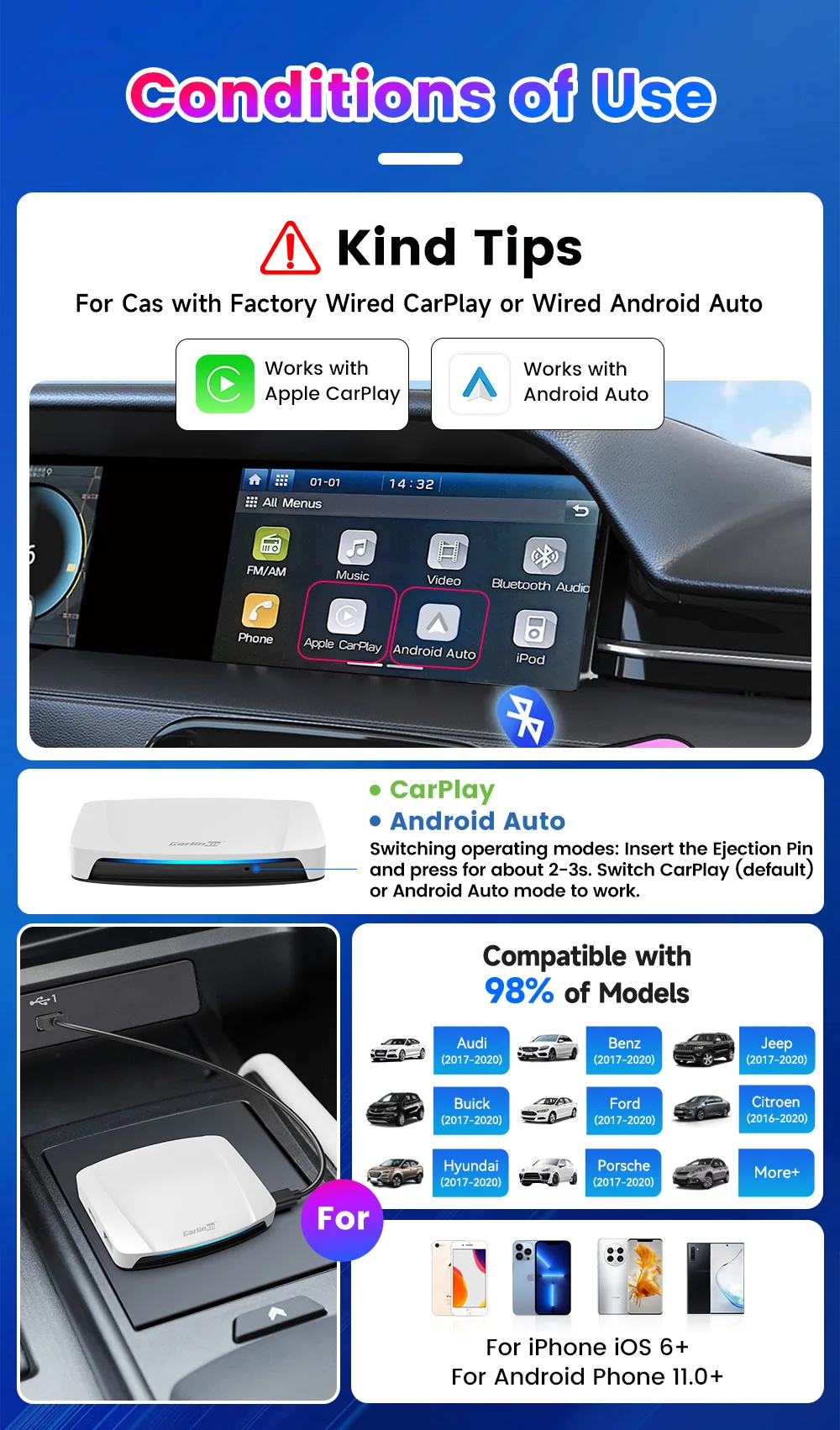
COMPATIBLE WITH 98% OF MODELS
Applicable models: Original cars with wired CarPlay/Android Auto
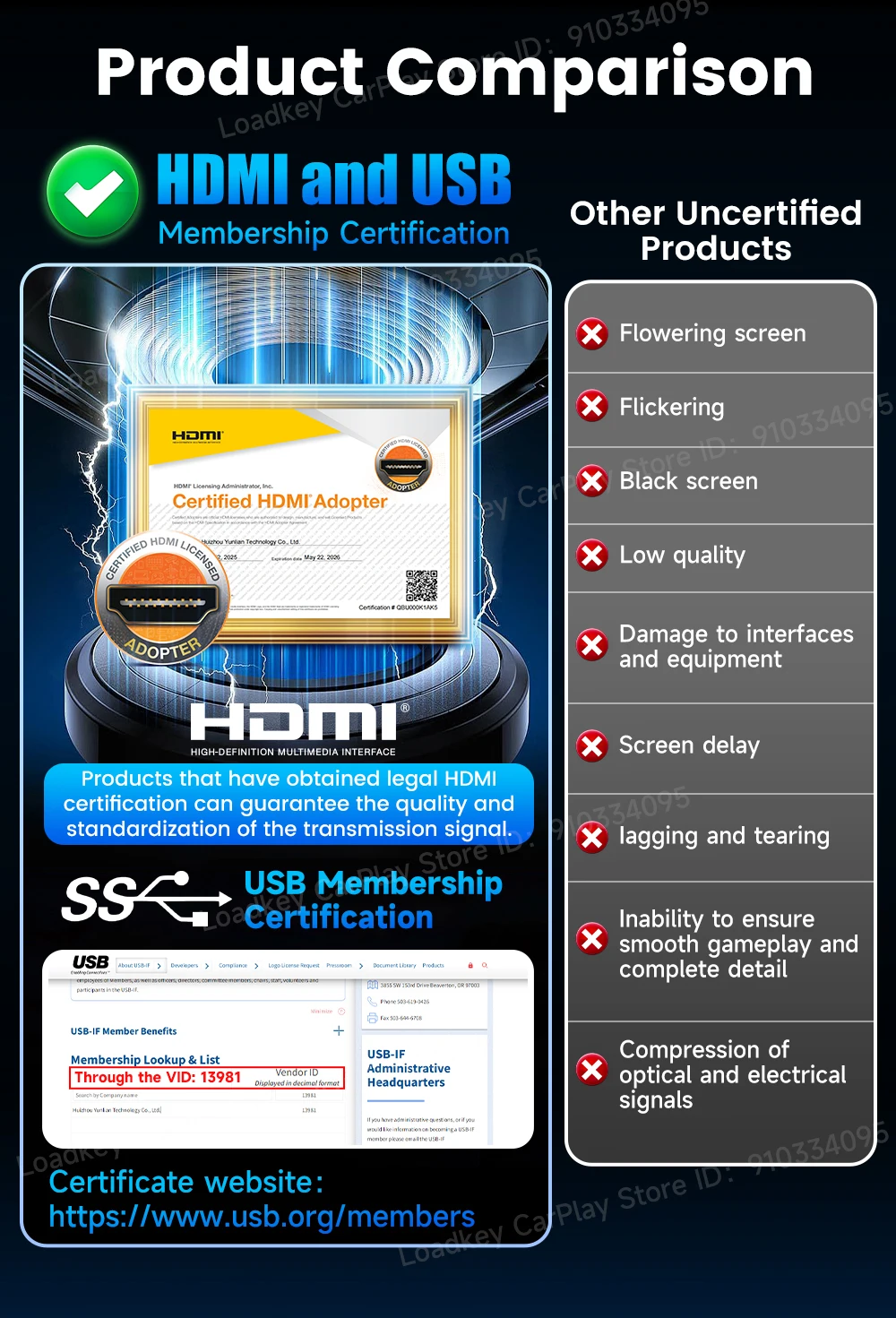
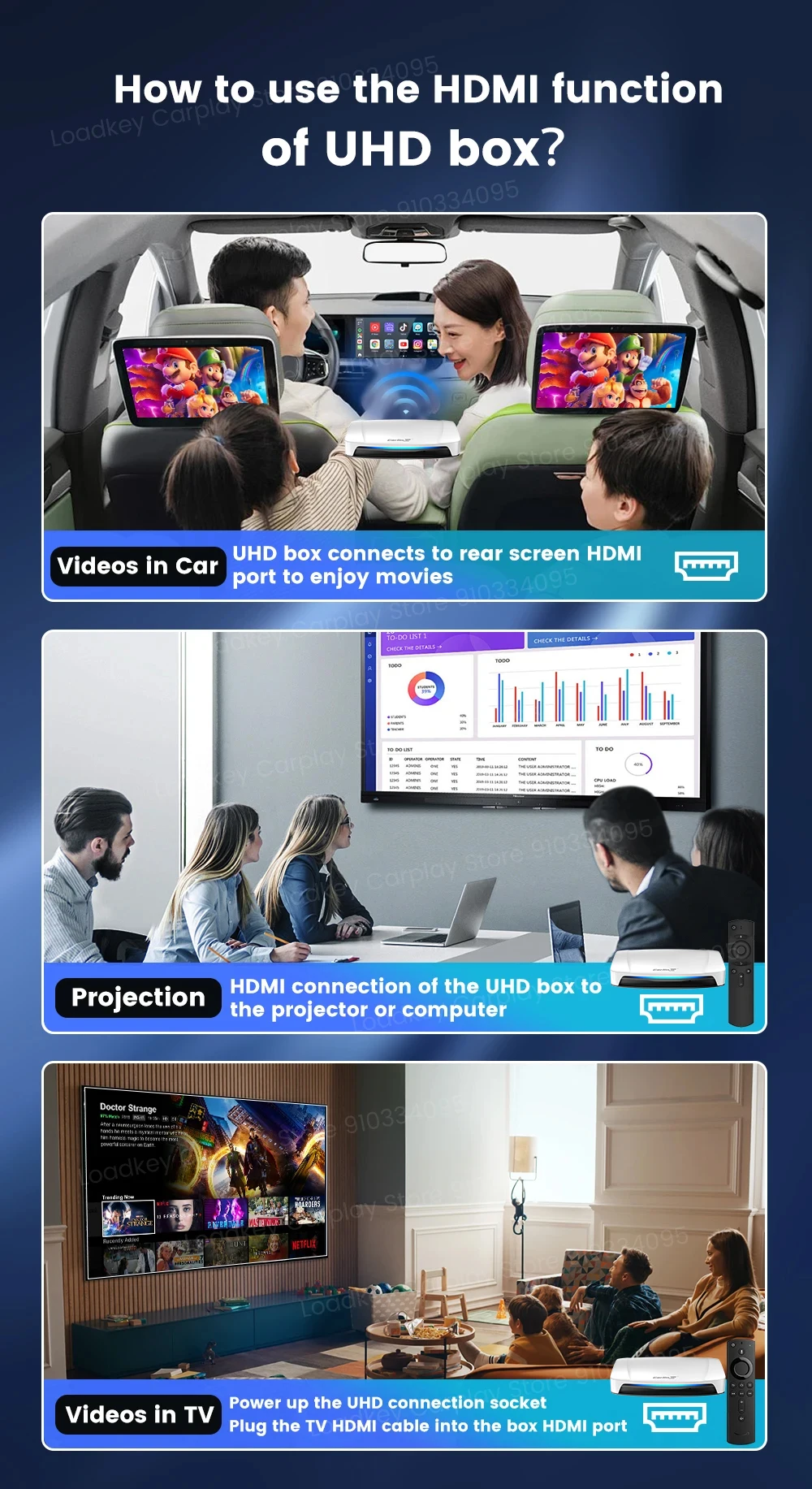
Newly upgraded HD output
You can connect the HD display in your car, and you can also split the screen to enjoy HD video anytime and anywhere

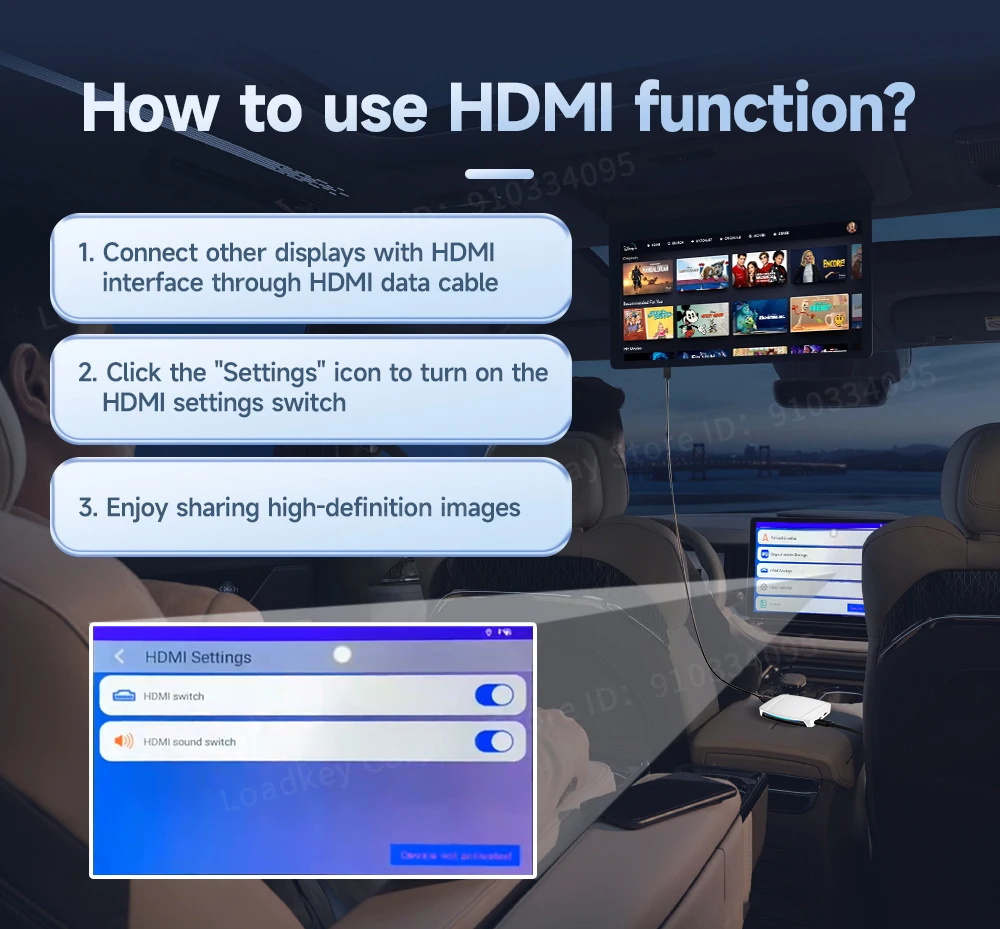
How to use HDMI function?
1. Connect other displays with HDMI interface through HDMI data cable
2. Click the "Settings" icon to turn on the HDMI settings switch
3. Enjoy sharing high-definition images
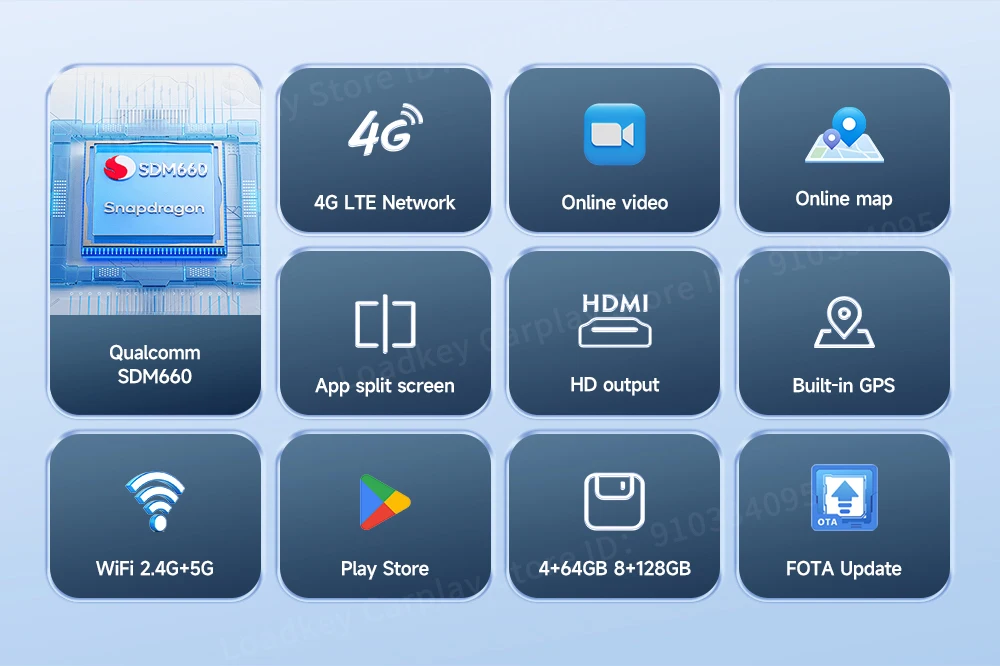
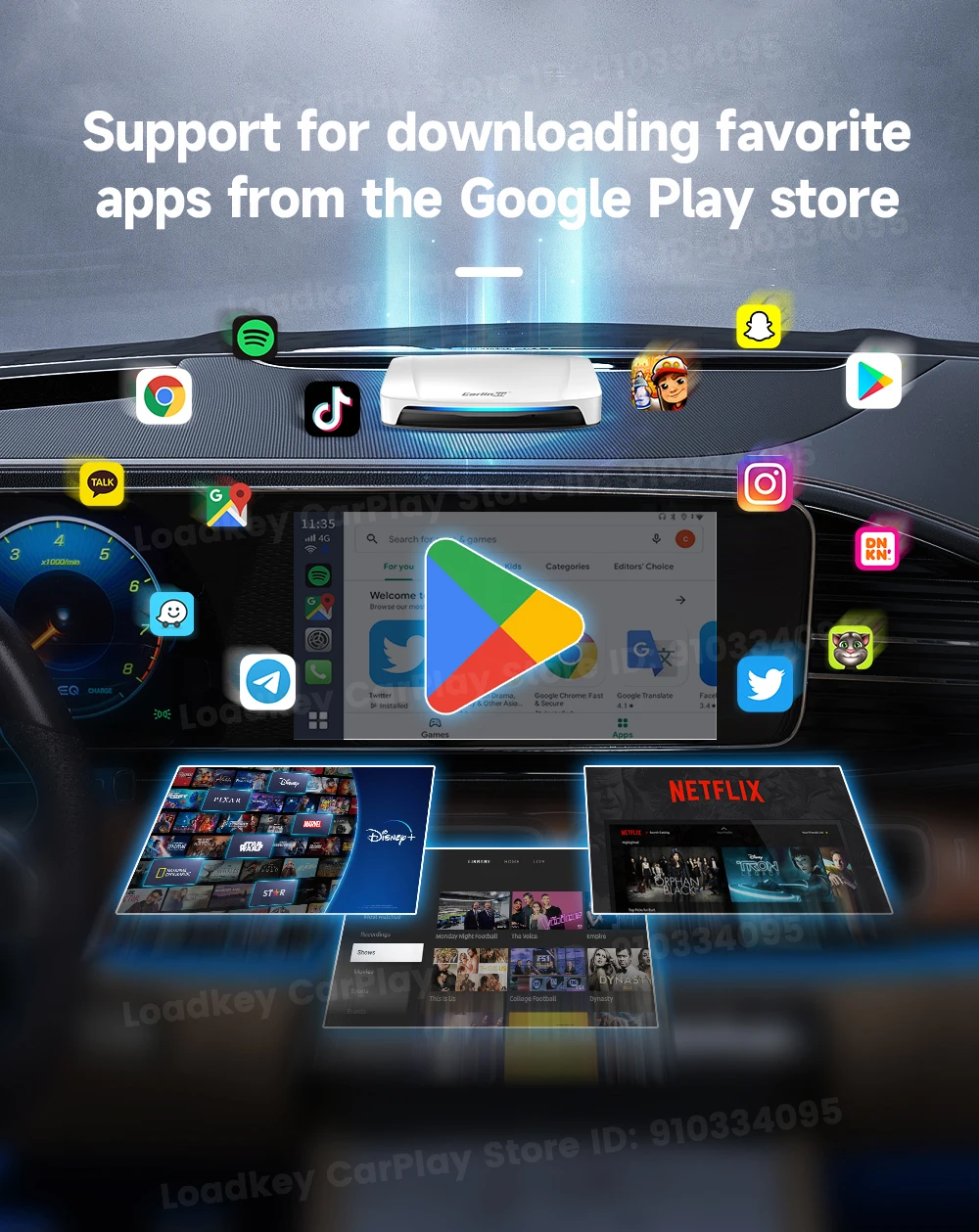
Support for downloading favorite apps from the Google Play store
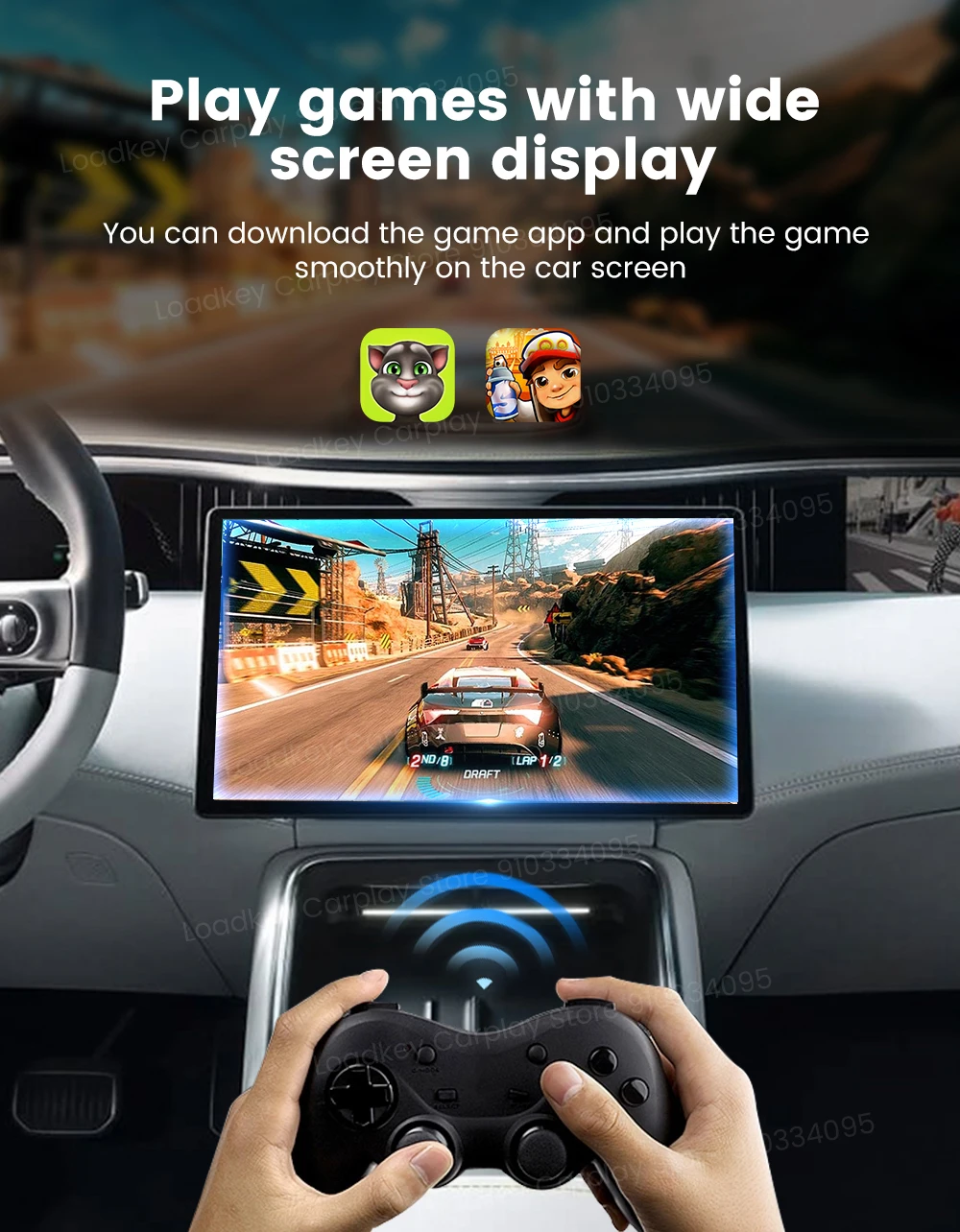
Play games with wide screen display
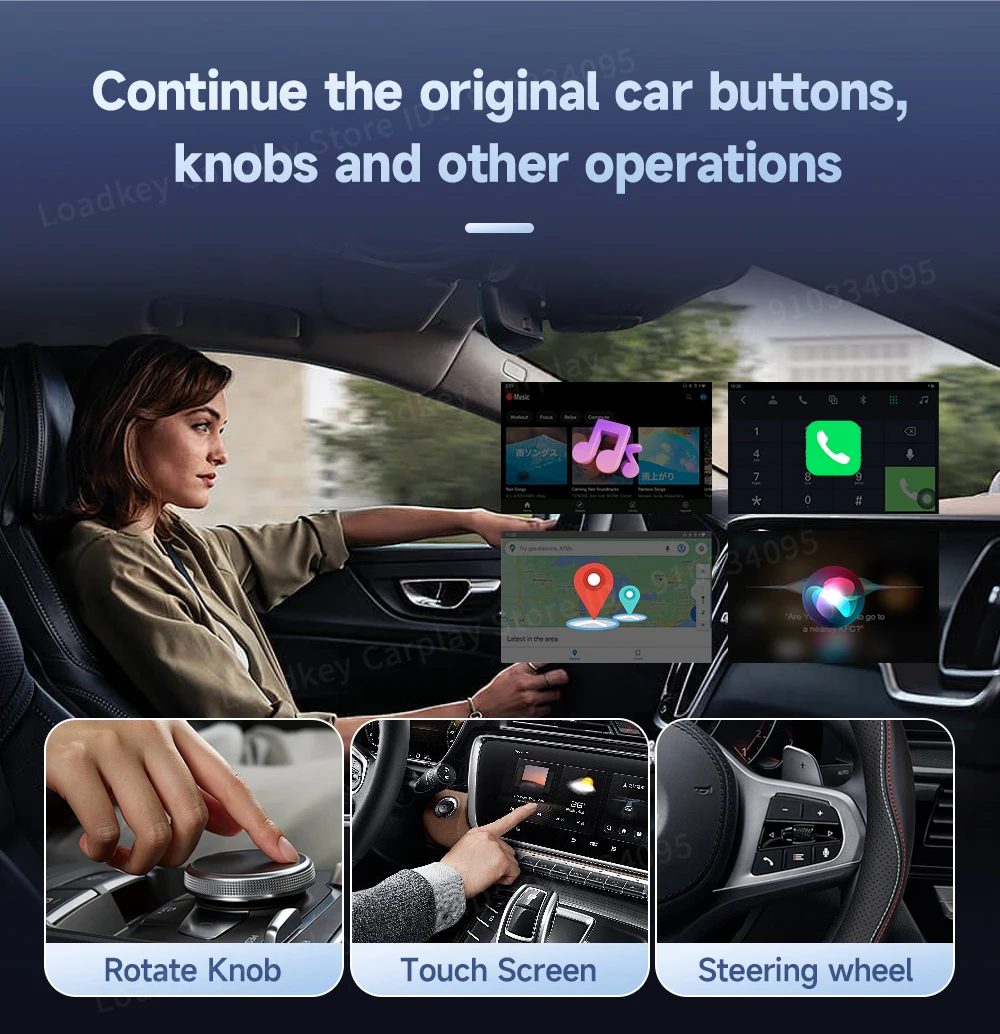
Continue the original car buttons, knobs and other operations
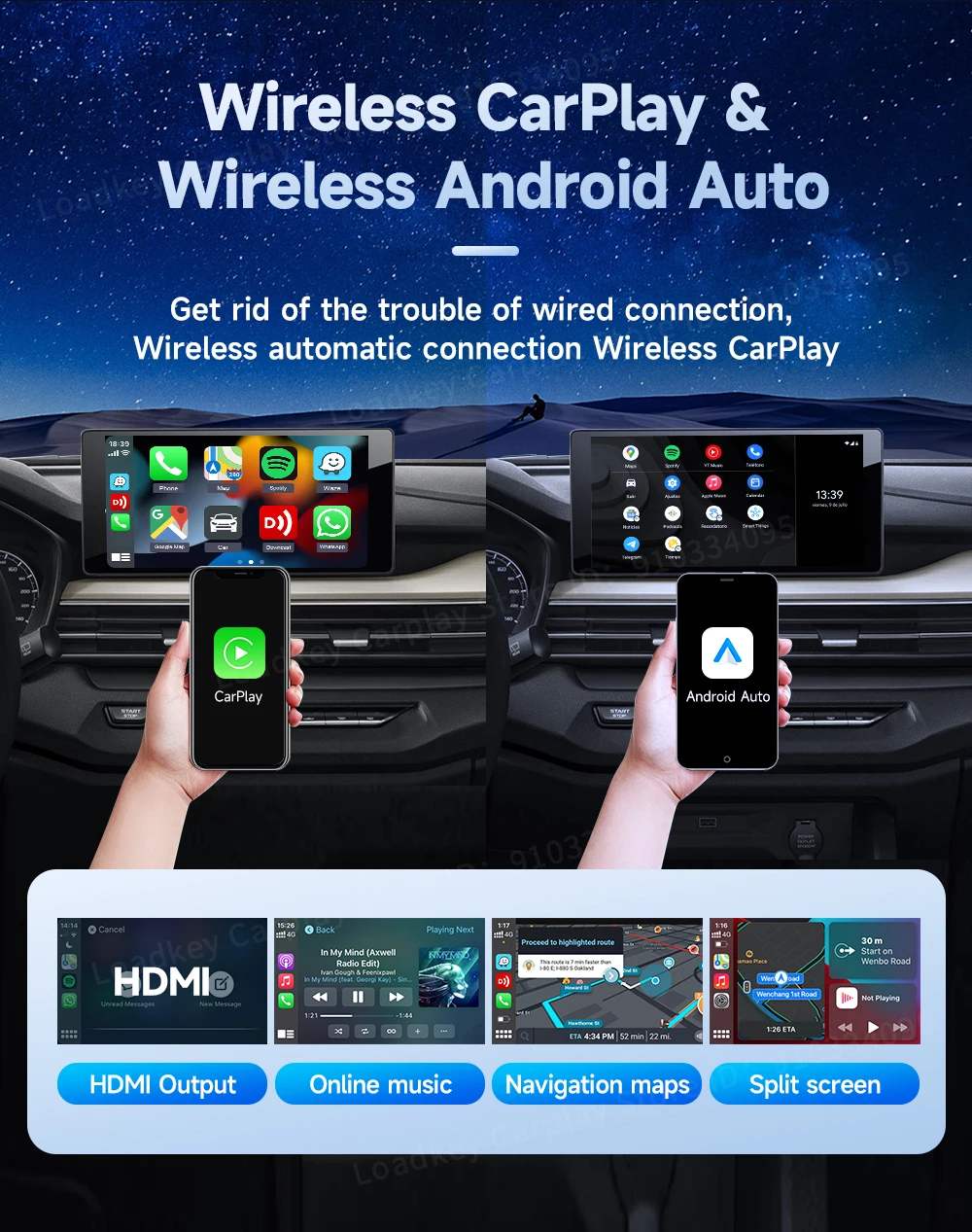
Wireless CarPlay & Wireless Android Auto
Get rid of the trouble of wired connection, wireless automatic connection wireless CarPlay
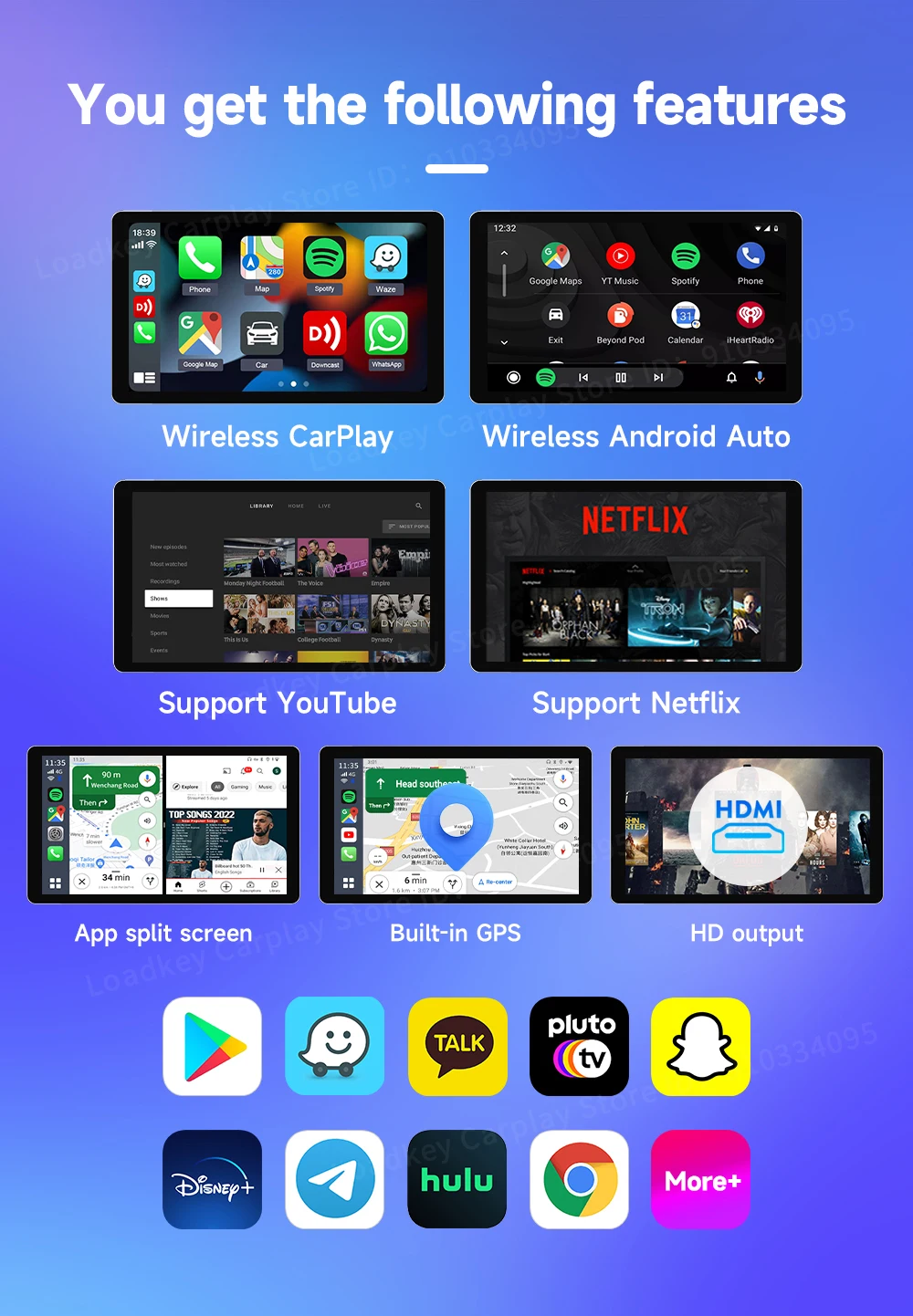
You get the following features
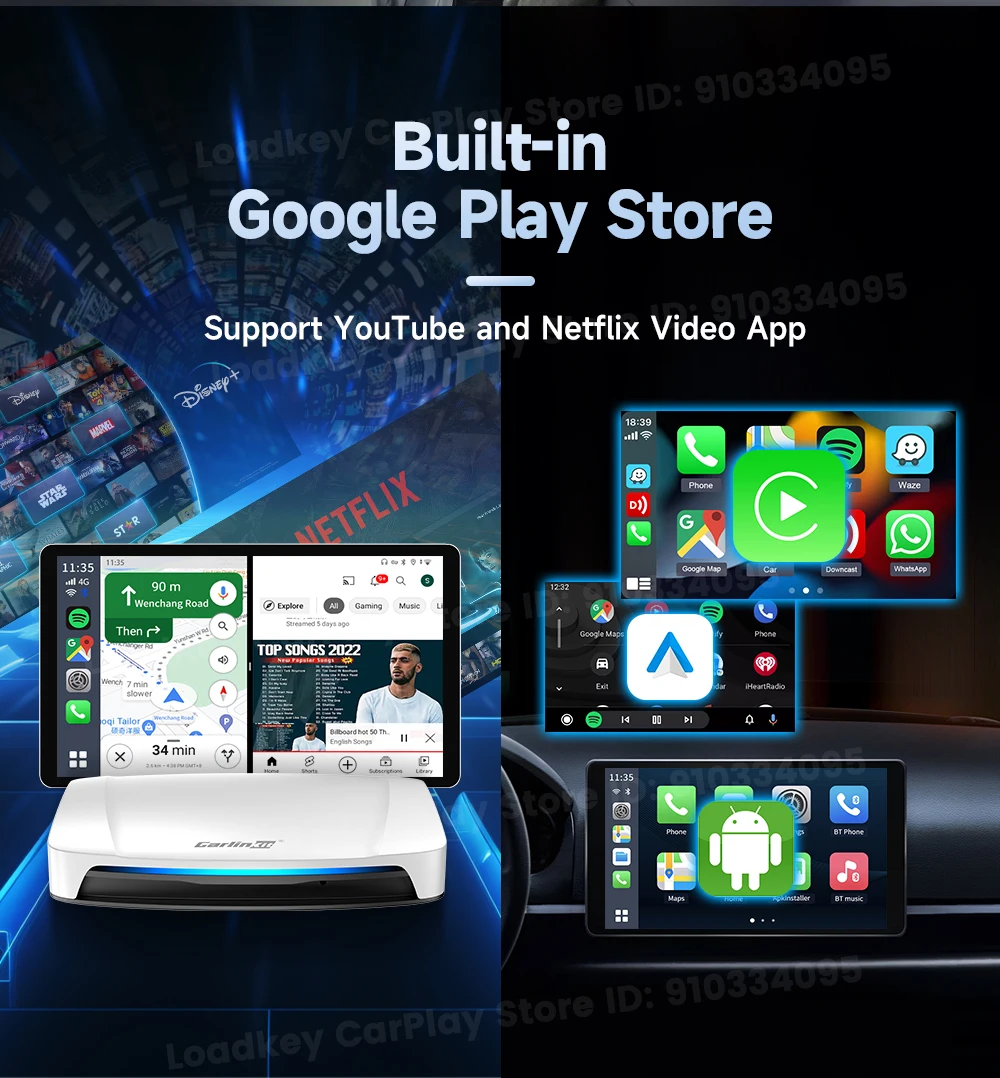
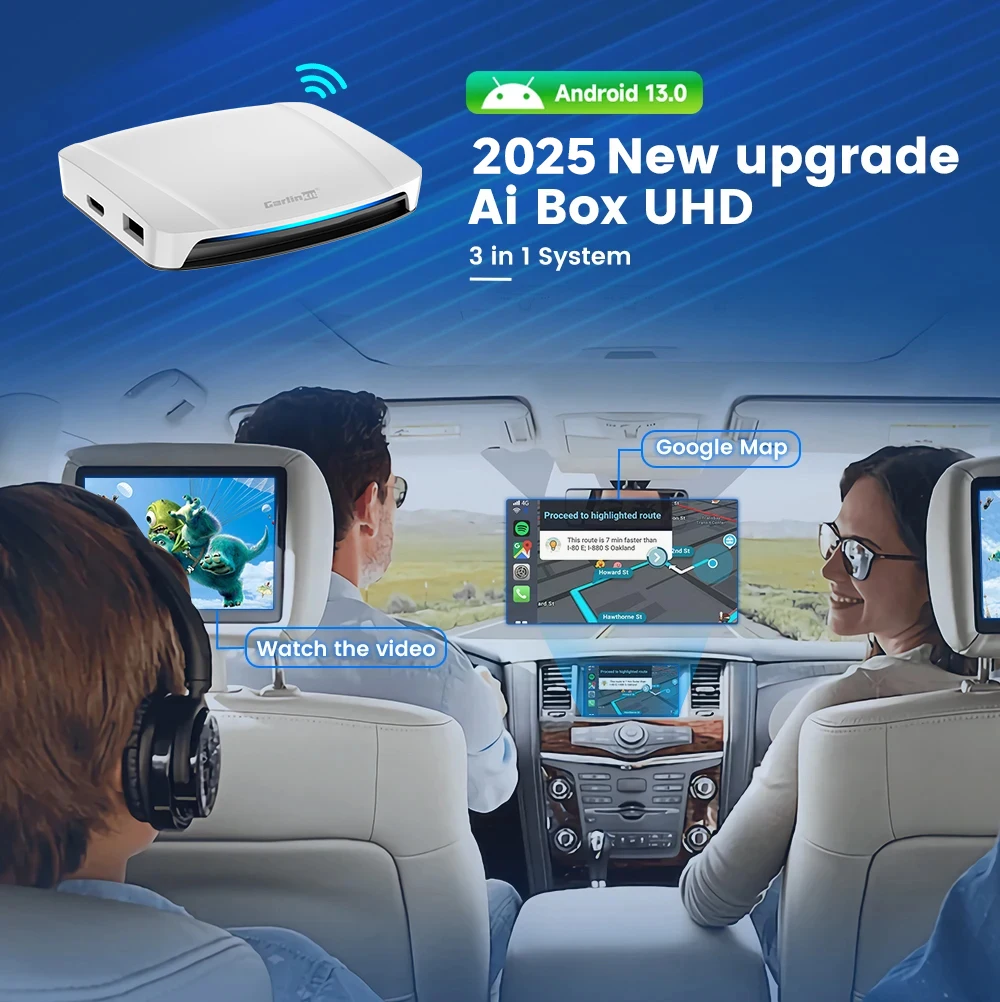
Qualcomm Snapdragon SDM660

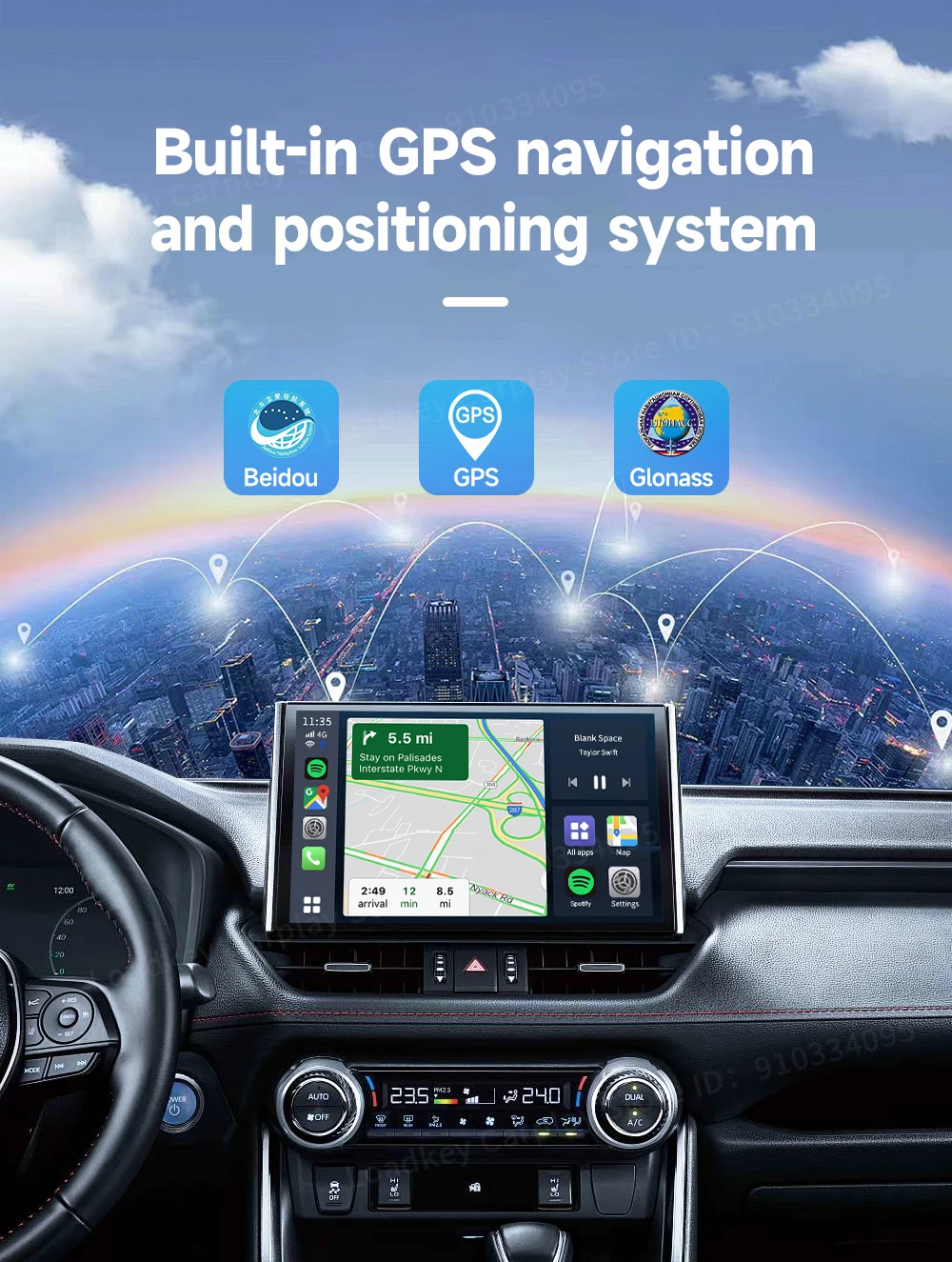
Built-in gps navigation and positioning system
Memory expansion
Can be inserted into the maximum expansion space of 512GB TF(Micro SD) Card
The light will change freely when turned on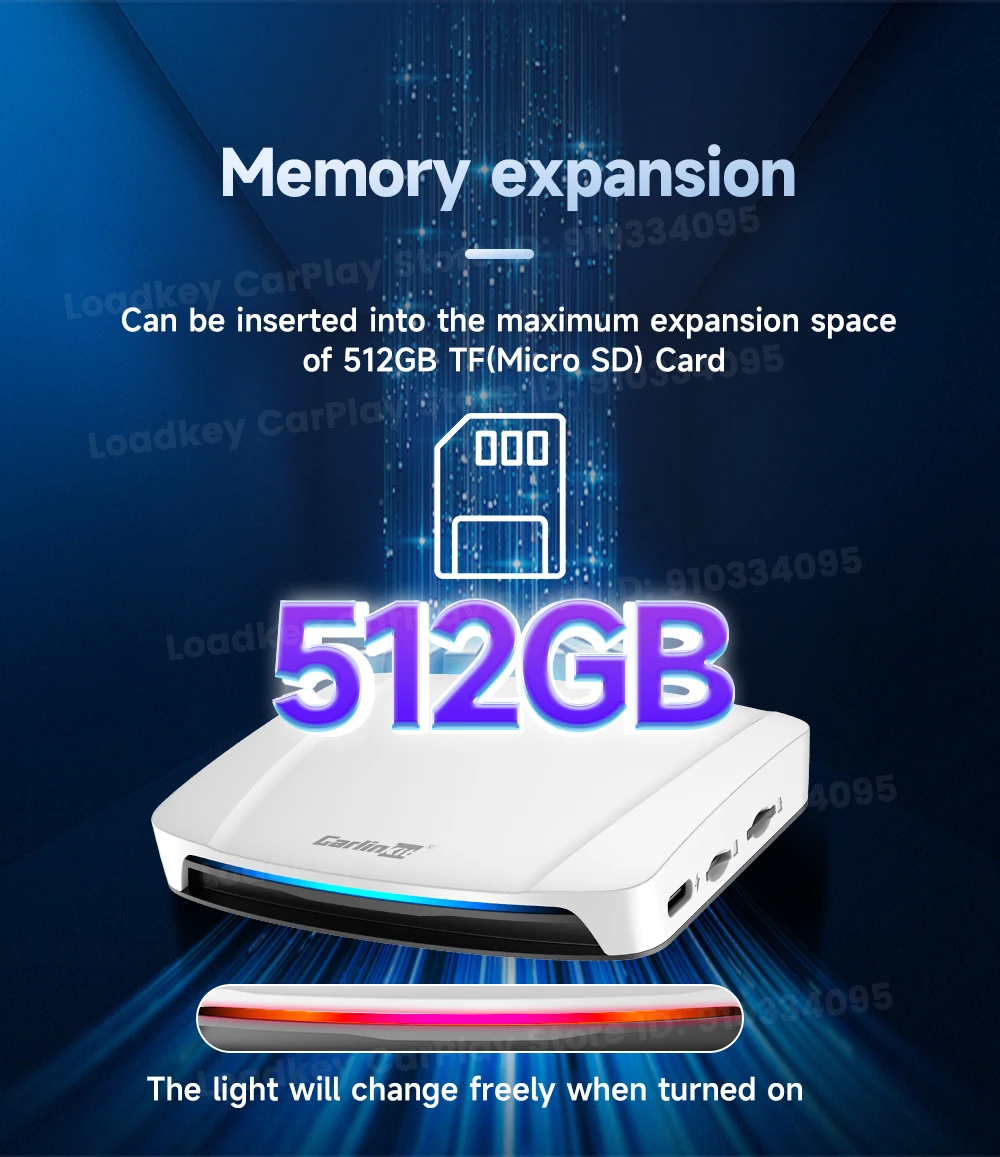
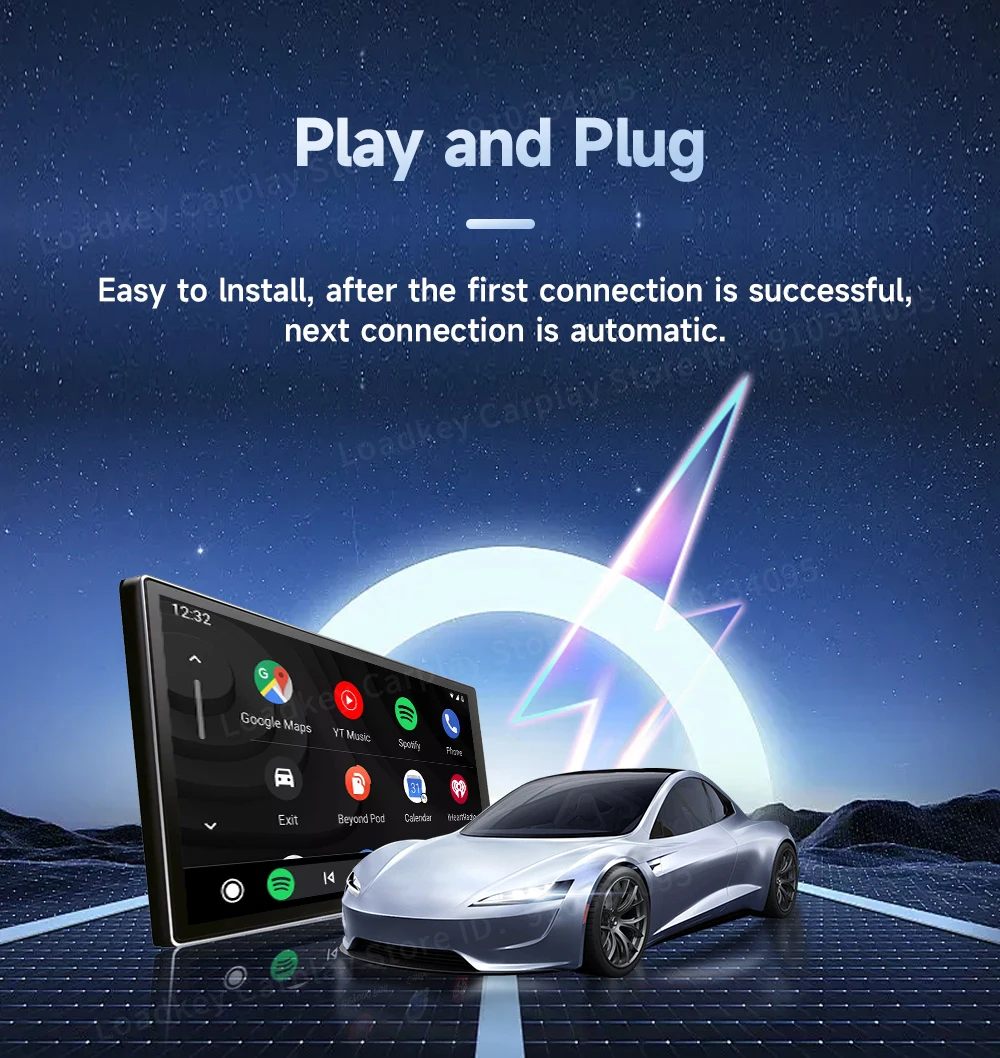
Play and Plug
Easy to lnstall, after the first connection is successful,
next connection is automatic.
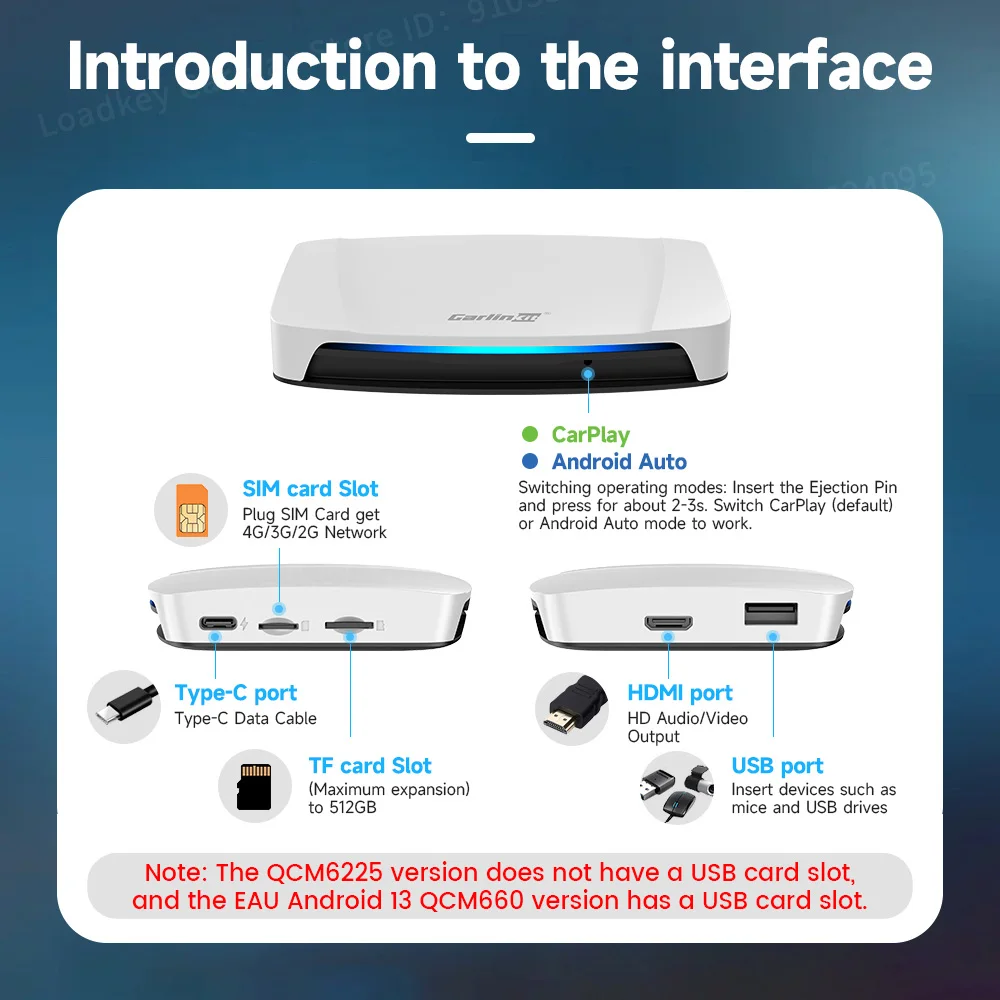
Port Description
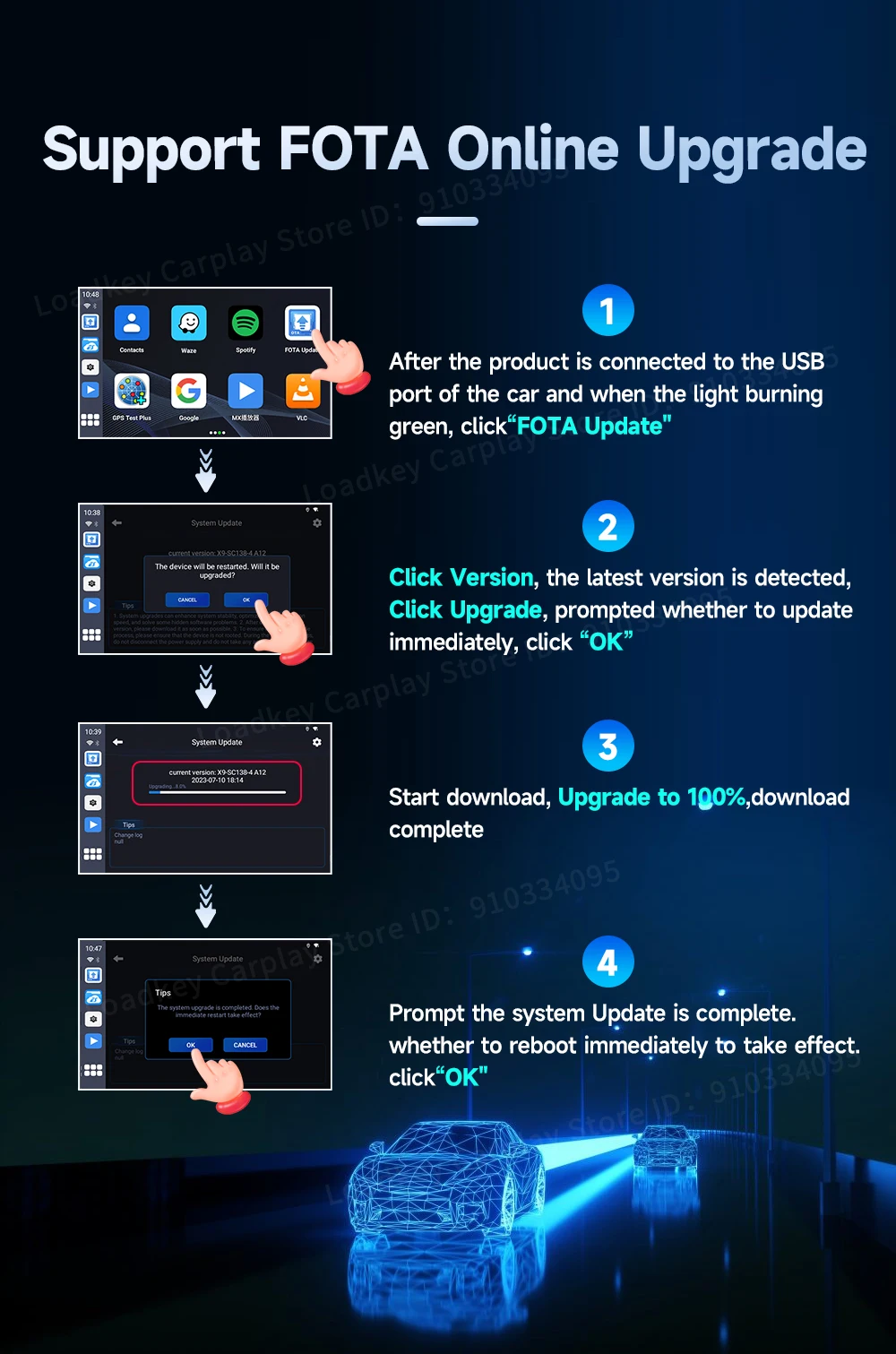
Support FOTA Online Upgrade
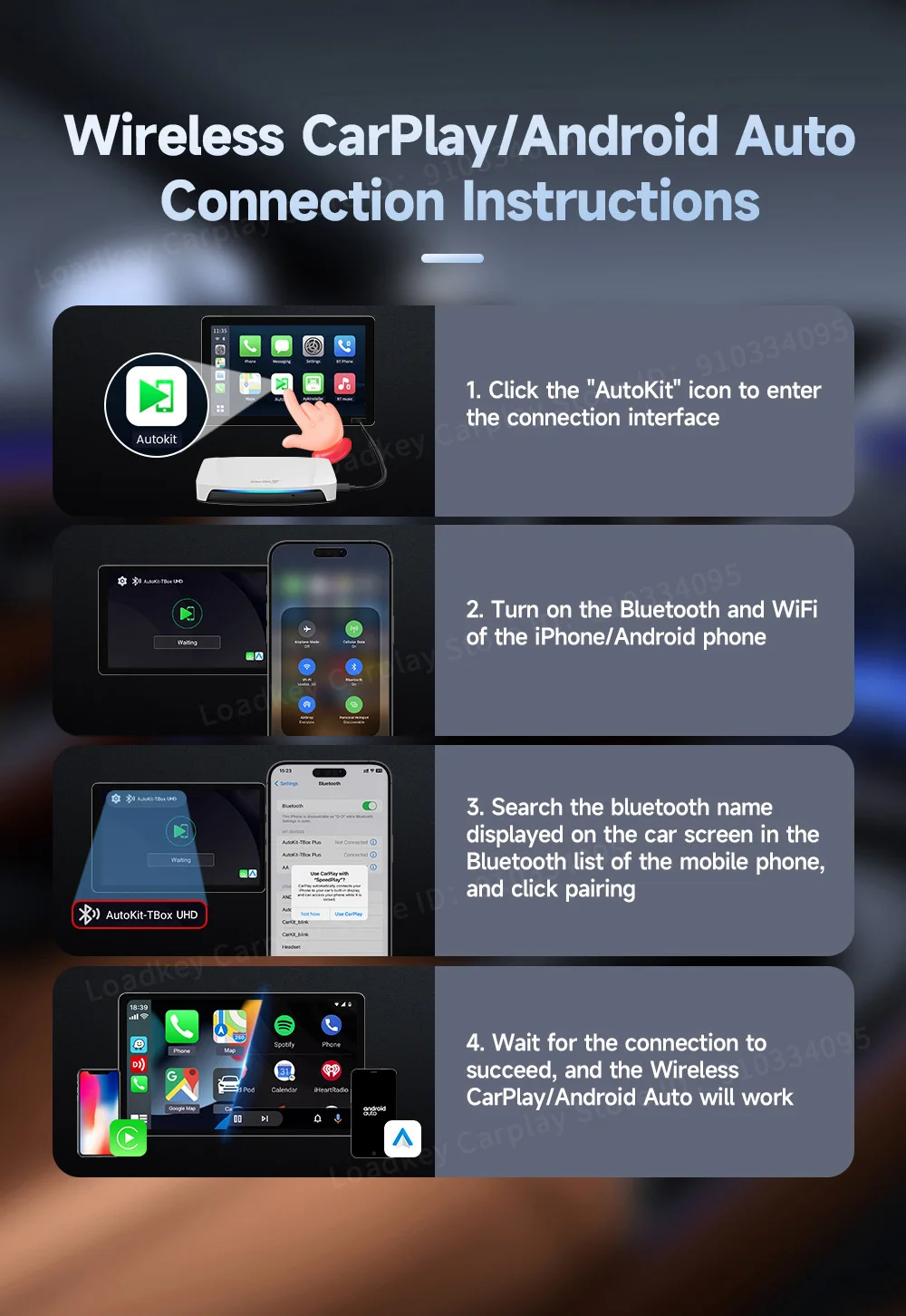
Wireless CarPlay/Android Auto Connection Instructions
1. Click the "AutoKit" icon to enter the connection interface
2. Turn on the Bluetooth and WiFi of the iPhone/Android phone
3. Search the bluetooth name displayed on the car screen in the Bluetooth list of the mobile phone, and click pairing
4. Wait for the connection to succeed, and the wireless CarPlay/Android Auto will work
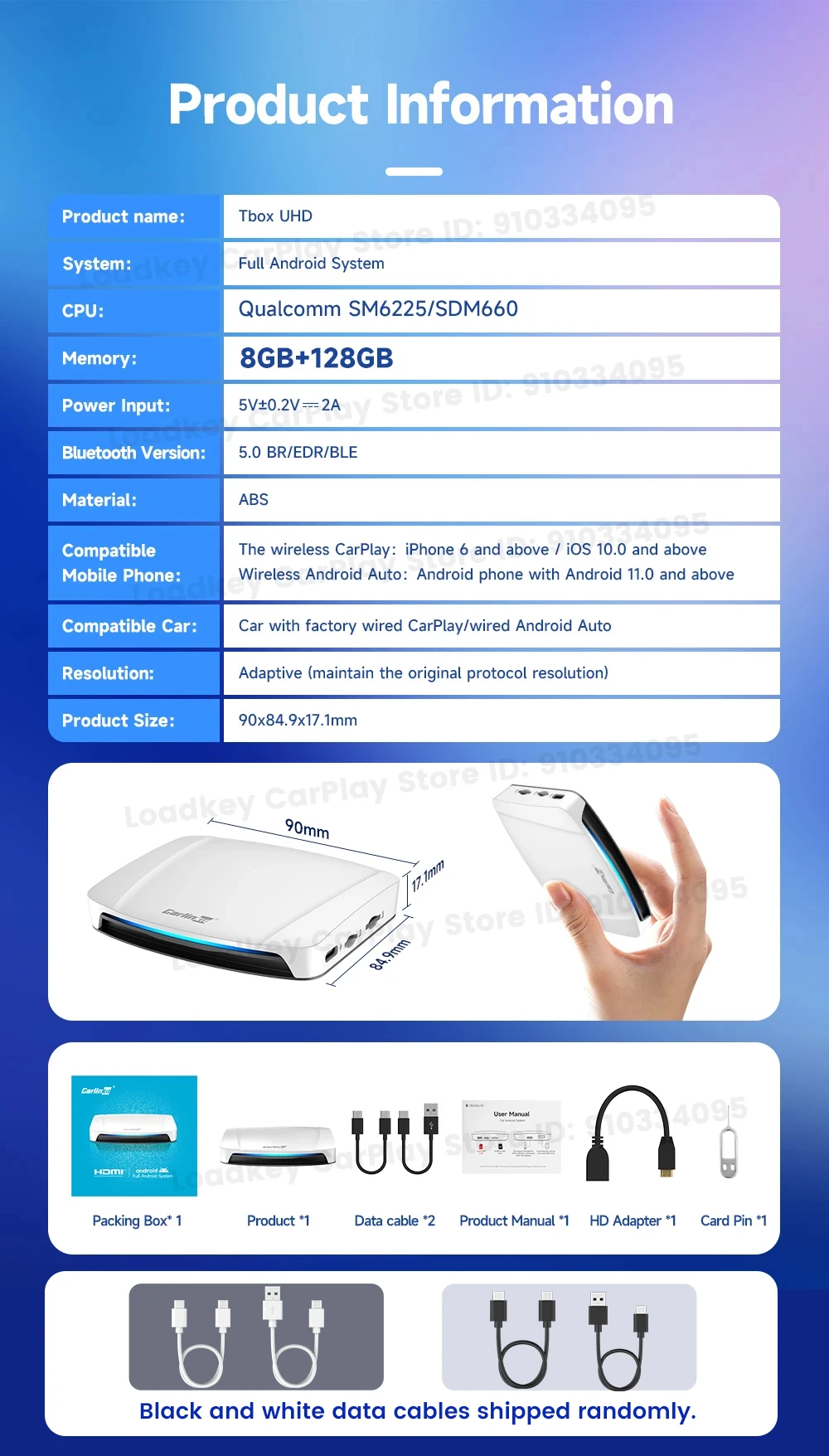
Product lnformation



| Category | Automobile › Car Electronics › Car Displays |
|---|---|
| Availability | In stock |
| Ships to | Canada |
| Buyer Guarantees | 15-Day No Update Refund & 60-Day No Delivery Refund |
No reviews yet
Be the first to share what you think of this product.


