

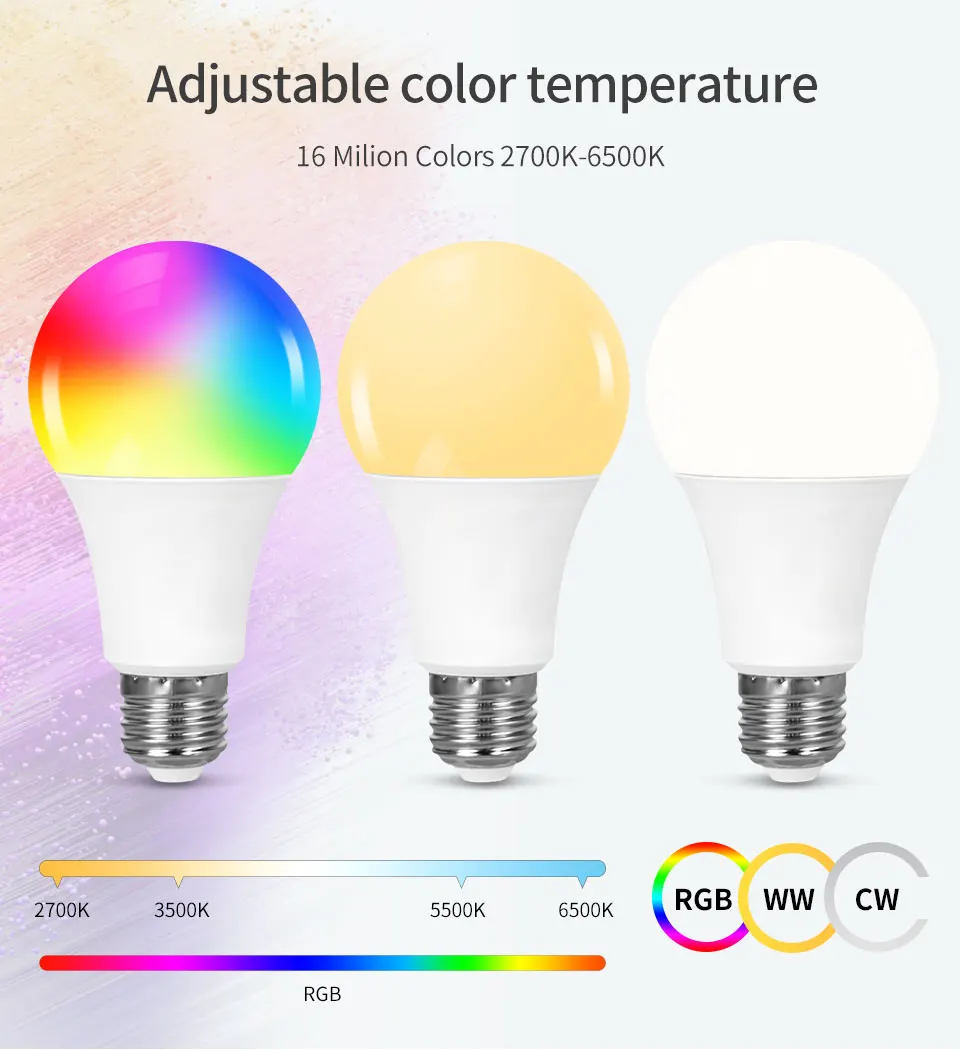
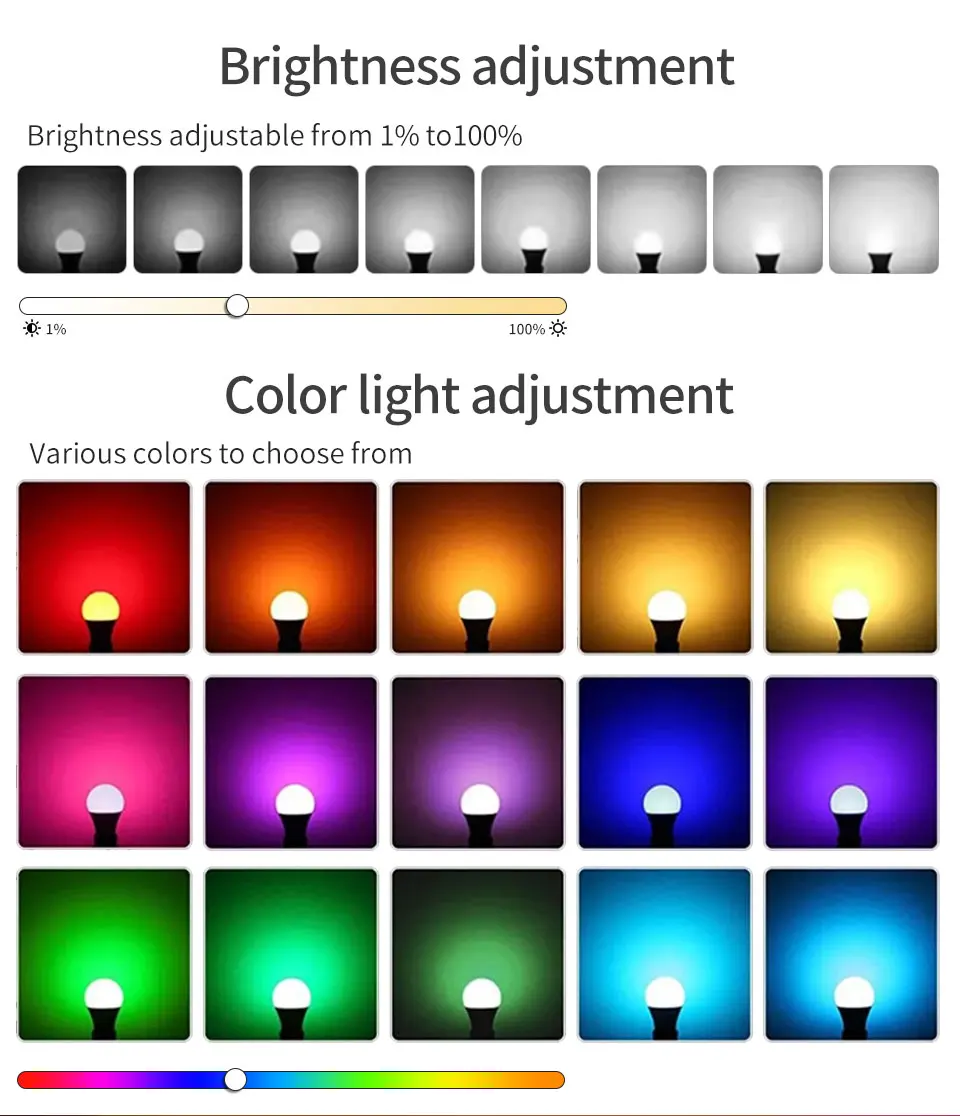
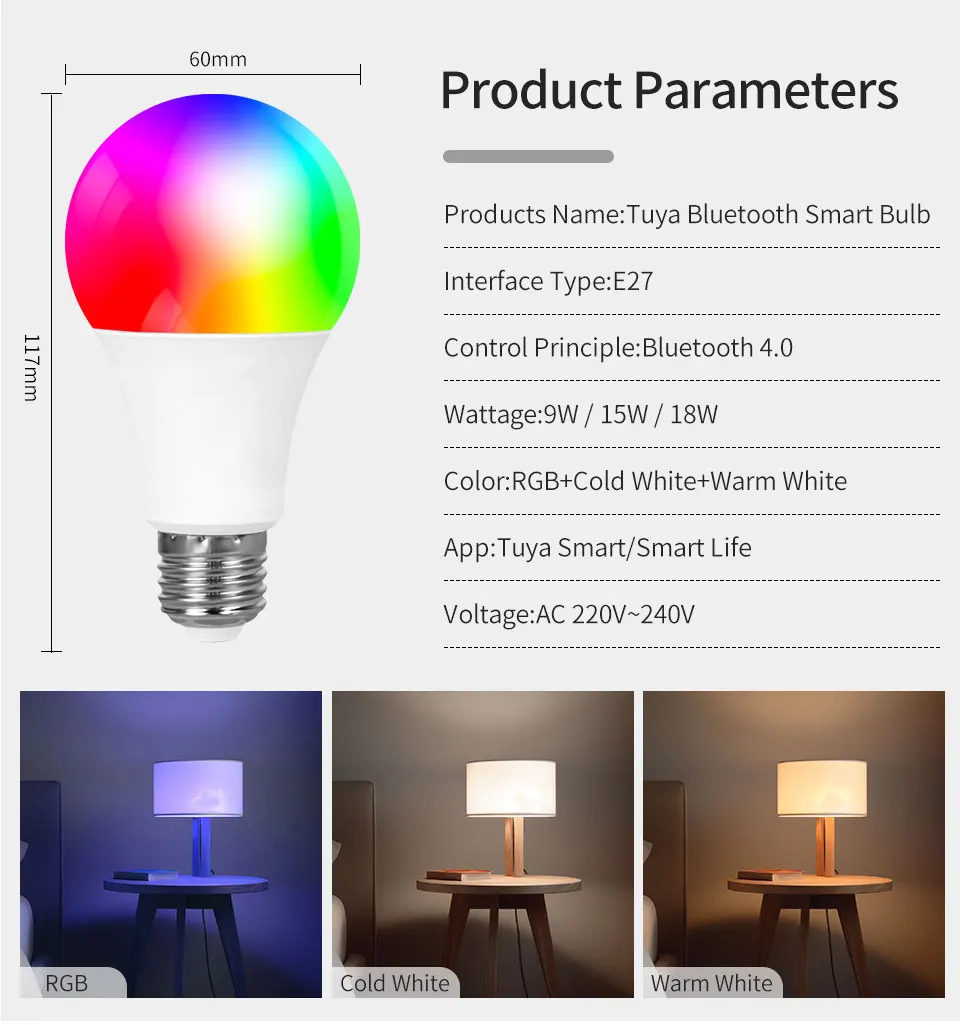
220V Led Light Bulb E27 Tuya Smart Bluetooth RGB Lamp support RF 2.4G Remote Group Control Smart Life Spotlight Ampoules Bulb
- Fast delivery
- 30-day returns
How to connect the bluetooth bulb to app?
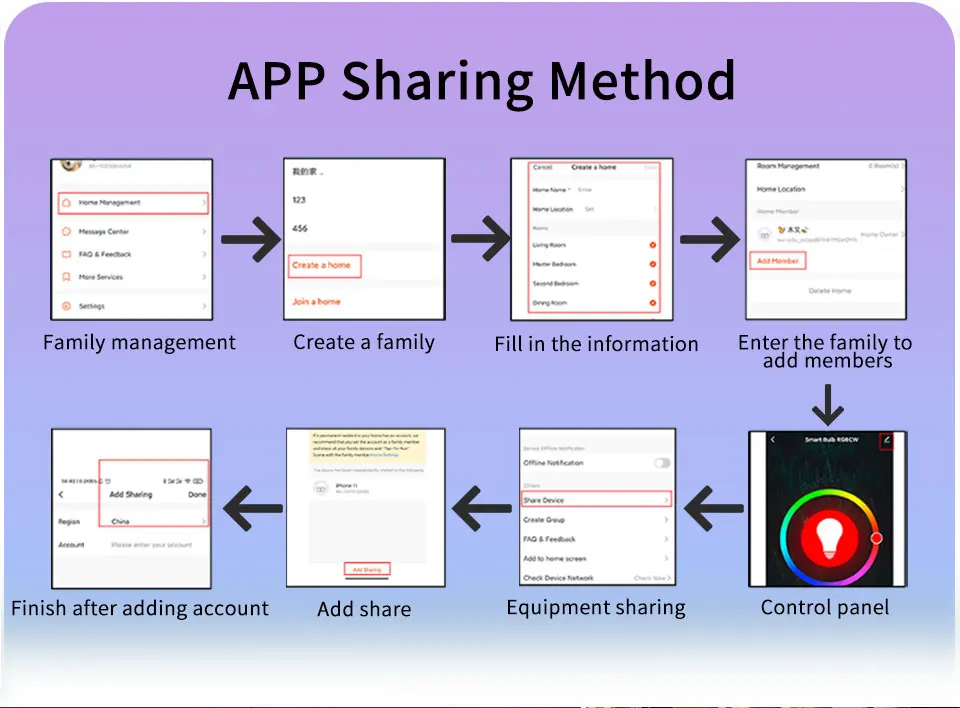
1. Register in Tuya or Smart Life app. Turn on the wifi and bluetooth function of your phone.
2. Turn on the lamp, if it's not flashing, turn off, turn on, turn off, turn on, for 5 times until the lamp is flashing. Connect to Tuya or Smart Life, find the bluetooth bulb device, wait for few seconds. After connection, the lamp stops flashing. Then adjust the light.
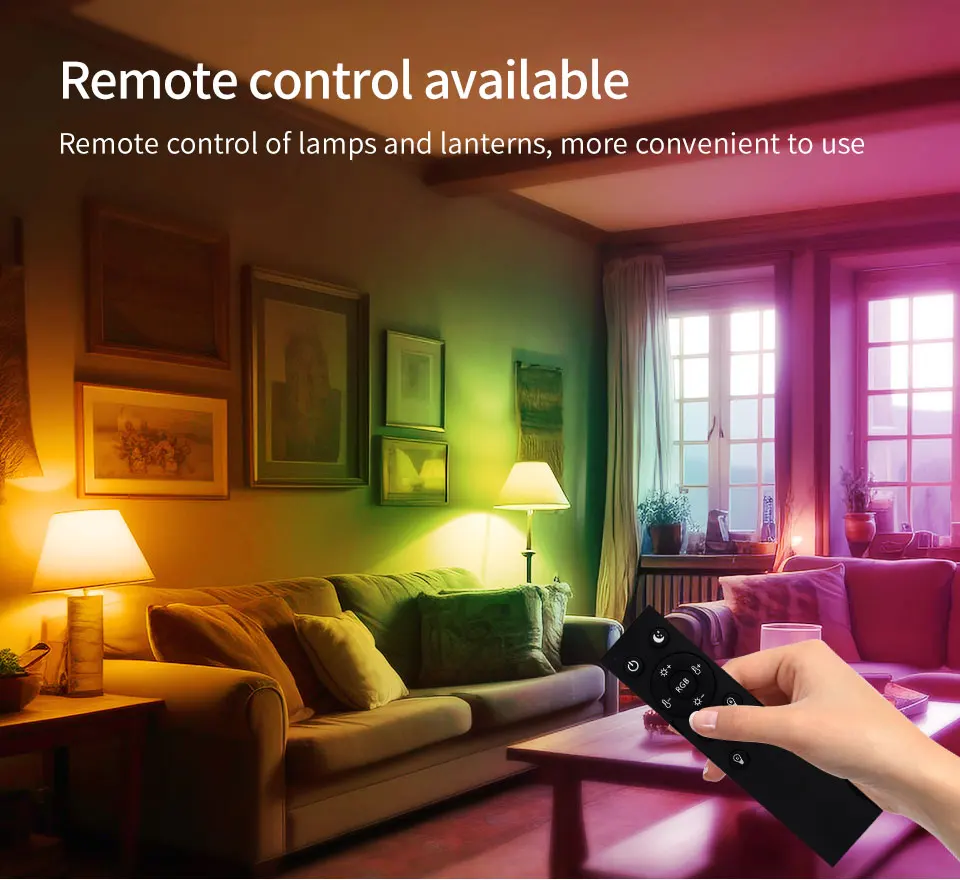
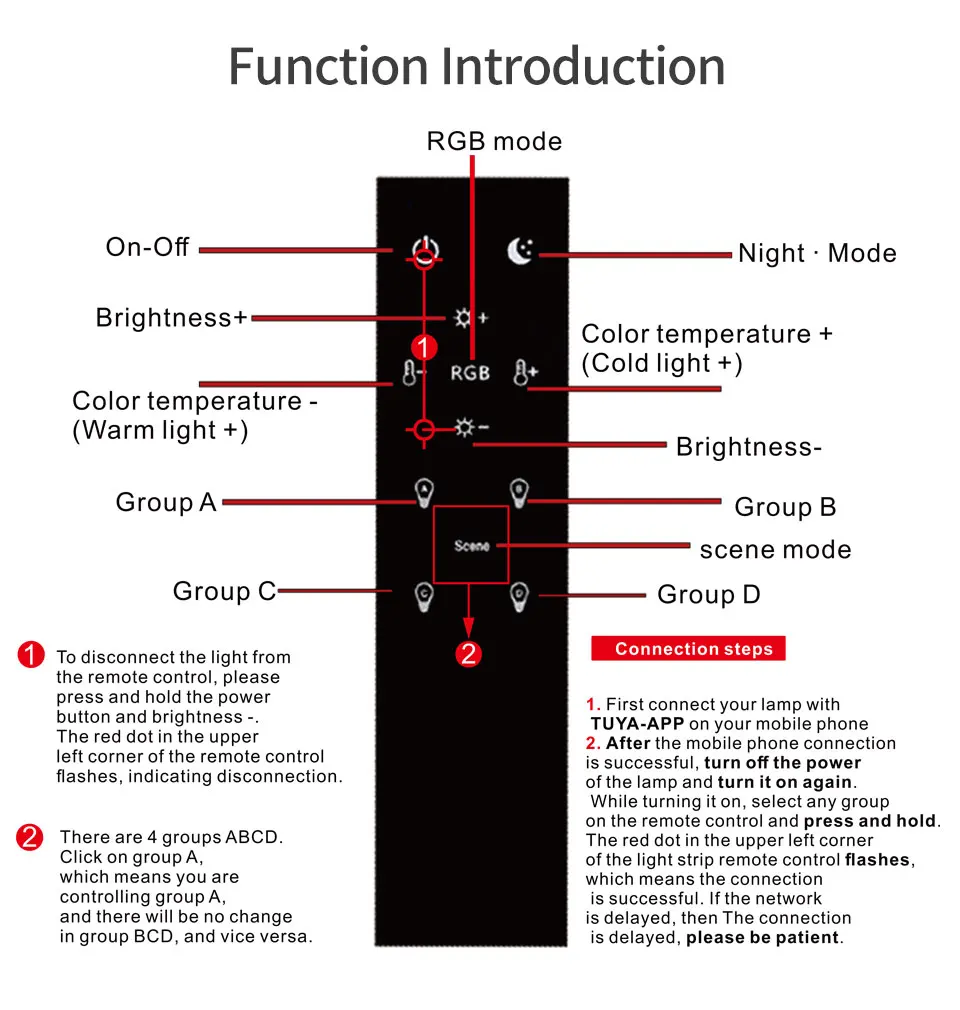
How to connect with the RF 2.4G remote?
1. Make sure that the lamp is connected with Tuya or Smart Life app.
2. Turn on the lamp, turn off, and turn on again. There are ABCD 4 buttons, choose one button which you need, long press for 10 seconds, connect with the lamp or lamp group successfully. Then for the other lamp or lamp group, turn on, trun off, turn on again, choose the other button and long press for 10 seconds.
3. Now you can control the lamps by remote, by different groups.
4. If you want to cancel the connection, long press the power button and brightness- button at the same time for several seconds, until there is a flashing light, then the remote can not control the lamp.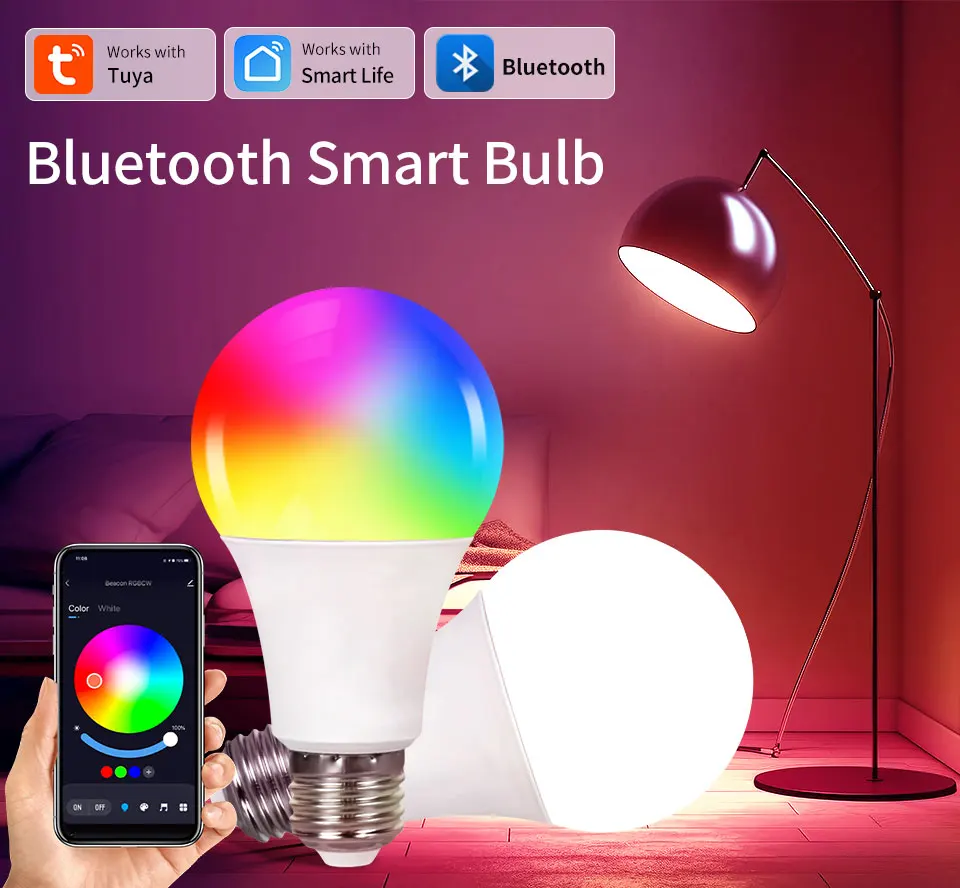
| Category | Home & Office › Lighting |
|---|---|
| Availability | In Stock |
| Ships To | Canada |
| Buyer Guarantees | 15-Day No Update Refund & 60-Day No Delivery Refund |
No reviews yet
Be the first to share what you think of this product.


