

AMPCOM CAT7 RJ45 Connector Shielded STP Non-Pass Through with Load Bar 50U Gold Plated Pins for 10Gps 22-24AWG CAT7/6A Cable
- Fast delivery
- 30-day returns
Product details
| Brand Name | AMPCOM |
|---|---|
| Type | Connectors |
| Model Number | CAT7 Non Pass Thru |
Product Description
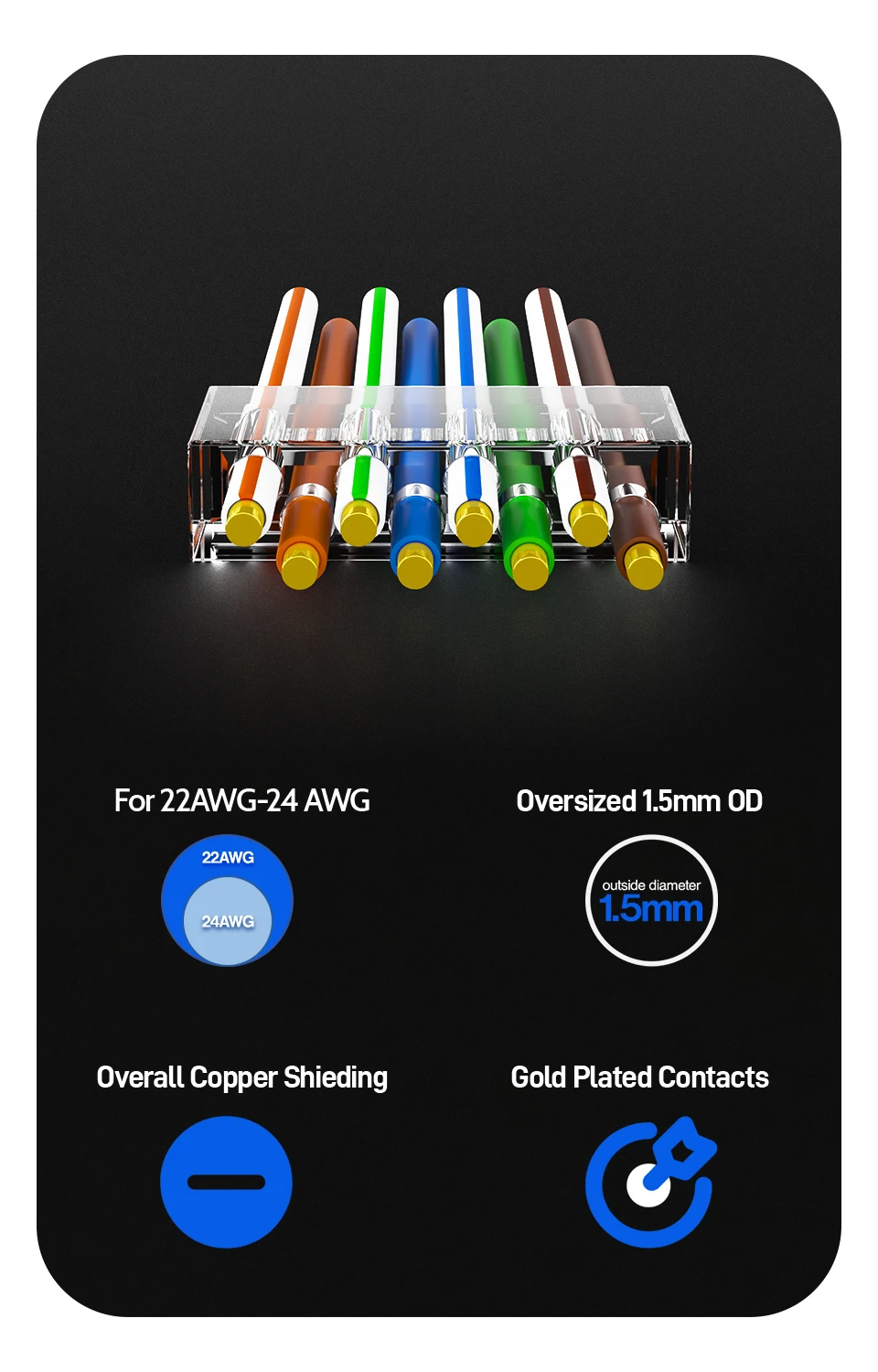
✅These RJ45 modular connectors are designed to work specifically with CAT6A and CAT7 cables.Max conductor hole is ⌀1.5MM, supporting individual wire sizes up to 1.3mm~1.45mm.
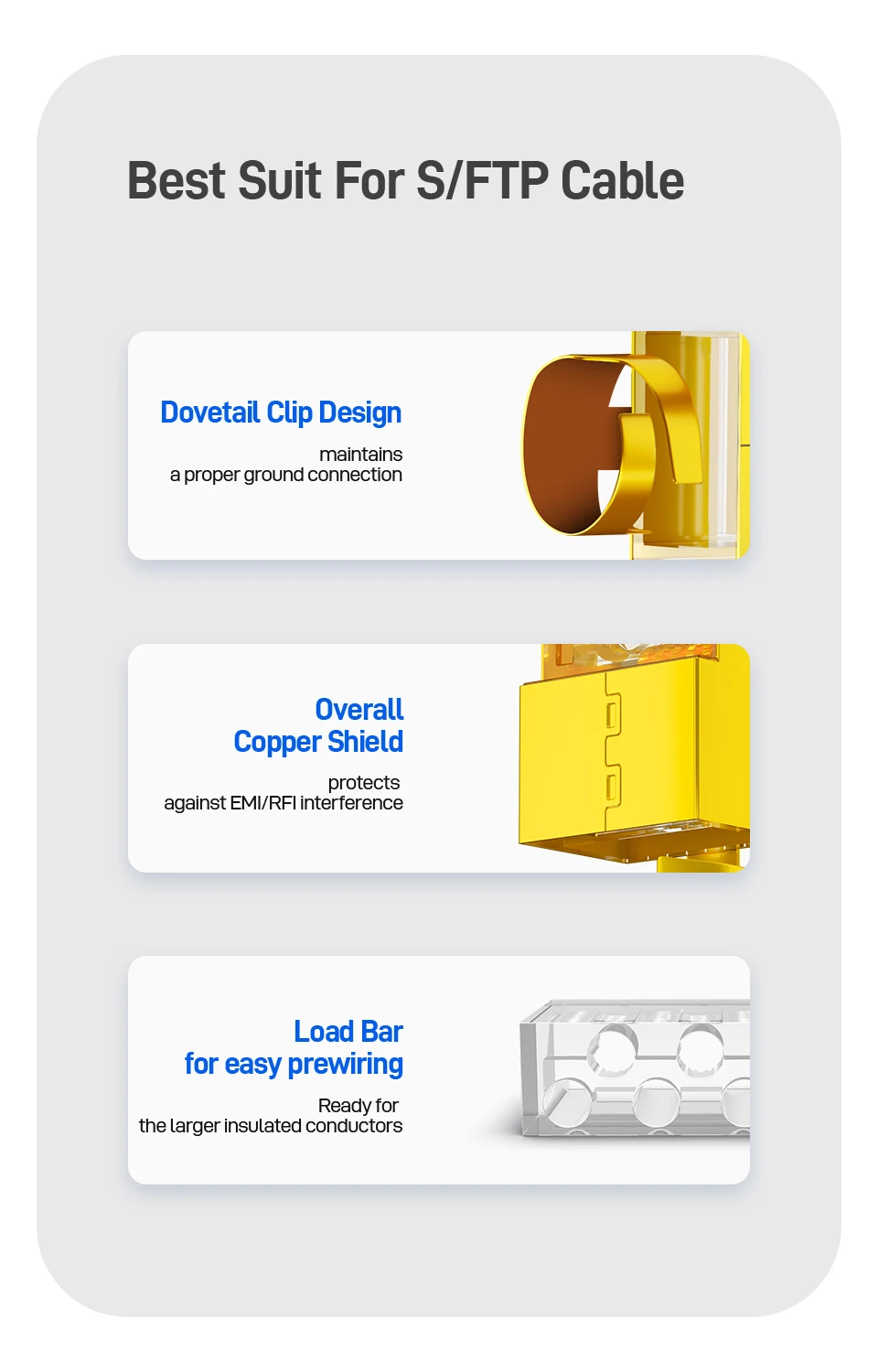
✅Perfect Shielded Shell-The shell of the connector is made of anti-interference copper material, which perfectly protects your network from signal loss and electromagnetic interference. In addition, Strain relief clip desin facilitate the connection of the ground wire, ensure high stability of network transmission, and maximize the opening of the shielding function.
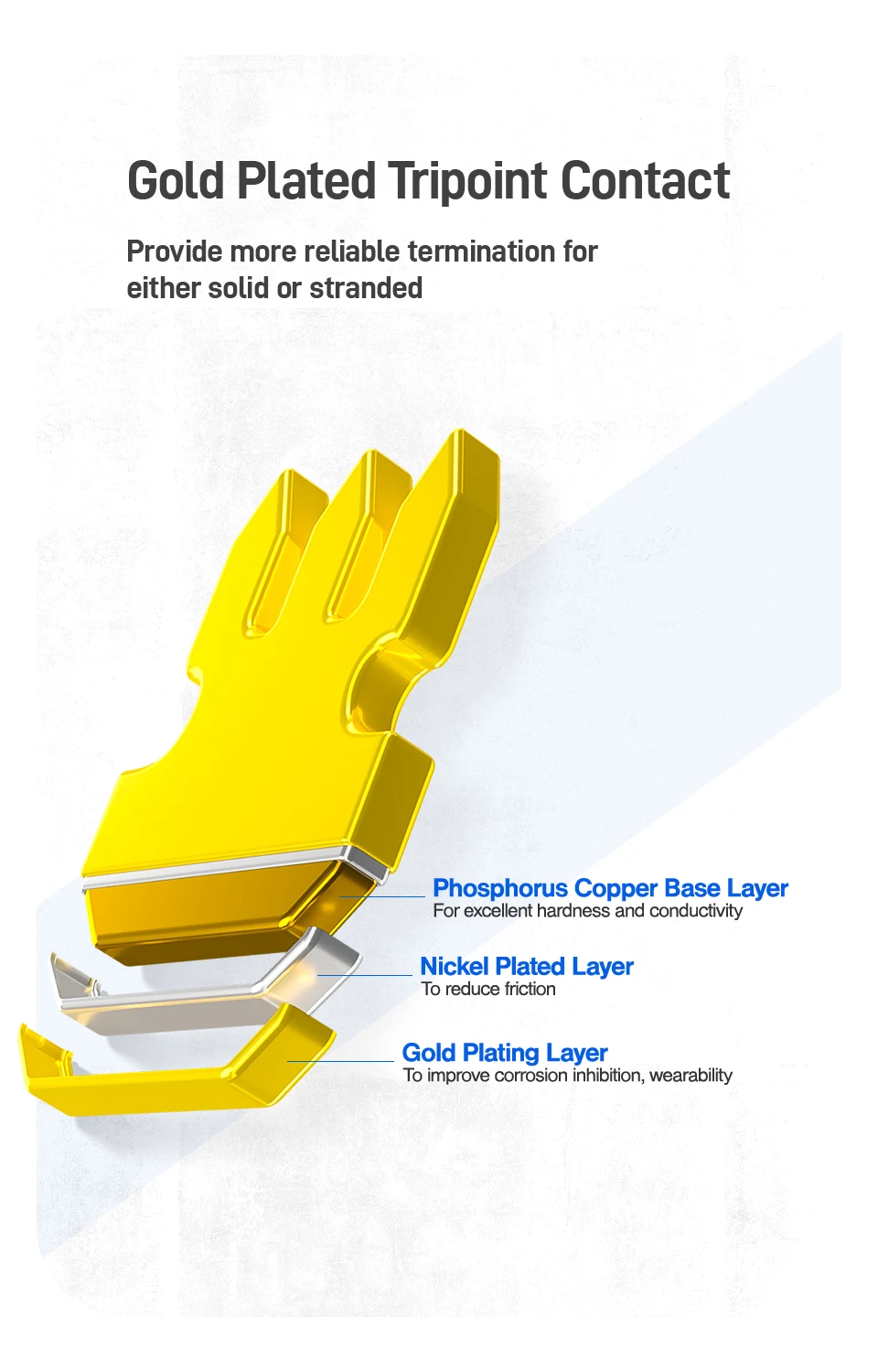
✅50 Micron Gold Plated Contacts provides a fully contact with wire conductor and ensure excellent conductivity ,Maintaining a Superior and Reliable Data Transmission,supporting up to 10 Gigabit transmission speed.
✅2 Piece (Connector & Load Bar) Non-Pass Through Design Save Your Time. These crystal heads are equipped with transparent load bars. You can confirm the wire sequence before the insert them into the connector. This can greatly simplify serial authentication and shorten installation time.
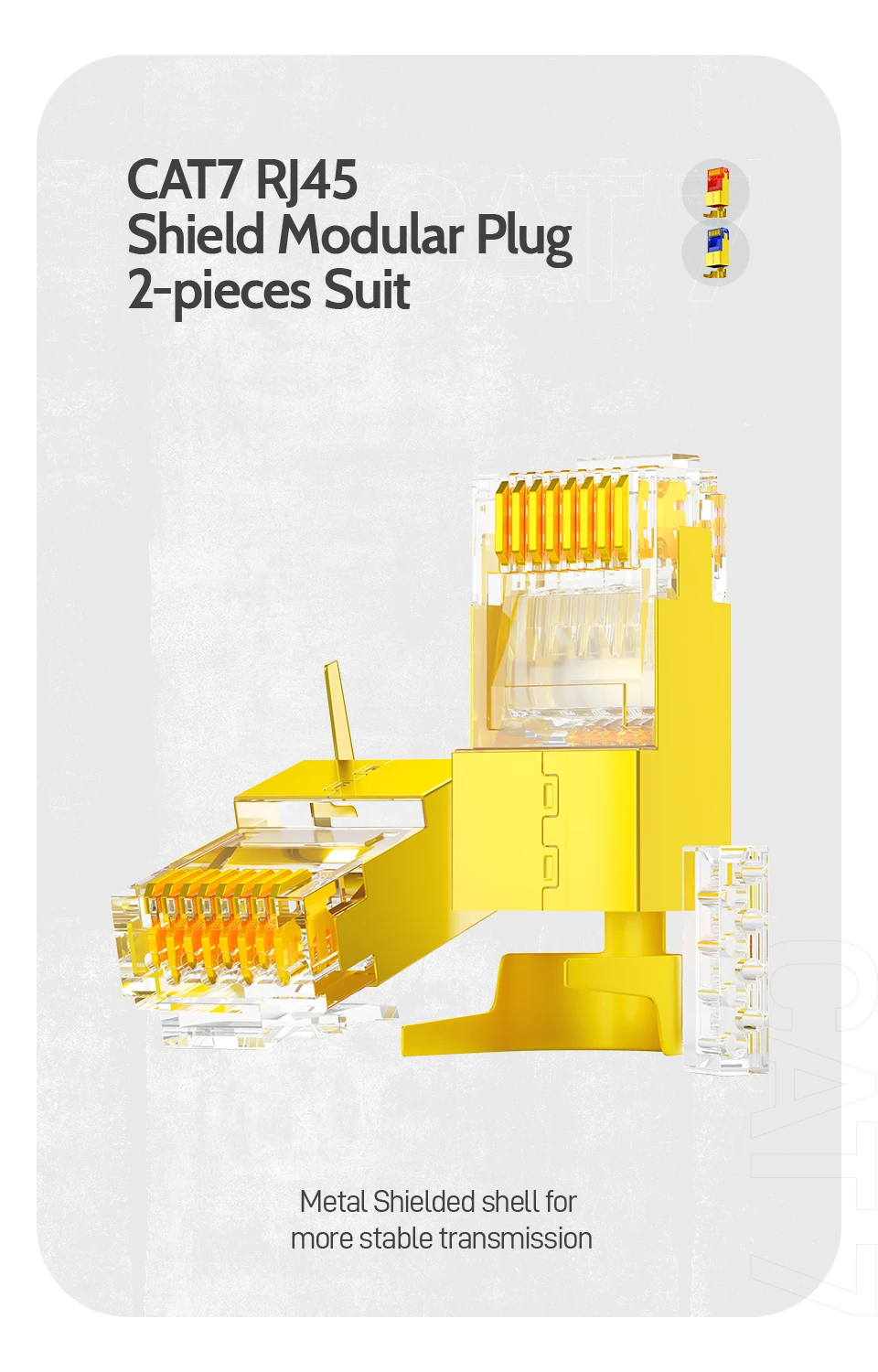
CAT7 RJ45 Shield Modular Plug 2-pieces Suit
Metal Shielded shell for more stable transmission
Complimentary Load Bar 1.5mm Enlarged Aperture
Best Suit For S/FTP Cable
Load Bar for easy prewiringReady for the larger insulated conductors
High-toughness Retaining Clip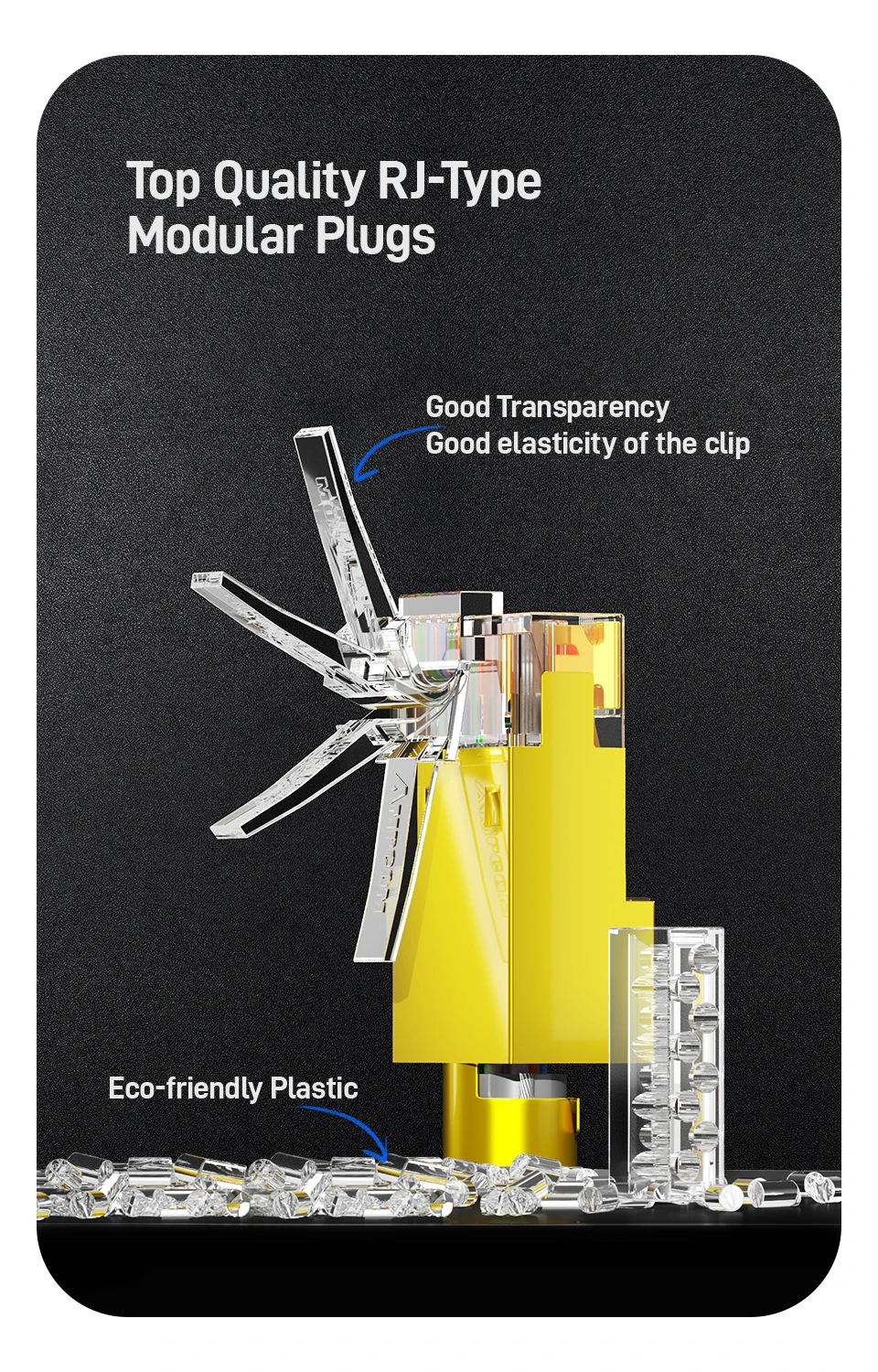
Shielding Support High Speed
Offer exceptional performance for category CAT 6A/7 shield cable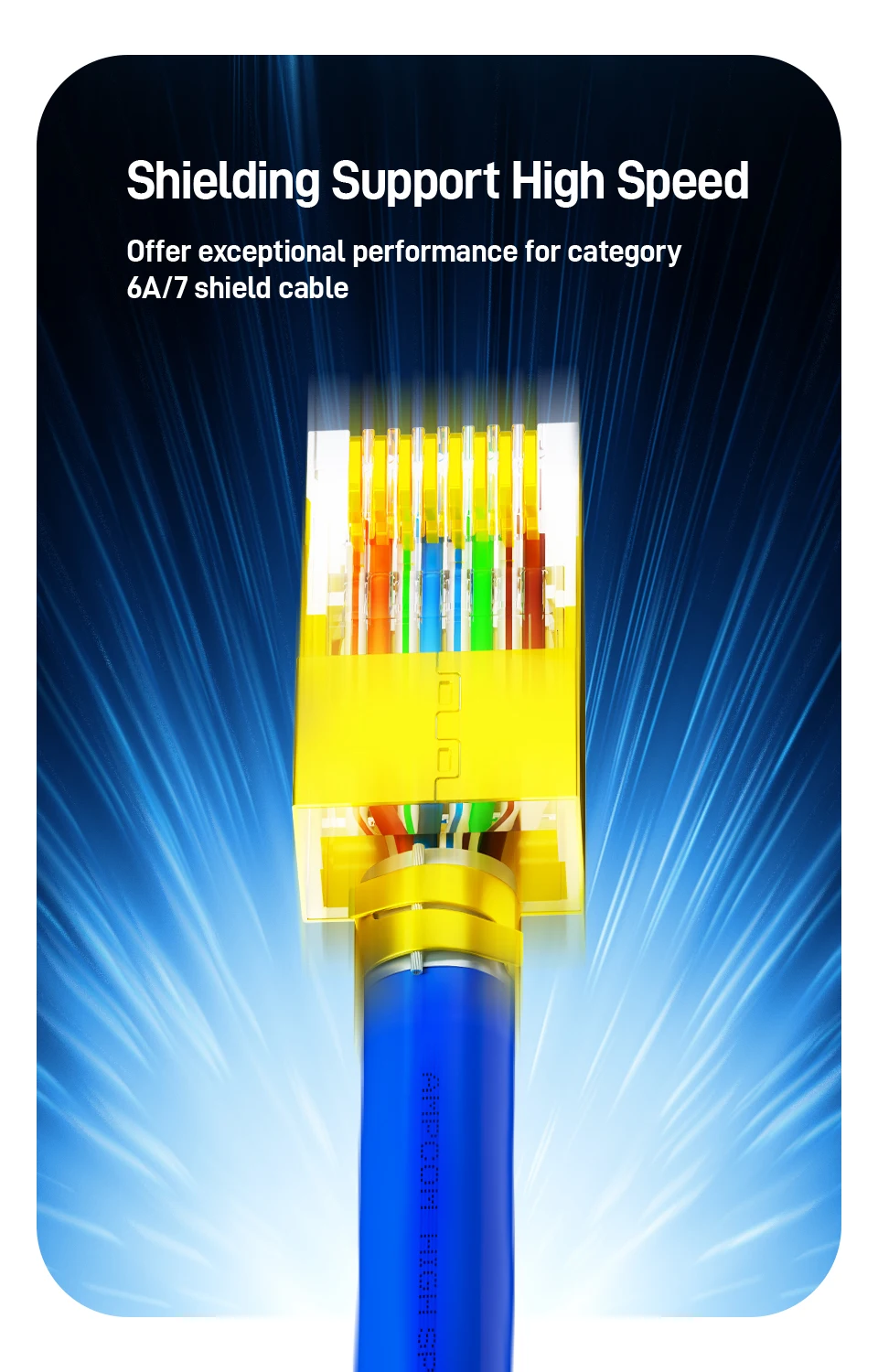
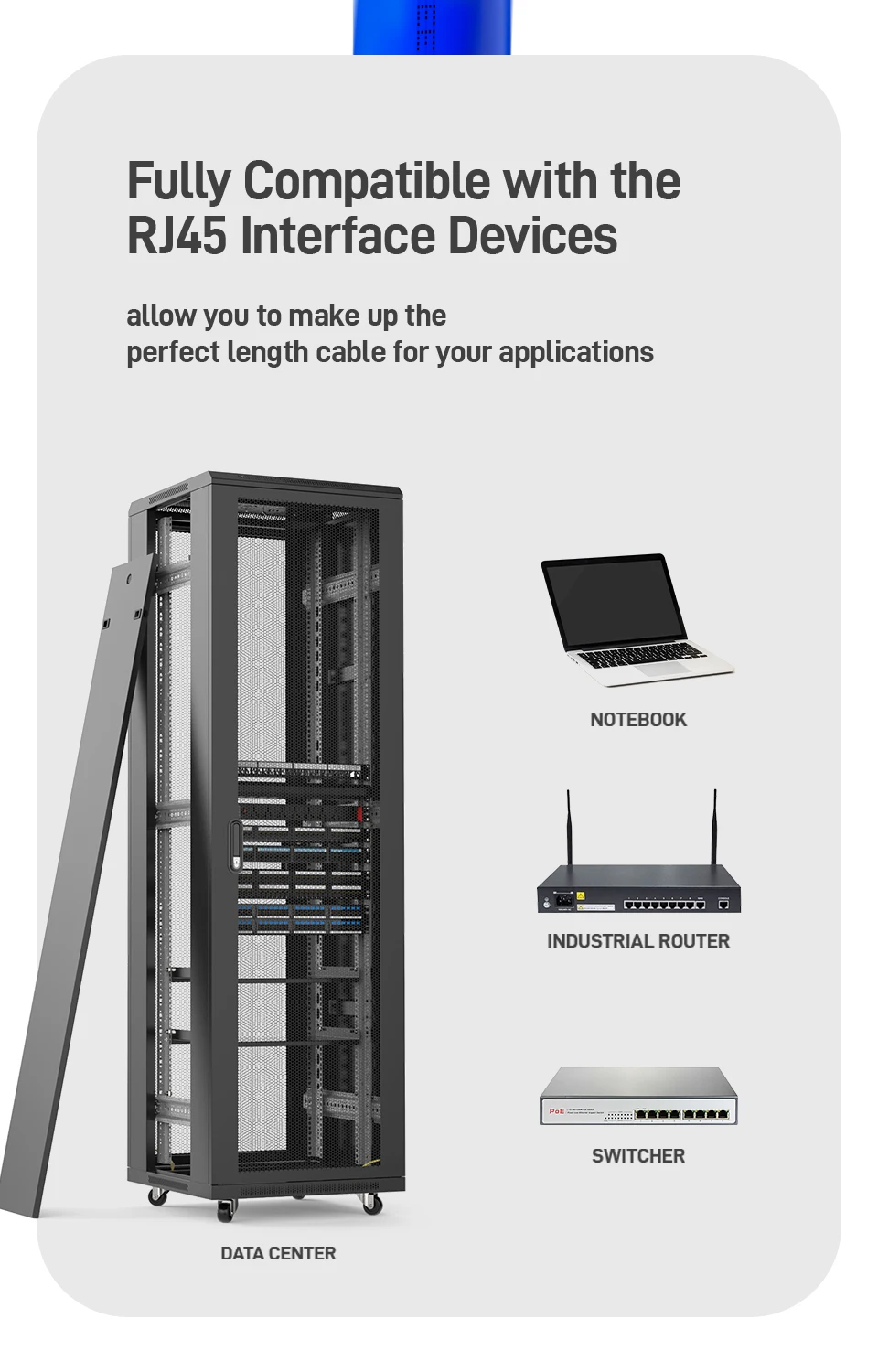
Fully Compatible with the RJ45 Interface Devices
allow you to make up the perfect length cable for your applications
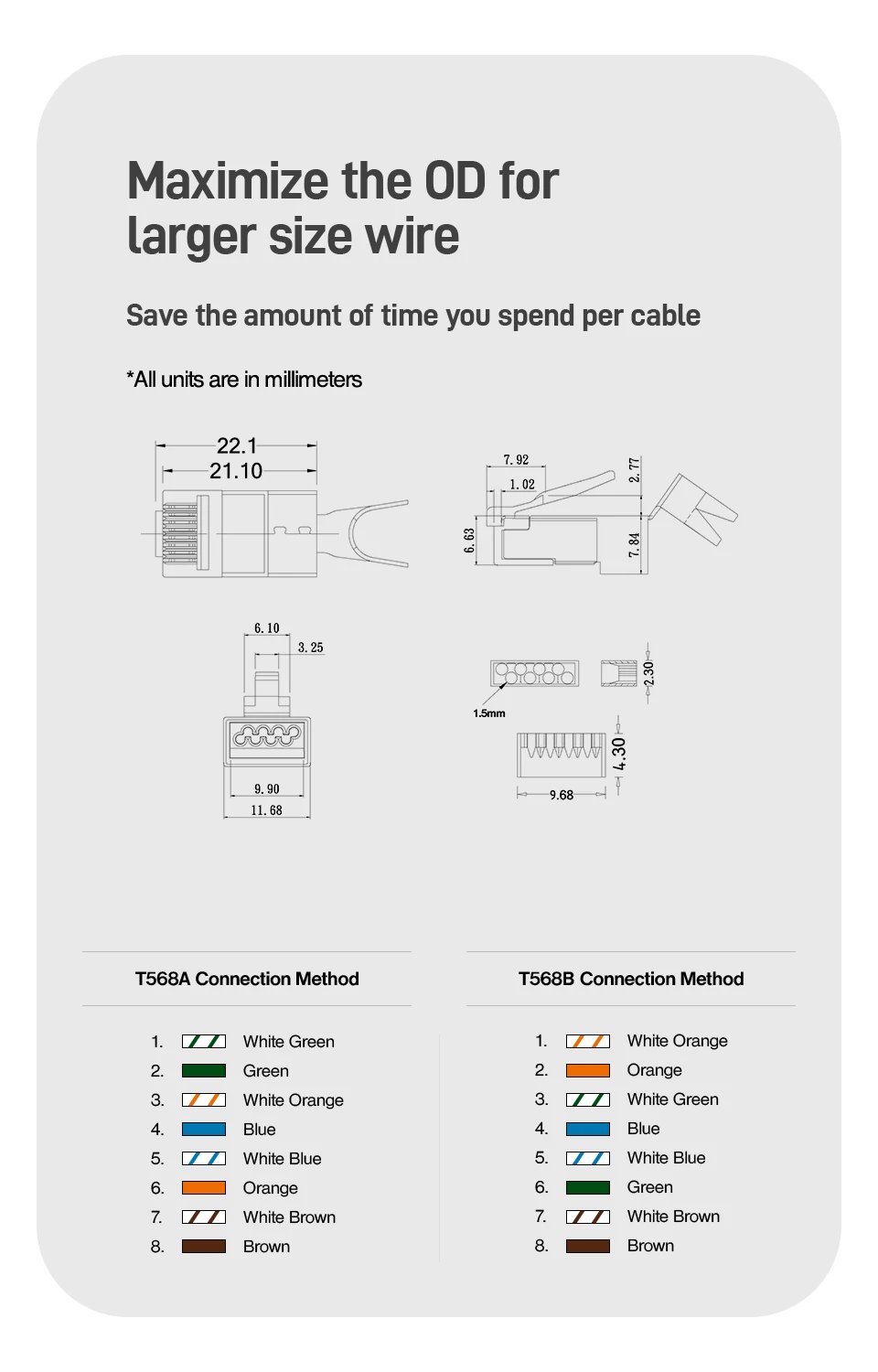
Maximize the OD for larger size wire
Save the amount of time you spend per cable
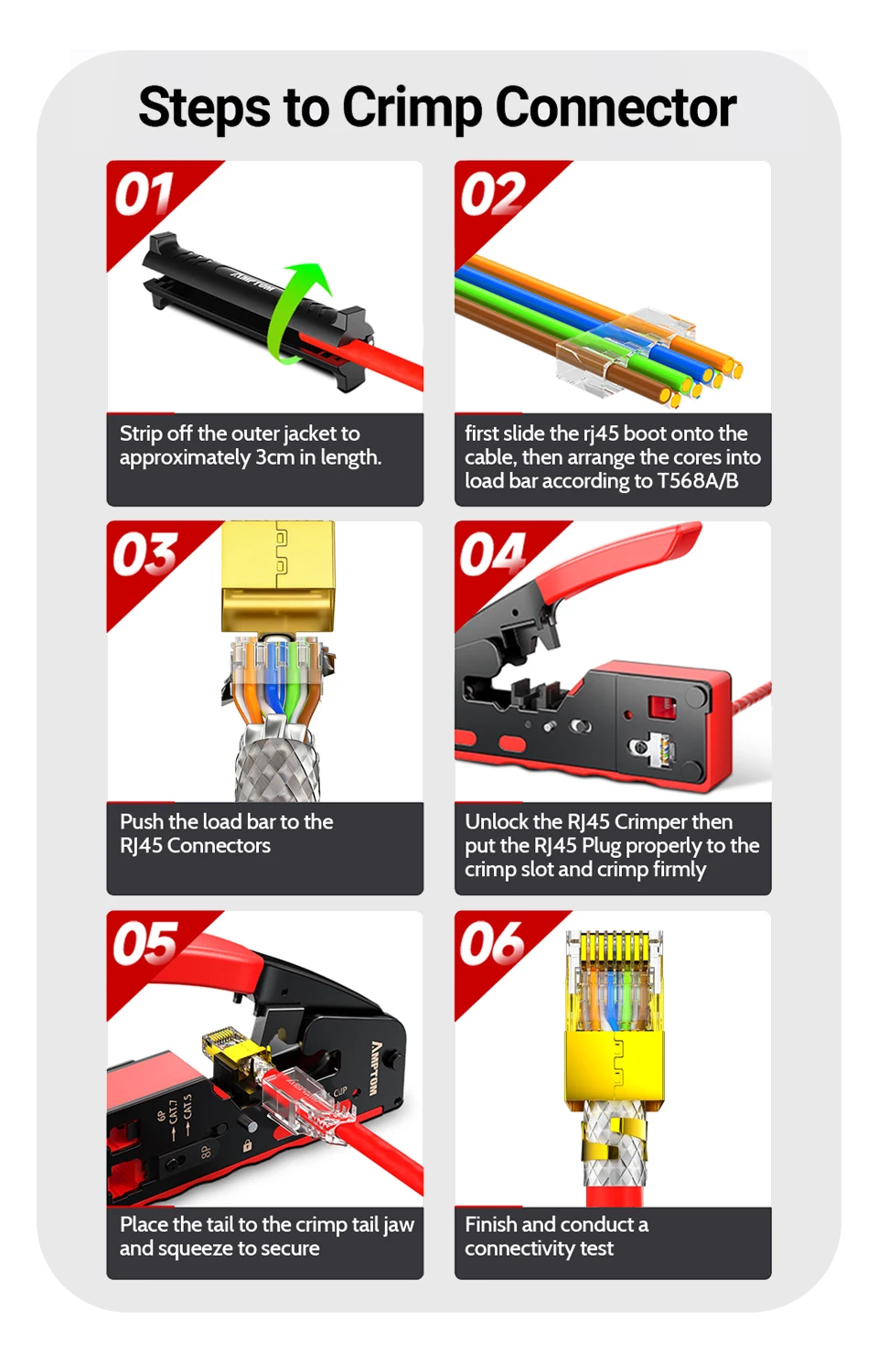
Steps to Crimp Connector
1. Strip off the outer jacket to approximately 3cm in length.
2. first slide the rj45 boot onto the cable, then arrange the cores into load bar according to T568A/B.
3. Push the load bar to the RJ45 Connectors
4. Unlock the RJ45 Crimper then put the RJ45 Plug properly to the crimp slot and crimp firmly
5. Place the tail to the crimp tail jaw and squeeze to secure.
6. Finish and conduct a connectivity test.
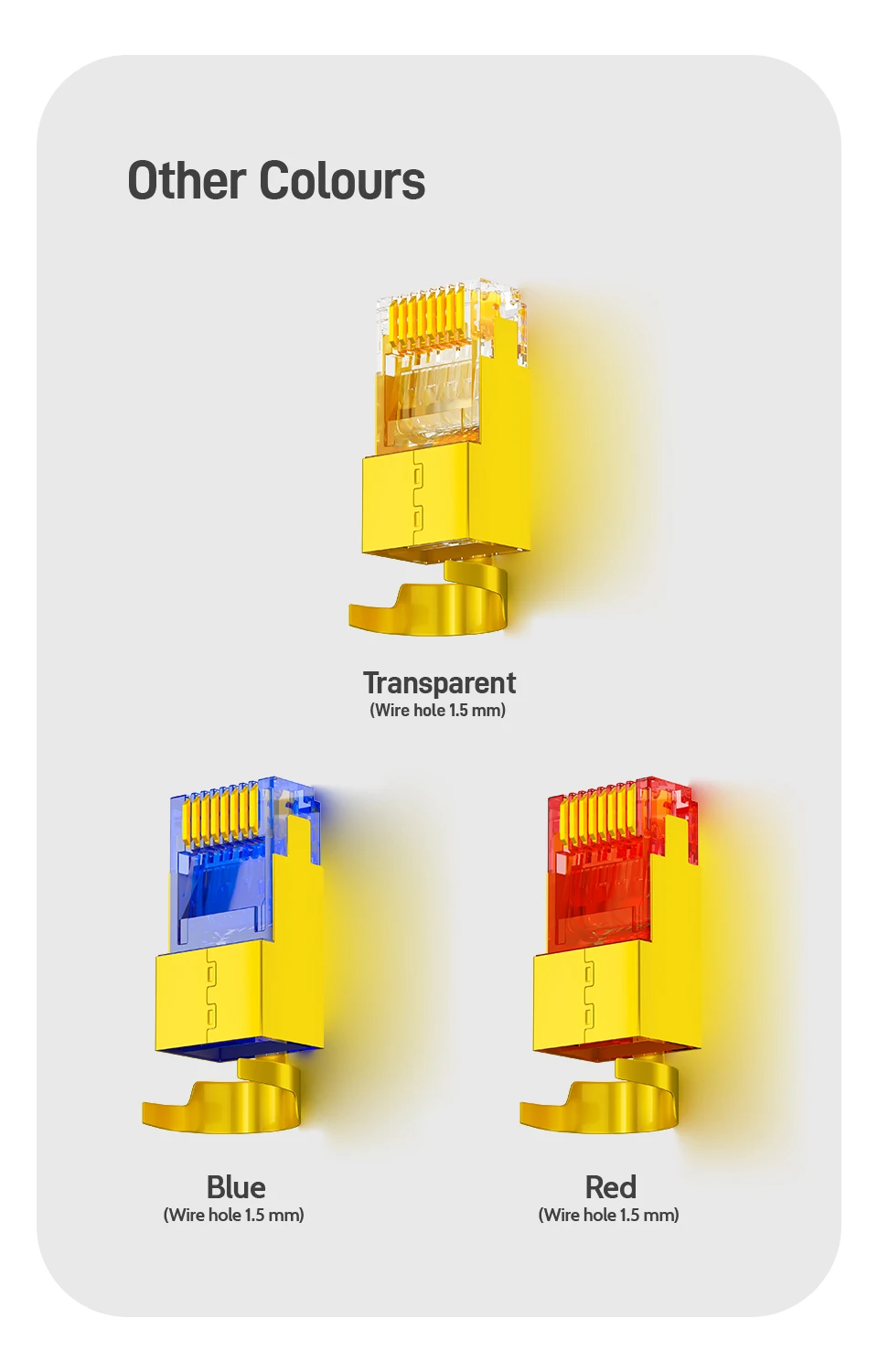
Other Colours
| Category | Tech & Electronics › Peripherals & Accessories › Keyboards & Mice |
|---|---|
| Availability | In stock |
| Ships to | Canada |
| Buyer Guarantees | 15-Day No Update Refund & 60-Day No Delivery Refund |
No reviews yet
Be the first to share what you think of this product.


