

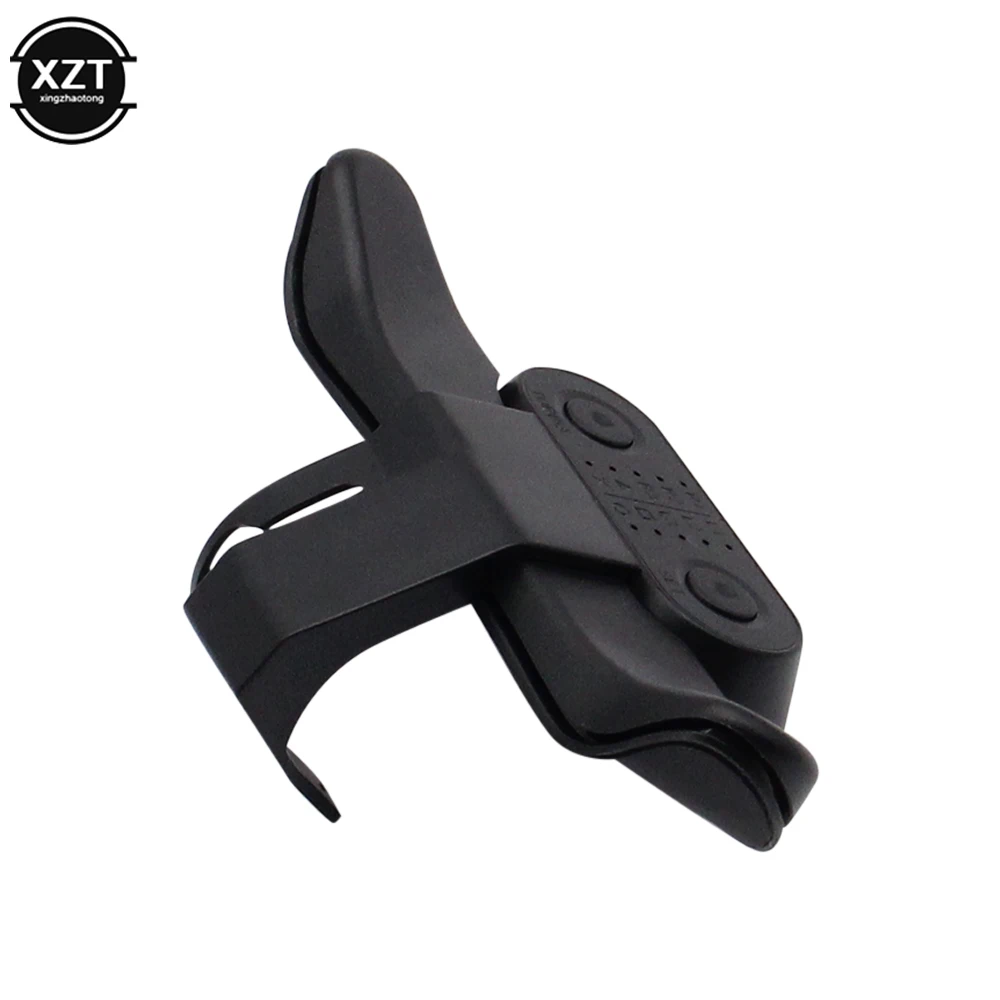
For PS4 Controller Paddles Extended Gamepad Back Button Attachment Joystick Rear Button With Turbo Key Adapter Game Accessories
$26.42
Qty:
- Fast delivery
- 30-day returns
Ships to Canada · Delivery Approximately 7 days (supplier estimate)
Sold by TBII
Product details
| Brand Name | WYMECT |
|---|---|
| Model Number | For PS4 Game Controller Paddles |
Note:
1.We will not ship the item out with the retail box.
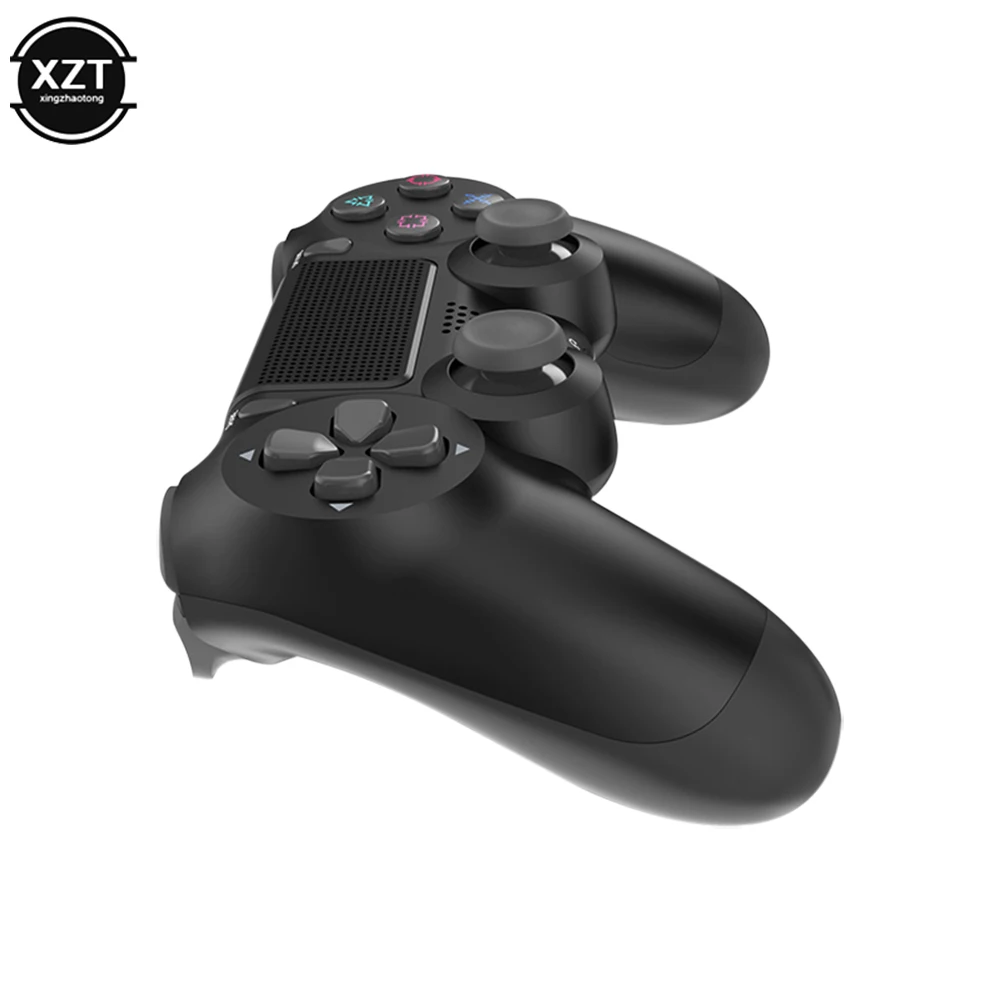
2.Only for PS4 2nd Generation Original Handle.
100% brand new and high quality
Feature:
PS4 Controller Paddles
*Product introduction
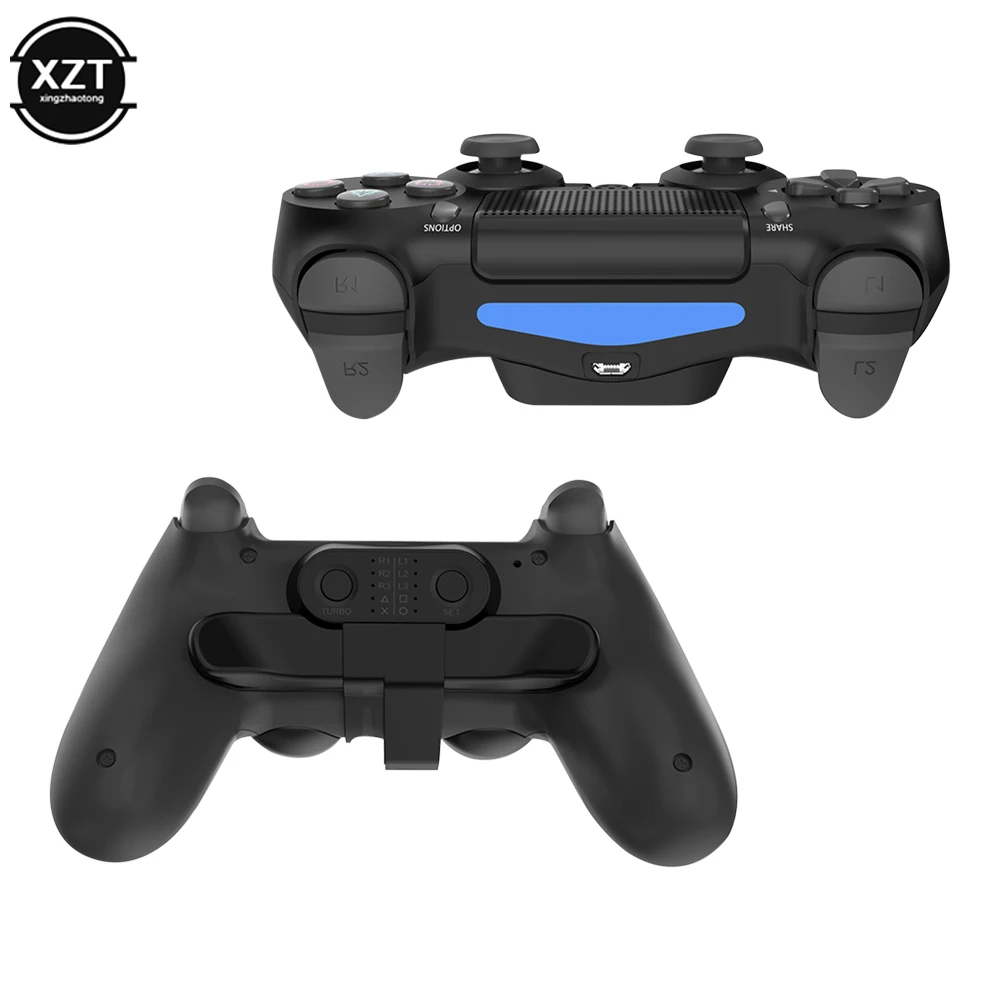
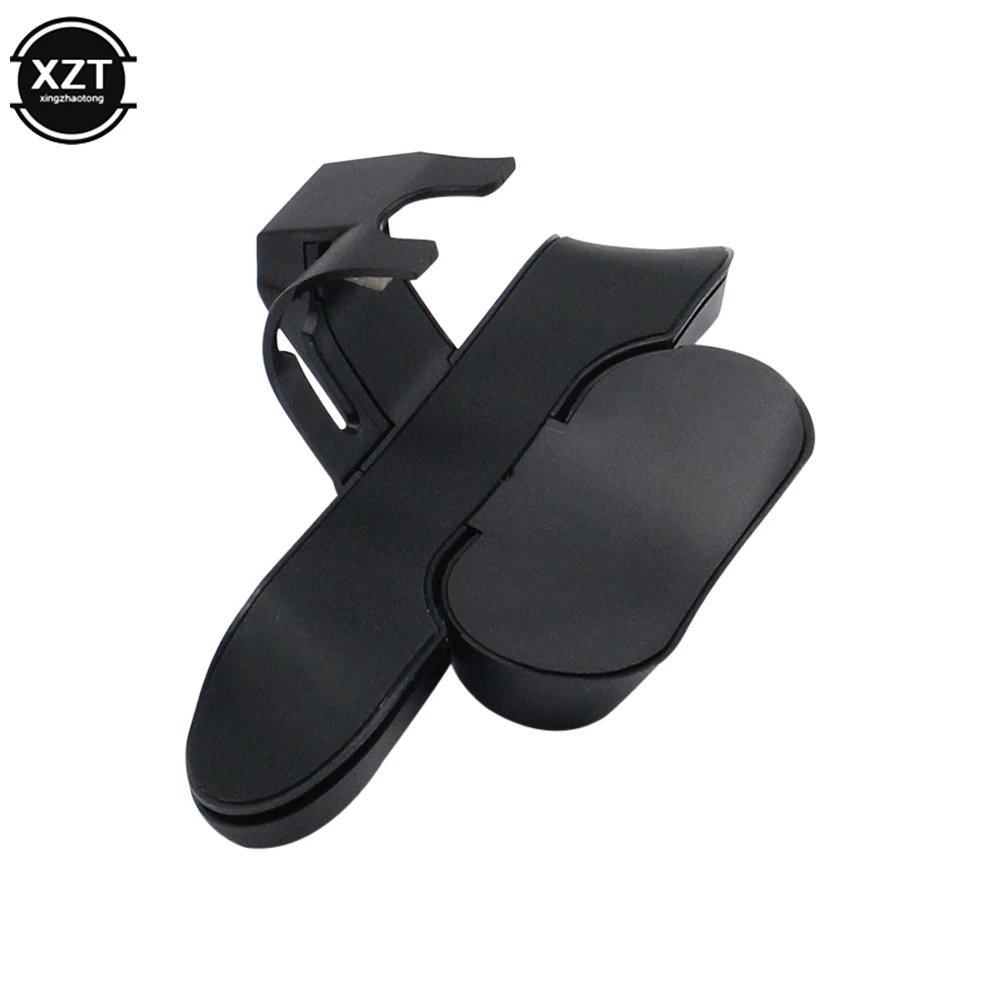
This product is a PS4 Controller Paddles handle extended button, you can customize the mapping of the button function on the back, support the TURBO burst function,plug and play, and bring users a different gaming experience.
*Key composition
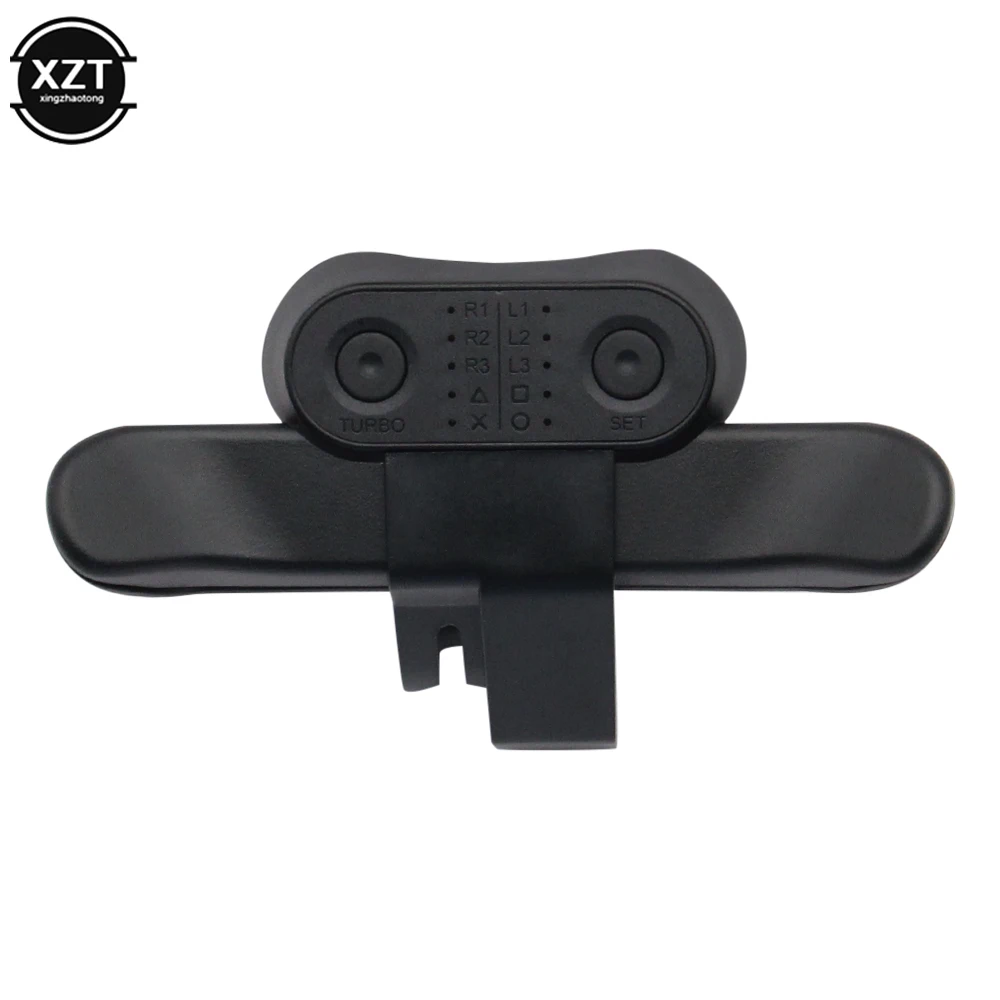
It is composed of 14 digital keys (Δ,〇,×,□,R3,L3,R2,L2,R1,L1,TURBO, SET).
*Function Setting
1.Long press the SET button for 2 seconds,X light flashes quickly.
2.Press the M1 or M2 (Press once to switch once ), lights flashing slowly in sequence
(Flashing Sequence:×→〇→Δ→□→R3→L3→R2→L2→R1→L1)
3.When the -target button is flashing, press the SET button,finish setting.
*Note:the handle should also have programming and memory programming functions when it is not connected to Bluetooth state and charging state.
*Clear Cache:Long press the SET button for 5 seconds,the LED changes from blinking to off.
*Memory Function: Insert the handle again and still retain the last programming function. The factory default has no definition.
*Turbo function:Press the M1/2 and Turbo at the same time, the function key has Turbo continuous launch function .Repeat this step to cancel.
Tips:
Only for PS4 2nd Generation Original Handle.
How to distinguish whether it is a Original handle:
①There is a light bar on the touch screen on the front of the Original handle
②The factory information on the back of the Original handle contains the year and other information, the information is very detailed
Specifications:
Item Type: Back Button Attachment
Material: ABS
Color: Black
Sleep current: Less than 30uA
Working current: Less than 15uA
Power supply mode:EXT wired connection
Working voltage:DC3.0-3.3V
Size:99.5x57mm
Quantity: 1 PC
Note:
Transition: 1cm=10mm=0.39inch
Please allow 0-1cm error due to manual measurement. pls make sure you do not mind before you bid.
Due to the difference between different monitors, the picture may not reflect the actual color of the item. Thank you!
Package Includes:
1 x Back Button Attachment
1 x User Manual
Operating instructions
1. Programming function settings: Long press and hold the SET key for 2 seconds, the corresponding LED flashes quickly (4HZ), and then short press the M1 or M2 key. The LED lights will display slow flashes in sequence on the corresponding function screen (the lighting order is X, ○, △, □, R3, L3, R2, L2, R1, L1), and then press the SET key once to map the corresponding functions to M1/2; For example, when entering programming mode, press the M1 key to display the LED on R1, then press the SET key again, the LED on R1 will become permanently lit, and the M1 function will be R1; When programming M2, it is the same as the above class. 10 LEDs serve as key function indicator lights to indicate the function of programming buttons, with a maximum of 2 LED lights displayed.
2. Cancel function: Press and hold the SET button for 5 seconds, and the programming indicator LED will change from flashing fast to off. The M1/2 function will be cleared, and the button will have no programming function at this time.
3. Programming button memory function: Insert the back key extender into the handle. If M1/2 has no function, LED1 will flash slowly (2HZ) for 3 seconds and then go out. Press and hold the SET key to enter programming mode, and LED1 will flash quickly; If M1/2 remembers the last programming function, the corresponding LED light remains on. Programming function before powering off to save memory; Inserting the handle again still retains the previous programming function, and there is no programming function by default at the factory;
4. Turbo function setting: Press and hold both the function button and Turbo button simultaneously, then the function key has the Turbo burst function; Press the above combination key again to cancel the Turbo function of the key. If the Turbo function is set, the LED corresponding to the function will flash quickly (4HZ) after pressing the button;

| Category | Tech & Electronics › Gaming › Gaming Accessories |
|---|---|
| Availability | In stock |
| Ships to | Canada |
| Buyer Guarantees | 15-Day No Update Refund & 60-Day No Delivery Refund |
No reviews yet
Be the first to share what you think of this product.


Fast Delivery
Nationwide shipping
Best Price Guarantee
We'll match any price
30-Day Returns
Unused items in original packaging
Secure Checkout
256-bit SSL encrypted