

JJC RMT-P1BT Bluetooth Wireless Remote Control for Sony RX10V RX100 VII A6700 A6600 A6100 A7 V A7M5 A7CR A7C II A7CII A7IV A7III
- Fast delivery
- 30-day returns
>>>FEATRUES
1: Bluetooth Wireless Connection: It works from behind the camera as well as from in front,
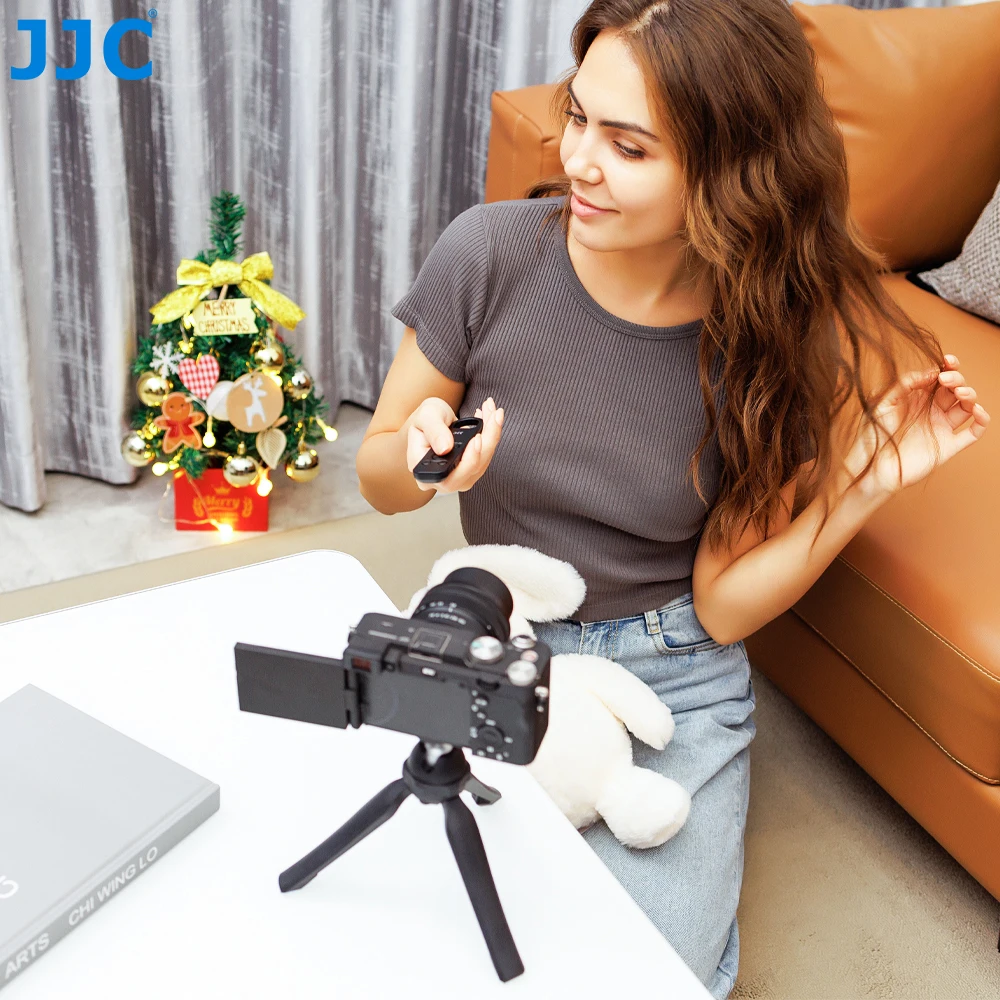
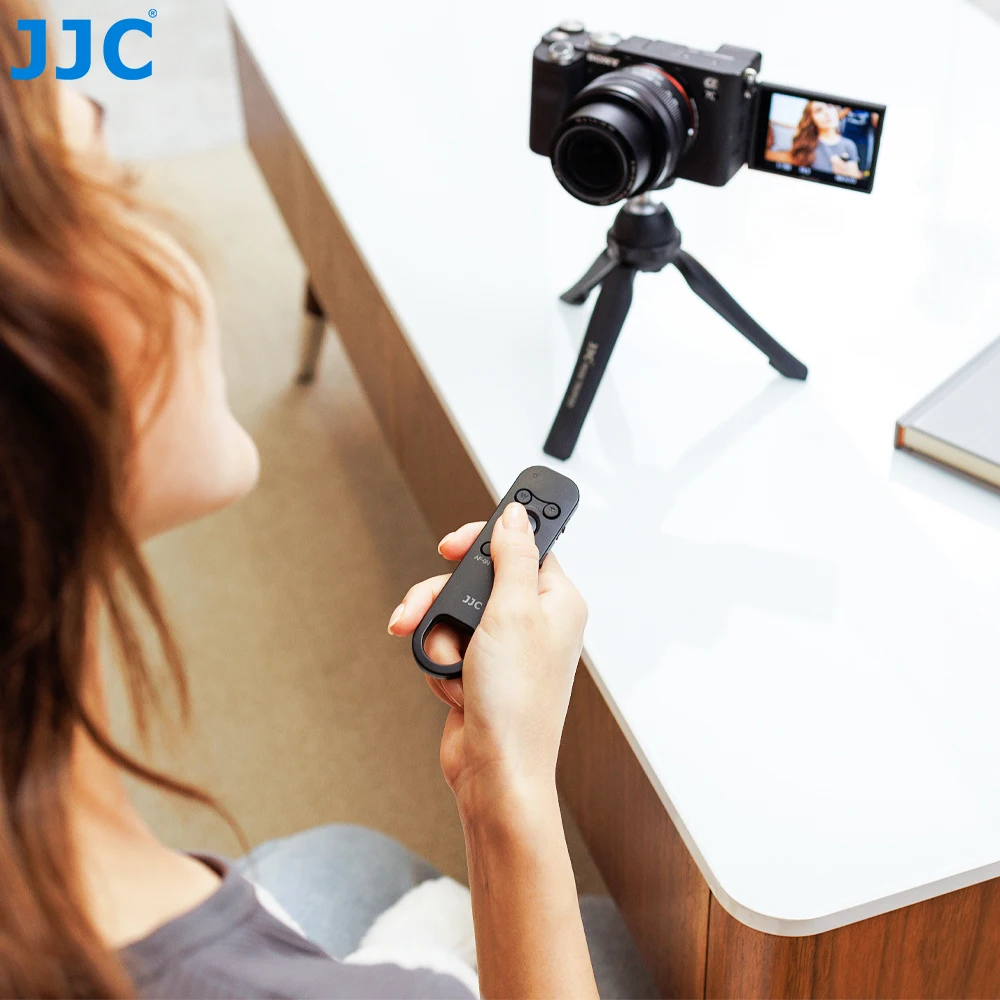
not having to be in direct line of sight to the camera like an infrared (IR) remote, so it is much more flexible and convenient than IR remote control
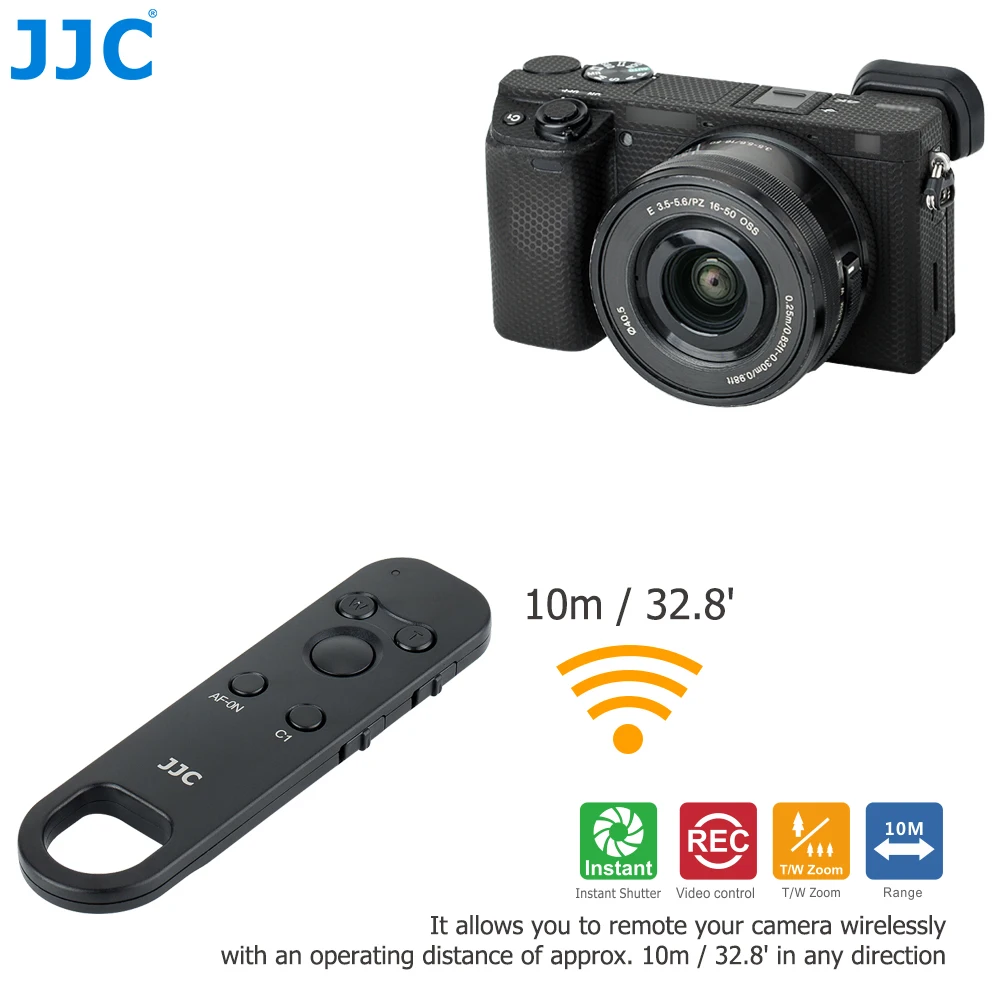
2:Wireless Range: Operating range up to 10m / 32.8ft
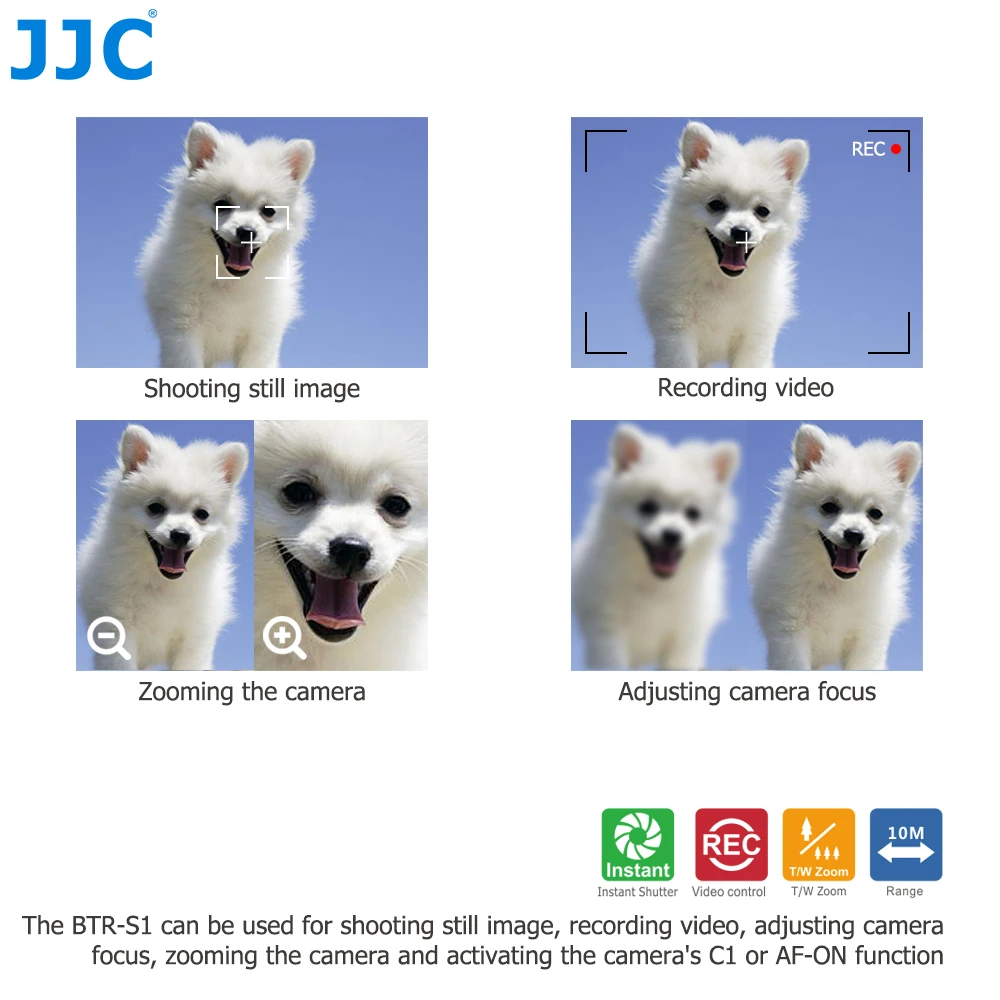
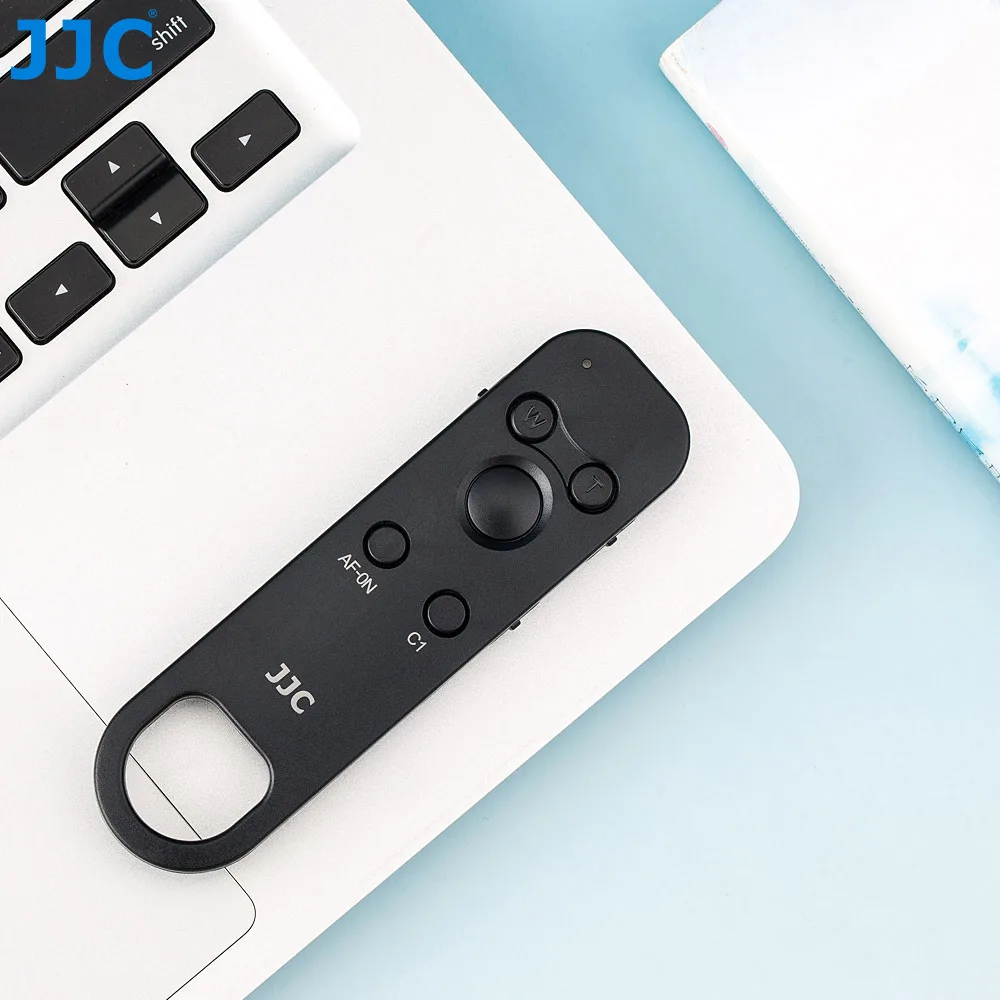
3:Remote Available Functions: Auto focus / shutter release / locking bulb exposures / start & stop video recording / zoom in
and out control (Only for Sony power zoom lenses) / adjust camera focus (lens on Manual focus mode) / send back button focus (AF-ON) as well as your C1 custom button
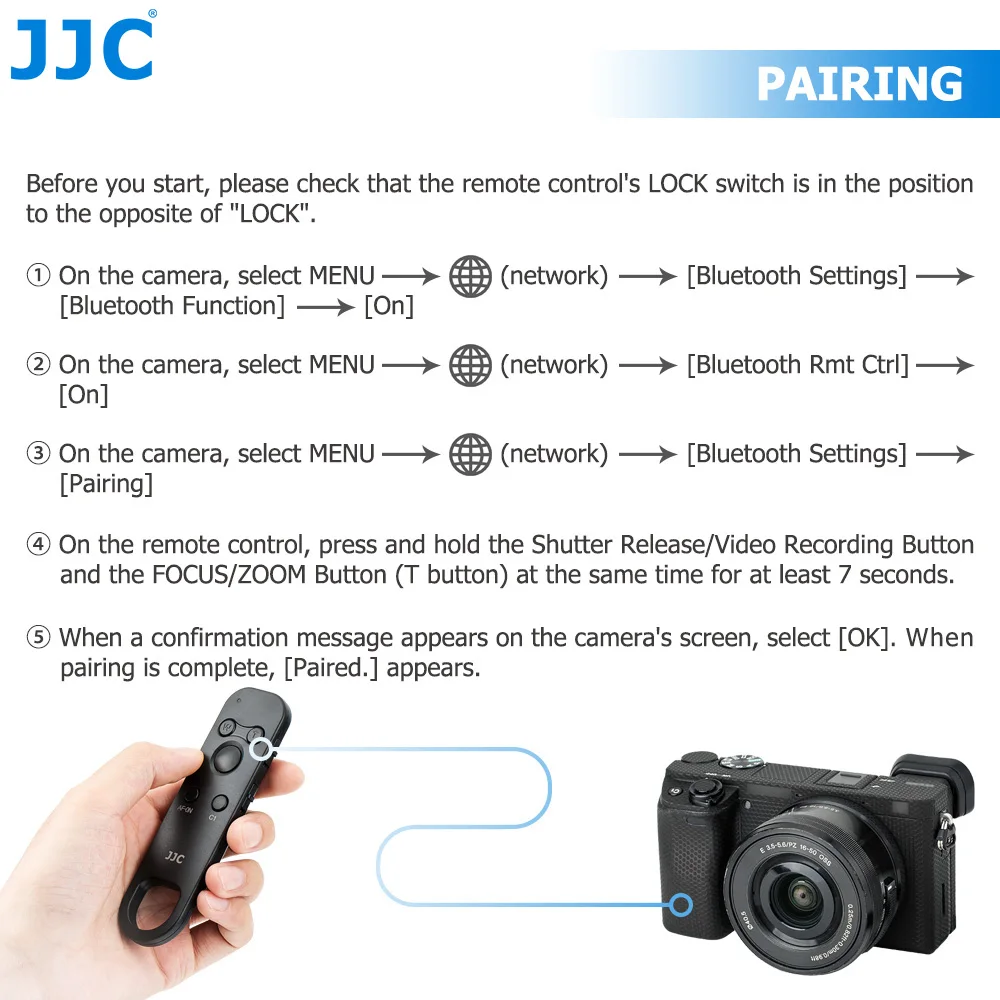
4:Necessary Paring Steps Required: Please see products photos and description below to learn how to pair this remote with your camera.
>>>COMPATIBILITY
Compatibility:
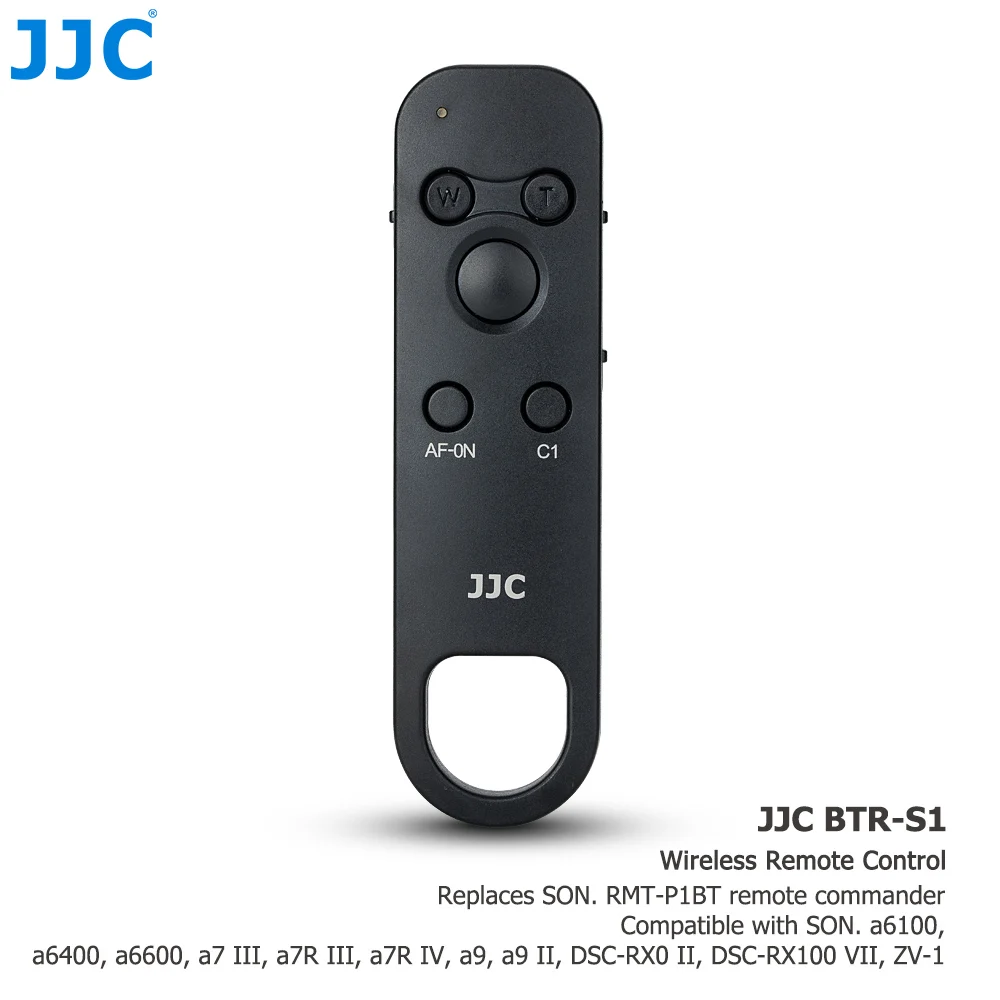
The wireless remote fits for Sony ILME-FX2/ILME-FX2B/
Sony RX10V ,A7 V ,A7V ,A7M5,A7R V, A7 IV, A1, ZV-1 II, ZV-1, ZV-1F, ZV-E1, ZV-E10, A7C II, A7C,
A6700, A6600, A6400(Ver. 2.0), A6100, A7R IV, A7R III(Ver. 3.0), A7 III(Ver. 3.0), A9 II, A9 (Ver. 6.0), DSC-RX100 VII, DSC-RX0 II(Ver. 2.0),
replaces Sony RMT-P1BT remote.
>>>SPECIFICATION
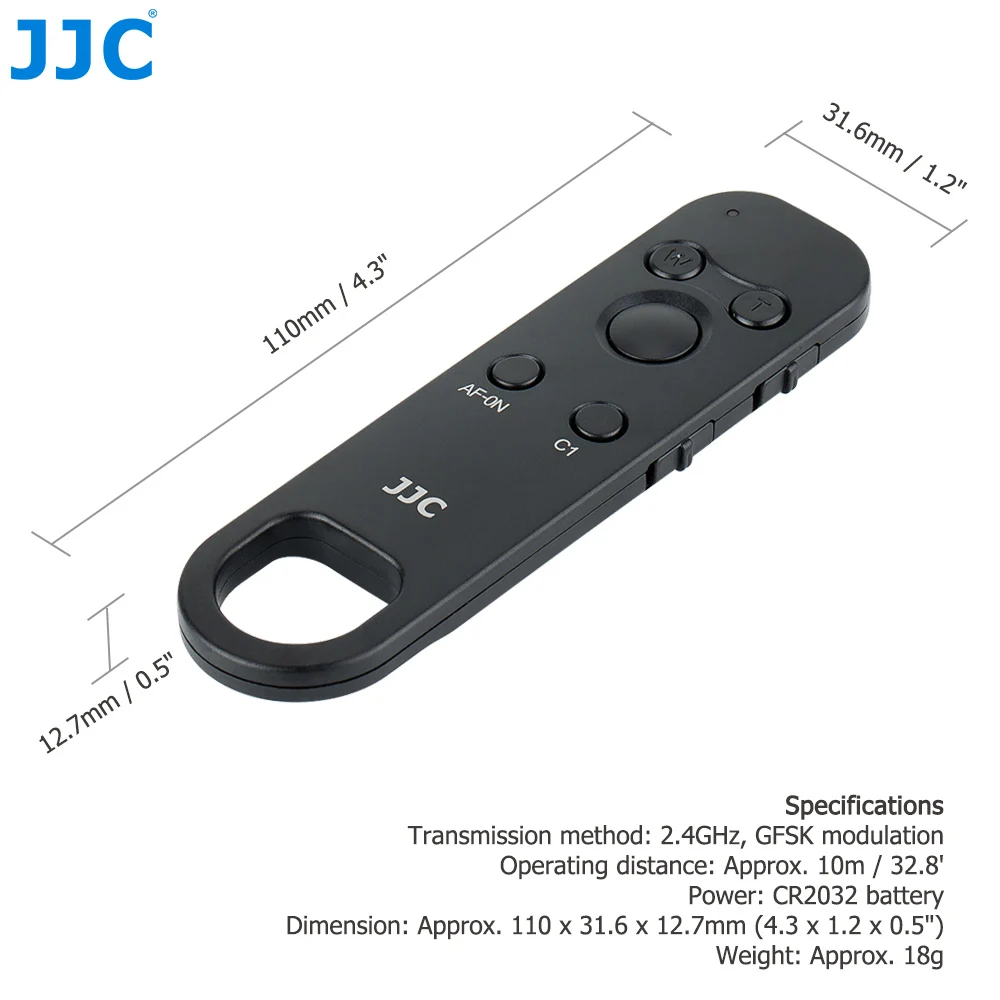
Transmission method: 2.4GHz, GFSK modulation
Operating distance: Approx. 10m / 32.8'
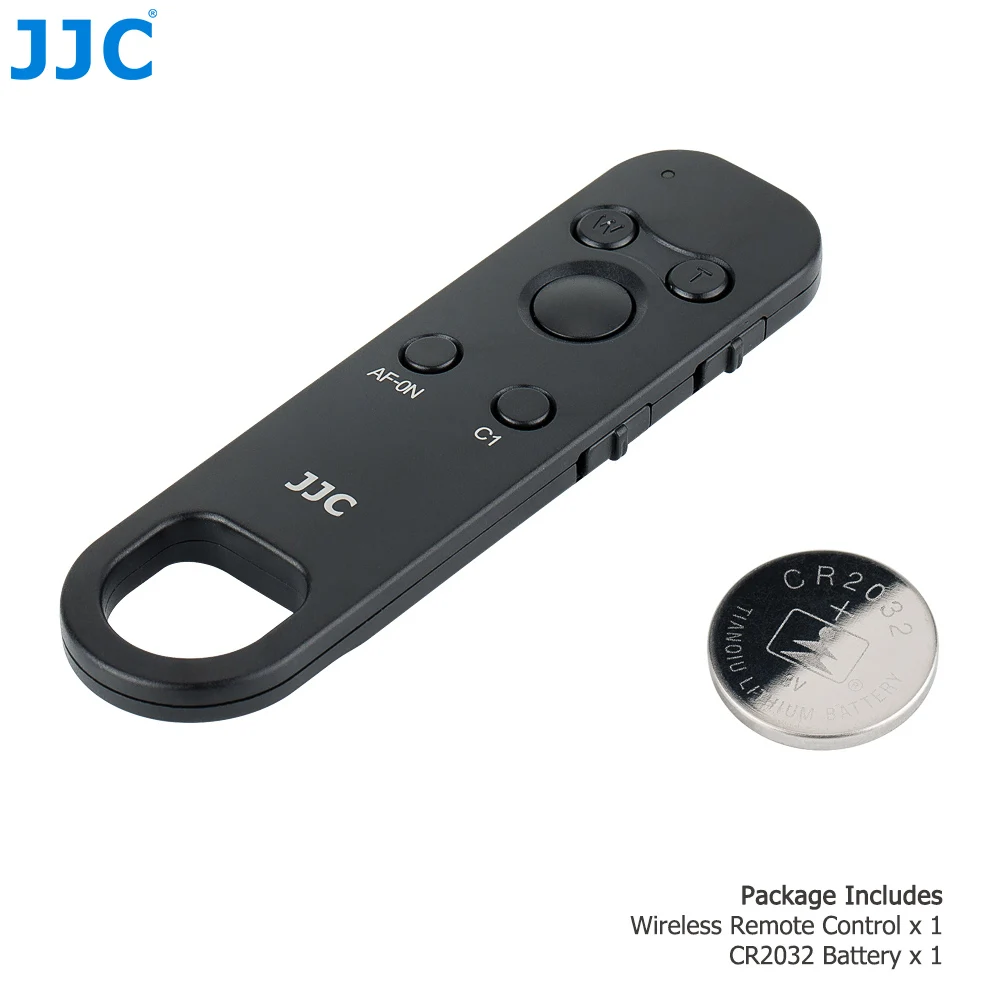
Power: CR2032 battery
Dimension: Approx. 110 x 31.6 x 12.7mm (4.3 x 1.2 x 0.5")
Weight: Approx. 18g
Use Tip:
1. You cannot use the function for linking location information with a smartphone when the [Bluetooth Rmt Ctrl] is set to [On].
2. While [Bluetooth Rmt Ctrl] is set to [On], the camera will not switch to the power-saving mode. Change the setting to [Off] when you are done using the Bluetooth remote commander.
3. If you do not operate the Remote for a few seconds, the Remote will automatically be disconnected from the camera. Even while they are disconnected, you can automatically reconnect the Remote to the camera by pressing any button.
4. The zoom button on the remote only works with for power zoom lenses.






| Category | Tech & Electronics › Cameras & PHOTO › Camera Accessories |
|---|---|
| Availability | In stock |
| Ships to | Canada |
| Buyer Guarantees | 15-Day No Update Refund & 60-Day No Delivery Refund |
No reviews yet
Be the first to share what you think of this product.


