

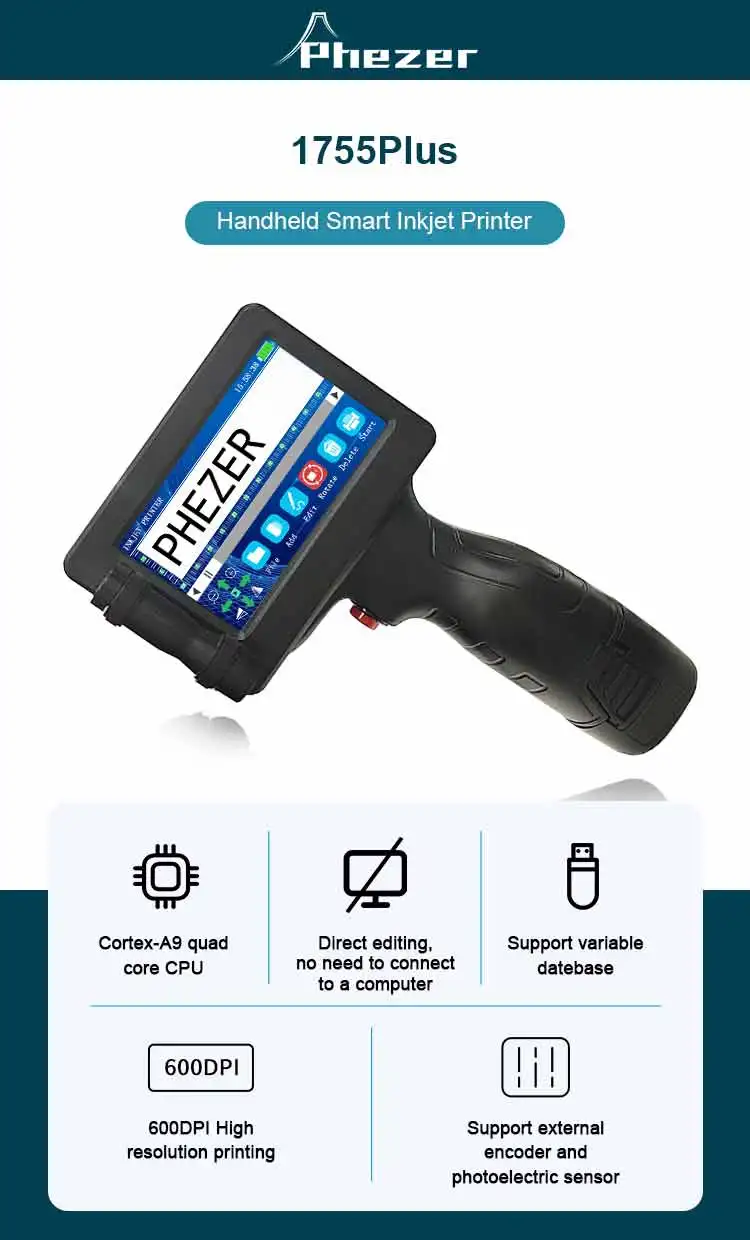
Phezer 12.7mm P17 Handheld Inkjet Printer Portable Label Printer Expiry Date Expiration Batch Code Logo QR Barcode 28 Languages
- Fast delivery
- 30-day returns
Phezer P17 Handheld Inkjet Printer Date Number Expiry Date Logo QR Bar Batch Code Expiry Date 12.7mm Label Printer 28 Languages
Big advantage:
1: The machine is not encrypted, and the cost of ink cartridges is low. You can also buy cartridges
locally.
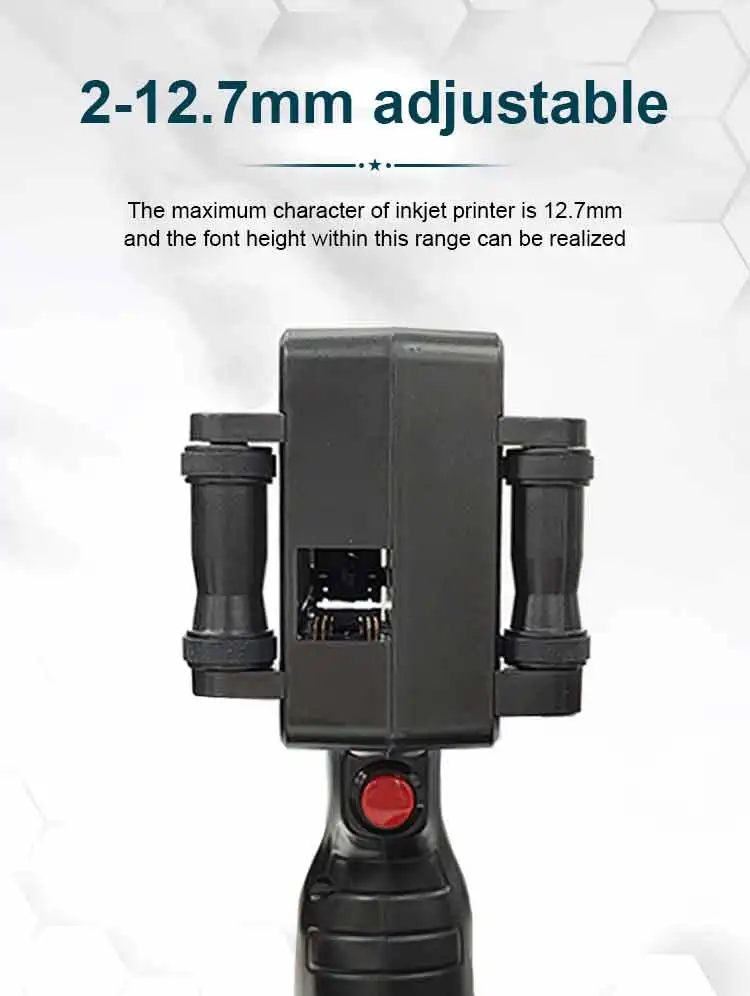
2: The printing height of this product is 12.7 mm, the printing efficiency is better, the speed is
faster, it is suitable for printing almost all materials such as carton, plastic bag, metal, etc., quick-
drying printing, not easy to fade
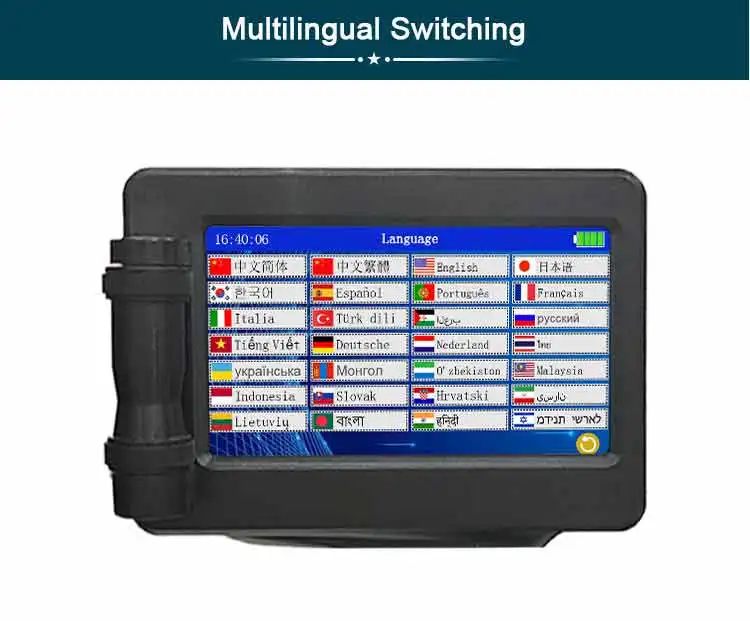
3: This machine supports 28 languages, and you can use U disk to import new fonts.
include:
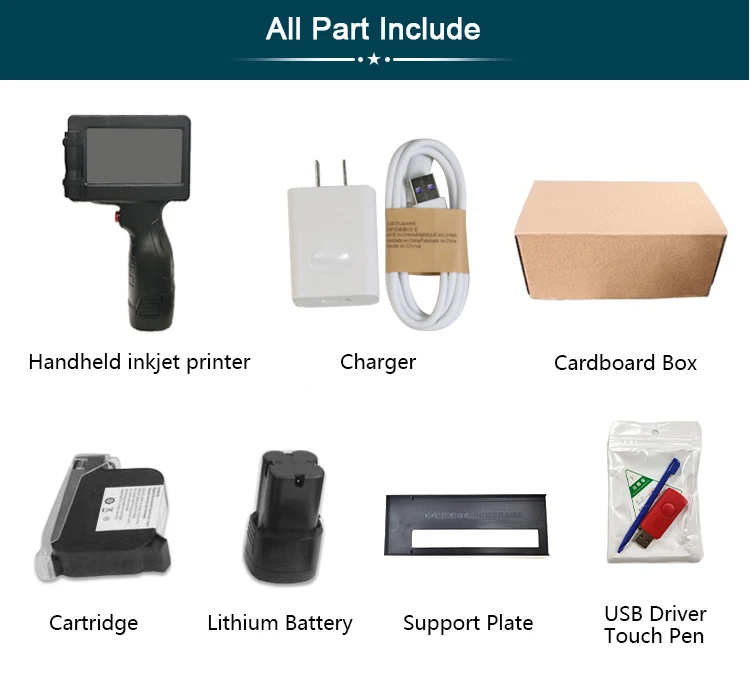
1* Printer
1* Charger
1* Stylus Pen
1* Positioning metal plate
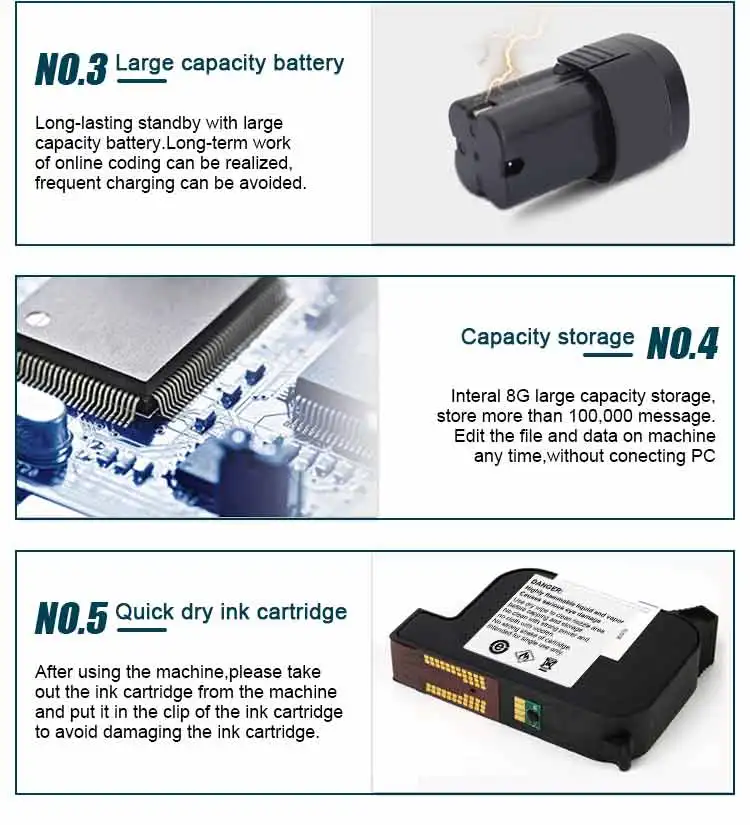
1* battery
1 * Ink (normal solvent quick drying) (delivered at the amount you pay)
1* English manual
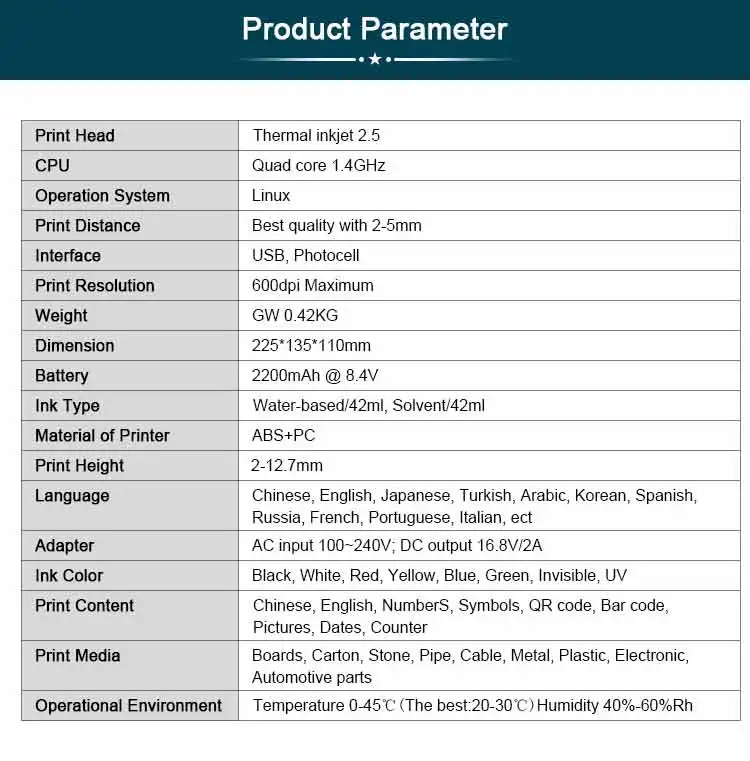
Specification:
1,Print Head:Thermal inkjet 2.5
2,CPU:Quad core 1.4GHz
3,Operation System:Linux
4,Print Distance:Best quality with 2-5mm
5,lnterface:USB,Photocell
6,Print Resolution:600dpi Maximum
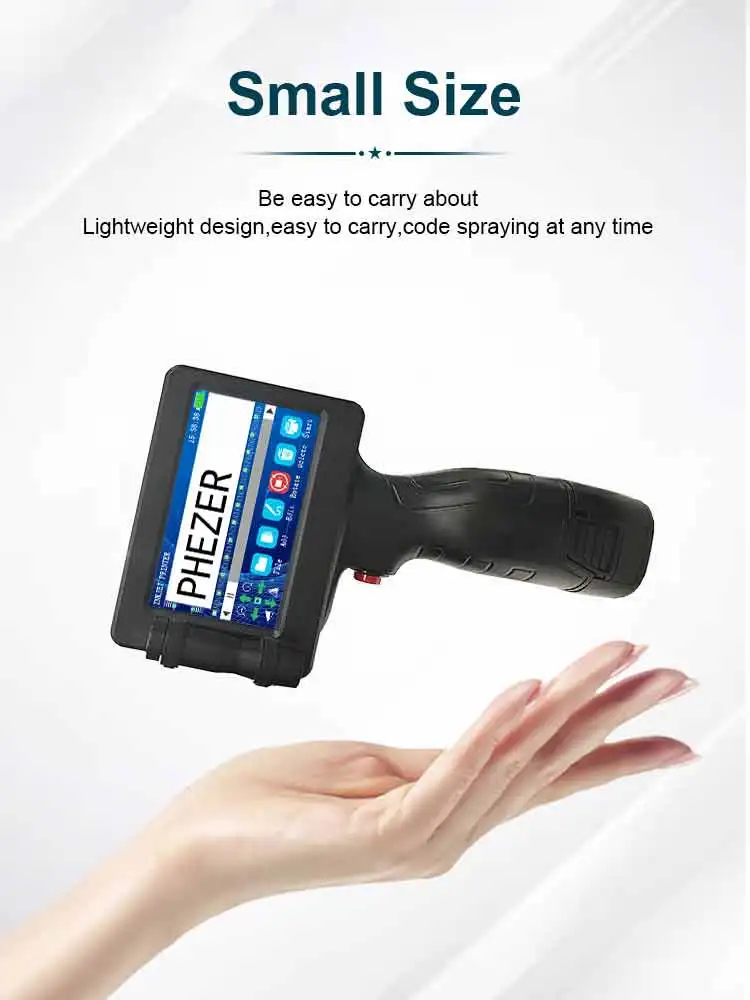
7,Weight:Gw 0.42KG
8,Dimension:225*135*110mm
9,Battery:2200mAh @ 8.4V
10,Ink Type:Water-based/42ml,Solvent/42ml
11,Material of Printer:ABS+PC
12,Print Height:2-12.7mm
13,Language:Chinese, English, Japanese,Turkish,Arabic, Korean, Spanish, French, Italian and so
14,Adapter:AC input 100~240V; DC output 8.4V/2A
15,Ink Color:Black, White,Red, Yellow, Blue, Green, Invisible, UV
16,Print Content:Chinese,English, Numbers,Symbols, QR code, Bar code,Pictures, Dates,Counter
17,Print Media:Boards, Carton, Stone, Pipe,Cable, Metal, Plastic,Electronic,Automotive parts
18,Operational Environment:Temperature 0-45℃ (The best:20-30℃)Humidity 40%-60%Rh
Q & A
1.Q:How to better extend the life of the printer ?
A:Before installing and removing ink cartridges, be sure to turn off the printer.
2.Q:How to better protect the ink cartridge nozzle?
A:When not using ink cartridges, please close the protective cover in time.
Dip a soft paper towel with a small amount of alcohol before use, and then gently wipe the nozzle in one direction.
3.Q: Why does the printer screen not work?
A: When you find that the screen of the printer is not working, please calibrate the screen of the printer.For specific steps please check this link :
4.Q: Can the printer be equipped with photoelectric sensors?
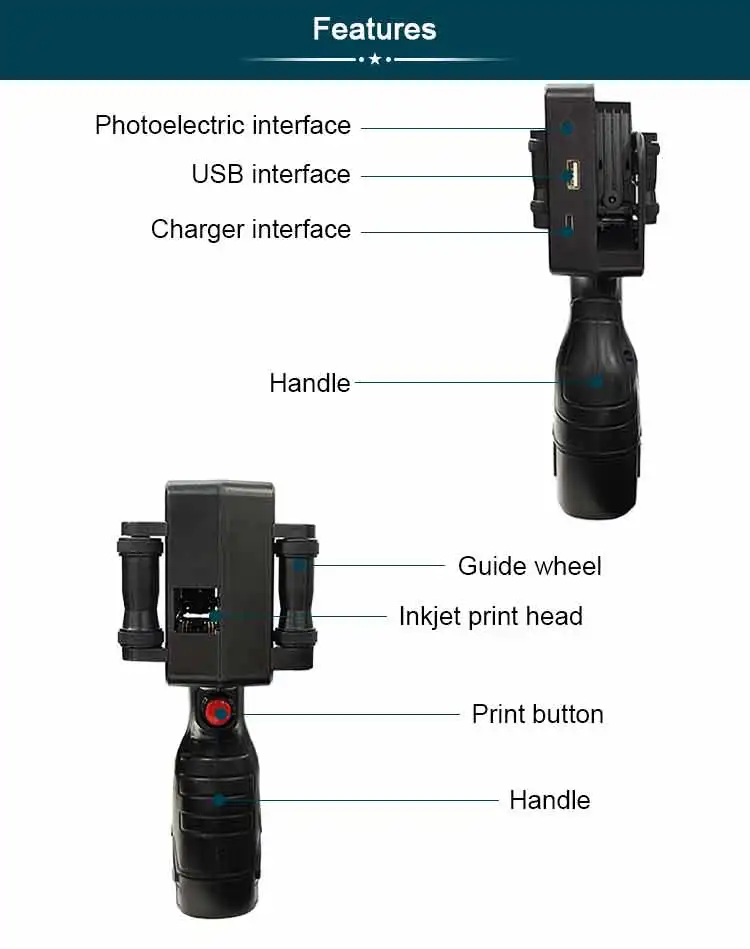
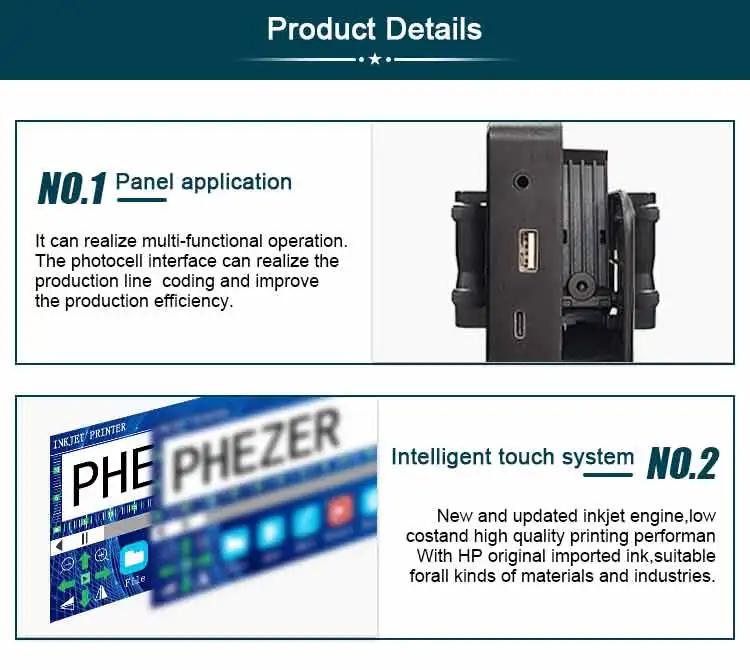
A: Yes, our inkjet printer has an adapted photoelectric sensor. Please consult customer service before purchasing.
5.Q: Can the printer print on the bottle?
A: Yes, we will provide you with a metal positioning plate for free, For specific steps,please consult customer service .
6.Q: What should I do if the printer cannot print?
A: ①Check whether the timing belt on the left side of the printer is off (not in the groove).
②Check if there is ink in the ink cartridge.
③Switch the nozzle of the printer in the settings.
④ After turning off the printer, reinstall the ink cartridge.
7.Q: The ink cartridge of the printer can print, but the printing is not clear, what should I do?
A: ①Check whether the ink cartridge nozzle is clean and dry, and wipe the nozzle carefully with a clean soft tissue.
② Take out the ink cartridge when the printer is off, shake the nozzle down several times, and stick a clean paper towel on the surface of the nozzle to divert the ink in the box.
③Switch the nozzle of the printer in the settings.
④The above operation still cannot be solved, please replace the ink cartridge.
8.Q: What should I do when there is a printer phenomenon of wire drawing?
A: The ink cartridge is quick-drying. When there is a phenomenon of wire drawing, please wipe the nozzle carefully with a clean soft tissue and switch the nozzle of the printer.
When not using the ink cartridge, please install the cover in time.
9.Q: Can the printer be charged?
A: Yes. Note:
① Please remove the battery at the bottom of the printer and charge it separately to avoid damage to the printer.
②Please use our special charger to charge the printer.
③When the printer is stored for a long time and not in use, it is recommended to safely charge and discharge it every three months.
| Category | Computer & Office › Office Supplies › Office Electronics |
|---|---|
| Availability | In stock |
| Ships to | Canada |
| Buyer Guarantees | 15-Day No Update Refund & 60-Day No Delivery Refund |
No reviews yet
Be the first to share what you think of this product.


