

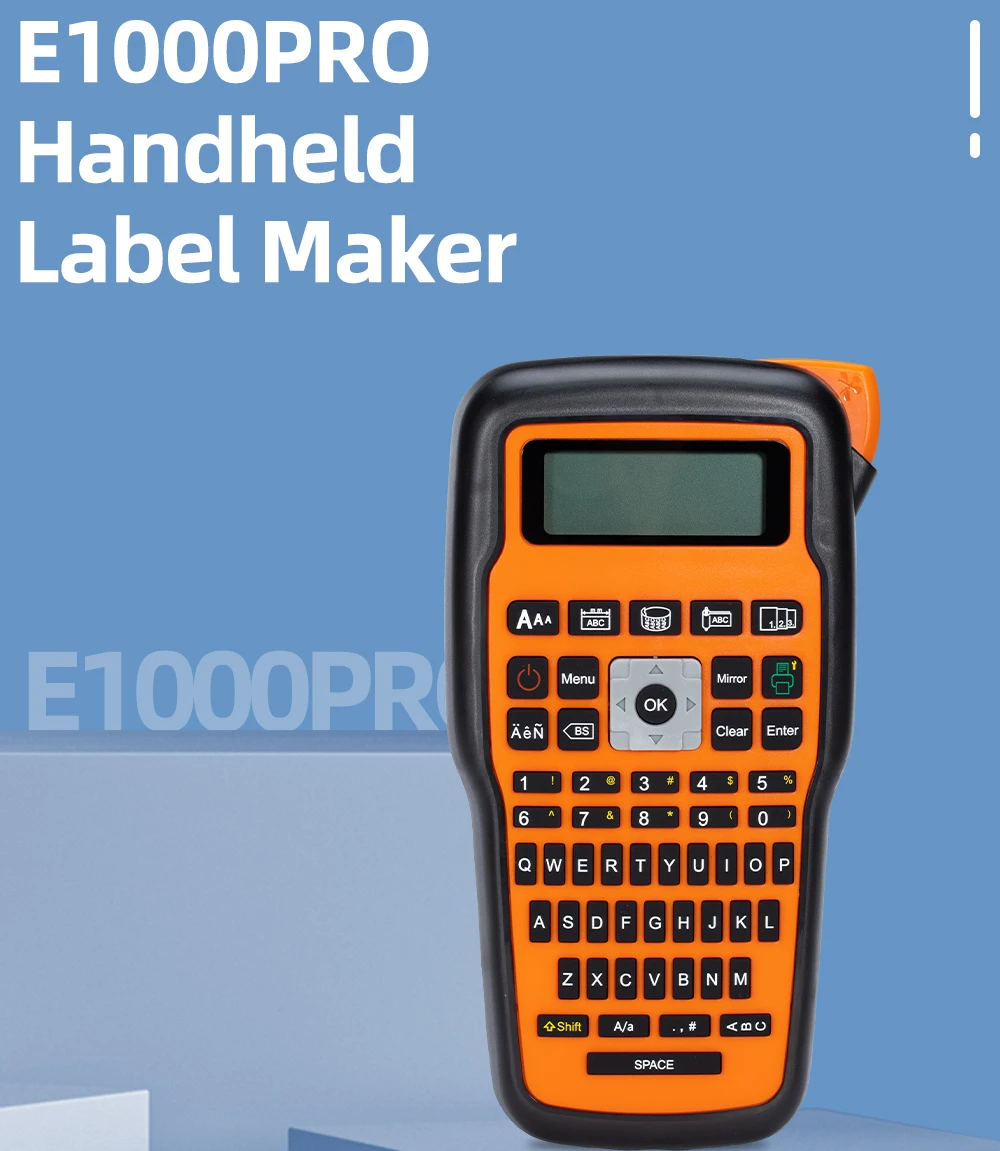
Portable Printer E1000 Pro Handheld Label Maker Labeller for Industrial Labeling Jobs Compatible for Brother TZe-231 Label Tape
- Fast delivery
- 30-day returns
 ATTENTION:
The E1000 printer has been upgraded to a USB-connected version and no longer has an adapter
Feature:
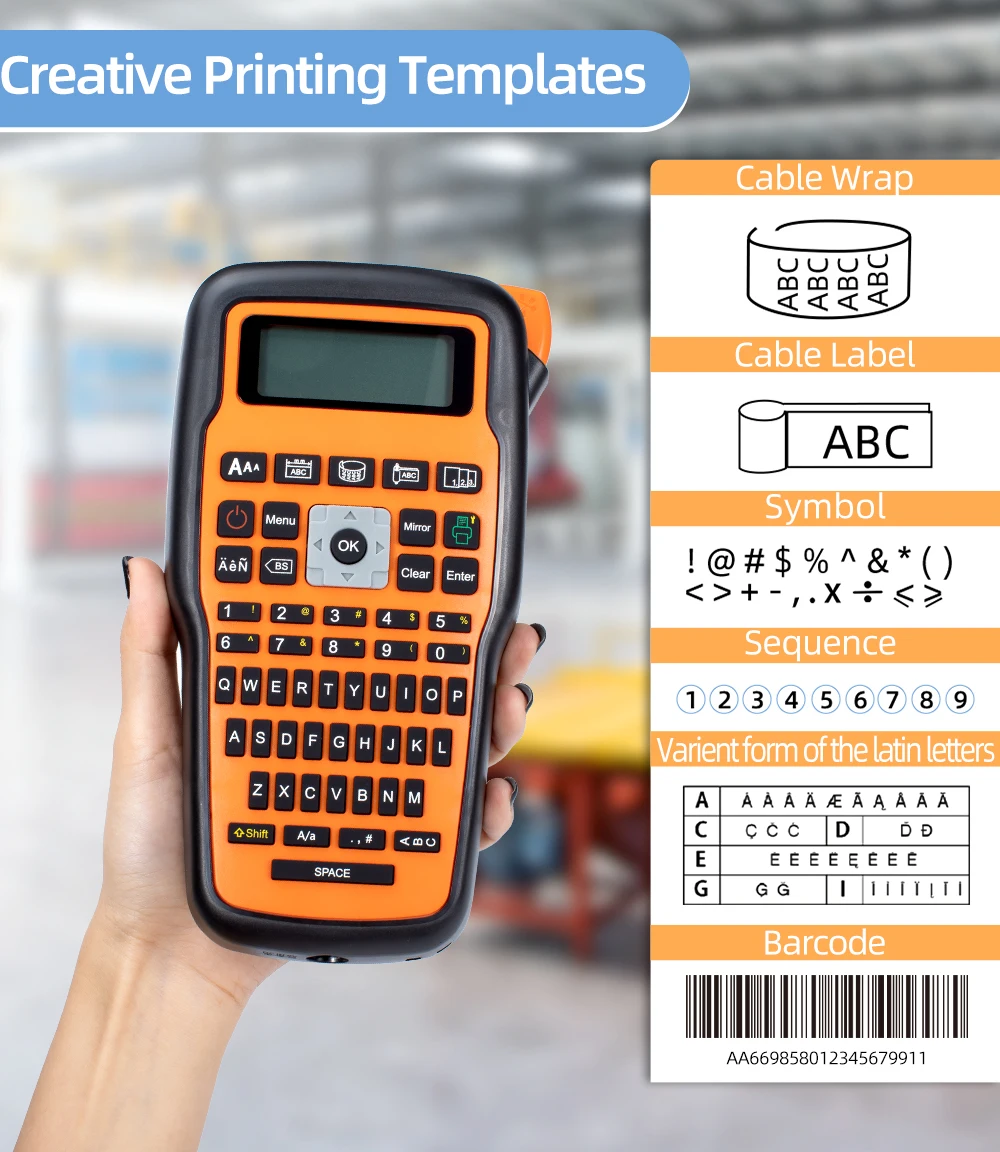
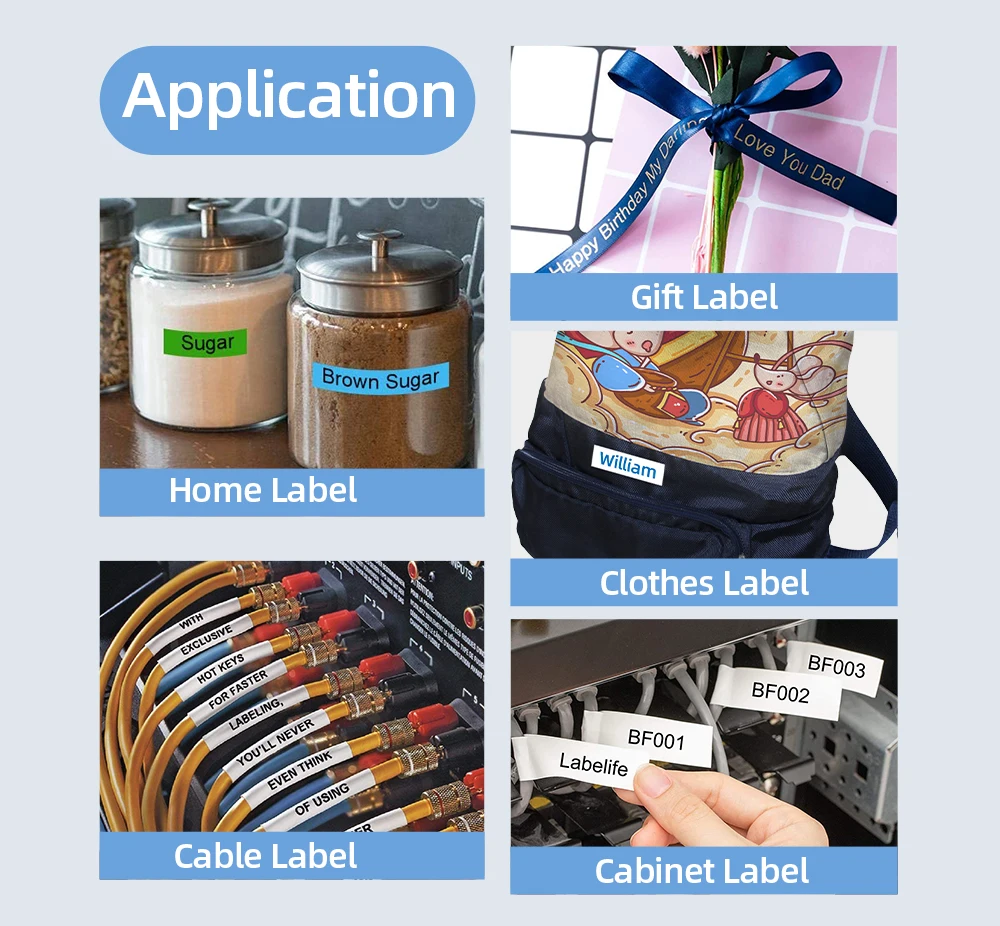
Protable Handheld Label Maker Machine : E1000 labeler can make your life of Organization much easier ,which can be used to organize home, office, industrial area, shop, warehouse, lab, garden and others, including personal items, jar, kitchen, antry, cable, pet area, baby supplies, kids' toy, holiday decorations, office fixed assets, etc.
User Friendly :
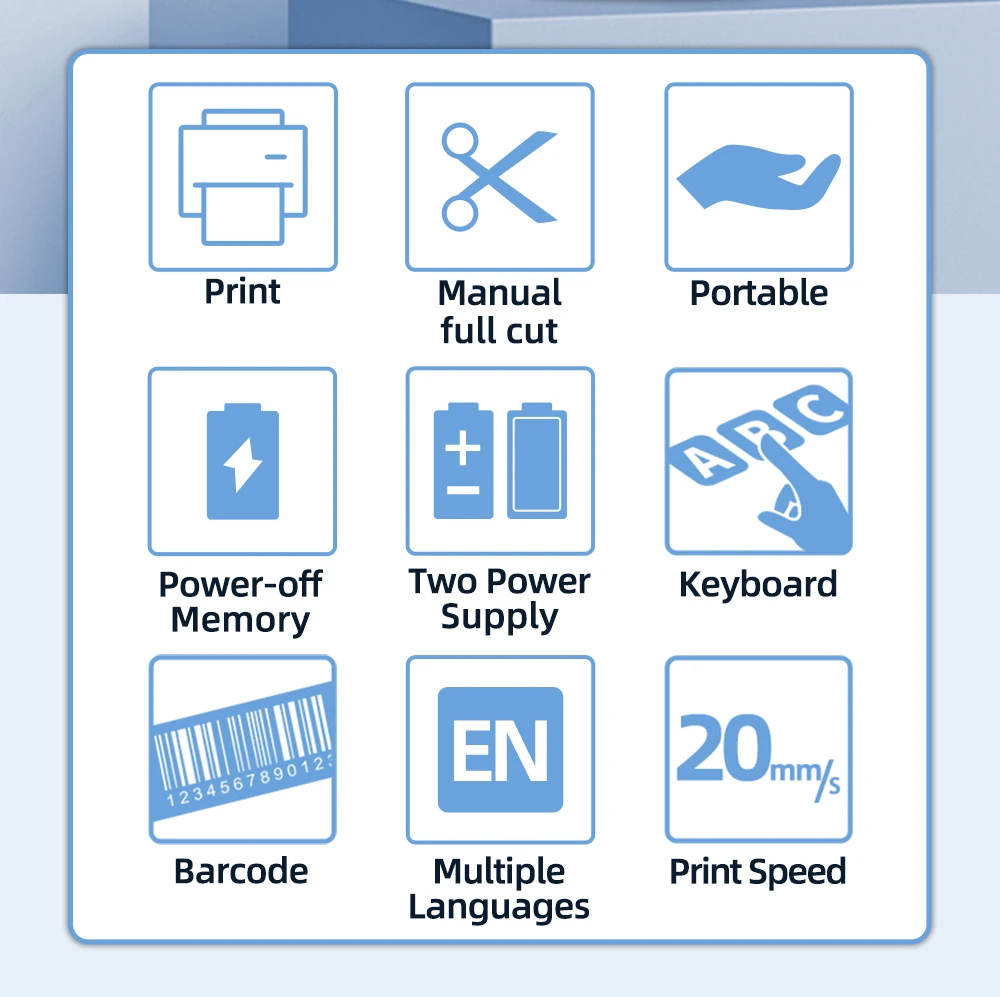
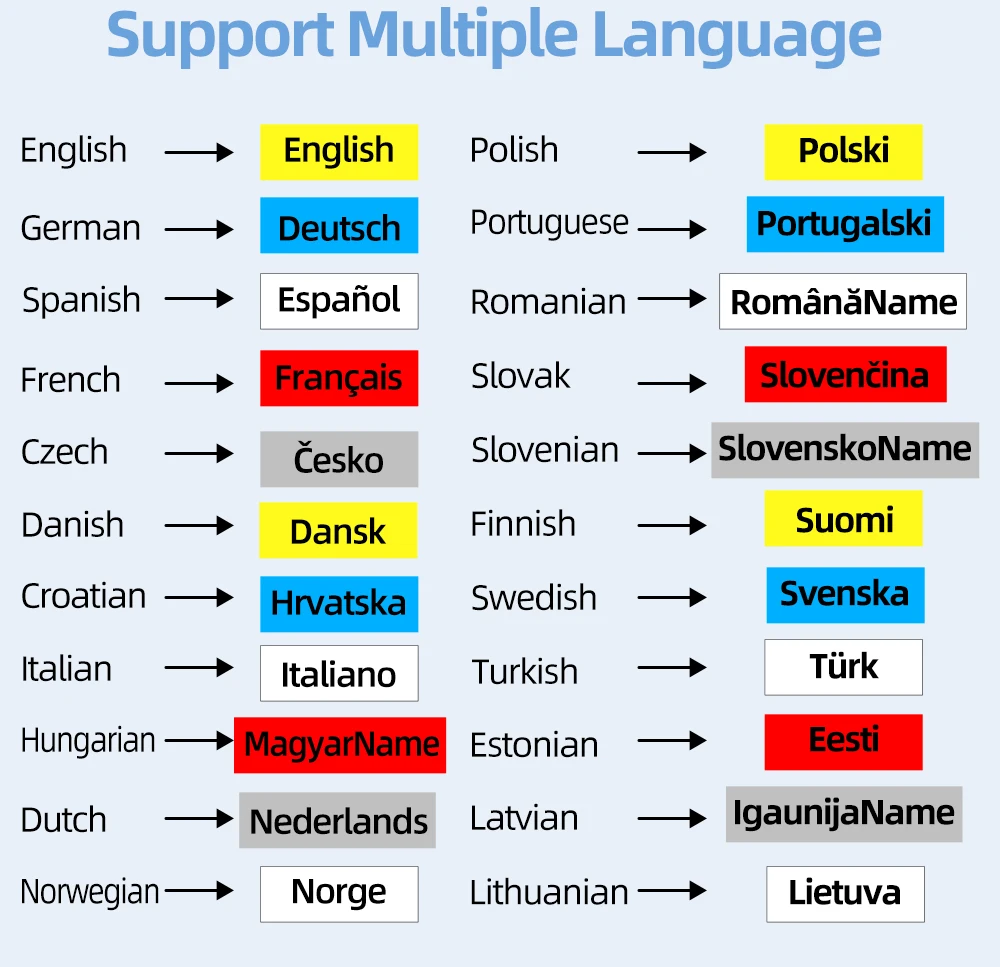
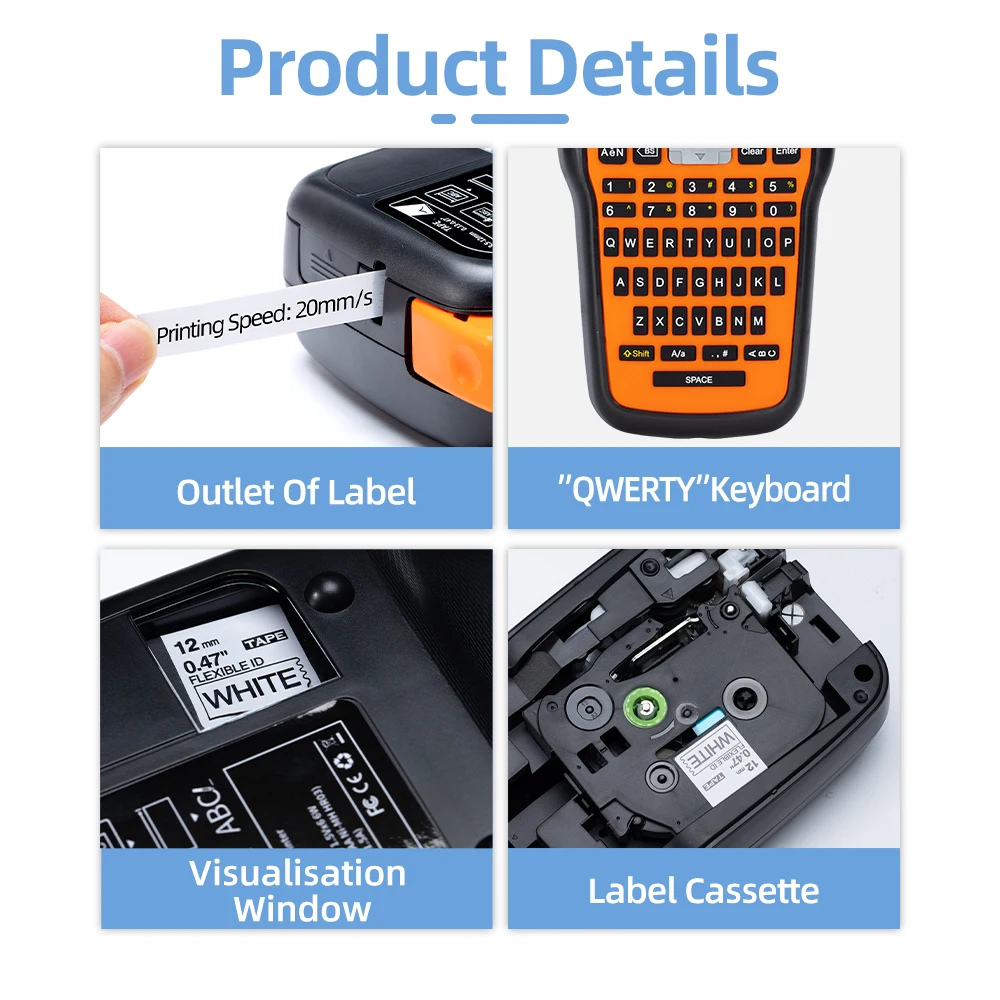
The E1000 labeler features a simple Qwerty keyboard for easy to use and fast typing, one-touch smart keys to call frequently used functions directly on the keyboard, can meet the needs of various scenarios with powerful functions, 22 languages, 940+ symbols, 4 frames, 3 labels Margins, etc.
Work with various tapes:
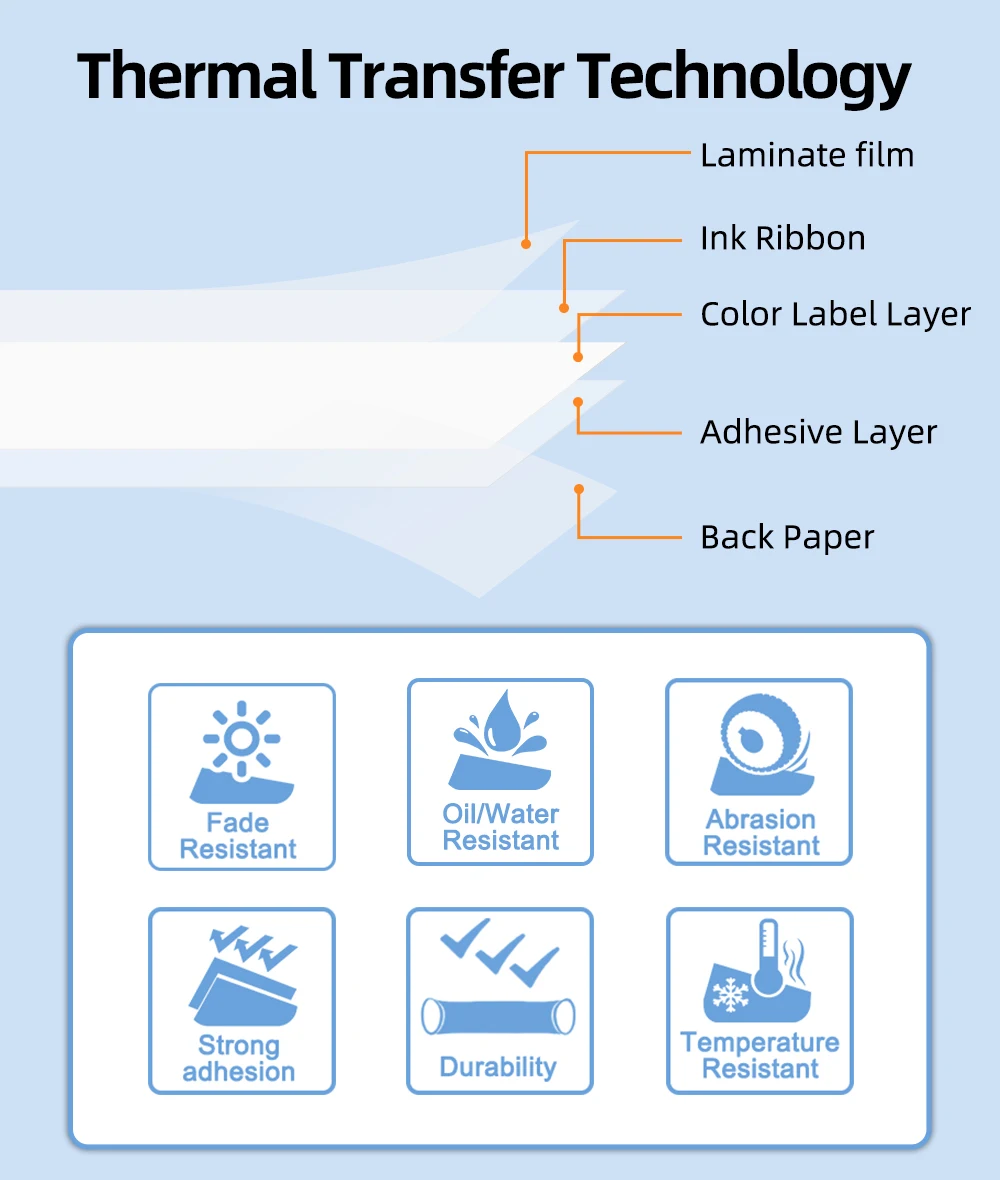
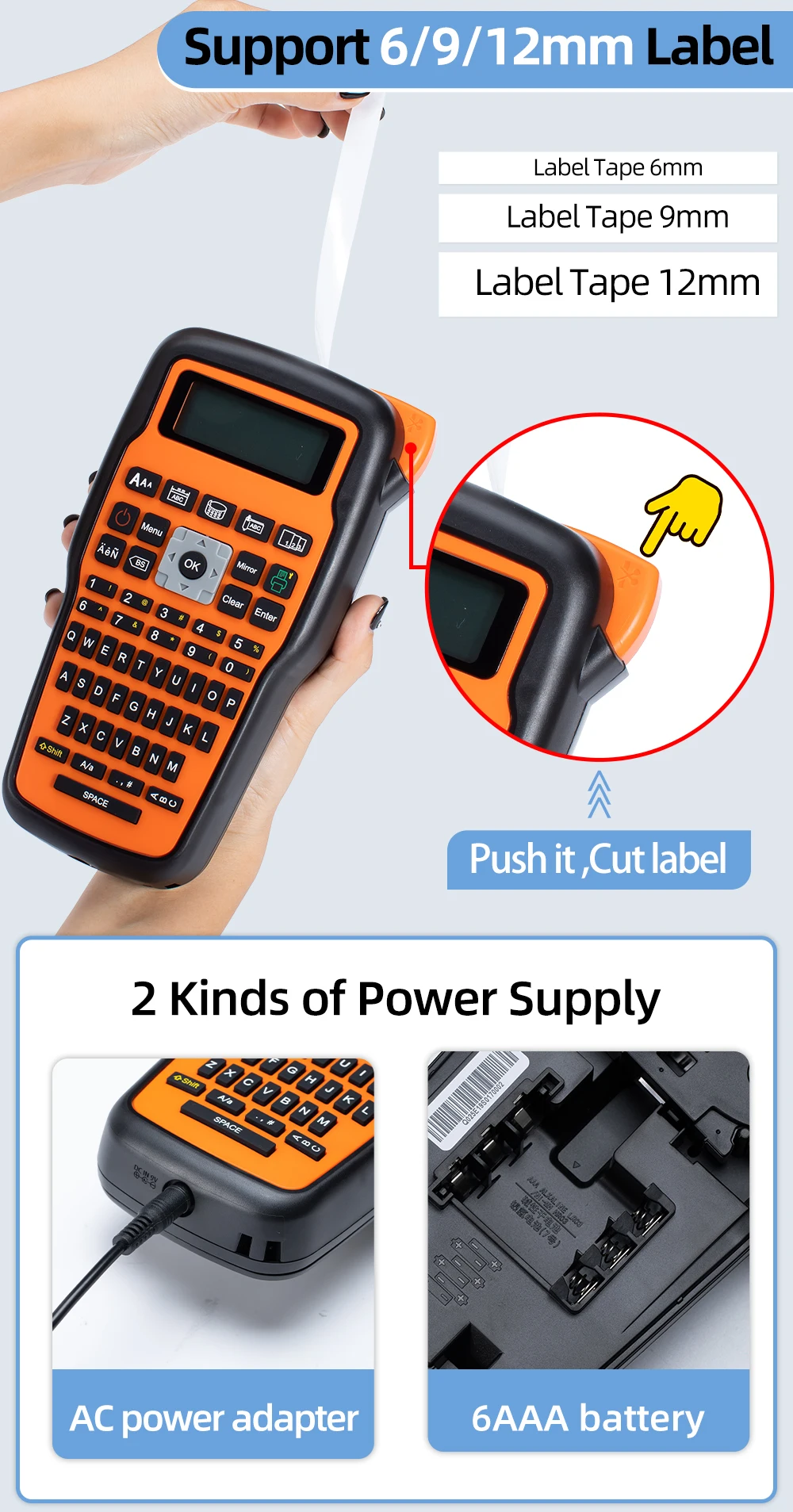
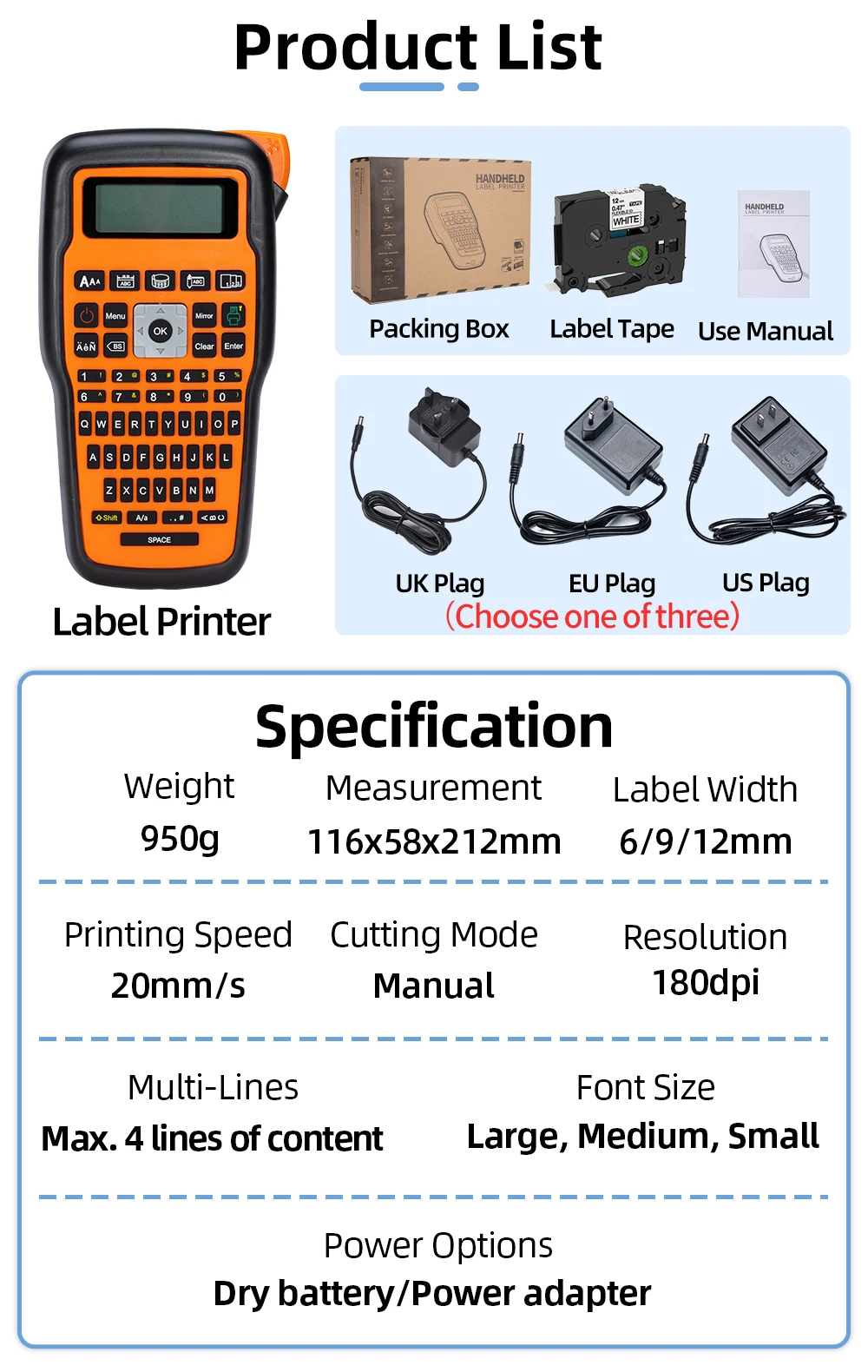
This label maker machine with tape compatible with Brother P Touch TZe label tapes and industrial labels up to 6/9/12mm in a variety of materials and colors. the label printer will come with 1pc AZe-FX231 label tape, strong stickness and resistance of water, UV, oil, fade, abrasion, etc. Perfect for indoor and outdoor.
Package inculdes :
1 x E1000 Printer (6 AAA batteries not included)
1 x USB Line
1 x Flexible Tapes Fx-231
1 x Cutter holder
1x User Manual
Tape-saving tips :
Choose "Narrow" of label margin in Setting and multi-copy editing, in this way you can get different tape at the same time to reduce the cost of label tape.
Choose "Cutting-ON" in Setting, it will inform you to cut manually after printing everytime. Continuously edit different labels at one time and then print out, It reduces waste of blank tape before each print.
Press "shift+print" at the same time, supporting continuous printing of 9 same copies.
To prevent the label tape from jamming, please make sure the extend some end of tape to the outlet of labeller before printing.

 Welcome drop-shipping&wholesale- E-mail : phomemo_markdomain@163.com
*Support CSV file or VIP price.
*No Receipt - No Invoice-No Promotional information in the parcel.
*Support shipment in 24 hours!
*Offer real photo and video and VIP one to one customer service.


| Category | Computer & Office › Office Supplies › Office Electronics |
|---|---|
| Availability | In stock |
| Ships to | Canada |
| Buyer Guarantees | 15-Day No Update Refund & 60-Day No Delivery Refund |
No reviews yet
Be the first to share what you think of this product.


