

RetroScaler BlueRetro Wireless Controller Receiver Adapter For PS2 PS1 PS One For PS4 PS5 Nintendo Switch 8Bitdo Contorllers
- Fast delivery
- 30-day returns
Product details
| Brand Name | RetroScaler |
|---|
 If you have become a fan of our store, twitter or facebook, please go to the AliExpress buyer APP and enter the RetroScaler Official Store homepage to get your exclusive coupons. Or contact us to get the coupons.
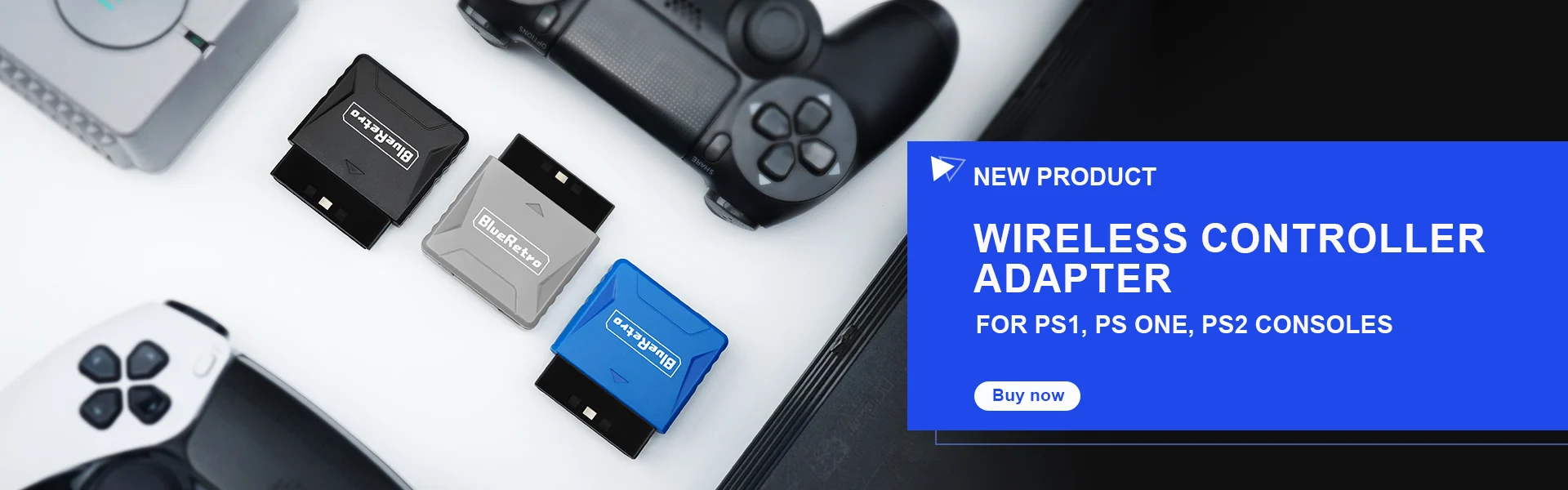
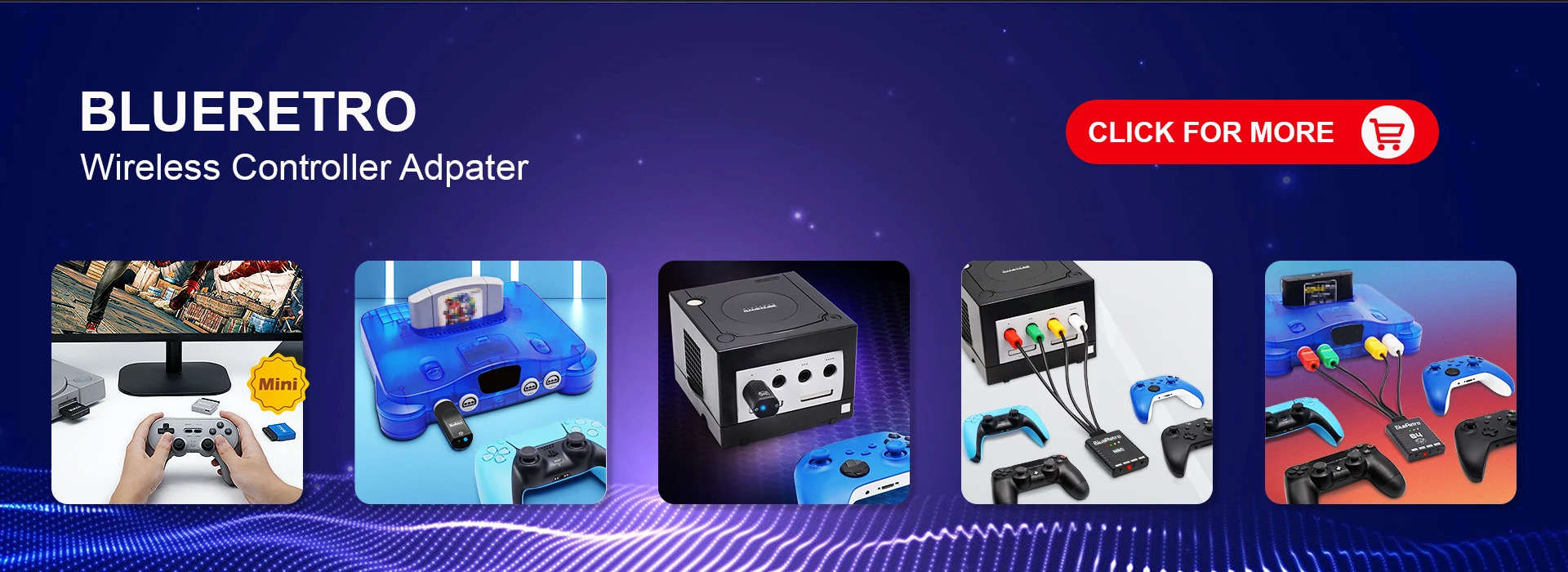
RetroScaler BlueRetro Bluetooth Controllers Adapter For PS1/PS2
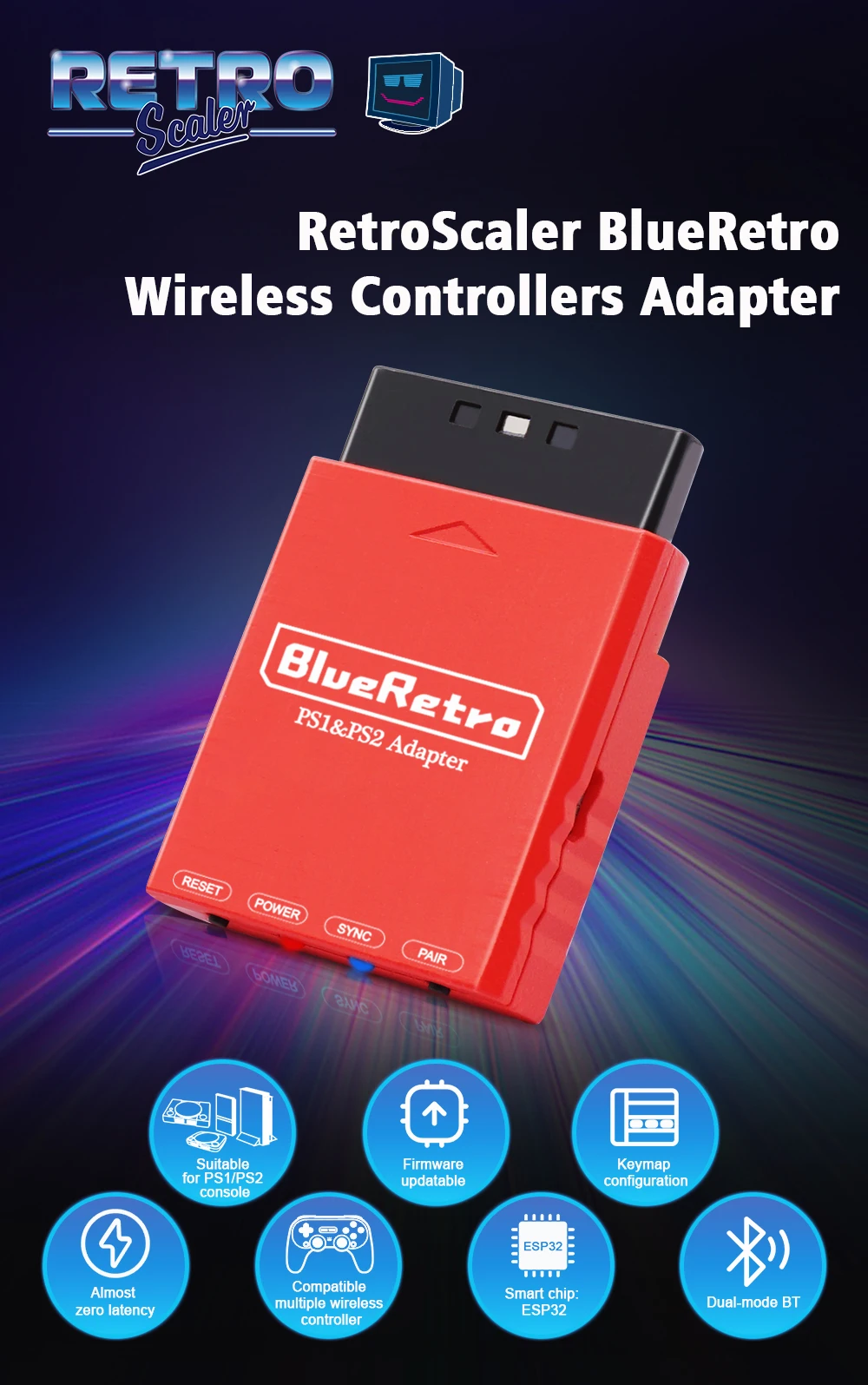
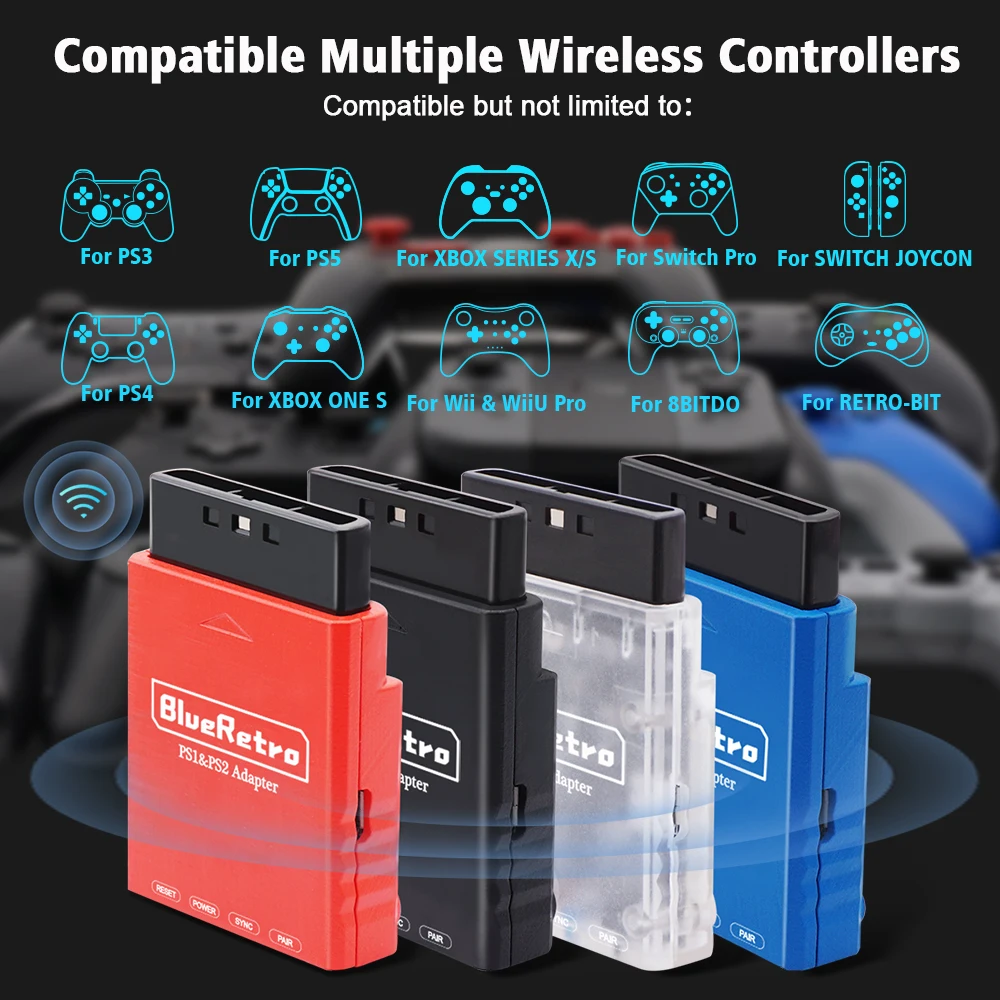
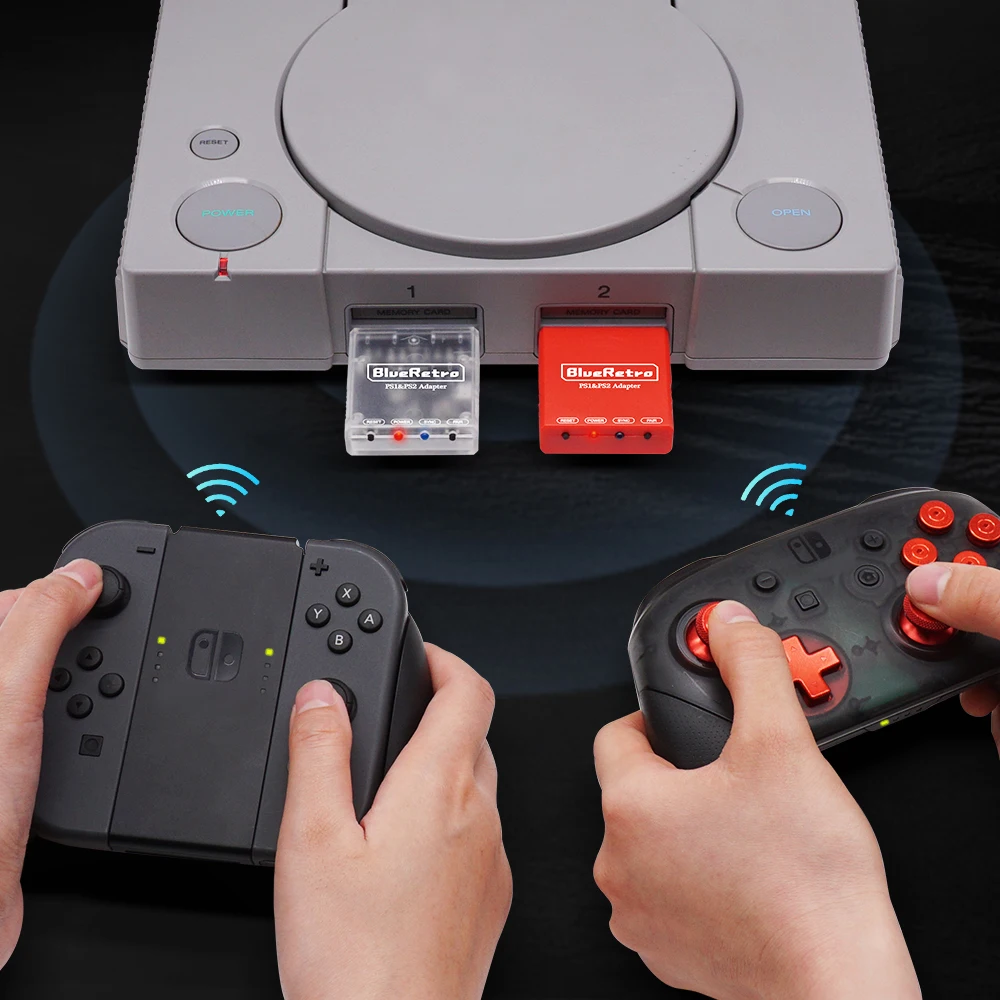
BlueRetro, a multiplayer Bluetooth controllers adapter for PS1/PS2 consoles, is an open source project based on darthcloud. It uses the popular ESP32 chip. It can support for original Wii, Switch, PS3, PS4, PS5, Xbox One console wireless controller.
NOTICES:
1. A adapter can only be connected to one wireless controller at a time.
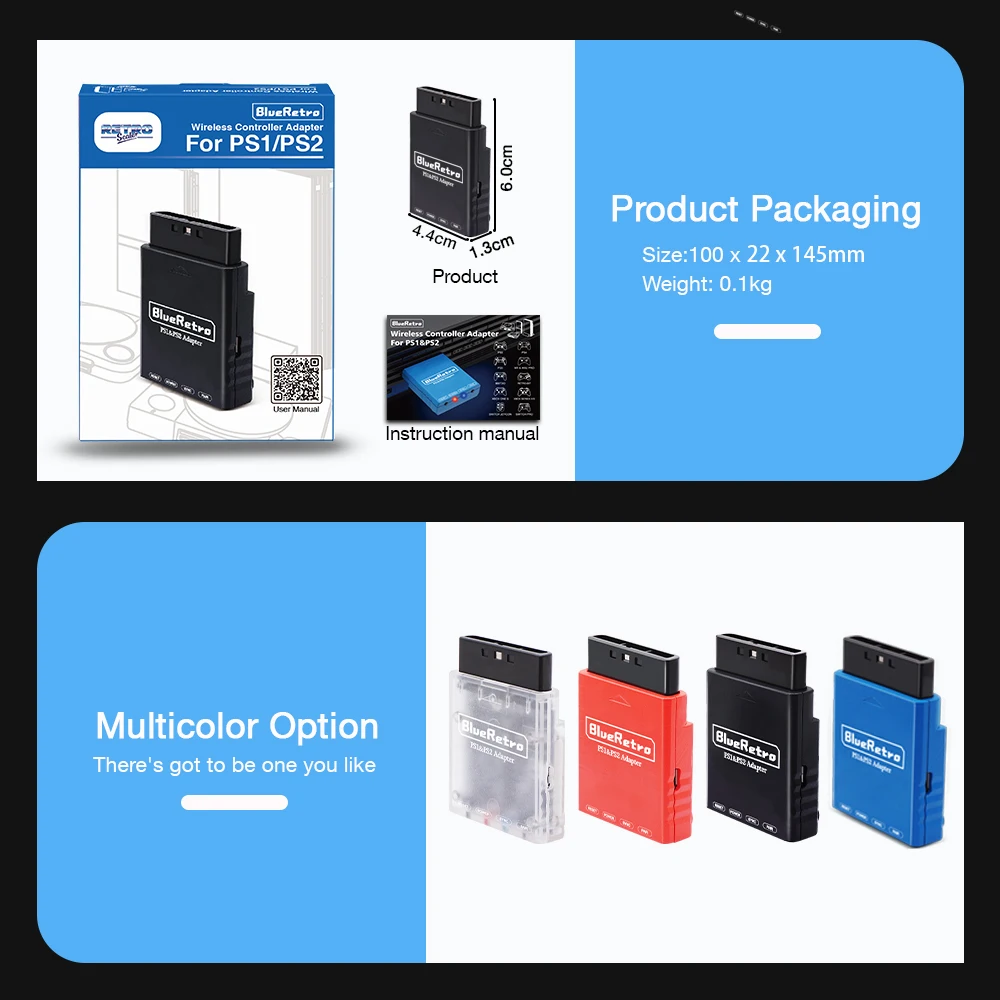
2. The power supply of some old PS1/PS2 console controller interfaces may not be normal due to some reasons, causing the PS1/PS2 Blueretro converter to not work. In this case, you can use the micro USB port to power the PS1/PS2 Blueretro.
More Controller Pairing Guide: https://github.com/darthcloud/BlueRetro/wiki/Controller-pairing-guide
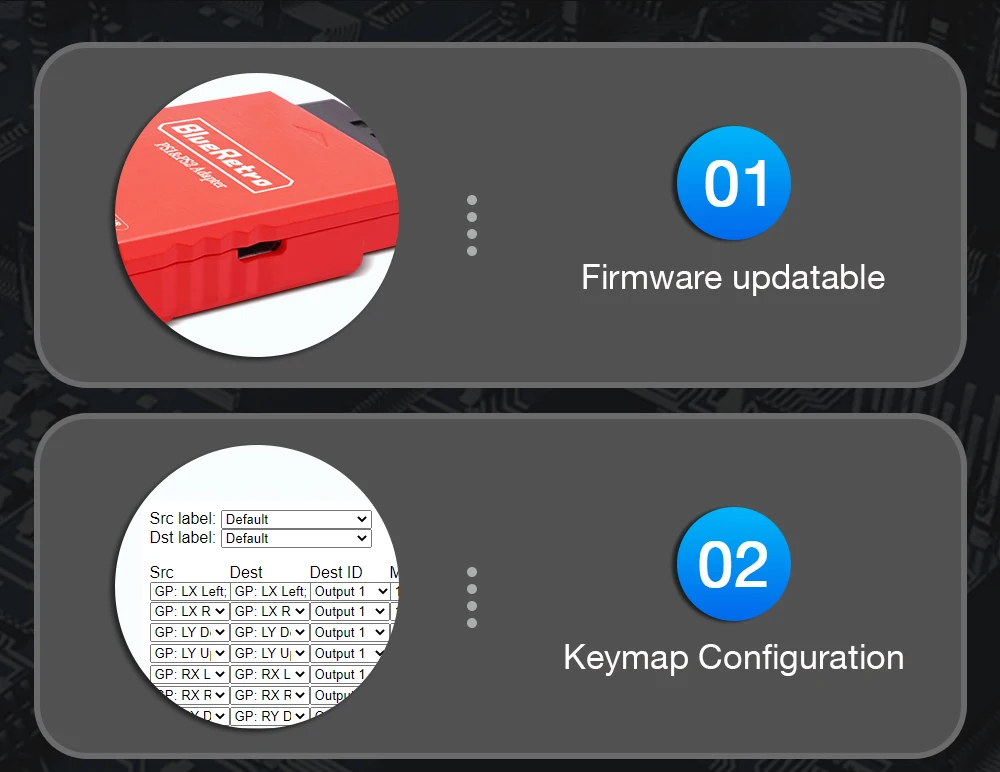
About the Firmware (latest v25.10) Upgrade Operation: https://github.com/RetroScaler/Bluereteo-PS
1. Press and hold the PAIR button before connecting the Blueretro adapter to the PC with a USB cable.
2. If the PC cannot recognize the adapter, please try to install the CH340 driver in the PC.
Video for Configure key-value: https://hackaday.io/project/170365-blueretro/log/180020-web-bluetooth-ble-configuration-interface
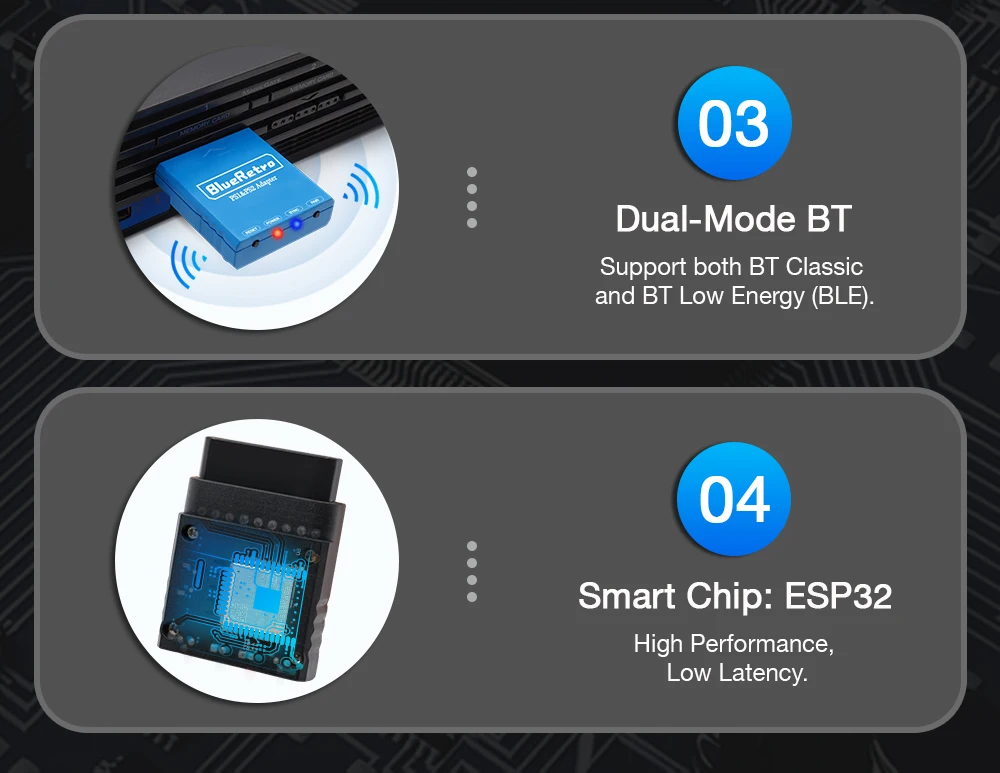
Ultra-low latency offers you an amazing gaming experience smoothly.
FEATURES:
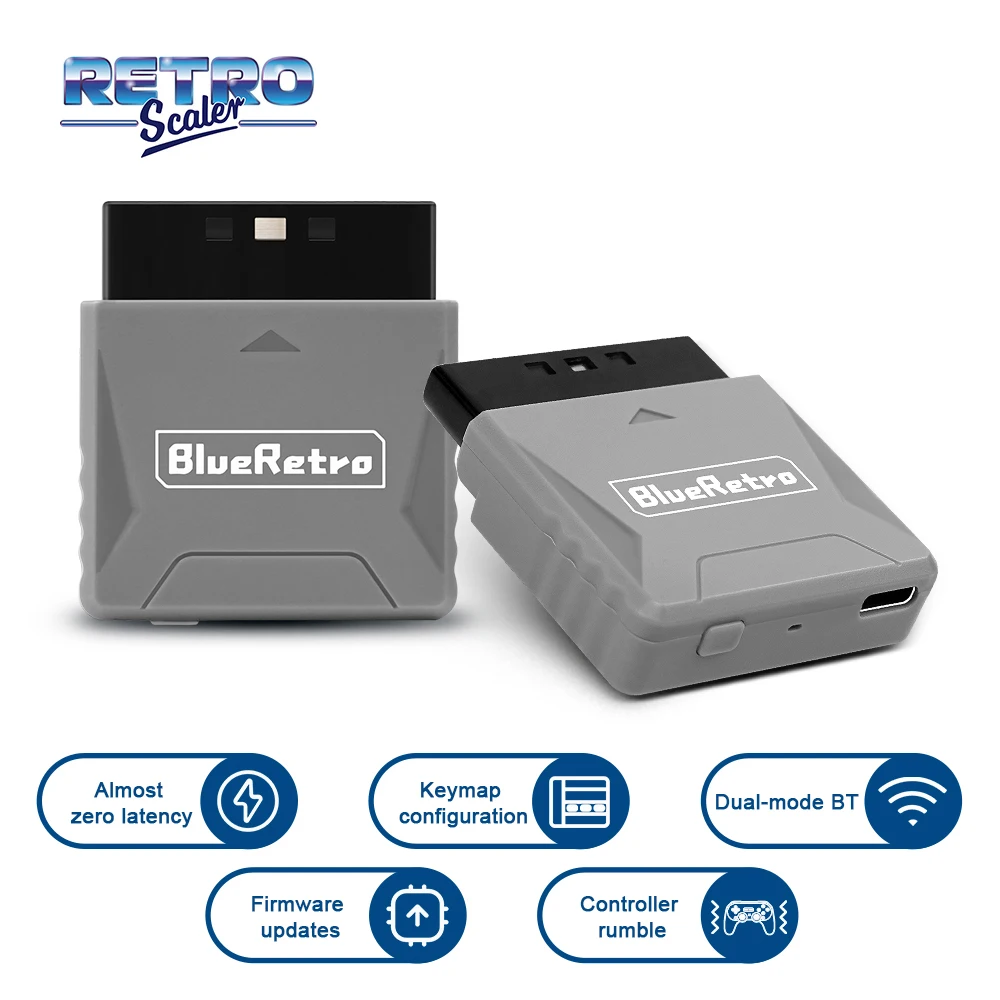
1)Suitable for PS1/PS2 console.
2) Support firmware update via USB port.
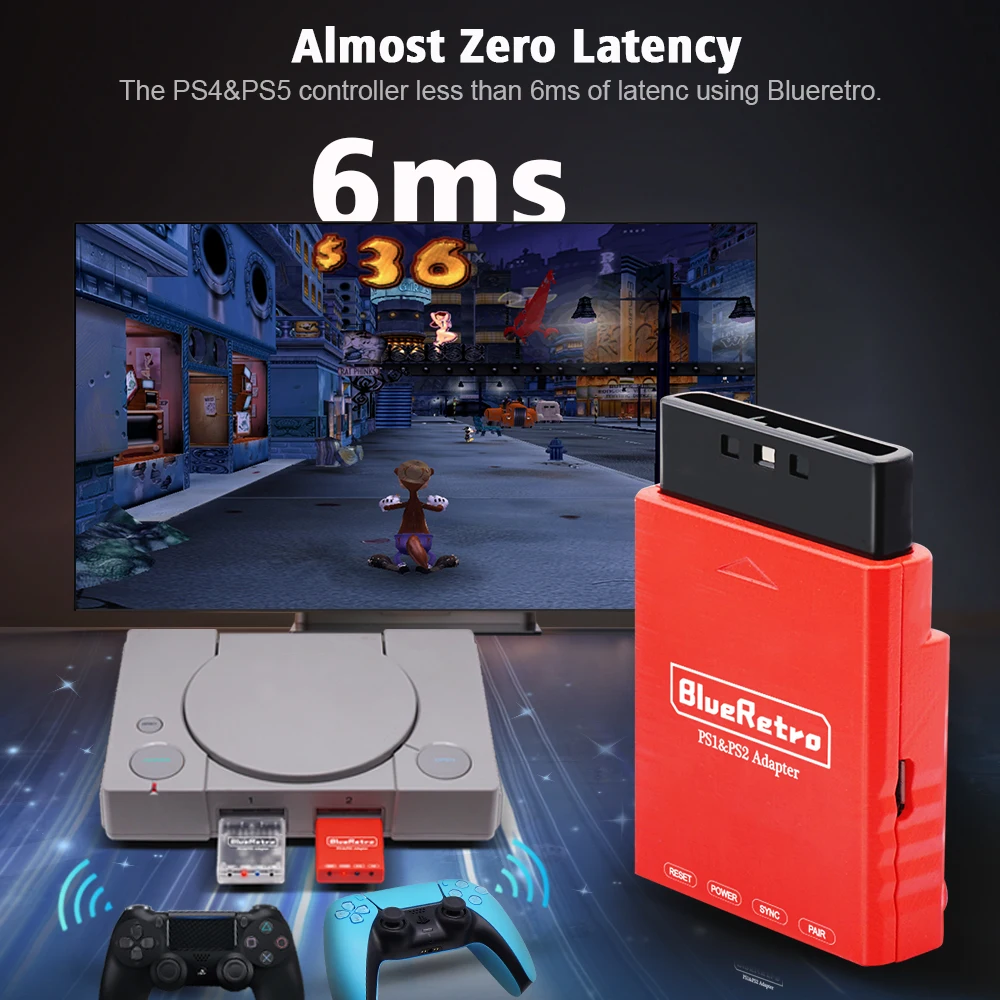
3) Almost zero latency, the PS4&PS5 controller less than 6ms of latenc using Blueretro.
4) Compatible with Xbox One S/Xbox Series X|S /Wii / Wii U Pro/Switch Pro / Switch Joycon /8bitdo /Retro-Bit / original PS3/ origianl ps4/ ps5 / Gamesir T4 pro / Stadia / Ipega 9076,etc Wireless Controller. (Only original PS3 / PS4 wireless controllers are supported.)
More Controller Pairing Guide:
https://github.com/darthcloud/BlueRetro/wiki/Controller-pairing-guide
More Details Please Visit Those Link:
1) The Link for Blueretro Upgrade Firmware Tutorial:
https://www.retroscaler.com/2022/04/30/blueretro-game-controller-converter/
2) The Link for Blueretro the latest Firmware:
https://github.com/RetroScaler/Bluereteo-PS
3)The Link forBlueretro Quick Start Guide:
https://www.retroscaler.com/archives/415?spm=a2g0o.detail.1000023.18.611127cfwXSllA
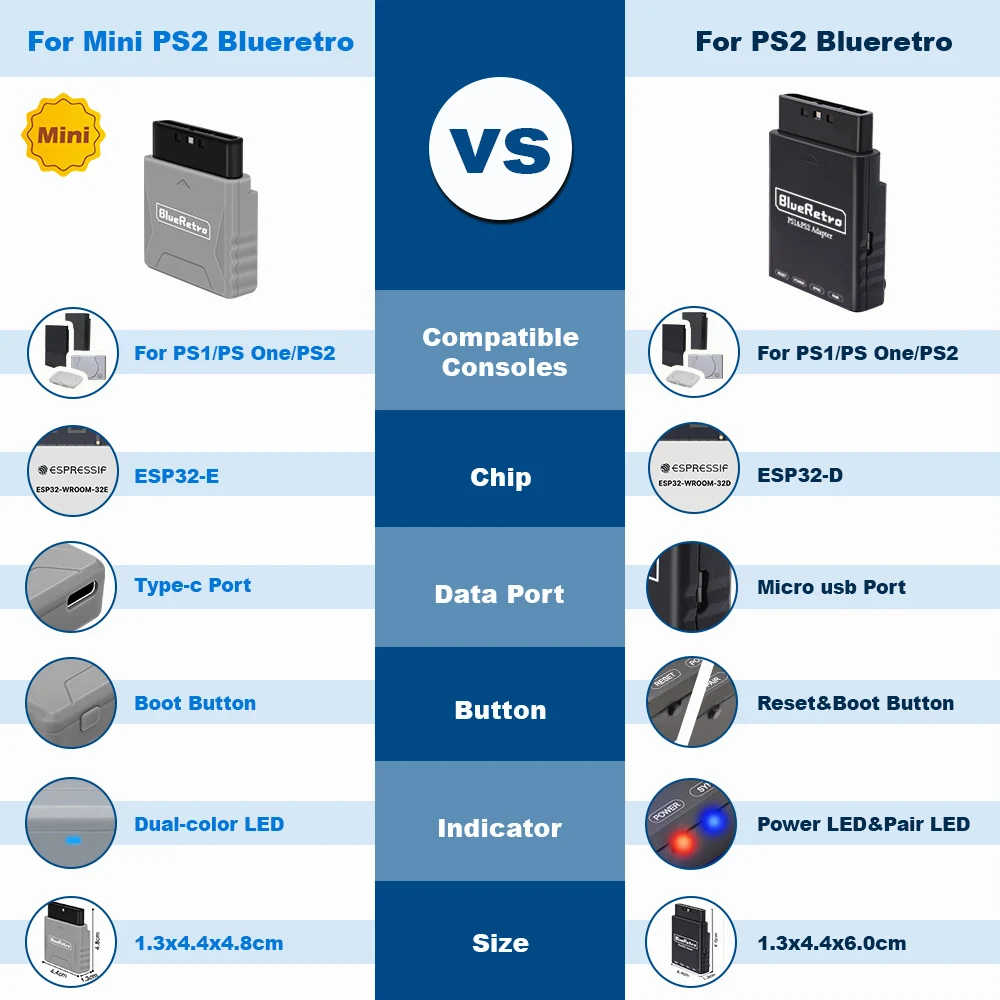
RetroScaler Blueretro Mini Adapter
FAQ
Q1: To use two controllers, do I have to buy two adapters?
A1: Yes.
Q2: What's the procedureof the BlueRetro PS1 PS2?
A2: The latest Versions.
Q3: Do I need external power for the receivers?
A3: It doesn’t need external power.
But the power supply of some old PS1/PS2 console controller interfaces may not be normal due to some reasons, causing the PS1/PS2 Blueretro converter to not work. In this case, you can use themicro USB port to power the PS1/PS2 Blueretro.
Q4: Can it support 8bitdo pro 2 or 8bitdo pro controller?
A4: Yes, It can.
Controller Pairing Guide: https://github.com/darthcloud/BlueRetro/wiki/Controller-pairing-guide
Q5: Does it work for xbox 360 controller?
A5: No, it doesn’t.
Q6: Does the adapter pairs only with one controller of each without interference in the second connected controller?
A6: Yes, when it is successfully paired with the controller, it will not interfere with other controllers.
Q7:I would like to know if it works with the ipega 9021 brand control it is Bluetooth I had bought for Android.
A7: No, It can't. But can support Ipega 9076.
Q8: Does vibration work? if the control has compatibility with the pressure variation (in this case as analogand progressive buttons) will it work on PS2?
A8: It has vibration function.But It doesn’t support pressure buttons.
https://github.com/darthcloud/BlueRetro/issues/365
Q9: Does it work to adapter bluetooth gamepad? for example the ones from ipega,flydigi Apex.
A9: No, It doesn’t.
Q10: Does it work for ps2 guitar hero wireless guitars?
A10: No, It doesn’t.
Q11: my console is not chipped, can it be used?
A11: Yes, It can.
Q12: Does it work on ps1?
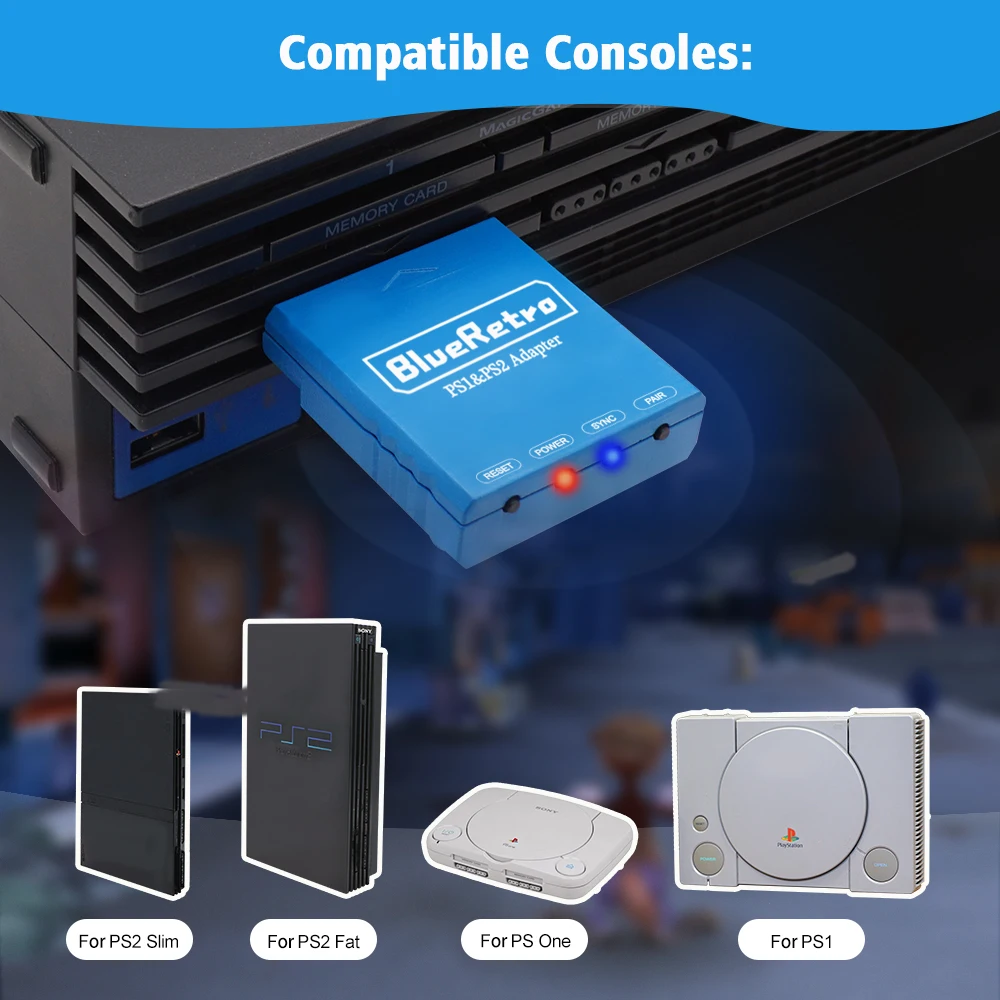
A12: It can be used on PS1, PS One, PS2 Fat, PS2 Slim consoles.
Q13: Why doesn't the computer recognize the adapter?
A13: 1. If the PC cannot recognize the adapter, please try to install the CH340 driver in PC.
2. Press and hold the PAIR button before connecting the Blueretro adapter to the PC with a USB cable.
3. Please try to change the USB cable or USB port.
Q14:Is it possible to use a Macbook to get the BD address used for the adapter to connect to the original PS3 wireless controller?
Q14: No, It can’t.
| Category | Tech & Electronics › Gaming › Gaming Accessories |
|---|---|
| Availability | In stock |
| Ships to | Canada |
| Buyer Guarantees | 15-Day No Update Refund & 60-Day No Delivery Refund |
No reviews yet
Be the first to share what you think of this product.


