

RMT-P1BTA Wireless Remote Control for Sony ZV-E10II A7RV A7IV A7RM6/A7RVI A7RIV A6700 RX100VII Vlogging YouTube TikTok Shooting
- Fast delivery
- 30-day returns
Hanpusen Wireless Remote Control Controller for Sony ZV-E10, a6100, a6400, a6600, a7 IV, a7 III, a7R III, a9, a7R IV, a9 II, DSC-RX0 II, DSC-RX100 VII, a7C, a7S III, ZV-1, ZV-1F, a1, FX3, FX30,
a7R V, a7R IV, a7R III Camera, Replace RMT-P1BT Commander
Product Highlights:
1. for select Sony cameras. It allows you to remote your camera wirelessly in an operating distance of approx. 10m /32.8ft in any direction.
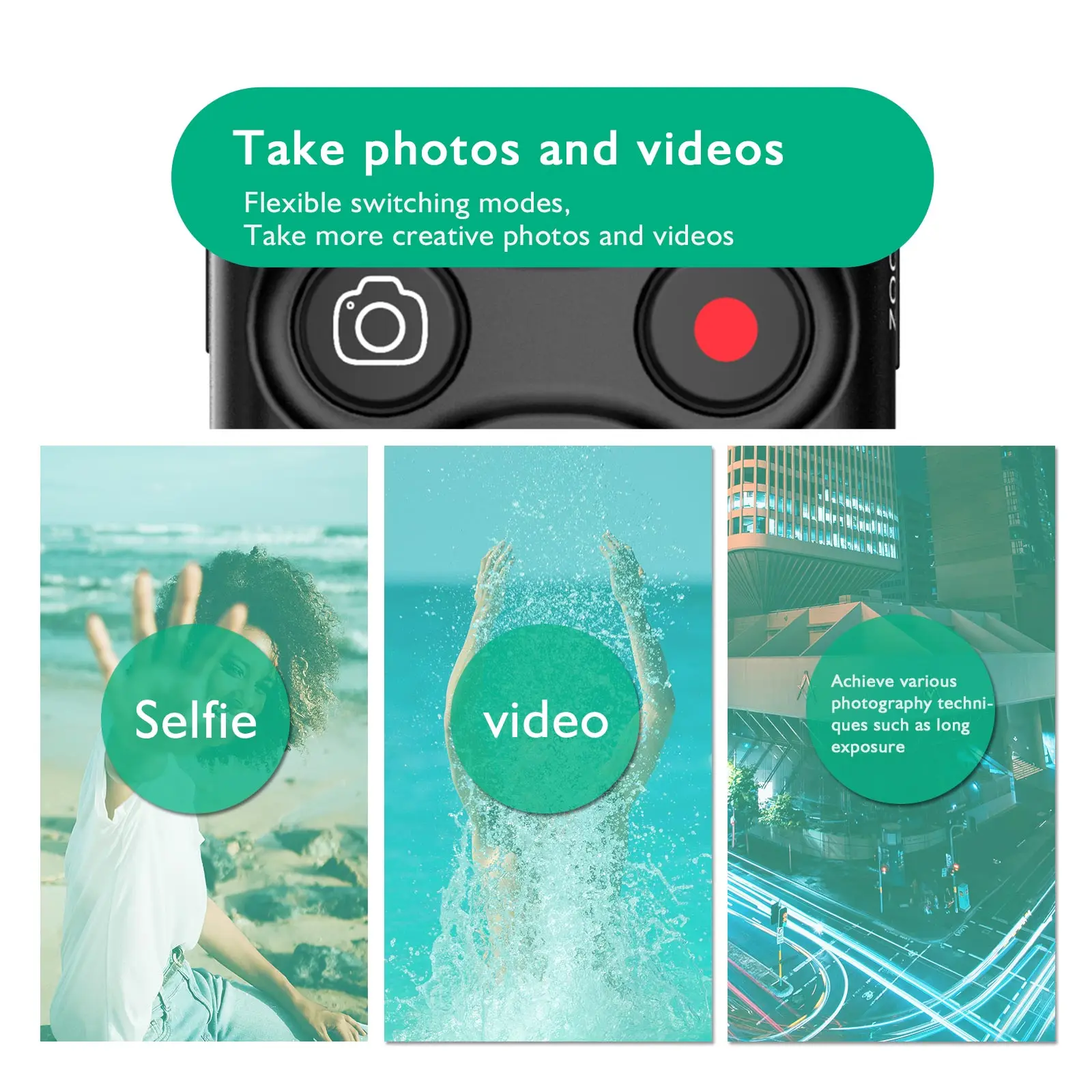
2. it can be used for shooting a still image, recording a video, adjusting camera focus, zooming the camera and activating the camera's C1 or AF-ON function.
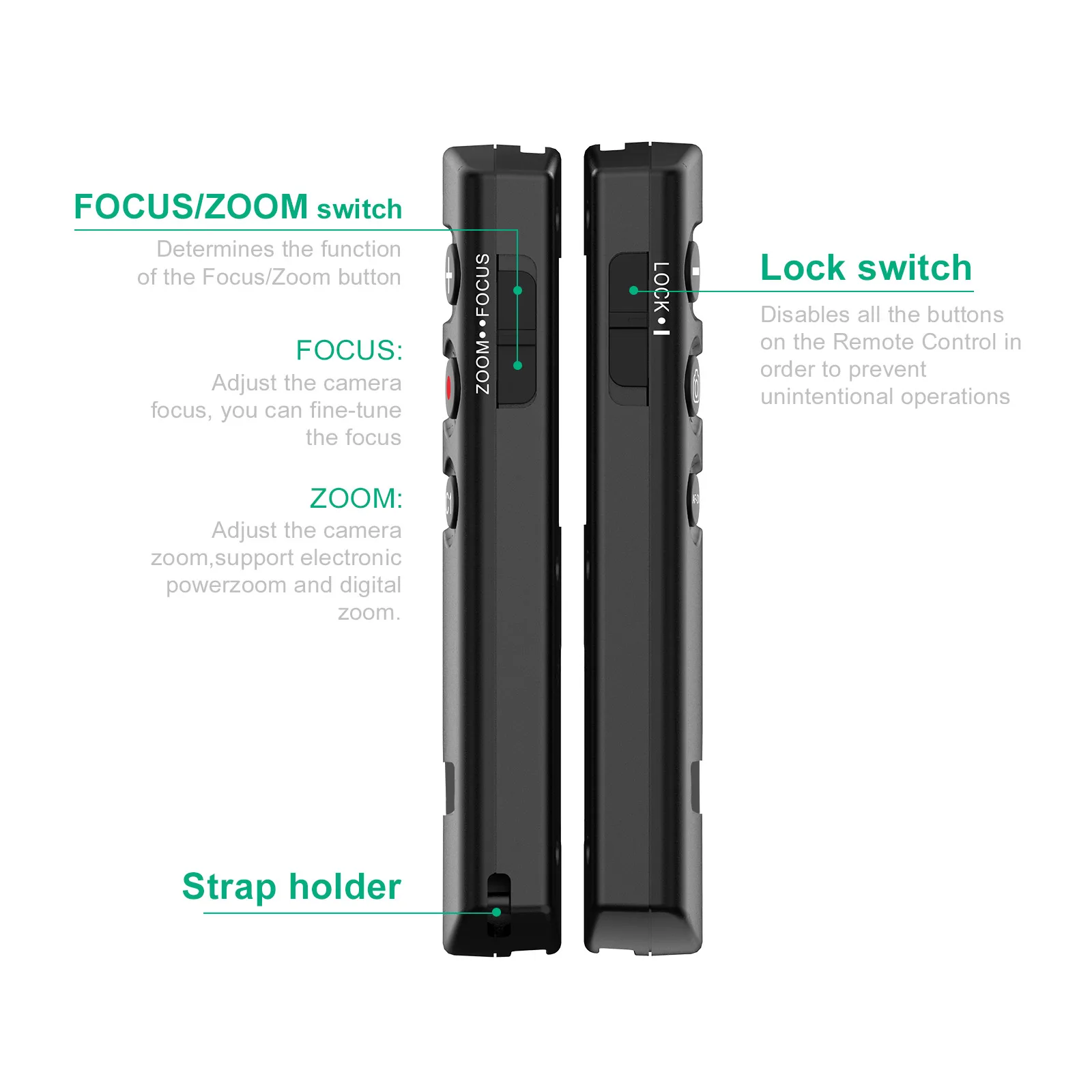
3. you can disable all the buttons on the remote control in order to prevent unintentional operations while you carry it around by sliding the LOCK switch to the "LOCK" position.
4. separate "shutter-release button" and "REC (record) button" to shoot a still image or to record a video conveniently and fast.
5. the remote is portable and you can put it in your pocket or hang it on your key ring. It is powered by a CR2032 battery (included).
6. replaces Sony RMT-P1BT remote commander completely. (this remote can not working with the sony Xperia phones)
Specifications:
Transmission method: 2.4GHz, GFSK modulation
Operating distance: Approx. 10m / 32.8'
Power: CR2032 battery included
Dimension: Approx. 32 x 100 x 14mm (1.3 x 3.9 x 0.6in.)
Weight: Approx. 28g
Package Includes:
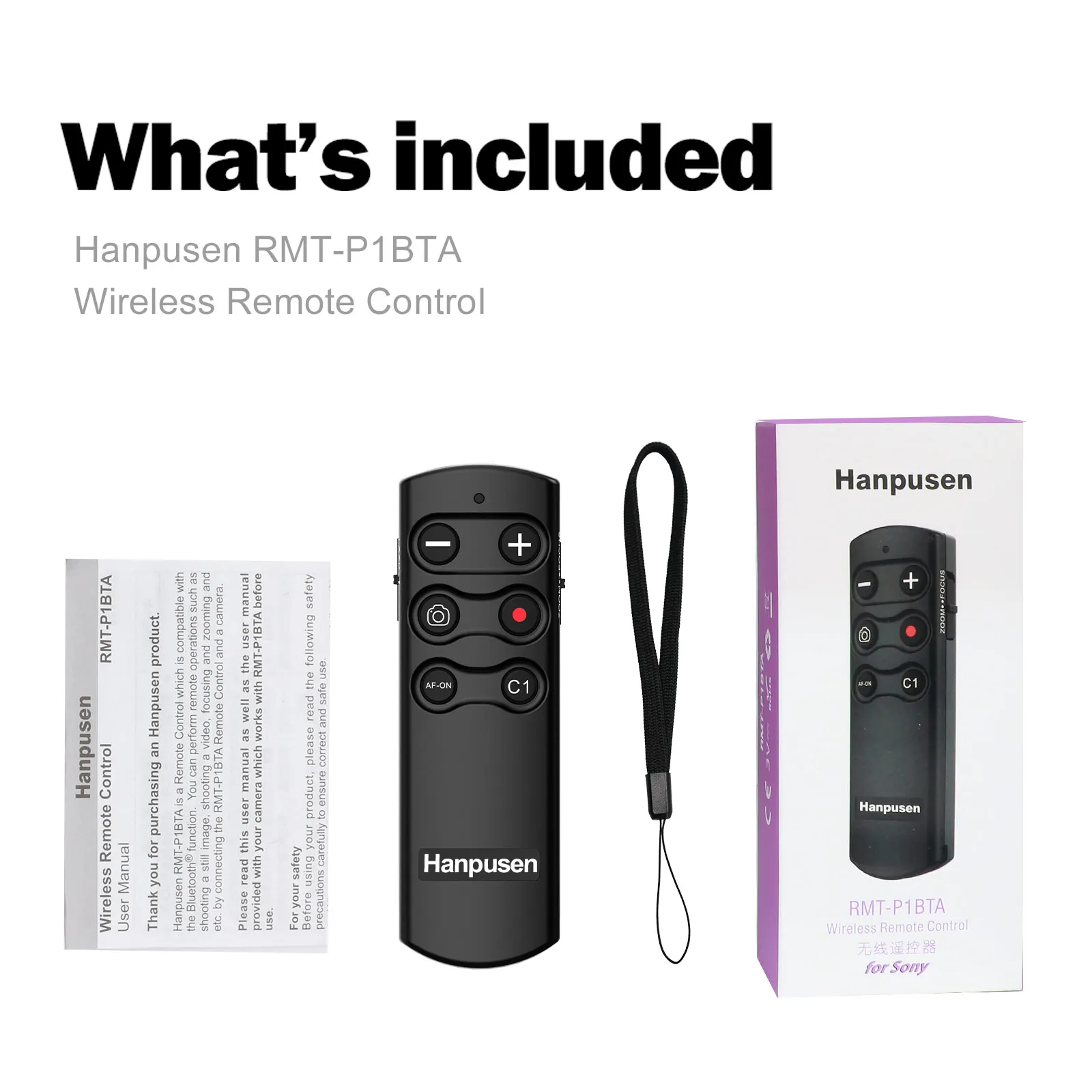
Wireless Remote Control x 1
CR2032 Battery x 1
Compatible with Sony Cameras:
Alpha A6700, A6600, A6400*, A6100;
A9 III, A9 II, A9*; A7 V, A7 IV, A7 III*; A1 II, A1;
A7SIII; A7CII, A7C, A7CRII, A7CR;
A7RM6/A7RVI, A7RM5/A7RV, A7RIV, A7RIII*;
ZV-E1, ZV-1F, ZV-1II, ZV-1, ZV-E10II, ZV-E10;
DSC-RX1RIII, RX100VII, RX0II*;
FX2, FX3, FX30; ILX-LR1
please note:
* a9 (with Ver. 6.00 firmware update);
* a7 III, a7R III (with Ver. 3.00 firmware update);
* a6400, DSC-RX0 II (with Ver. 2.00 firmware update).
Pairing:
1. Turn on the remote control.
2. Pairing the unit with the mounted camera.
Select MENU——Network——[Bluetooth Settings]——[Bluetooth Function]——[On].
Select MENU——Network——[Bluetooth Rmt Ctrl]——[On].
Select MENU——Network——[Bluetooth Settings]——[Pairing].
3. Press and hold the "shutter-release" button and " + " button at the same time for at least 7 seconds.
4. When a confirmation message appears on the camera’s screen, select [OK].
5. When pairing is complete, [Paired] appears, select [OK].




| Category | Tech & Electronics › Cameras & PHOTO › Camera Accessories |
|---|---|
| Availability | In stock |
| Ships to | Canada |
| Buyer Guarantees | 15-Day No Update Refund & 60-Day No Delivery Refund |
No reviews yet
Be the first to share what you think of this product.


