

TELESIN Magnetic Selfie ZOOM Control Mini Monitor Screen Vlog Selfie For iPhone Android Iphone Wireless Remote for MagSafe
- Fast delivery
- 30-day returns
Product Name: TELESIN Magnetic Selfie Zoom Control Mini Monitor Screen – Wireless Remote for MagSafe
Product Overview
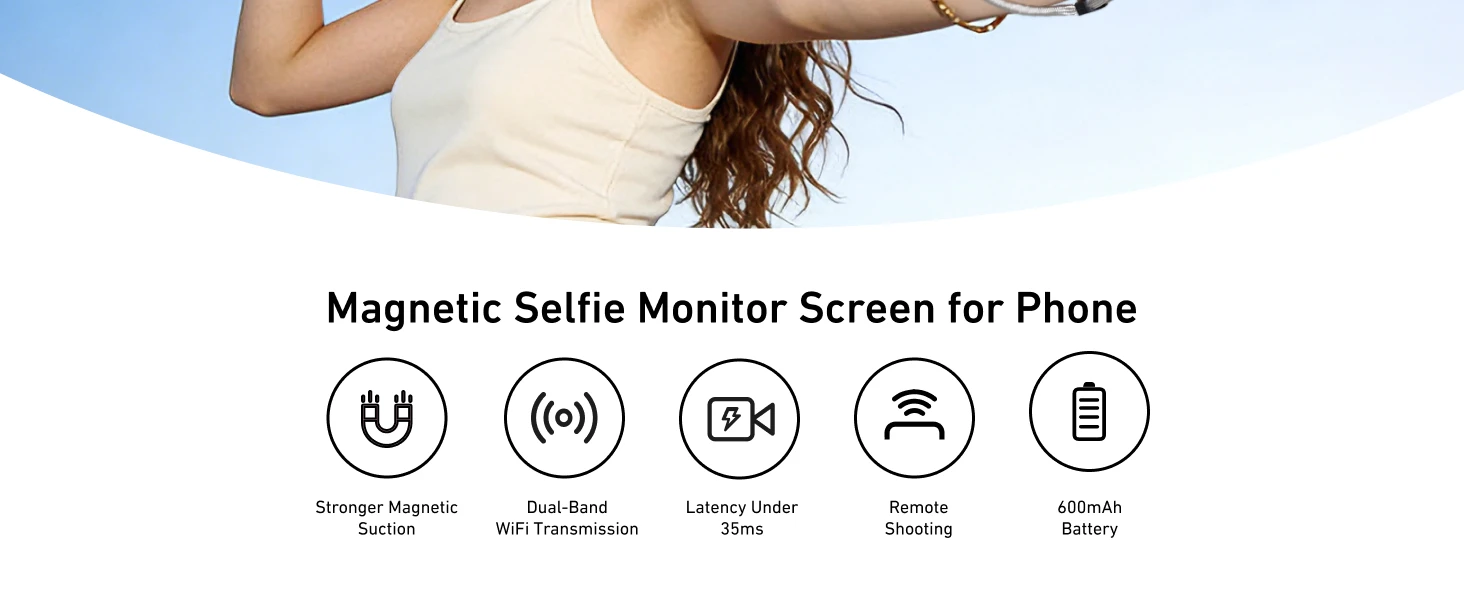
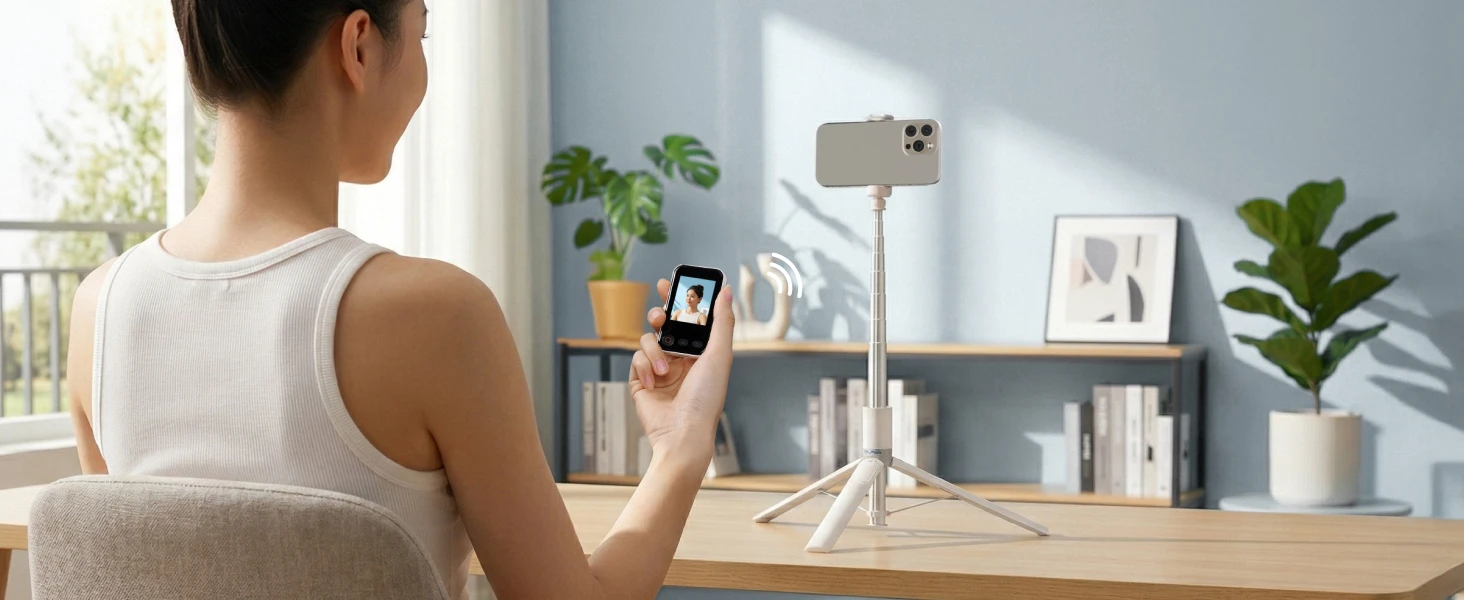
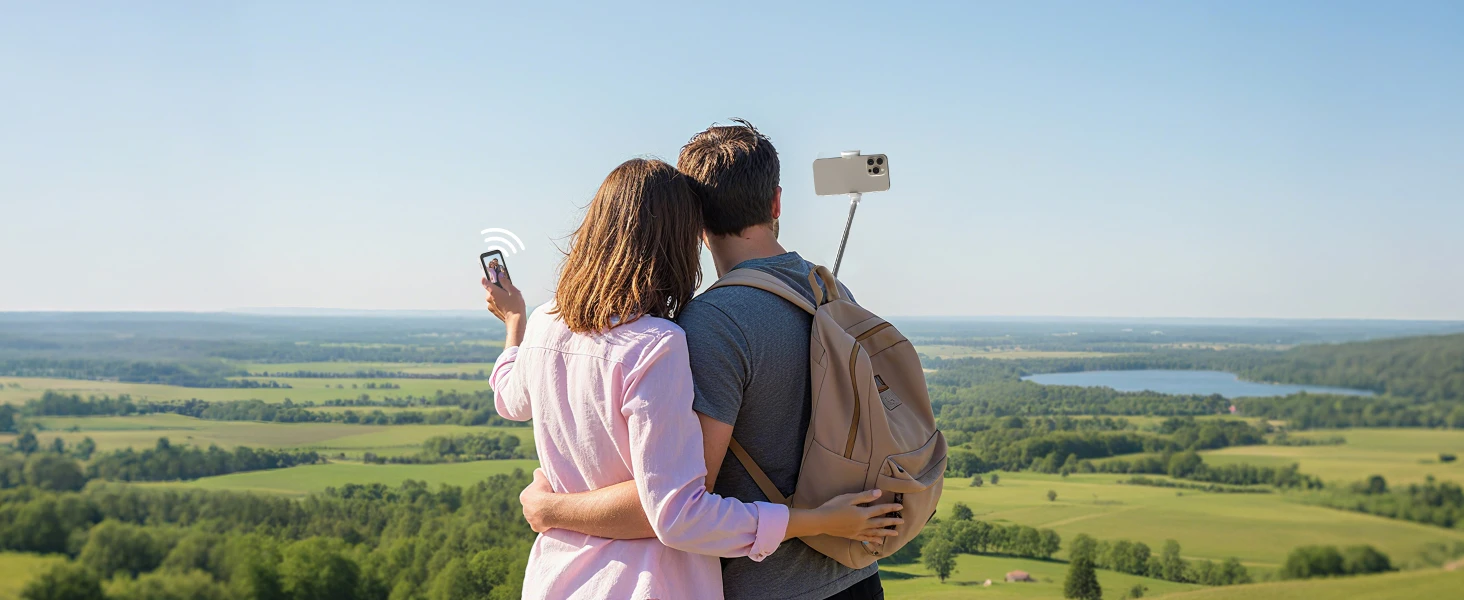
Upgrade your vlogging and selfie game with the TELESIN Magnetic Selfie Monitor Screen. It combines a high-quality monitor with a multi-function Bluetooth remote, allowing you to preview your shot and control zoom/shutter remotely. Perfect for iPhone and Android users who want precise, hands-free shooting.
Key Features
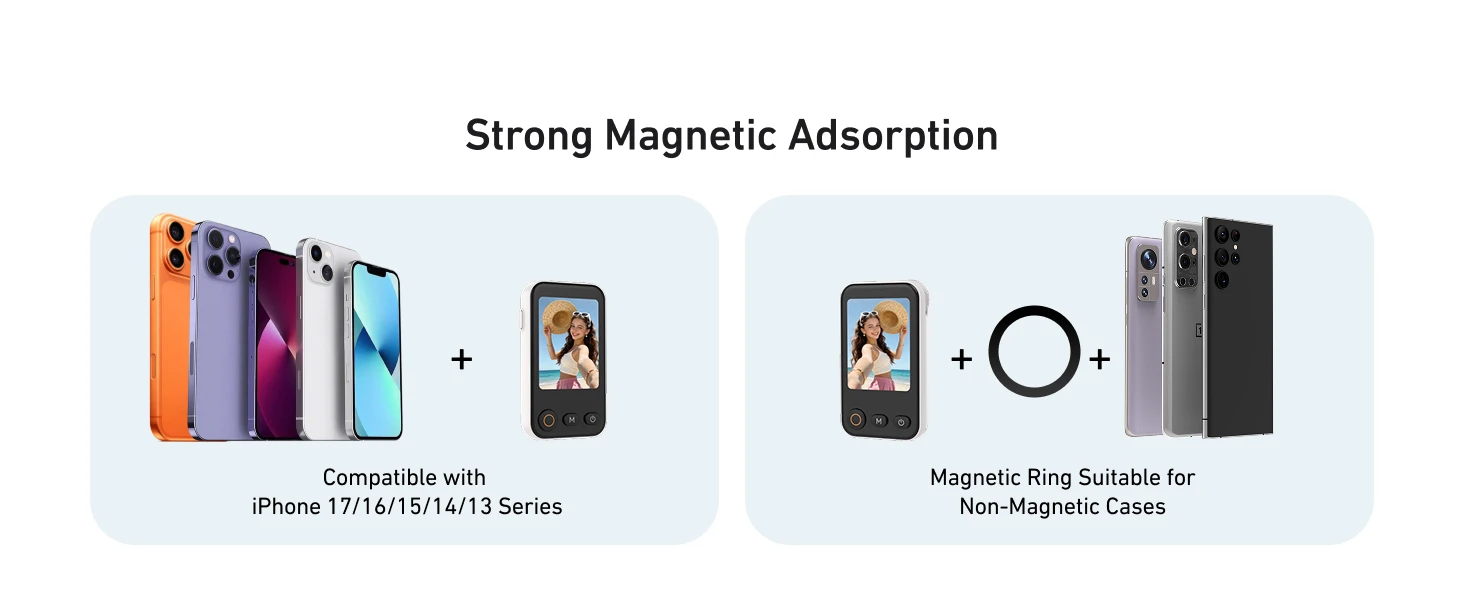
Magnetic Selfie Monitor – Strong magnetic adsorption for easy attachment. Compatible with iPhone 17/16/15/14/13 Series and MagSafe. Includes a magnetic ring for non-magnetic cases.
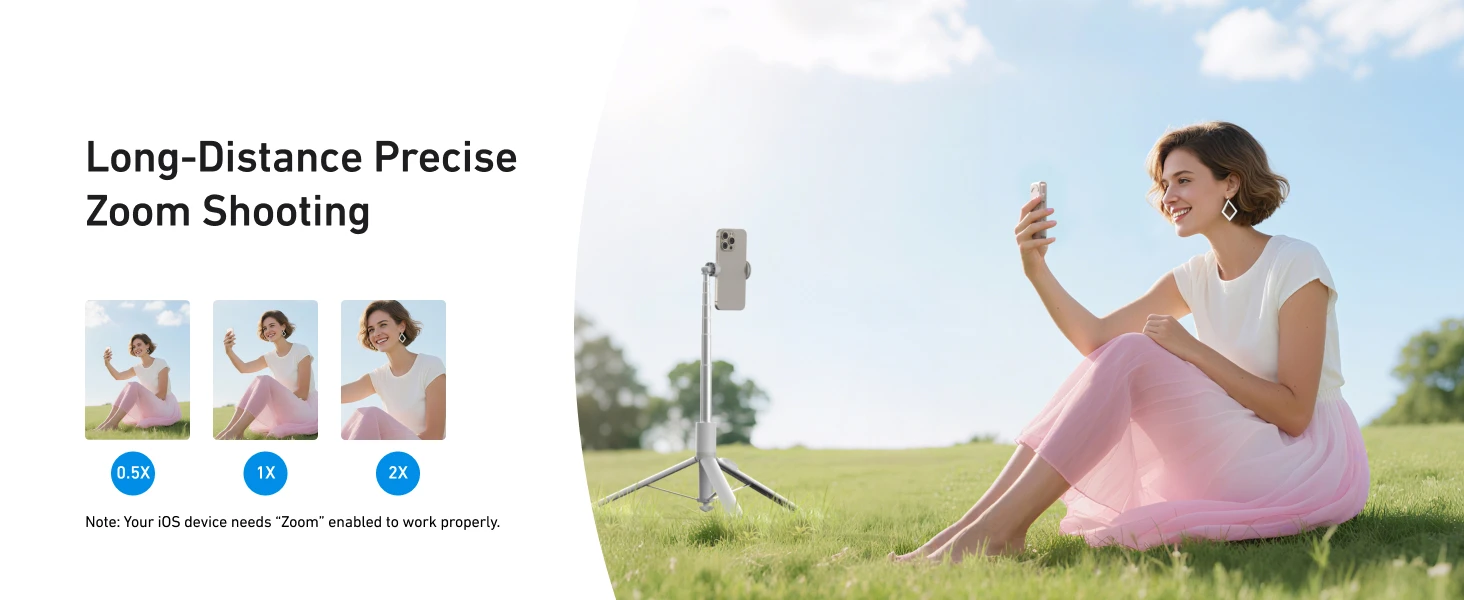
Precise Zoom Control – Supports quick zoom switching (0.5X, 1X, 2X, 3X) directly from the remote.
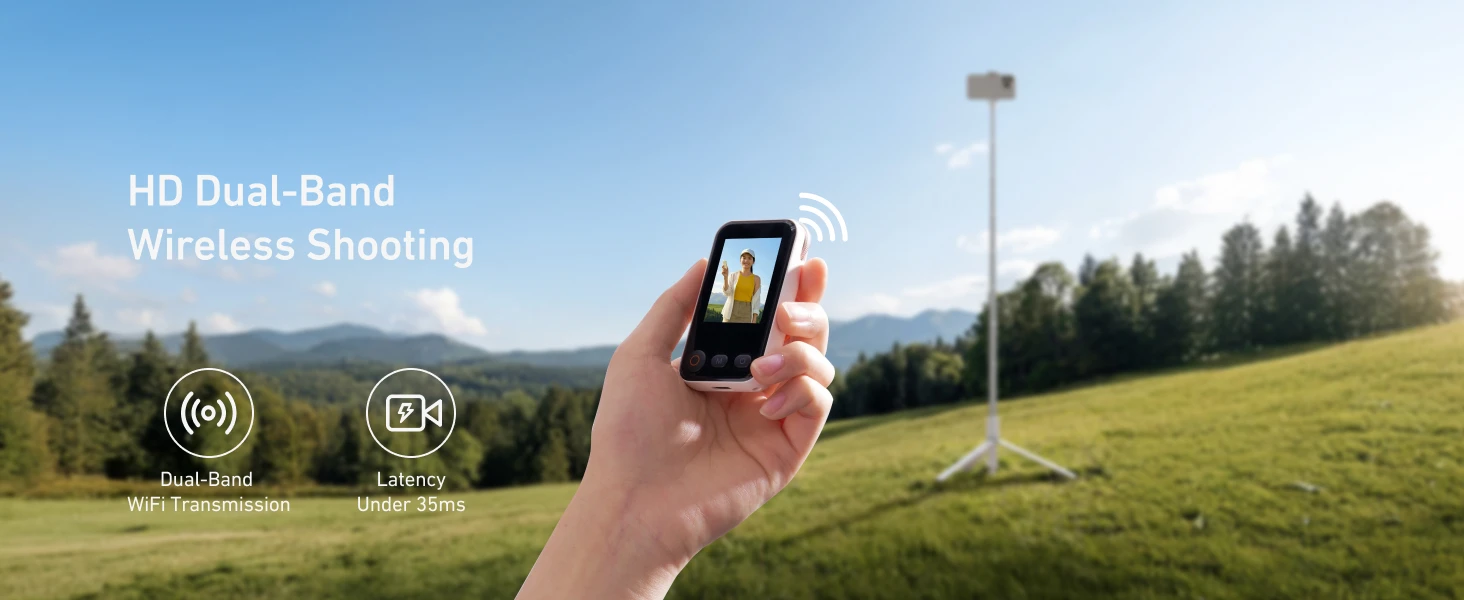
Dual-Band Wireless Connection – Uses both Bluetooth and Wi-Fi for stable, low-latency transmission (under 35ms). Range up to 10 meters.
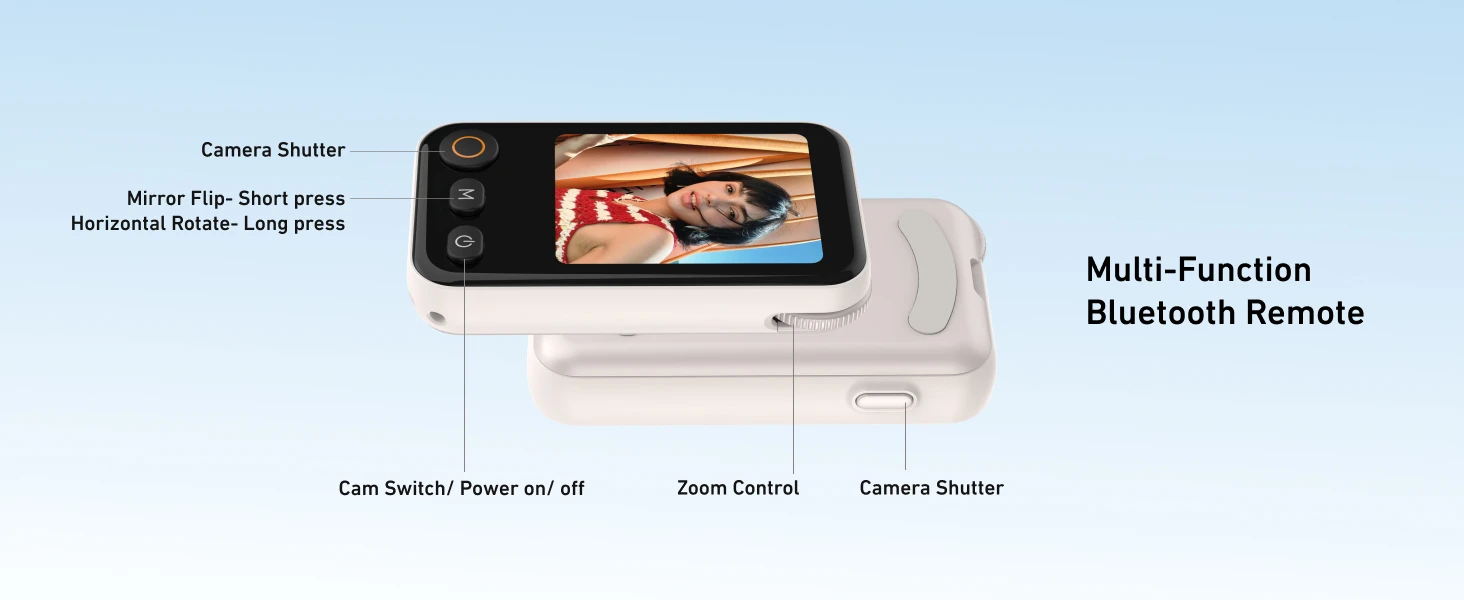
Multi-Function Bluetooth Remote – Short press: mirror flip / camera shutter. Long press: horizontal rotate / power on/off. Also includes cam switch and zoom control.
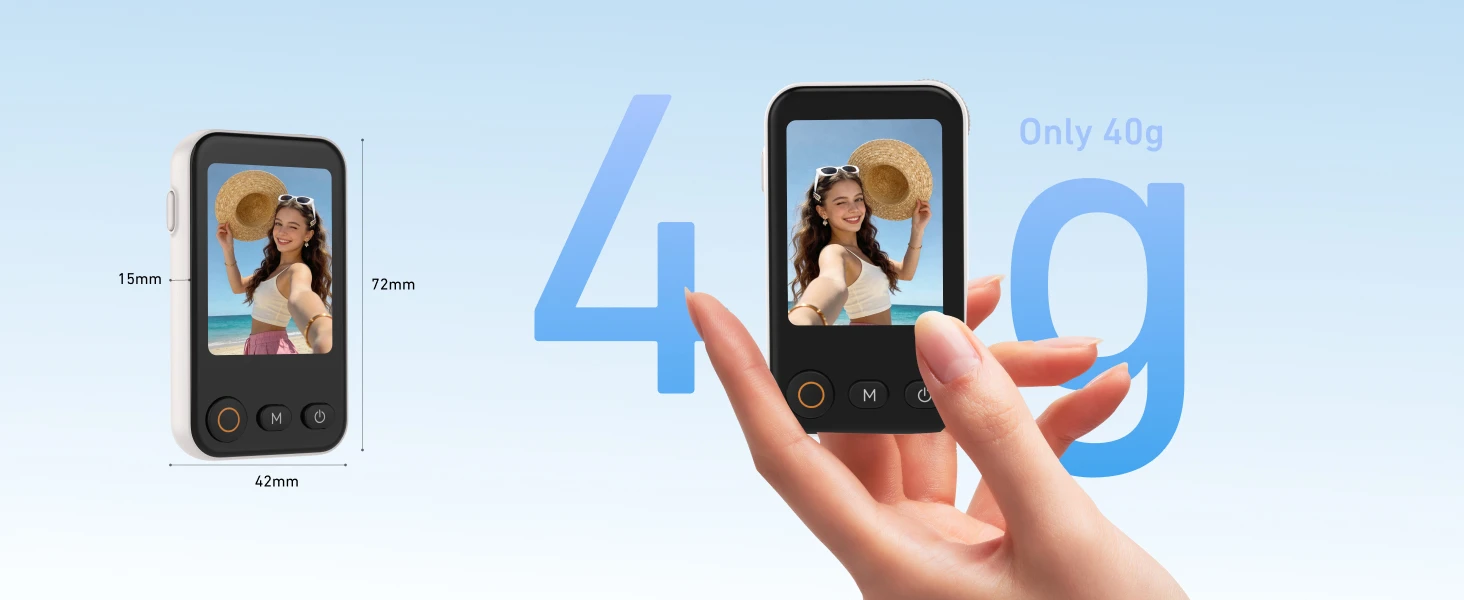
Ultra-Light & Portable – Weighs only 40g. Dimensions: 72mm x 42mm x 15mm.
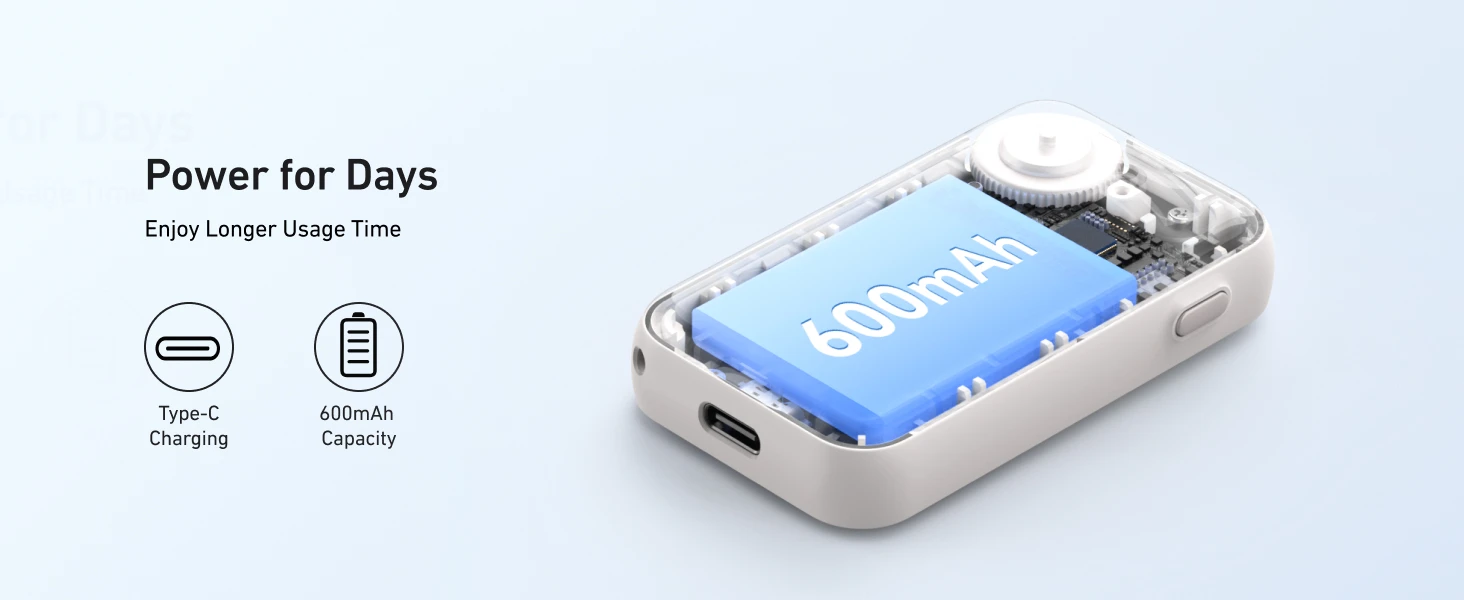
Long Battery Life – Built-in 600mAh battery, Type-C charging for days of use.
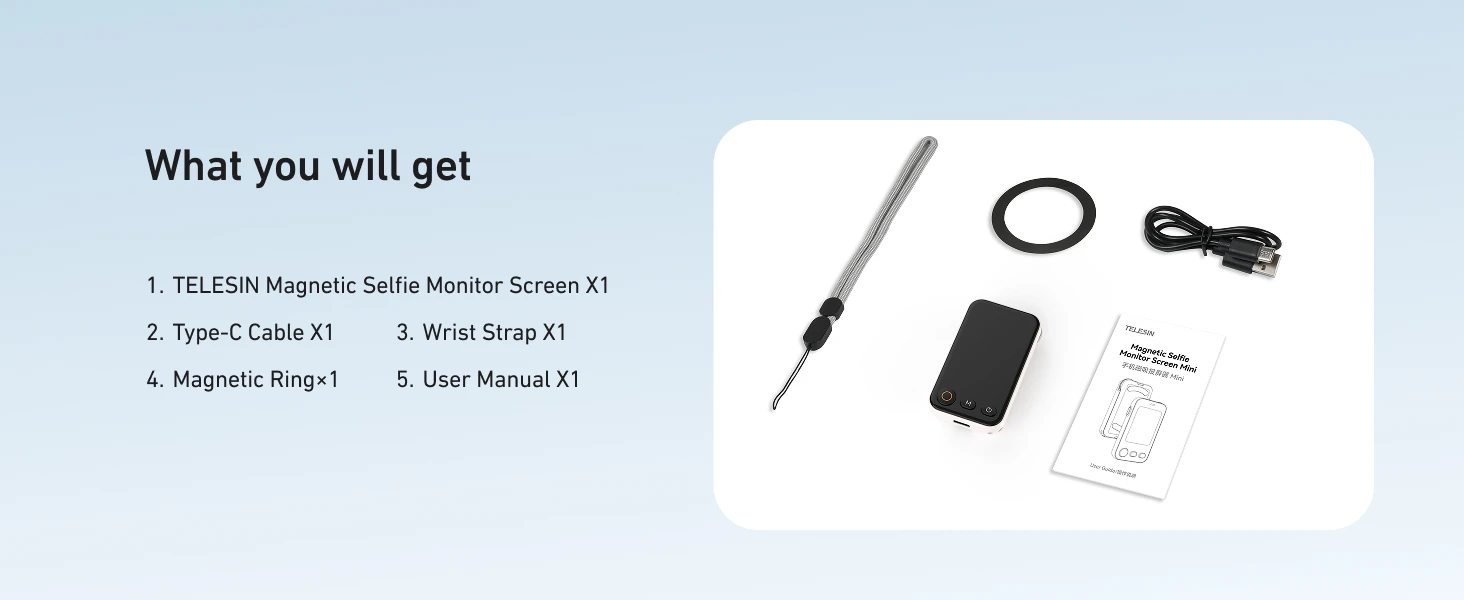
What's in the Box
TELESIN Magnetic Selfie Monitor Screen Mini x1
Type-C Cable x1
Wrist Strap x1
Magnetic Ring x1
User Manual x1
Compatibility
Works with iOS (iPhone 13/14/15/16/17 series) and Android devices.
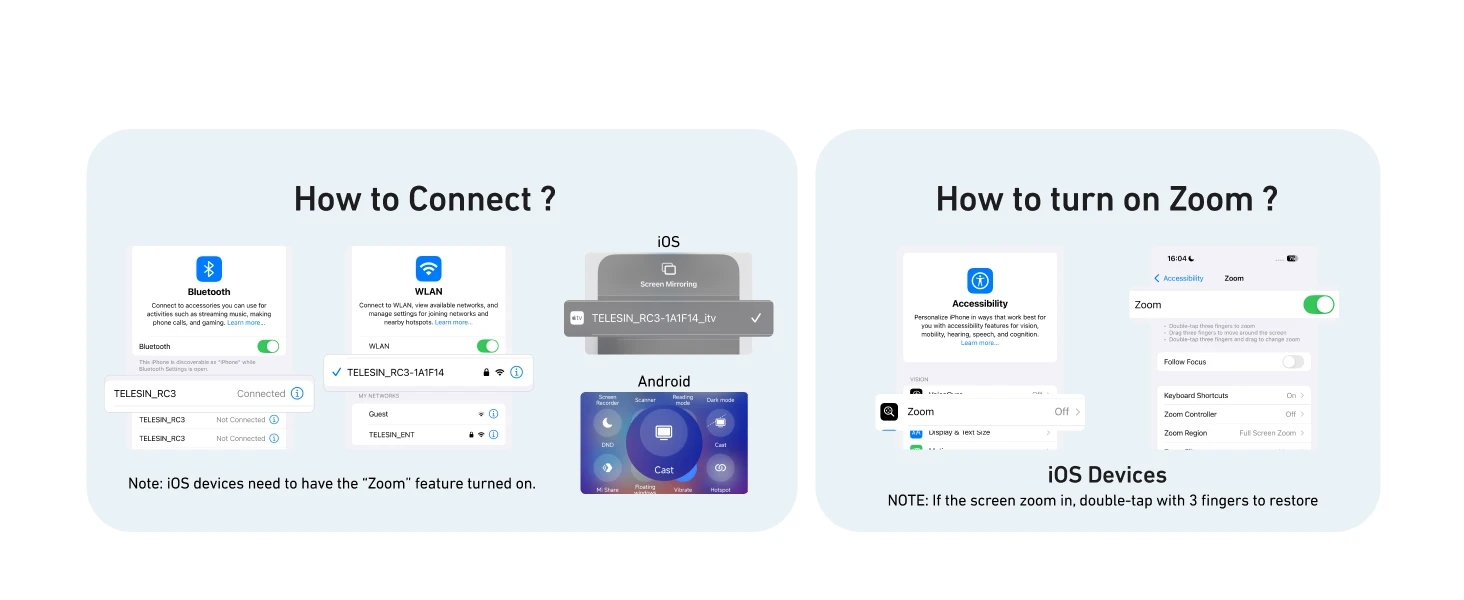
Note for iOS users: You must enable the "Zoom" feature in your phone settings for zoom control to work properly. If the screen zooms in unexpectedly, double-tap with three fingers to restore.
How to Connect
For iOS / Harmony / Android:
Turn on Bluetooth and search for device "TELESIN_RC3" to pair.
For screen mirroring, go to Wi-Fi settings, find the device "TELESIN_RC3", enter password 12345678, then swipe down from the top-right corner to connect.
Important Note
If you experience screen zoom issues on iOS, go to Settings > Accessibility > Zoom and turn it on. Double-tap with three fingers to zoom out if needed.
TELESIN – Your Best Selfie Stick Choice. Screen Preview + Remote Control in one lightweight device.


| Category | Tech & Electronics › Cameras & PHOTO › Camera Accessories |
|---|---|
| Availability | In stock |
| Ships to | Canada |
| Buyer Guarantees | 15-Day No Update Refund & 60-Day No Delivery Refund |
No reviews yet
Be the first to share what you think of this product.


