

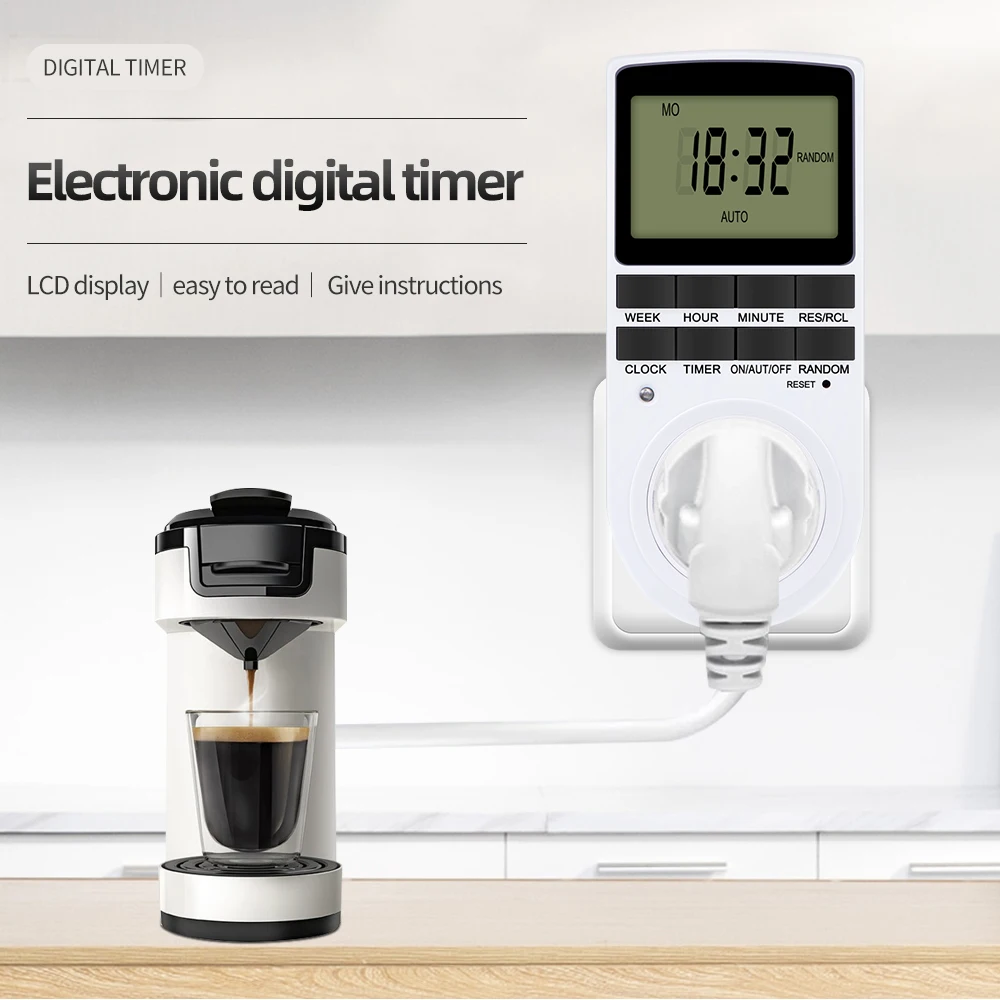
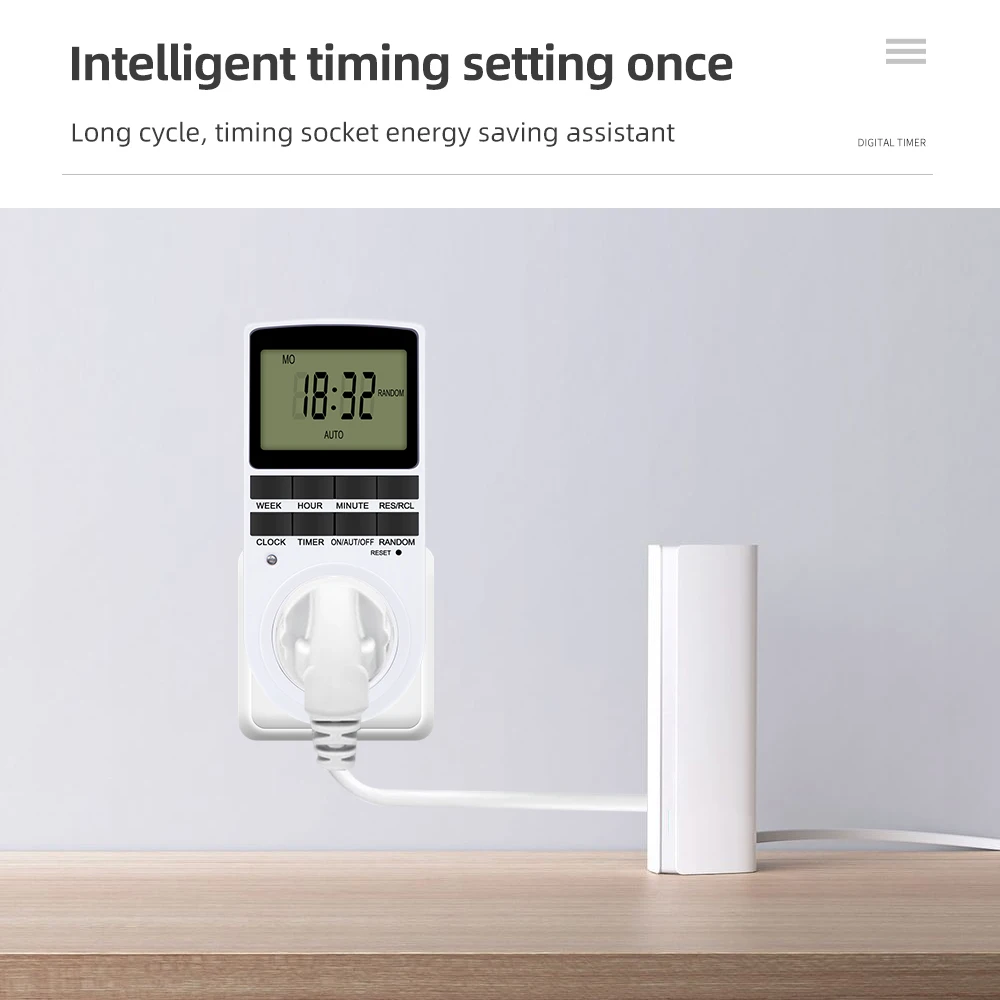
TM02 Electronic Digital Timer Kitchen Timer Socket Outlet 230V 110V 12/24 Hour Cyclic Outlet Programmable Timing EU FR US Plug
- Fast delivery
- 30-day returns
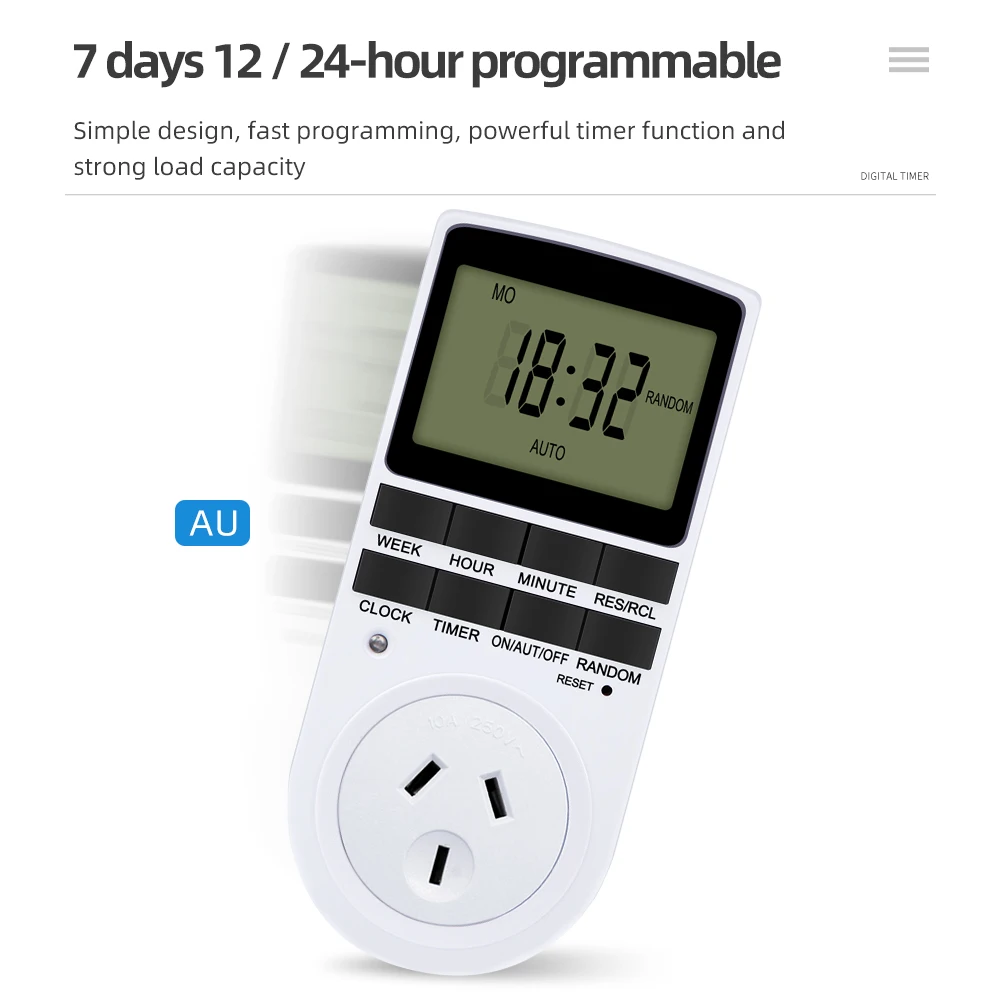
TM02 Electronic Digital Timer Kitchen Timer Socket Outlet 230V 110V 12/24 Hour Cyclic Outlet Programmable Timing EU FR US UK AU Plug
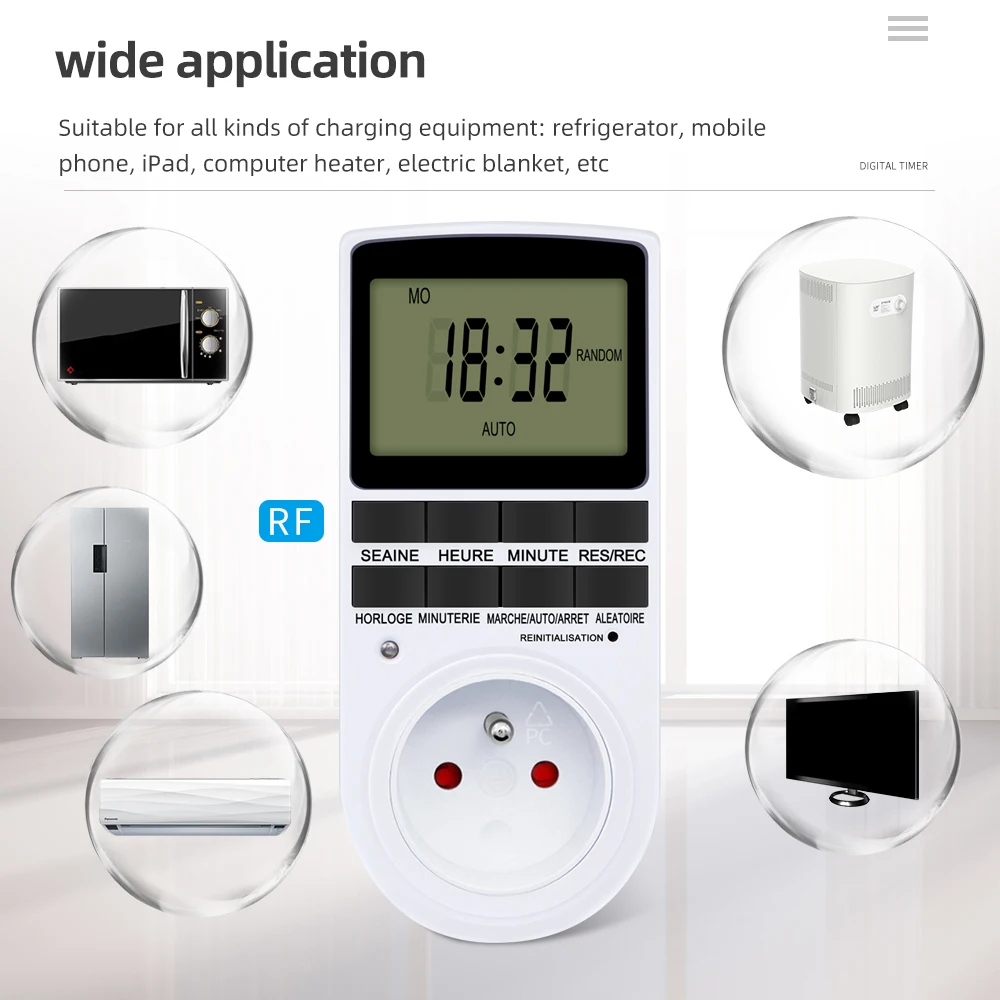
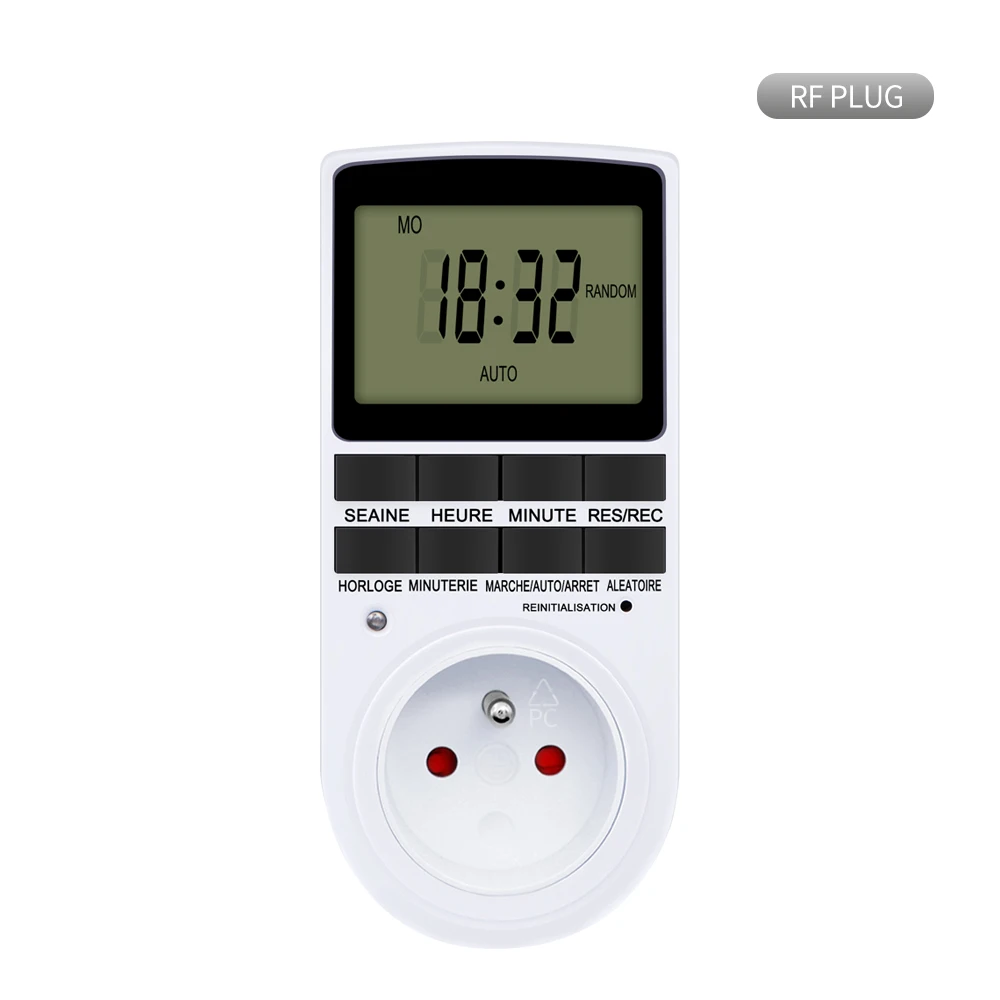
Please Note: The textual description of FR Plug products is in French!
Specifications:
Product Name: Timer
Number of programs: 10 groups setting
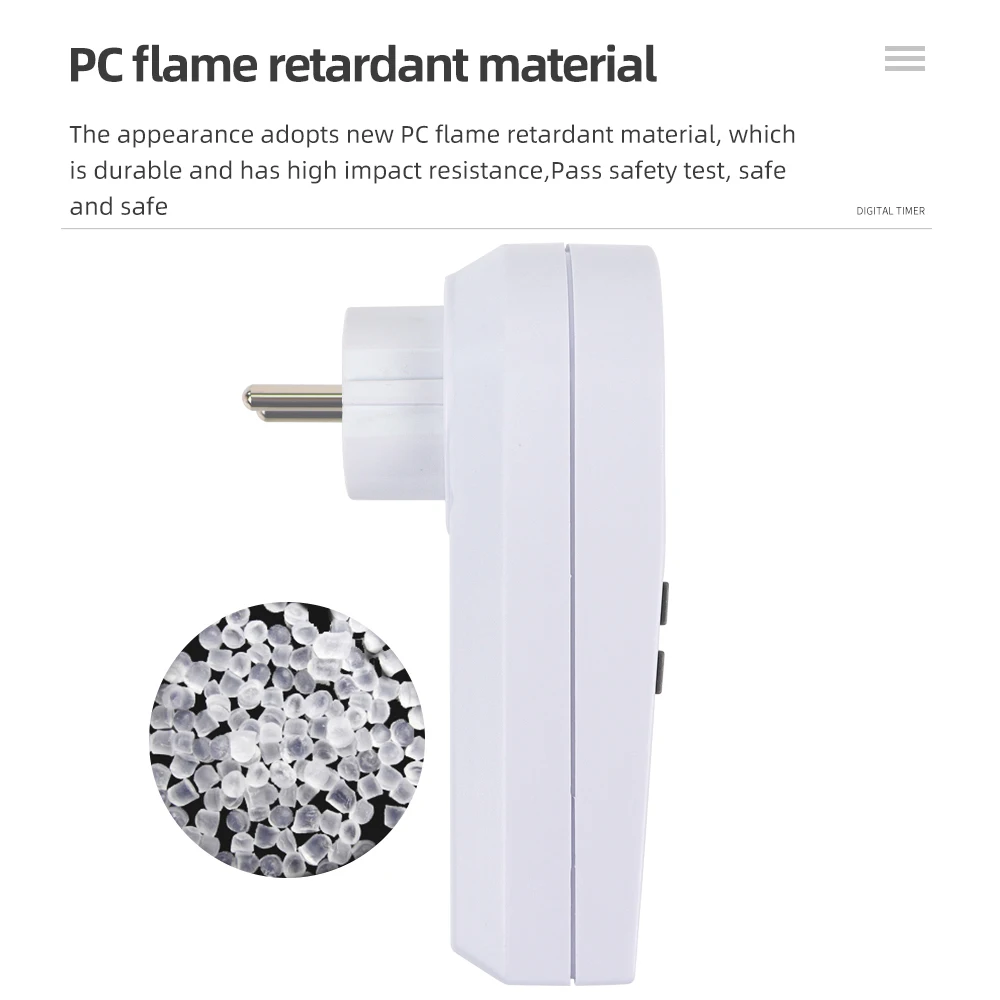
Hull material: PC
Operating temperature: -10-40 ℃
Min in the timer setting: 1 Minute
Accuracy: +/- 1 Min / Mon
Type:
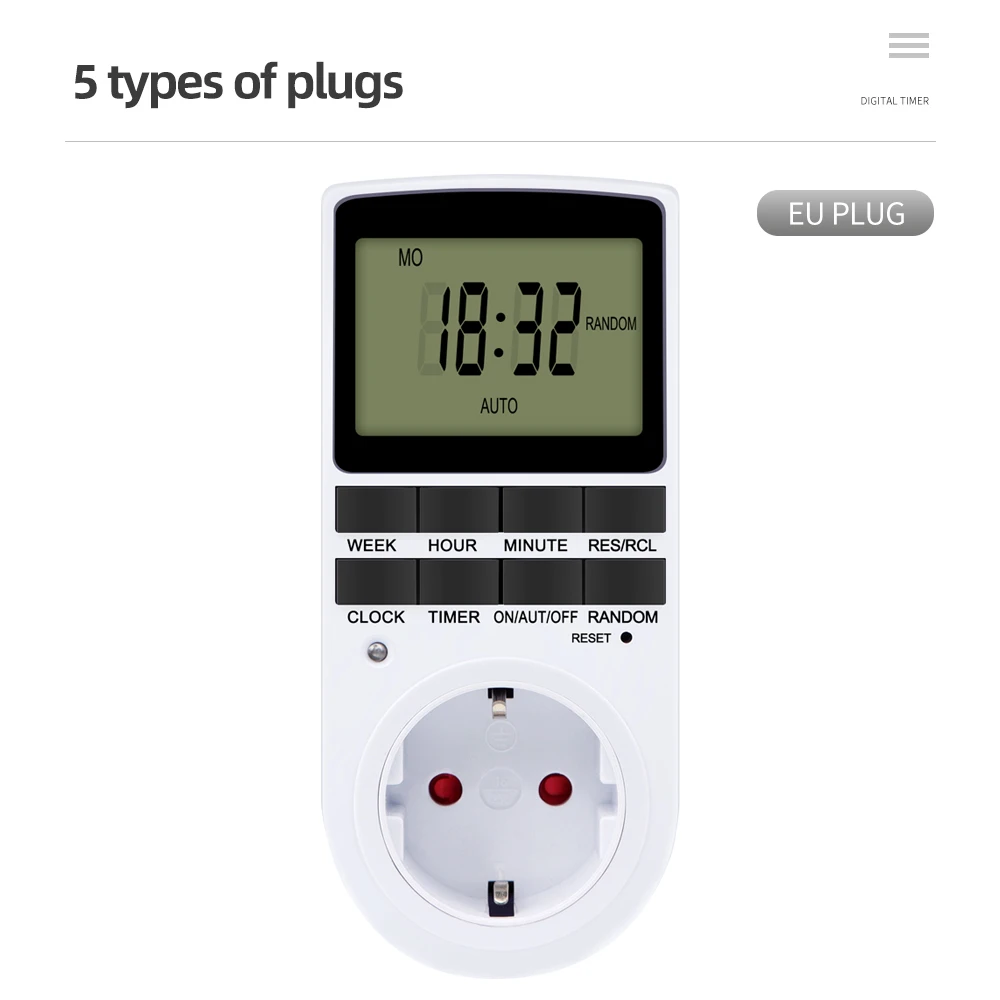
EU(230V 50Hz)
FR(230V 50Hz)
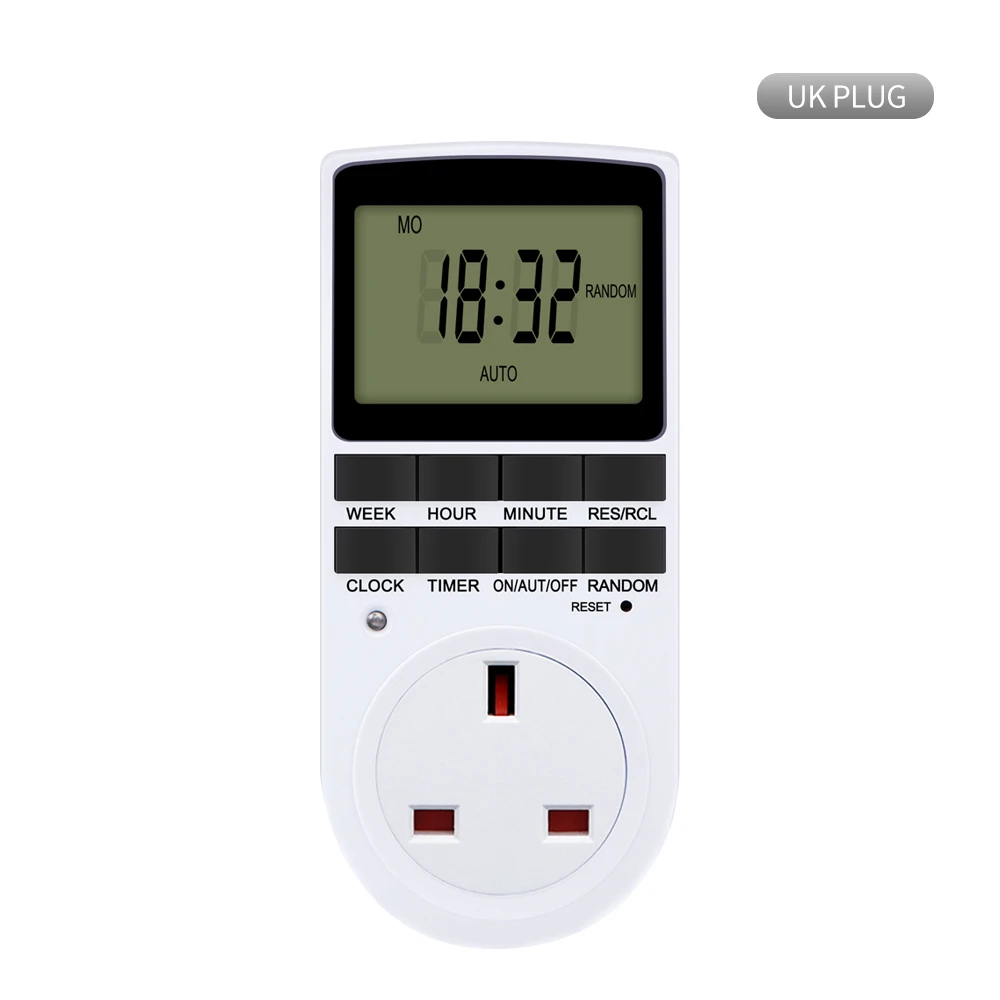
UK(230V 50Hz)
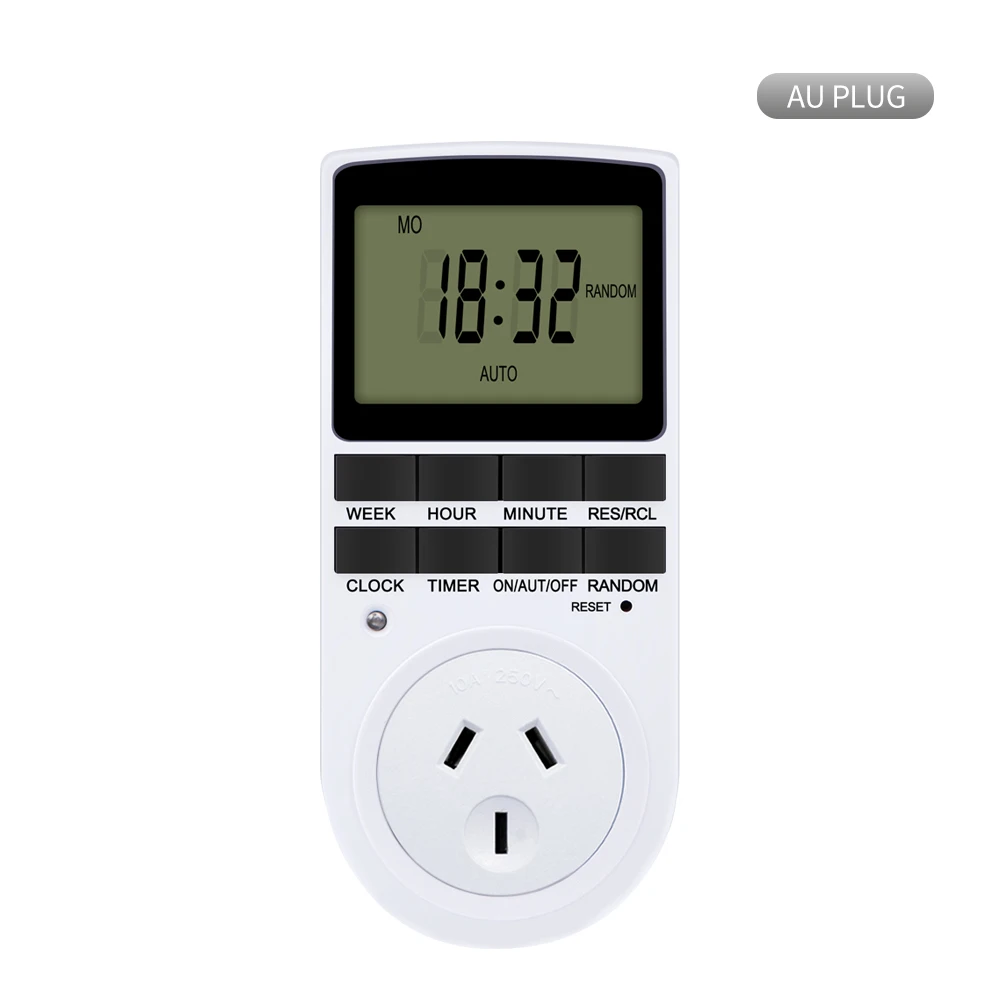
AU(240V 50Hz)
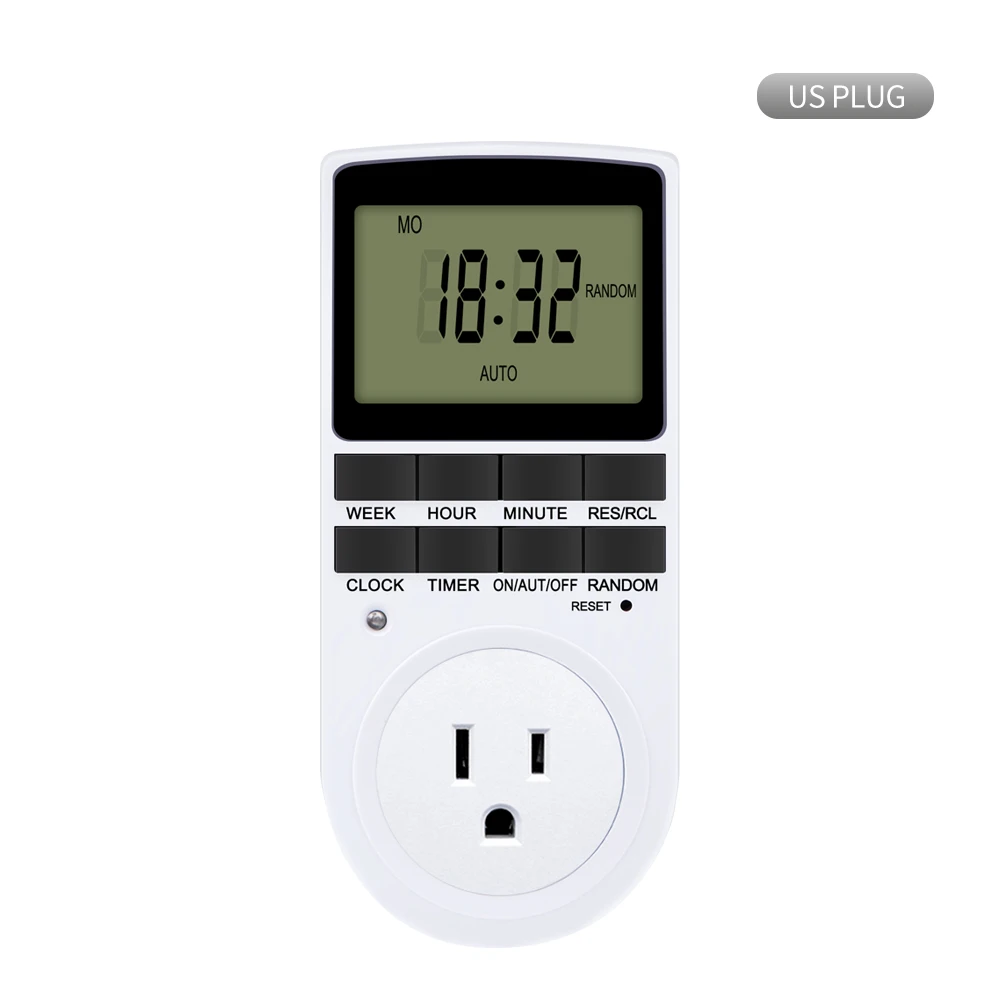
US(120V 60Hz)
Setting programs;
Press the timer button and release. 1on Will display on the screen.
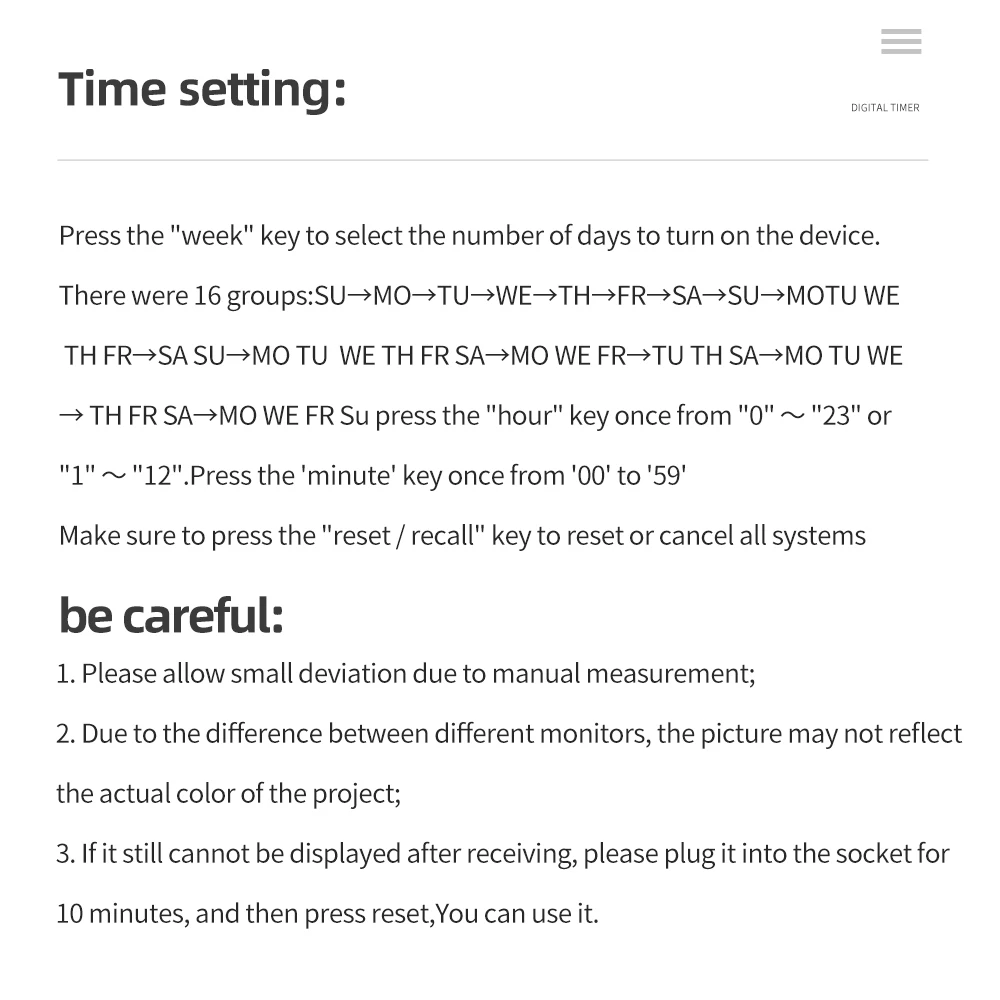
Press the week button to set the day or blocks of days, set the time by pressing the hour button, then the minute button.
Press the " timer" button again to complete the first setting .1 off will display on the screen.
Press the week button to set the day or blocks of days, set the time by pressing the hour button, then the minute button. 1 group of setting finish .
Repeat 2 ,3 and 4 to program the other setting.
After finishing the settings, press the clock button and the timer is ready to operate
TIME SETTING CURRENT:
Press and hold the “clock” button and press the “week” button until the actual day is displayed, then pressing the “ hour “or “minute” and “Clock” button until the current time or MINUTE is displayed. When setting, the week, hour or minute buttons can be selected for quick counting
Release both buttons, the week and time will be set.
To reset the incorrect time,reset it and then repeat the previous steps.
Description:
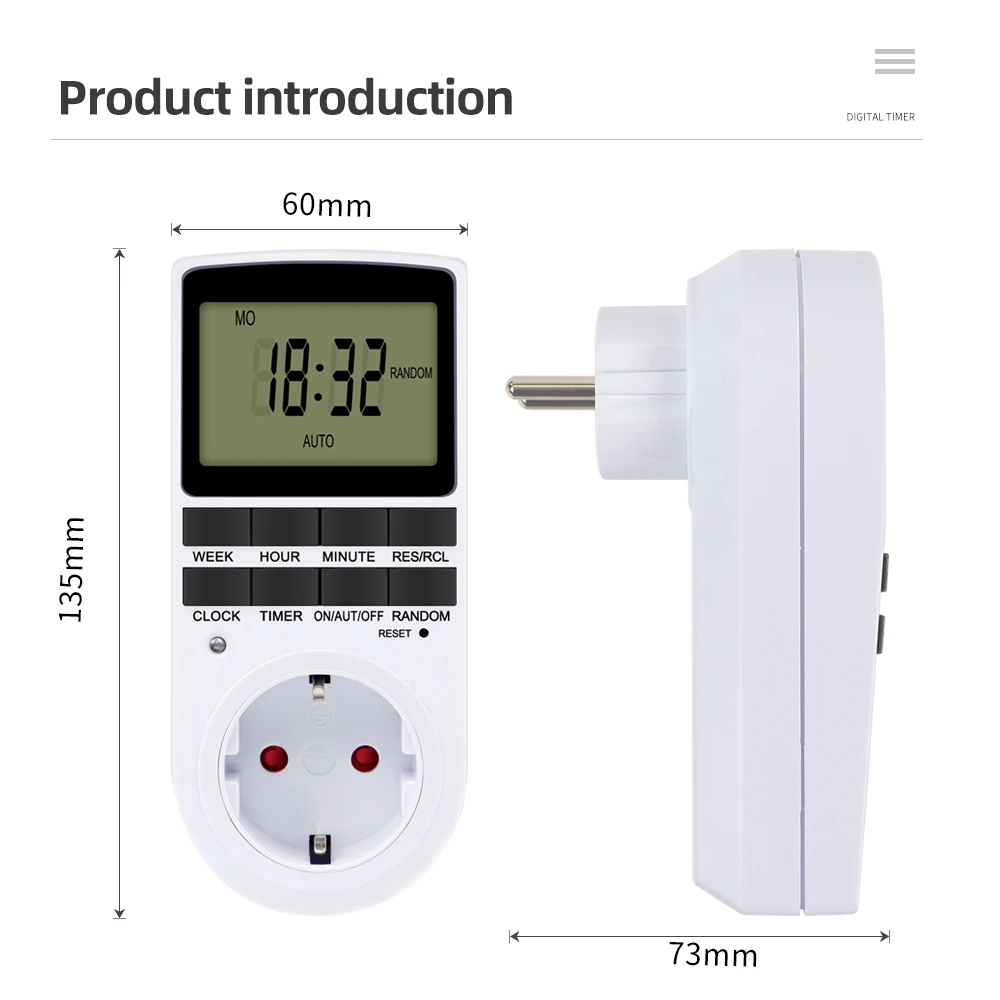
Dimension(approx.):13cm x 5.8cm x 4.5cm/5.12" x 2.28" x 1.77"
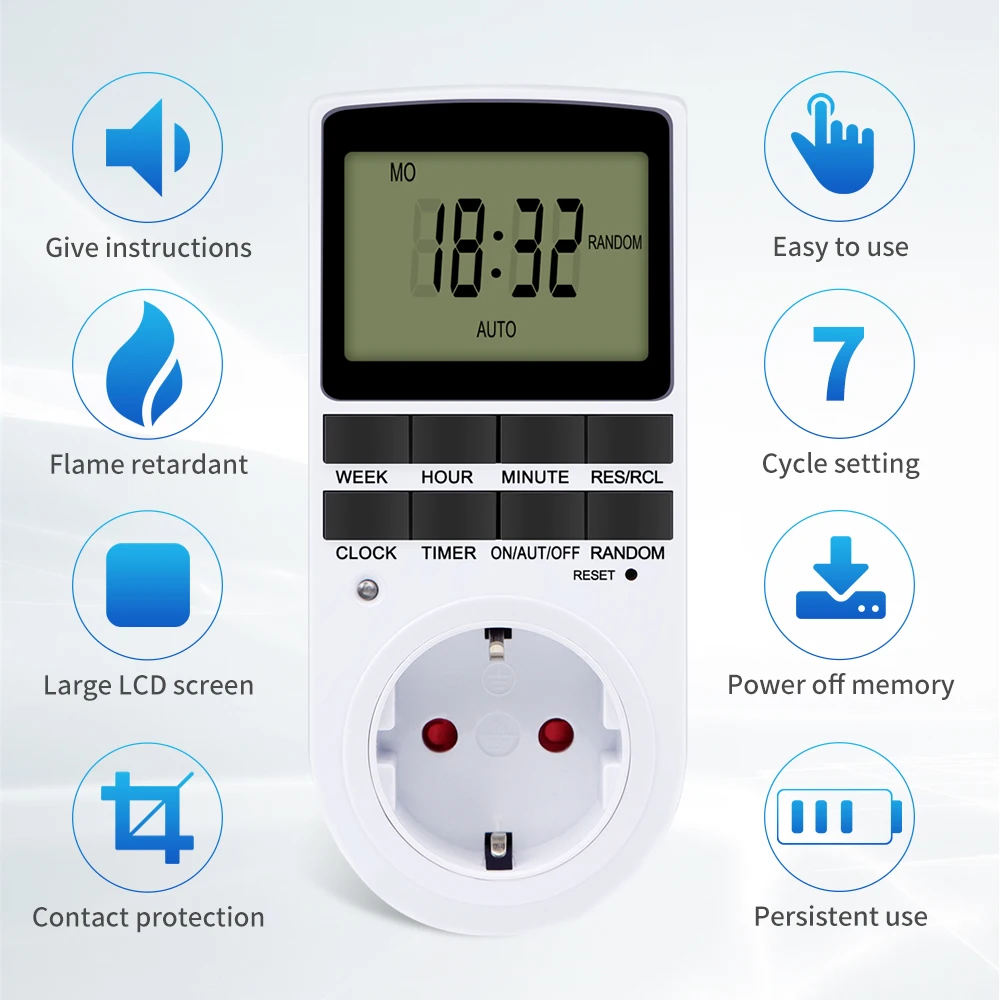
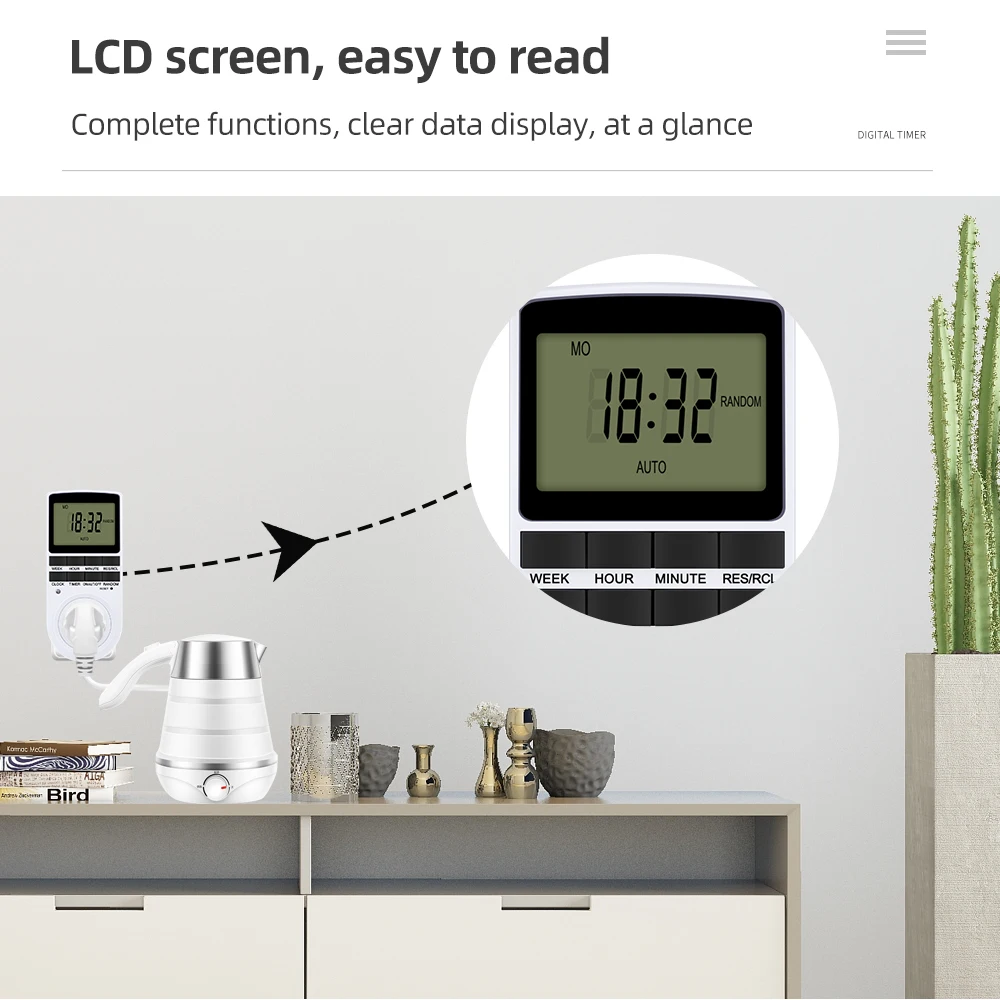
Large LCD Display
LCD size(approx.):34*49mm

| Category | DIY, Tools & Hardware › Tools & Equipment › Measuring Tools |
|---|---|
| Availability | In stock |
| Ships to | Canada |
| Buyer Guarantees | 15-Day No Update Refund & 60-Day No Delivery Refund |
No reviews yet
Be the first to share what you think of this product.


