

Tuya Zigbee Computer Power Reset Switch PCIe Card Remote Control for PC Desktop Smart Life APP Support Alexa Google Home
- Fast delivery
- 30-day returns



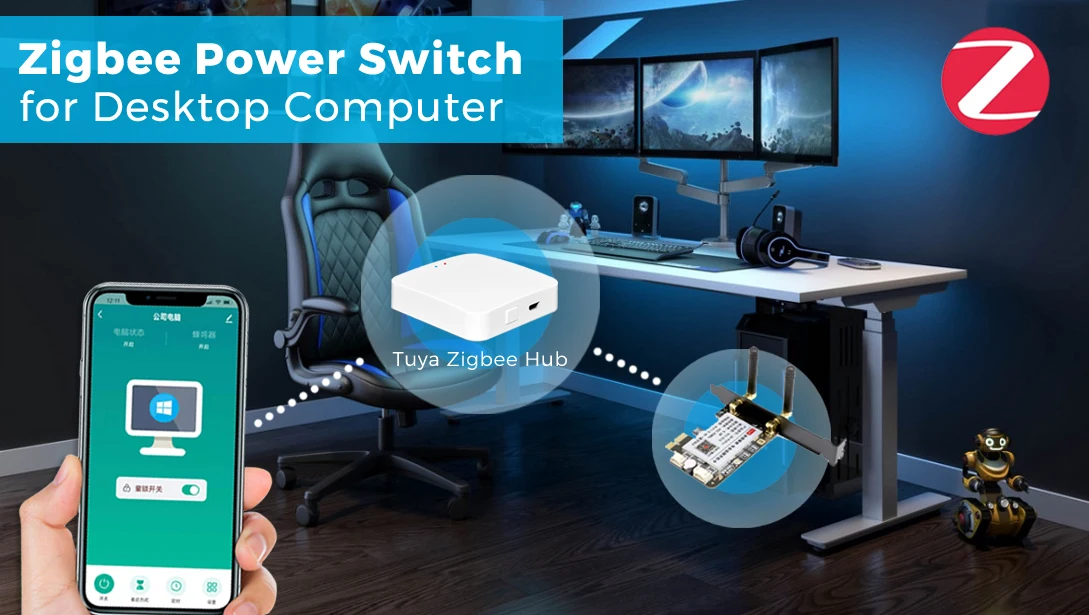
Tuya Zigbee Computer Power Switch
-------------------------------
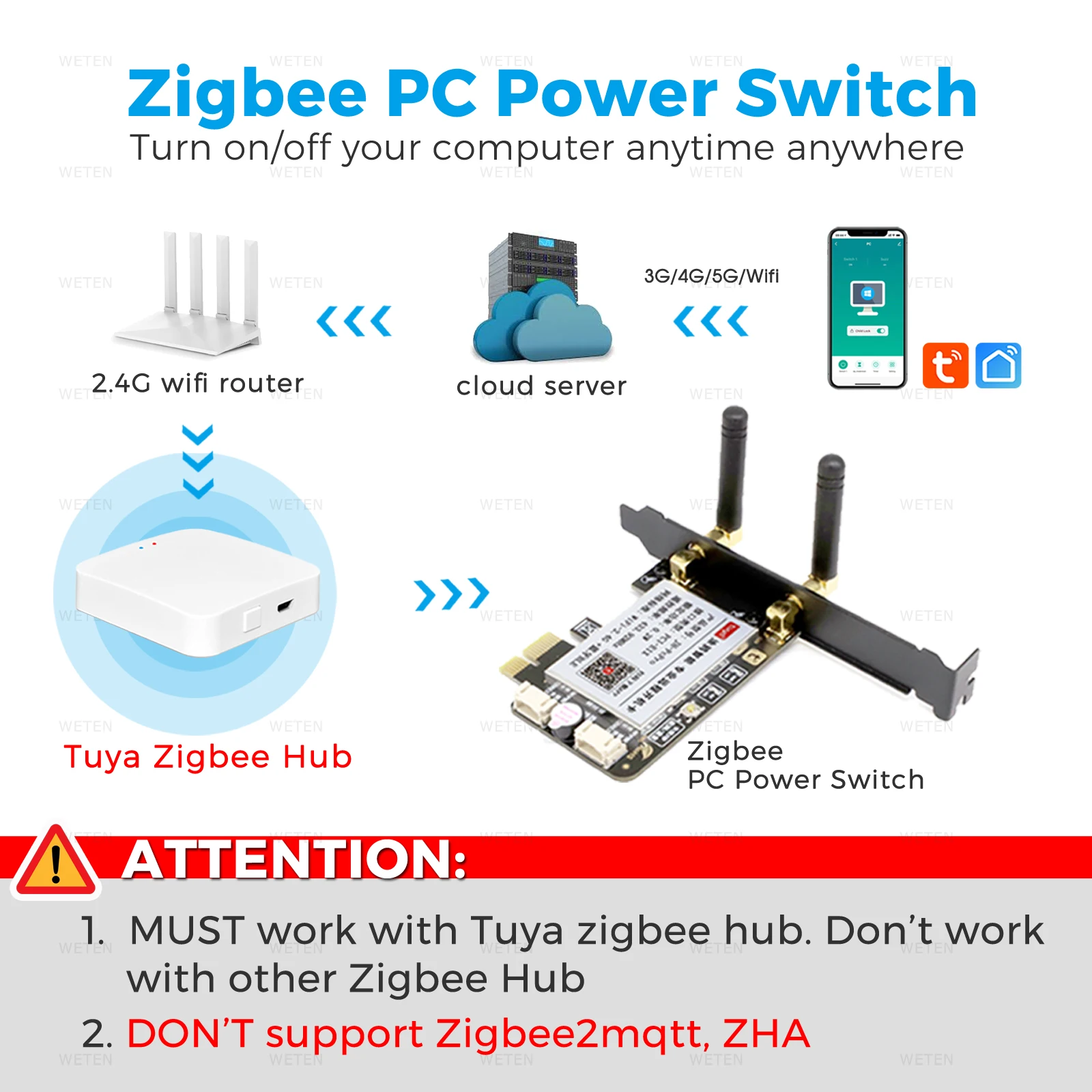
ATTENTION:
1. This PC power card is zigbee version, it MUST work with Tuya Zigbee Hub, don't work with other zigbee hub.
2. This PC power card DON'T support Zigbee2mqtt.
3. Battery is NOT included in the Remote Control. Please buy it yourself. (Battery type: CR2032*1)
WETEN PROMISE:
1. We have enough stock for this PC power switch, all package will be sent out within 24 hours.
2. We provide 1 year warranty. We will solve any problem for you, if the problem can't be solved, we resend or refund immediately.
3. Please read following "product description" carefully, we listed many questions and answers about this product. It may help you.
4. If any questions, just contact us anytime. We will be glad to help.
-------------------------------
Features:
1. Easy Installation
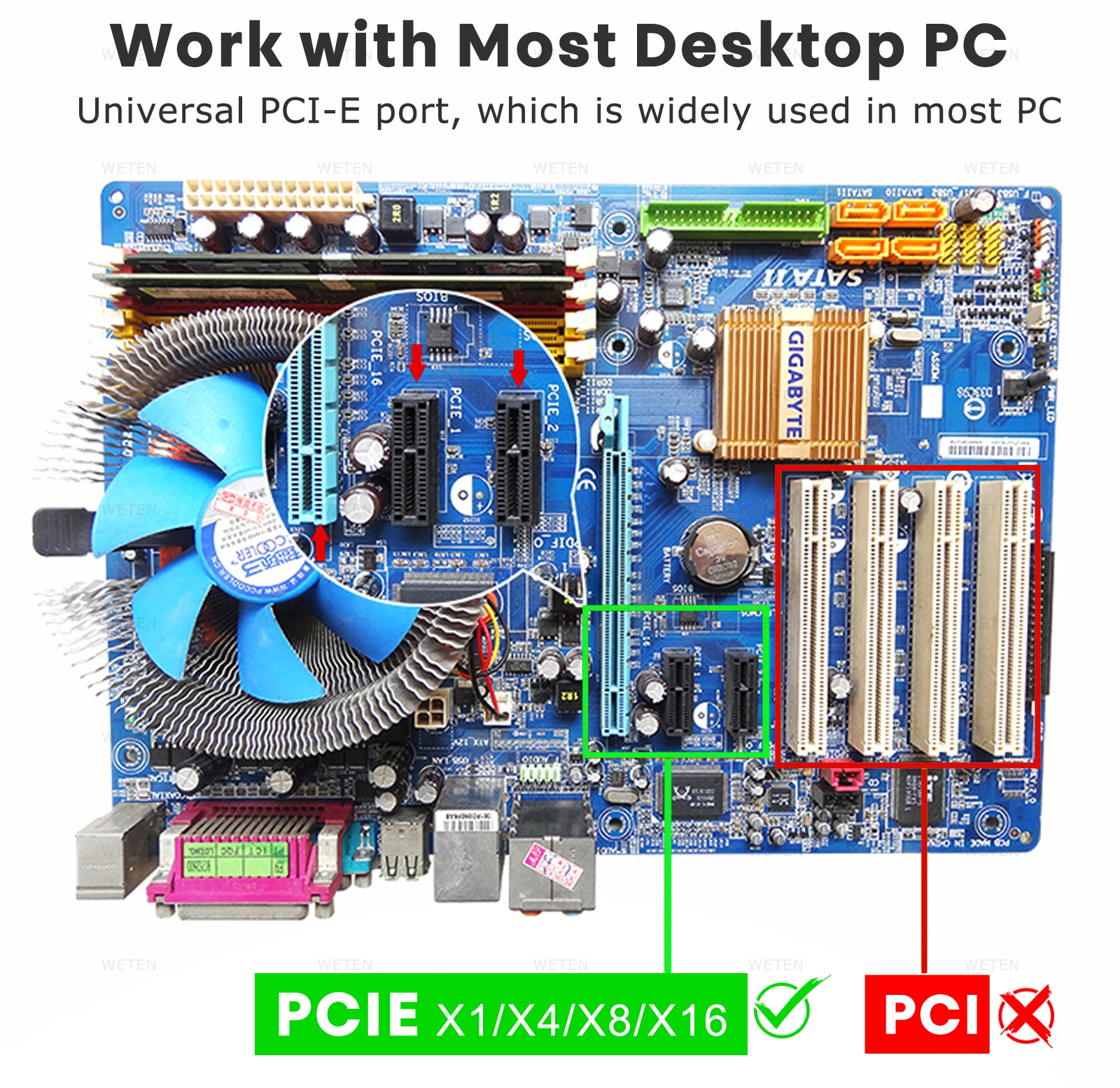
Standard PCIe port, work with most destop computer. Install to use, don't need any driver software.
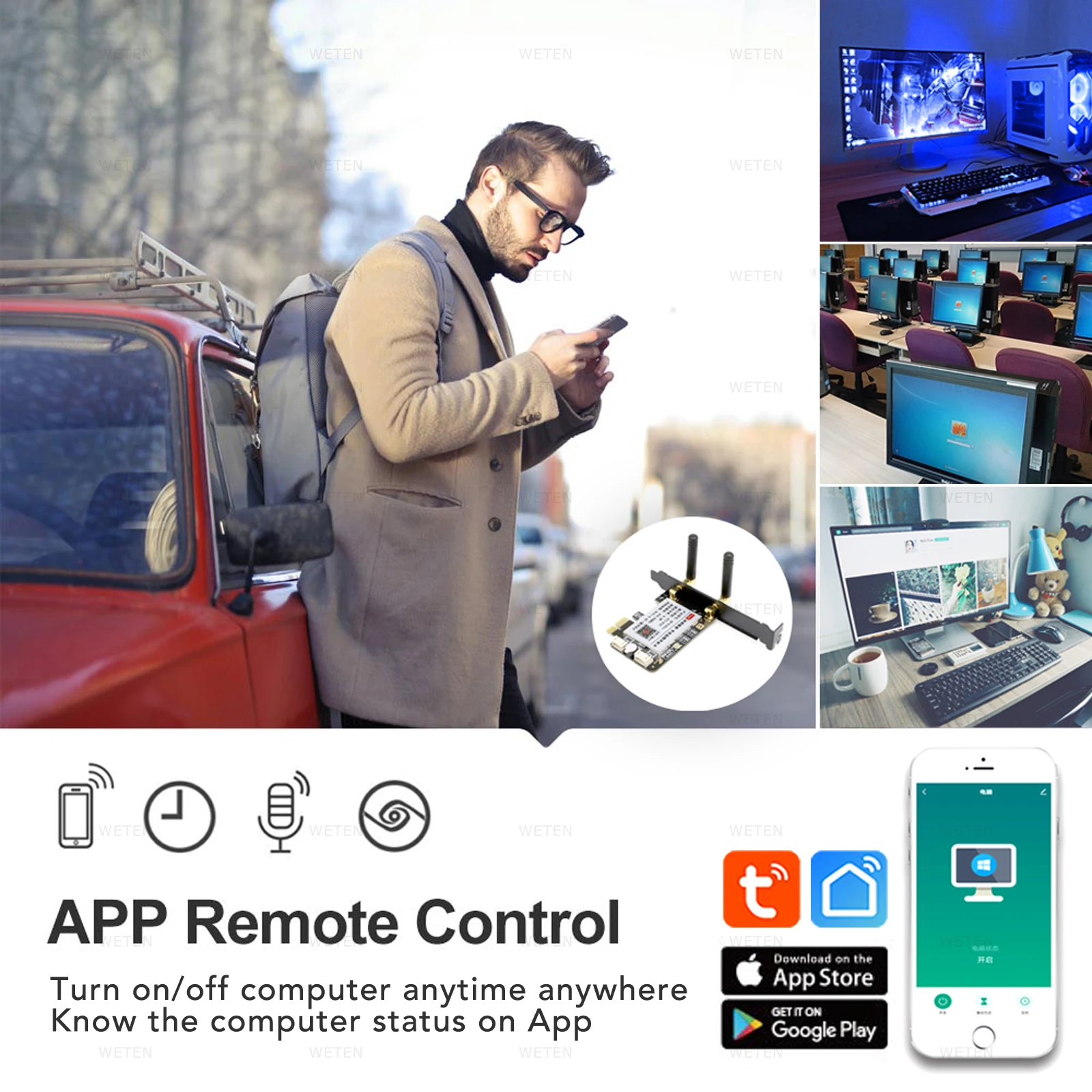
2. App Remote Control (Need Tuya Zigbee Hub)
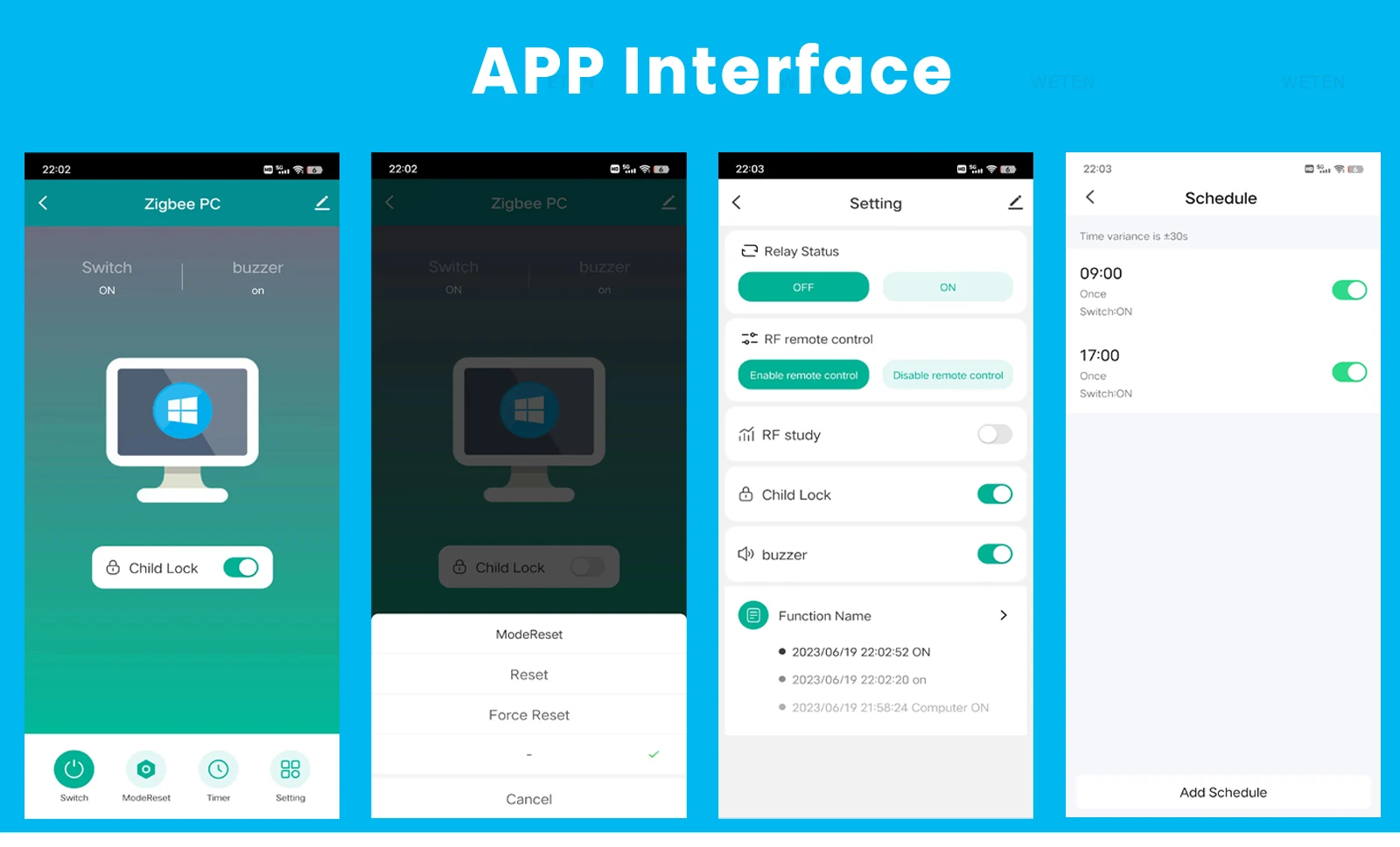
Work with Tuya/Smart Life APP, control your computer on Tuya App anytime any where. Always know the computer status on App.
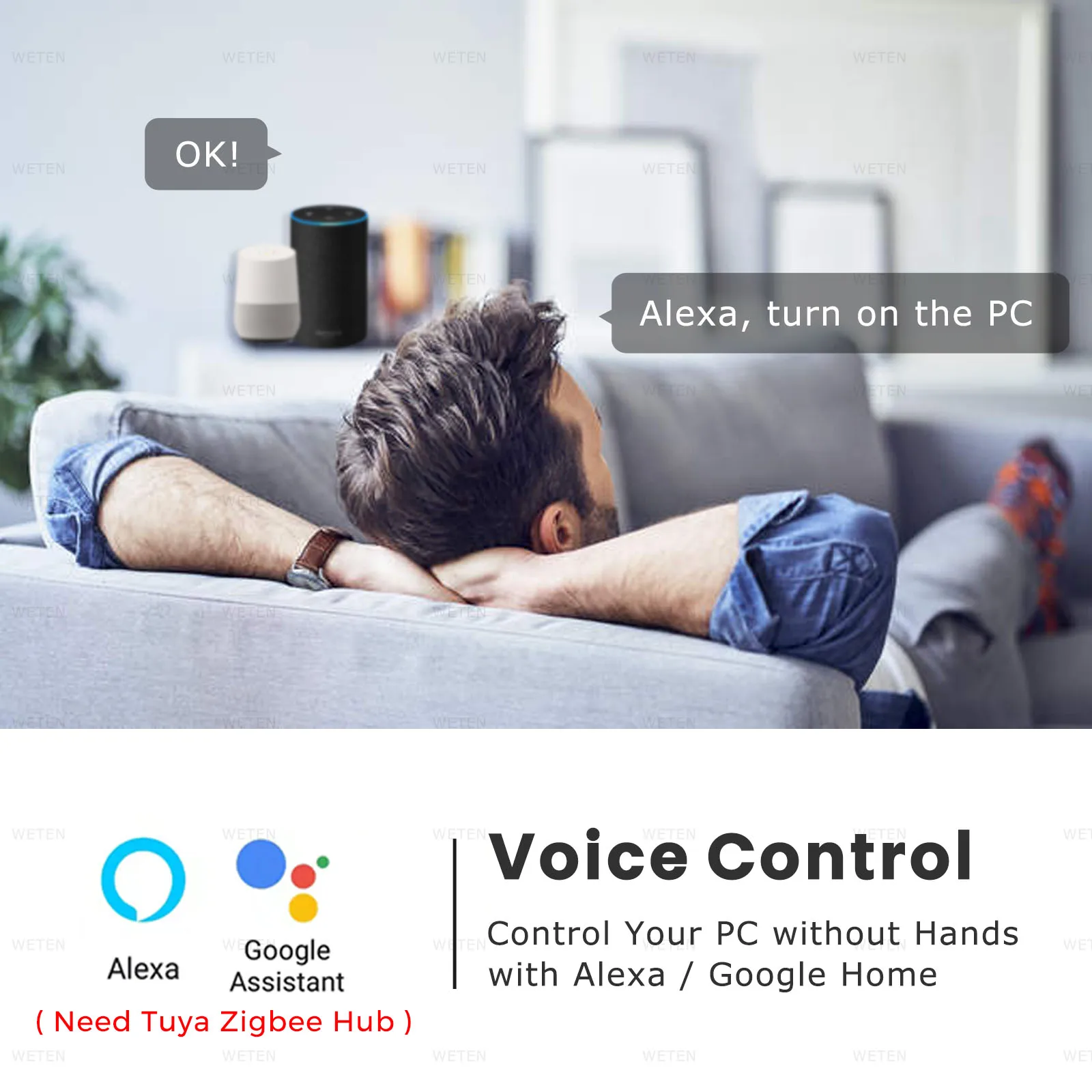
3. Voice Control
Work with Alexa Echo, Google Home Assistant, eas to control your PC with simple voice command.
4. Timer and Schedule
Set a timer to power on/off, or make a weekly schedule to power on/off the computer, automate your PC.
5. Reset And Force Reset
Not only "Power on/off" function, it also support "Reset and Force Rest" function, avoid harm to your computer system.
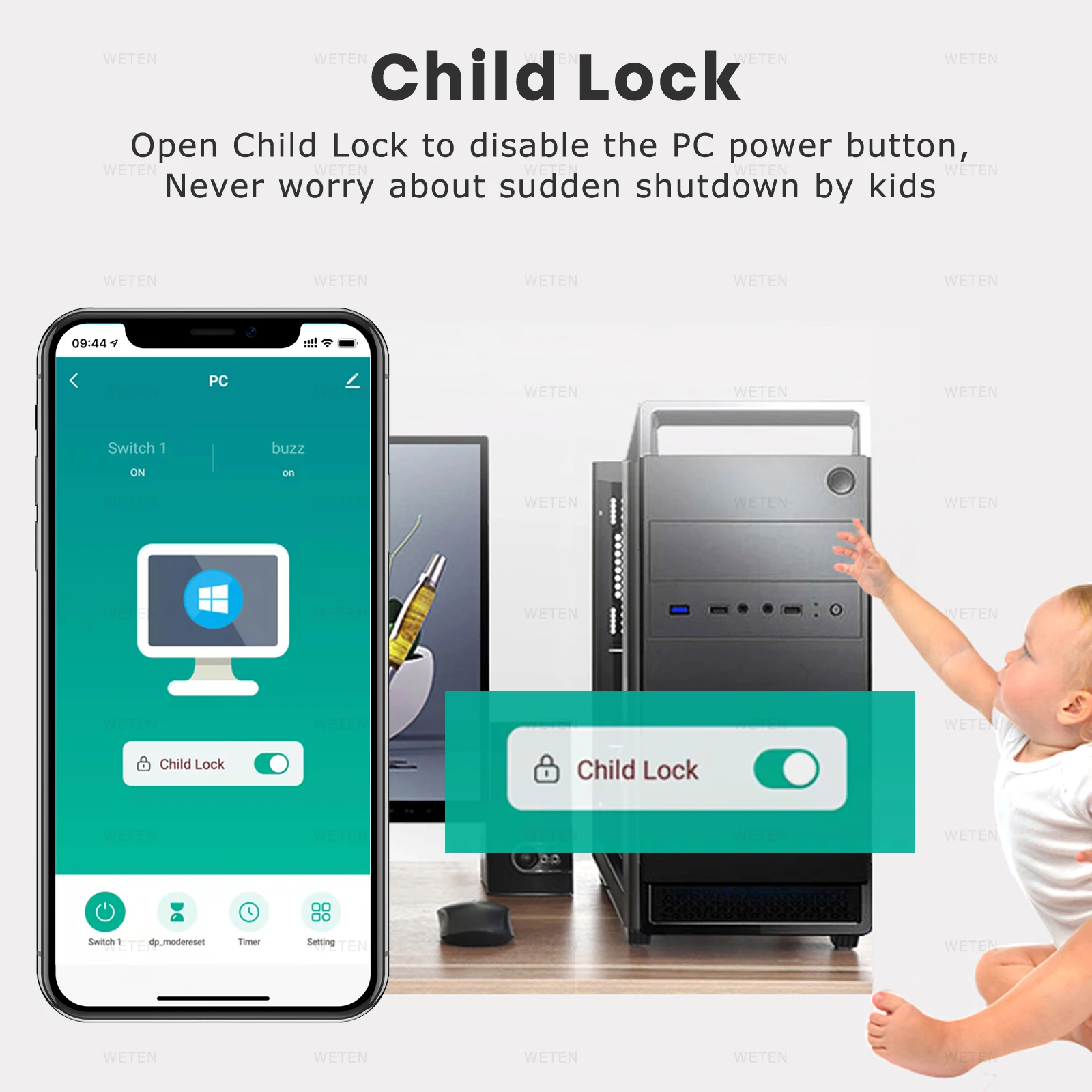
6. Child Lock
Make the PC Button out of function, never worry about sudden shutdown caused by kids or mistaken touch, avoid important date loss.
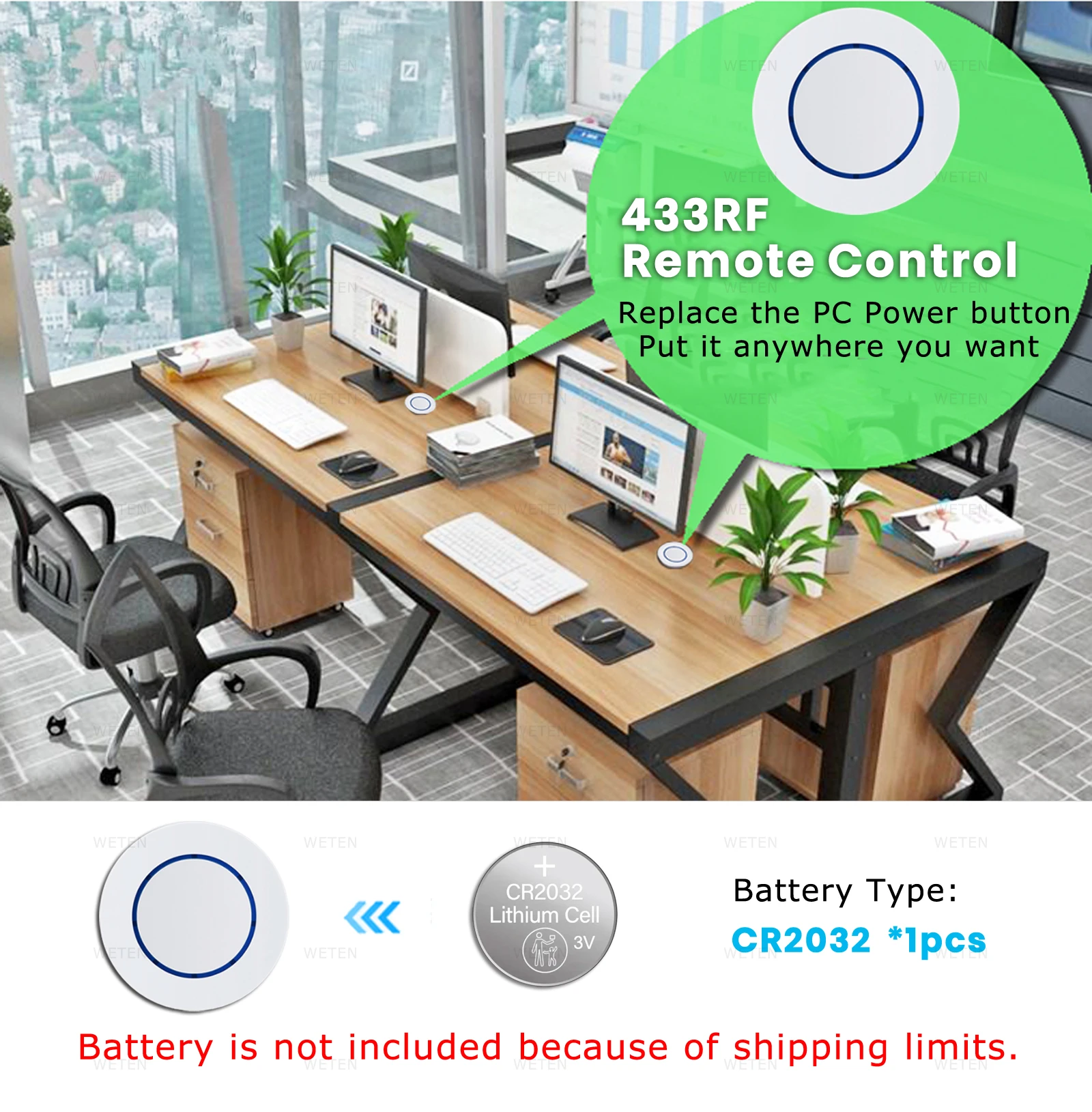
7. 433RF Remote Control
Hard to reach the computer power button? The card come with a 433 Remote Control, just put it on the table or anywhere you want.
8. Relay Status
You can set the computer to power on or keep power off status, when power up again after power failure.
Does this product work with my computer?
1. This product only work with Desktop PC, NOT work with laptop.
2. On the computer motherbard, if you can find: "Power_SW" cable, "Reset_SW" cable, PCIe port, normally it will be compatible.
If any questions, pls contact us.
If the computer turn on automatically after it's turned off, here are possible solutions:
1. On computer, go to WINDOWS settings and "Power Options", change the option "When Press on Power button“ to "Shut Down".
2. On computer, go to WINDOWS settings and "Power Options", enable the option "turn on fast startup".
3. On computer, go to BIOS settings / Advanced / APM Configuration, set "ErP Ready" to "Disabled", set "Power on by PCI-E" to "enabled".
4. On computer, go to BIOS setting/ CPU configuration, disable the "Deep sleep" option.
5. If your computer use "Wake on Lan", please close it.
How to install the card? How to connect the card with Tuya Zigbee Hub?
1. Find the POW_SW and RESET_SW cables on the computer motherboard.
2. Disconnect the POW_SW and RESET_SW cables from the motherboard, add the card between the cables and motherboard. Insert the card into the PCIe port.
3. Get through the computer power, the card indicator light will blink in blue color. If not blinks, please long press the button on the card until you hear "di-di-di" 3 beep sound. This means the card is in pairing mode.
4. Connect "Tuya Zigbee Hub" with wifi router in Tuya APP, open "Tuya zigbee hub" in APP, click "add device" and connect the card.
How to connect the 433 Remote Control with the card?
1. In Tuya App, open the "RF study" function in device setting of the card.
2. Short Press on the Remote Control, connection succeeded.
How to disconnect the 433 Remote Control with "Tuya PRO Card" and "USB PRO Card"
Long press the "Reset Button" on computer case, you will hear "di", "di", "di-di", "di-di-di", "di-di-di-di", release the button
When hear "di-di-di-di", then all 433 Remote Control connection is deleted.
Q&A
1. The manual power button on PC case can work or not after installing this card?
Yes, the power button on PC case and App can be used at the same time.
2. Can I use the App to control PC when I'm out for vacation or bussiness?
Yes, the app will work on 2/3/4G mobile network. You can control PC by app anywhere.
3. Can it support "Voice Control"?
Yes, you can connect it with Alexa, Google Home and Alice throug Tuya APP.
4. Does it need a gateway or hub?
Yes, this card is zigbee version, it must work with tuya zigbee hub, don't work with other zigbee hub.
5. Can it work with laptop? Do you have similar product for laptop?
No, only for desktop computer. We don't have similar product for laptop for the moment.
6. Can it turn off the computer in sleep mode or in scree lock mode?
No, this smart PC power switch can't turn off computer in sleep mode or in screen lock mode. When you press the power button on the computer case, it also can't turn off the computer. It's decided by the computer system.
7. What's the battery type of 433 Remote Control? Does battery include in package?
Battery type: CR2032, 1pcs. Battery is NOT included in packag due to shipping limit.
| Category | Electronics & Gadgets › Smart Devices › Smart devices |
|---|---|
| Availability | In stock |
| Ships to | Canada |
| Buyer Guarantees | 15-Day No Update Refund & 60-Day No Delivery Refund |
No reviews yet
Be the first to share what you think of this product.


