

Universal Stylus Pen For IOS Android Windows Tablet Phone Multicolor PEN Capacitive Stylus Painting And Writing PEN
- Fast delivery
- 30-day returns
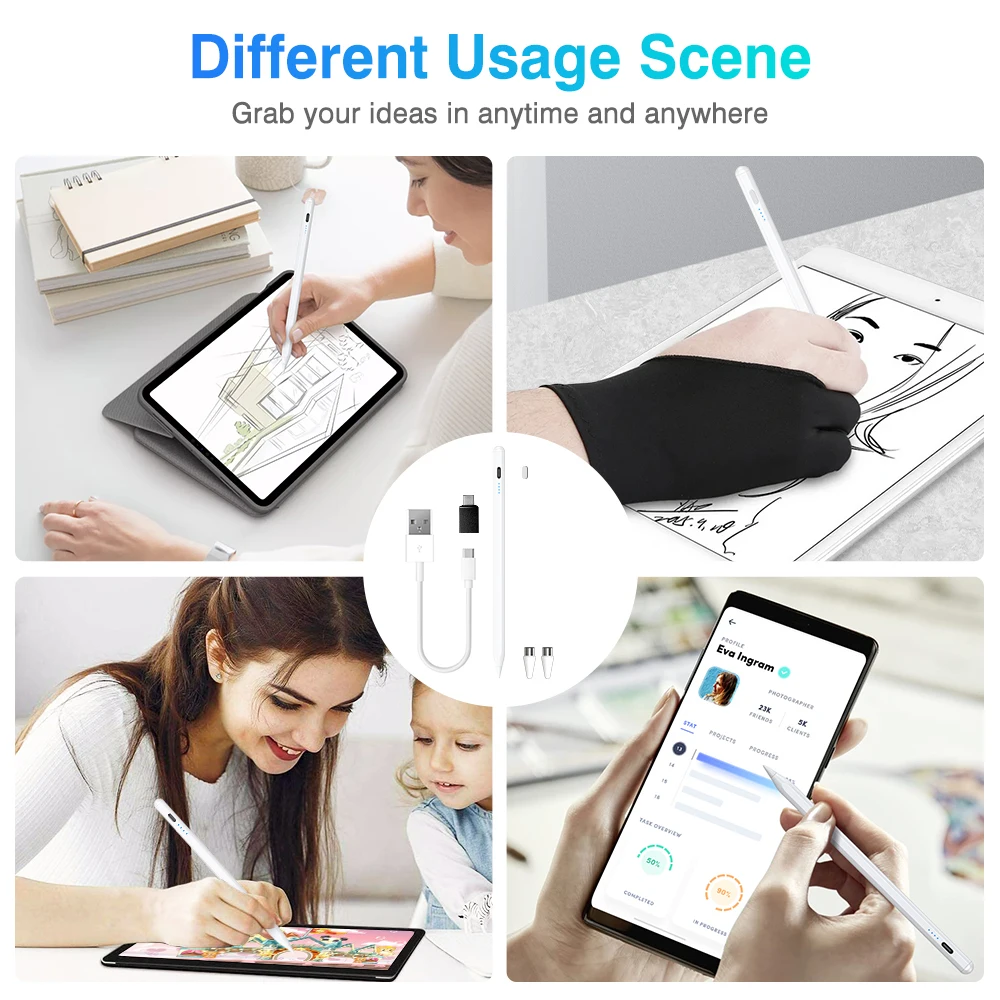
1. Please use the provided anti-accidental-touch gloves when using the universal pen.
2. The universal pen needs to be tilted at 15 degrees when used and cannot be used vertically.
3. The stylus cannot be used while the tablet is charging, and the stylus cannot be used while it is in use.
4. If touch disconnection occurs, it may be because a thicker protective film is used. It is recommended to use a thin protective film. General pens cannot use paper-like films as this will cause touch disconnection.
5. If the pen tip cannot be used, please try replacing it with a spare pen tip.
6. If the screen of your tablet or phone has been replaced, it may become unusable due to touch failure.
7. If you are not wearing anti-touch gloves, please do not touch the tablet or mobile phone screen to avoid being unable to use it.
Note: It is not recommended to use universal capacitive stylus with Lenovo Xiaoxin, Teclast Realme, Readboy tabletOnePlus BBK or learning machine, as it will cause high probability of touch disconnection.
8.If you connect your original pen, then when using the universal pen, you need to disconnect the original pen so that the universal pen can write normally.
How to set up some software:
1、SketchBook
1. Open the "SketchBook" software.
2. Click on the "Main Menu".
3. Click on "Preferences".
4. Click onGeneral".
5. Turn on/off "Pen Mode".
2、Procreate
1. Open the "Procreate" software
2. Click the top left corner of the painting interface, click the wrench
3. Click on gesture control
4. Select enable finger painting
3、GoodNote
1. Open the "GoodNote" software
2. Click on the top right corner of the painting page, click on the three option
3. Scroll down to select the stylus and prevent accidental touches
4. Click on the smart stylus, select none inside
4、NOtability
1. Open the "Notability" app
2. Open the drawing page, click the three dots option in the top right corner
3. Click Information, disconnect Apple Pencil
5、Notes
1. Update to the latest version
2. Open the "Notes " app
3. Click on the painting page and select the three in the lower right corner
4. Click on the pen palette settings and scroll to the bottom 5. Turn on finger painting
6.Apple iPad Notes
1. Open the tablet settings and find Apple Pencil
2. Turn off Scribble and Doodle
3. Open the page and select the stroke
7.Paint the World
1. Open the "Paint the World" software
2. Open the painting page, click the gear in the top corner
4. Close "Pen Mode"
8.Noteshelf
1. Open the "Noteshelf" software
2. Open the drawing page, click the three dots in the top right
3. Select the stylus
4. Turn off the "Apple Pencil" mode

| Category | Phones & Tablets › Specialty › Accessory Kits |
|---|---|
| Availability | In stock |
| Ships to | Canada |
| Buyer Guarantees | 15-Day No Update Refund & 60-Day No Delivery Refund |
No reviews yet
Be the first to share what you think of this product.


