

HD 1080p 60fps HDMI-Compatible and USB Output Industrial Digital Microscope Camera with IMX307 Sensor for PCB Phone Repair
- Fast delivery
- 30-day returns
Product details
| Brand Name | RisingCam |
|---|---|
| Model Number | YW5609A |
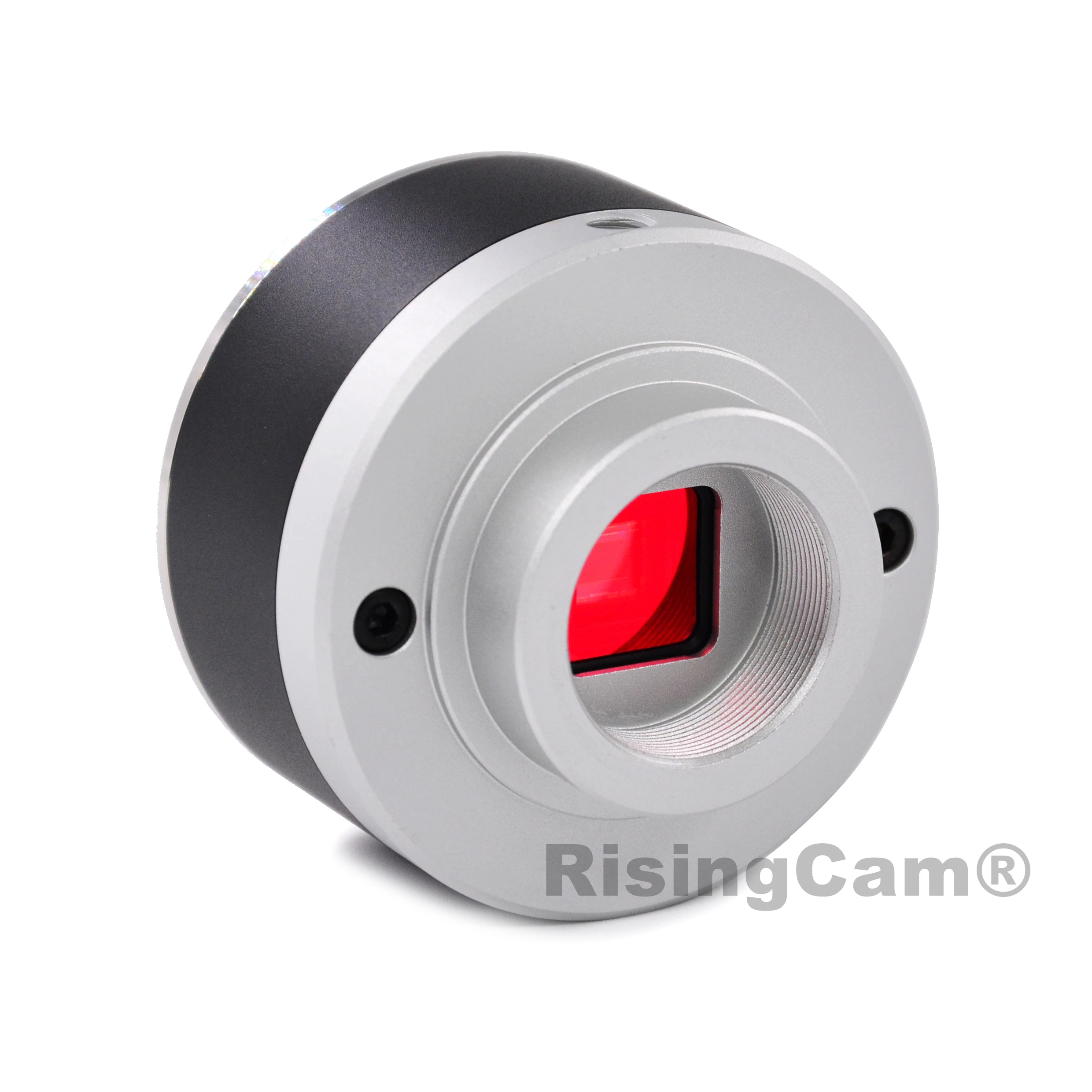
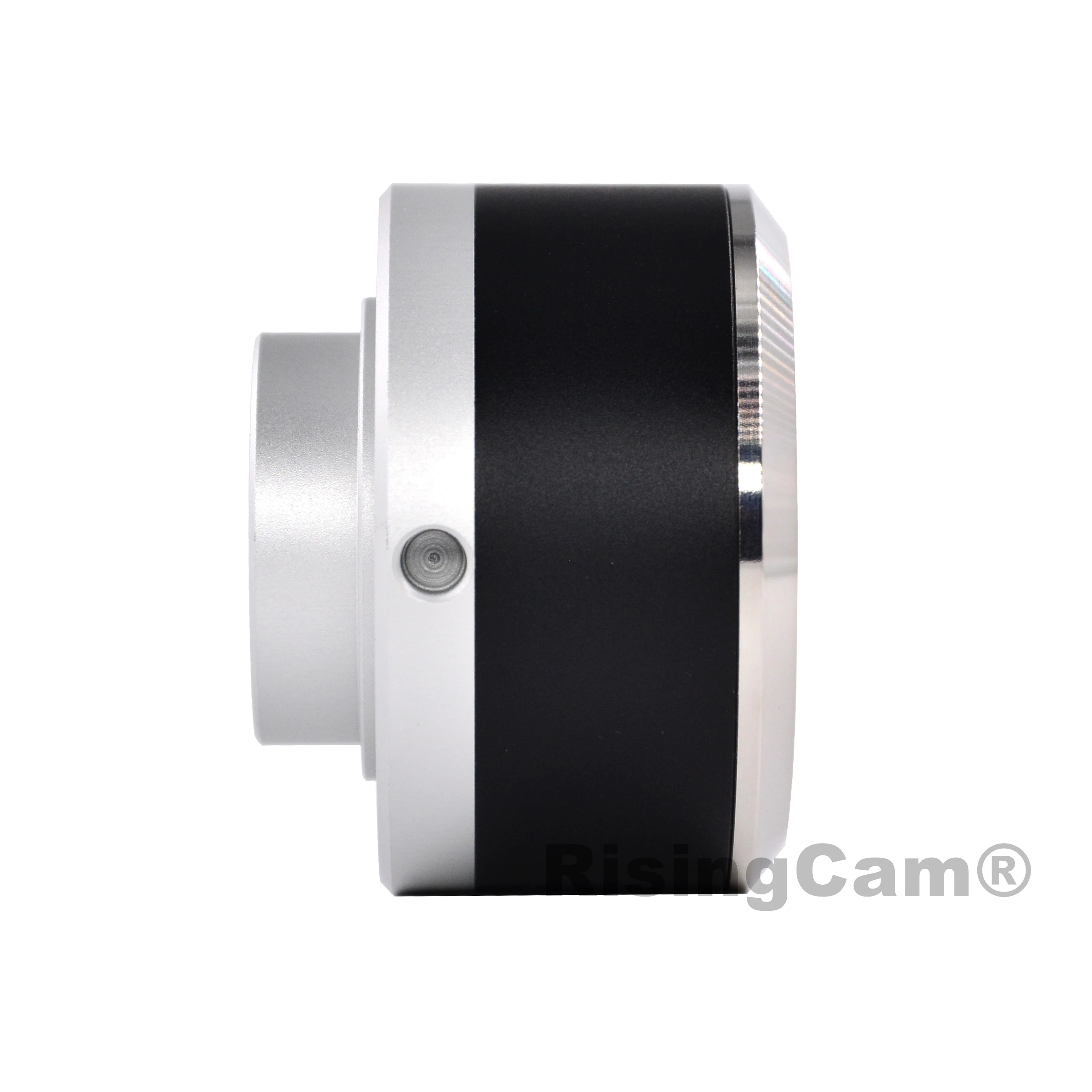
HD 1080p 60fps installed SONY imx307 Sensor HDMI-compatible and USB output industrial digital microscope camera for PCB repair
Model No RT5609A

Scientific research, education (teaching, demonstration and academic exchanges)
Digital laboratory, medical research
Industrial visual (PCB examination, IC quality control)
Medical treatment (pathological observation)
Food (microbial colony observation and counting)
Aerospace, military
Specification | Model No | RT5609A |
Name | 1080p HDMI and USB output Camera | |
Sensor | SONY imx307 1/2.8" CMOS sensor | |
Resolution | 1920*1080 (2.0mp) | |
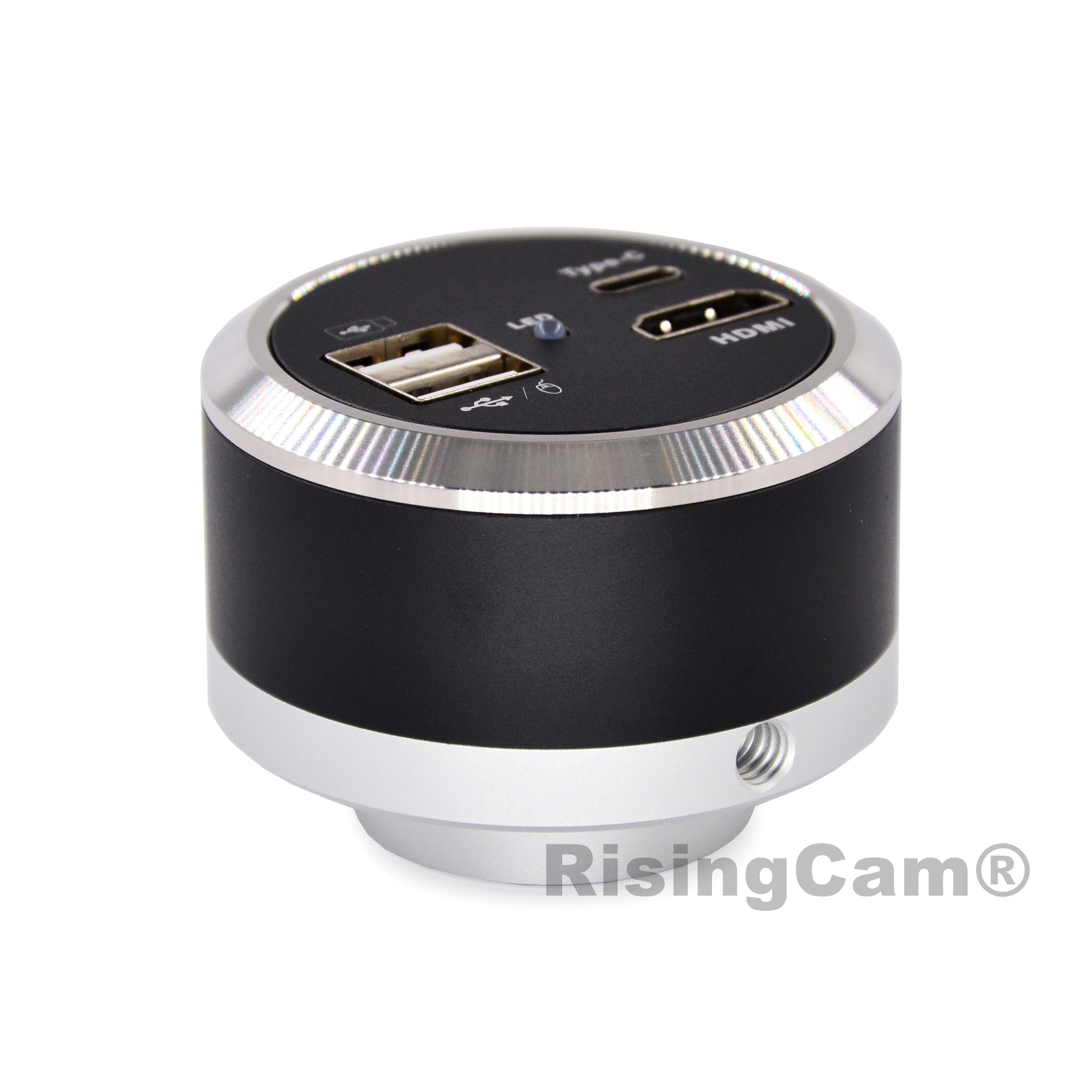
Output | HDMI and USB2.0 | |
Max preview frame rate | 60fps | |
Max recording frame rate | 30fps | |
Pixel size | 2.9*2.9μm | |
Power supply | DC-12V/1A | |
Function | Basic Function | HDMI and USB (supporting UVC) synchronous |
Software for Computer | S-EYE software (Only support Windows | |
Picture quality adjustment | With brightness, contrast, saturation, | |
Storage function | Take pictures, videos, picture | |
Camera function | 10X digital zoom, horizontal/vertical | |
Cross line | Center cross scale reference line | |
Gridlines | 8 groups of grid lines, and provide 8 | |
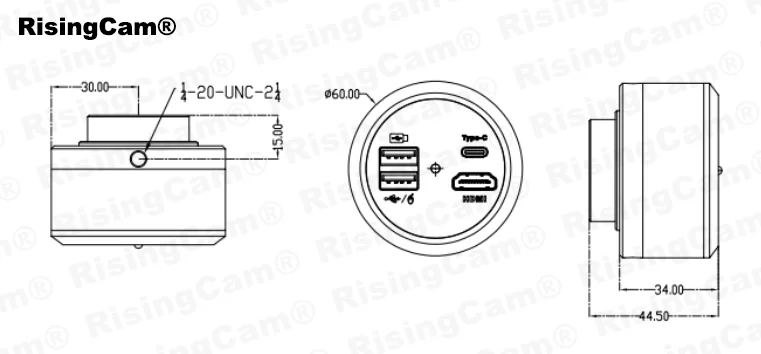
Packing | Camera size | 60*60*44.5mm |
Camera net weight | 0.2kg | |
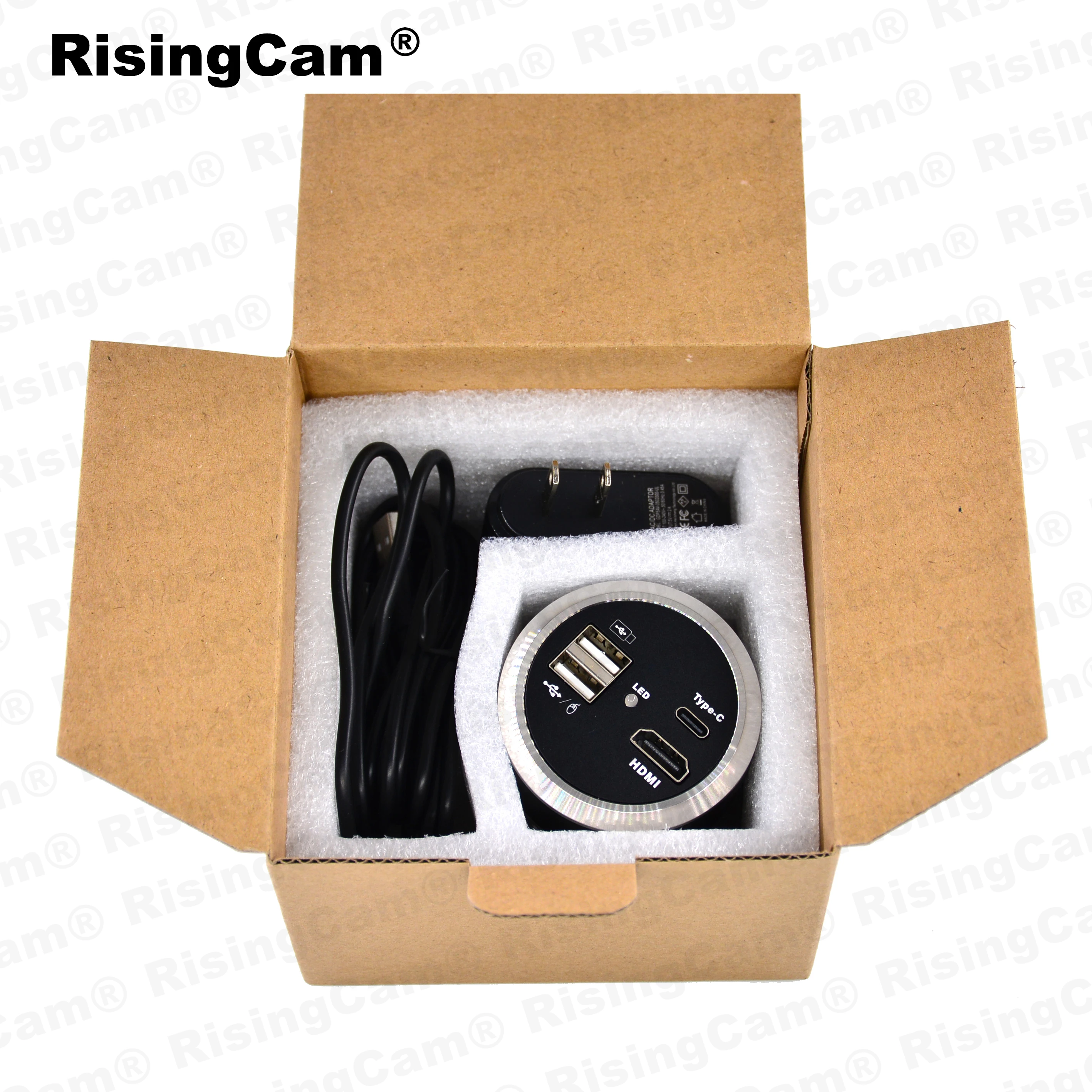
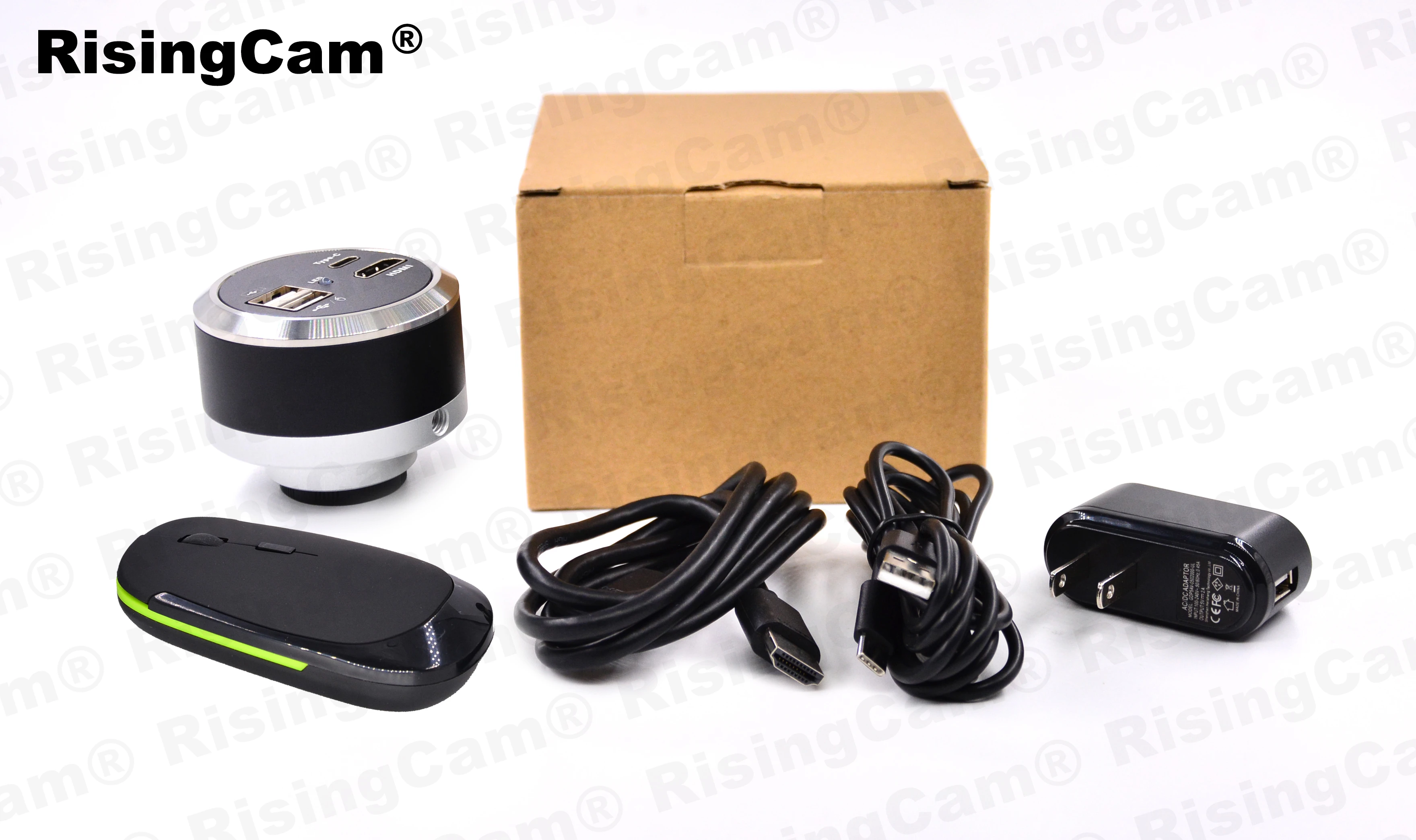
Standard accessory | Mouse, HDMI cable, Type C cable, Power |



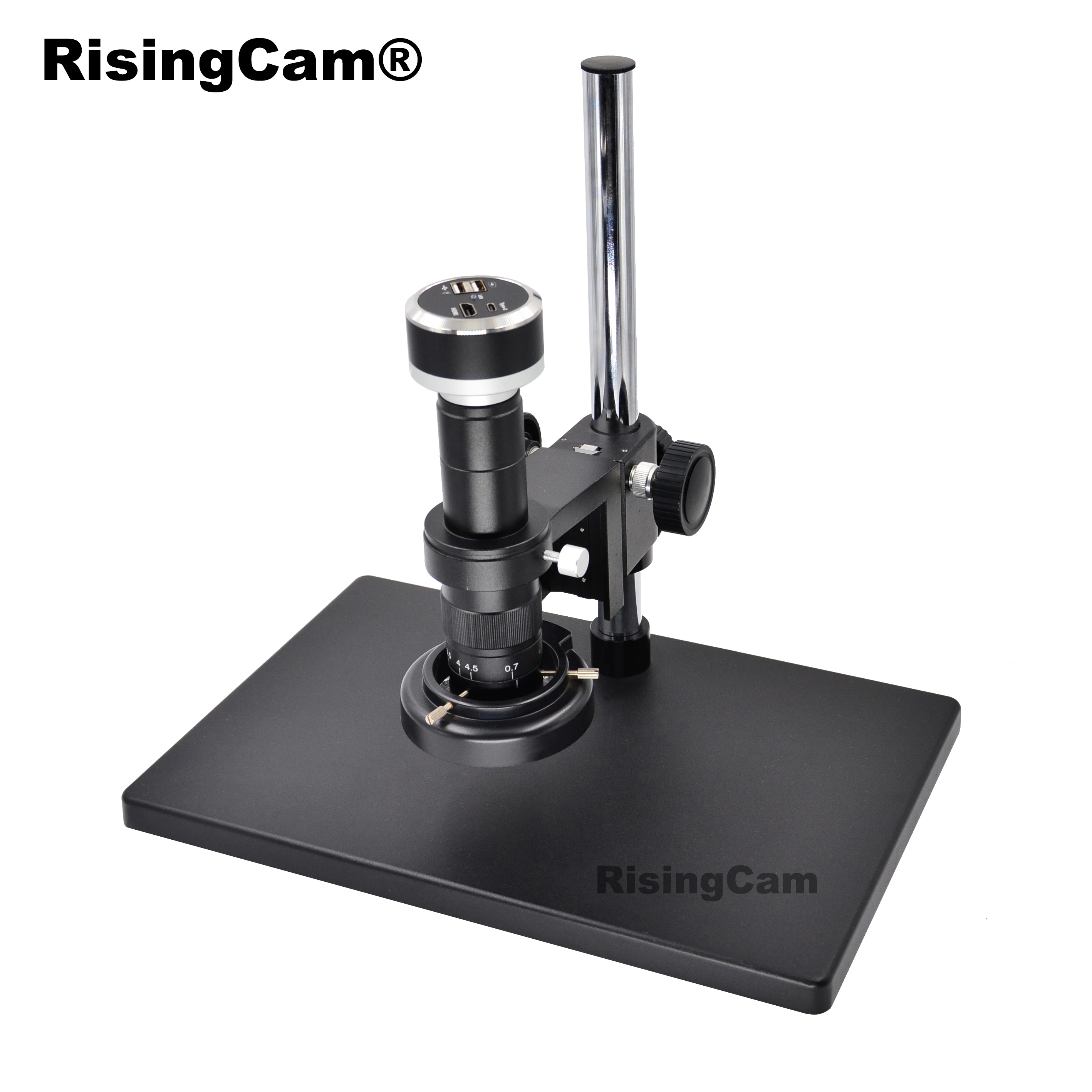
1. Camera working under HDMI output
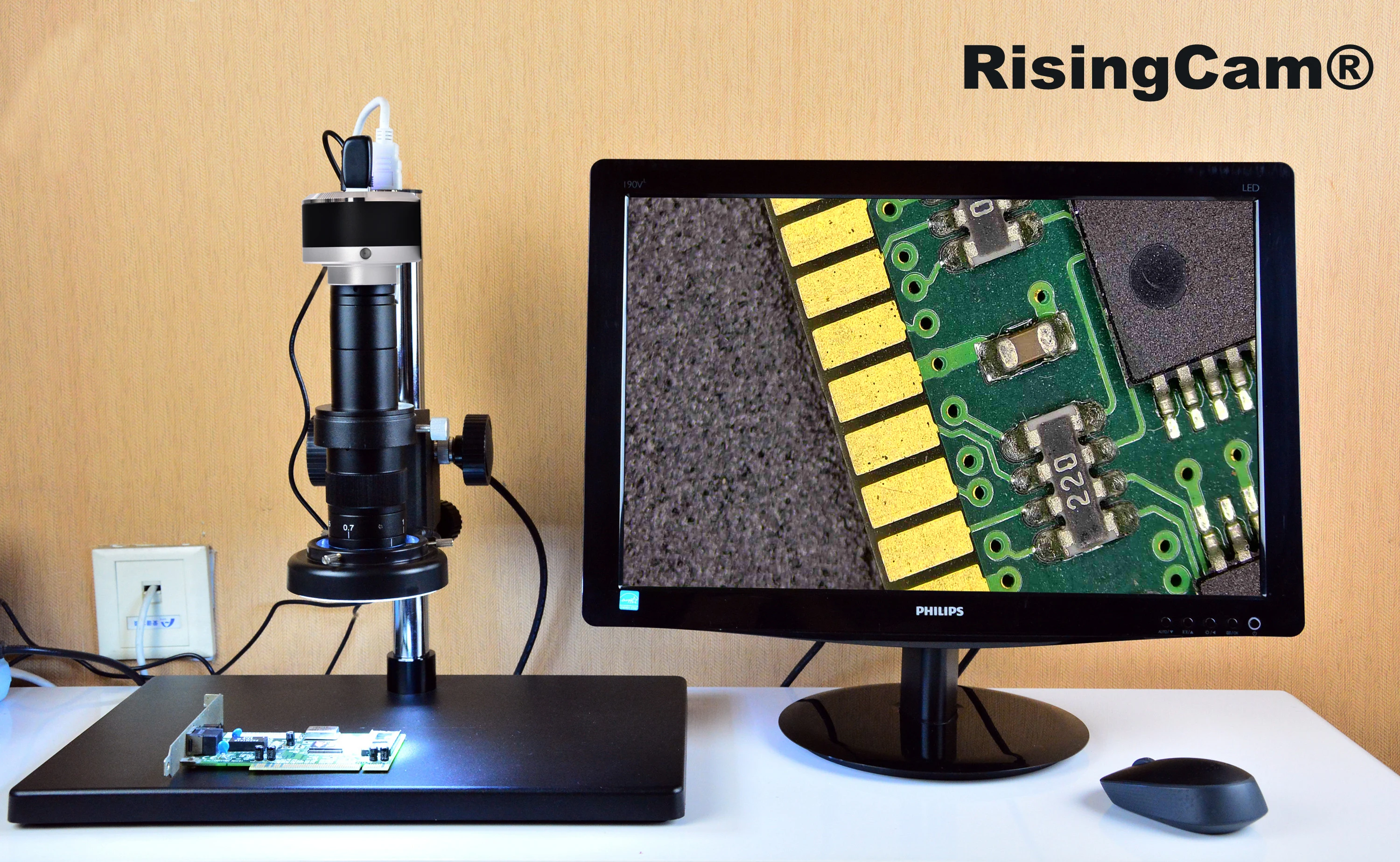
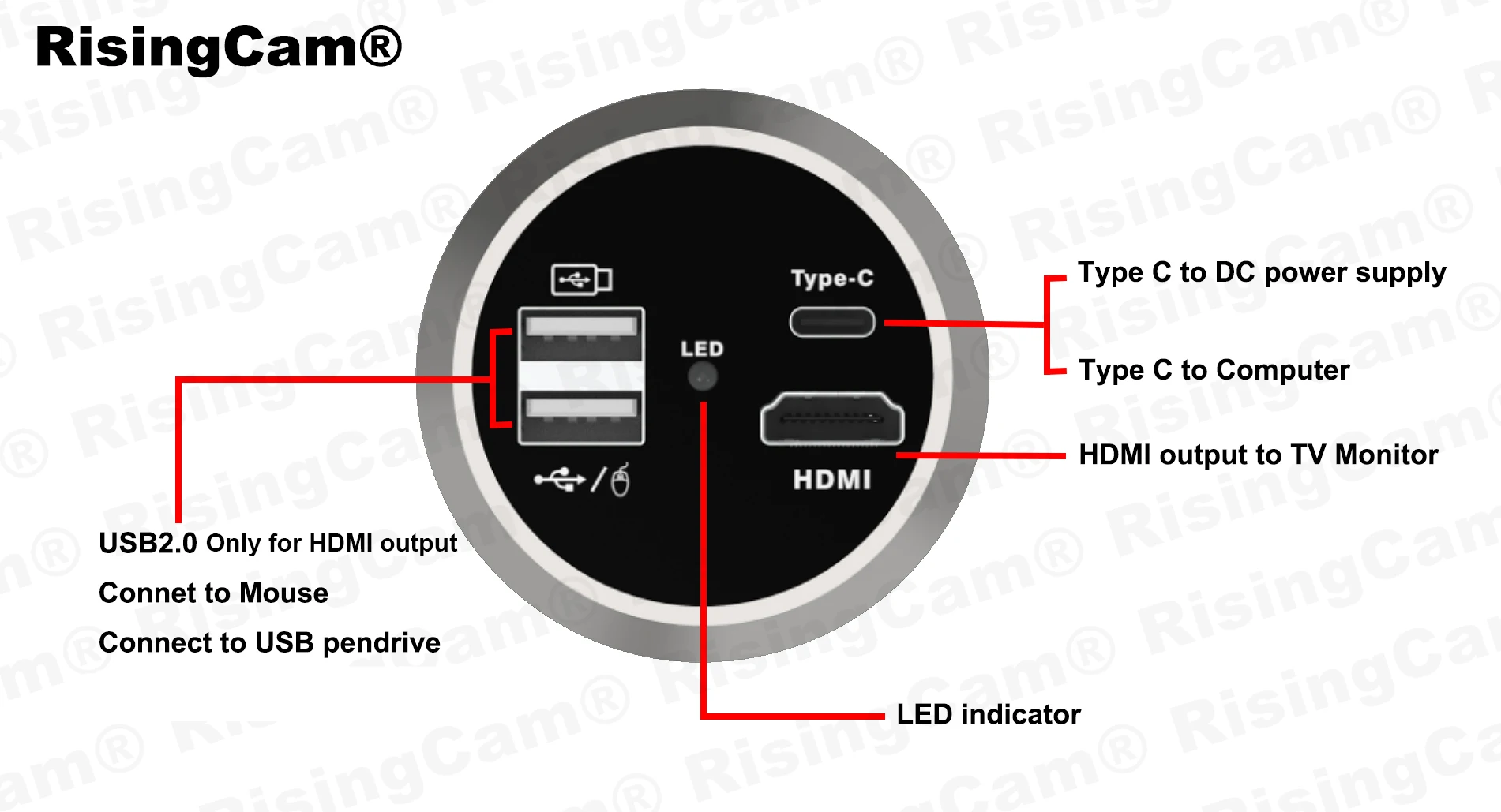
1.Connect camera to TV monitor with HDMI-compatible Cable
2.Insert Mouse, USB pendrive into USB port of camera
3.Power in, Camera auto start, LED light blue, camera running, then Monitor display image
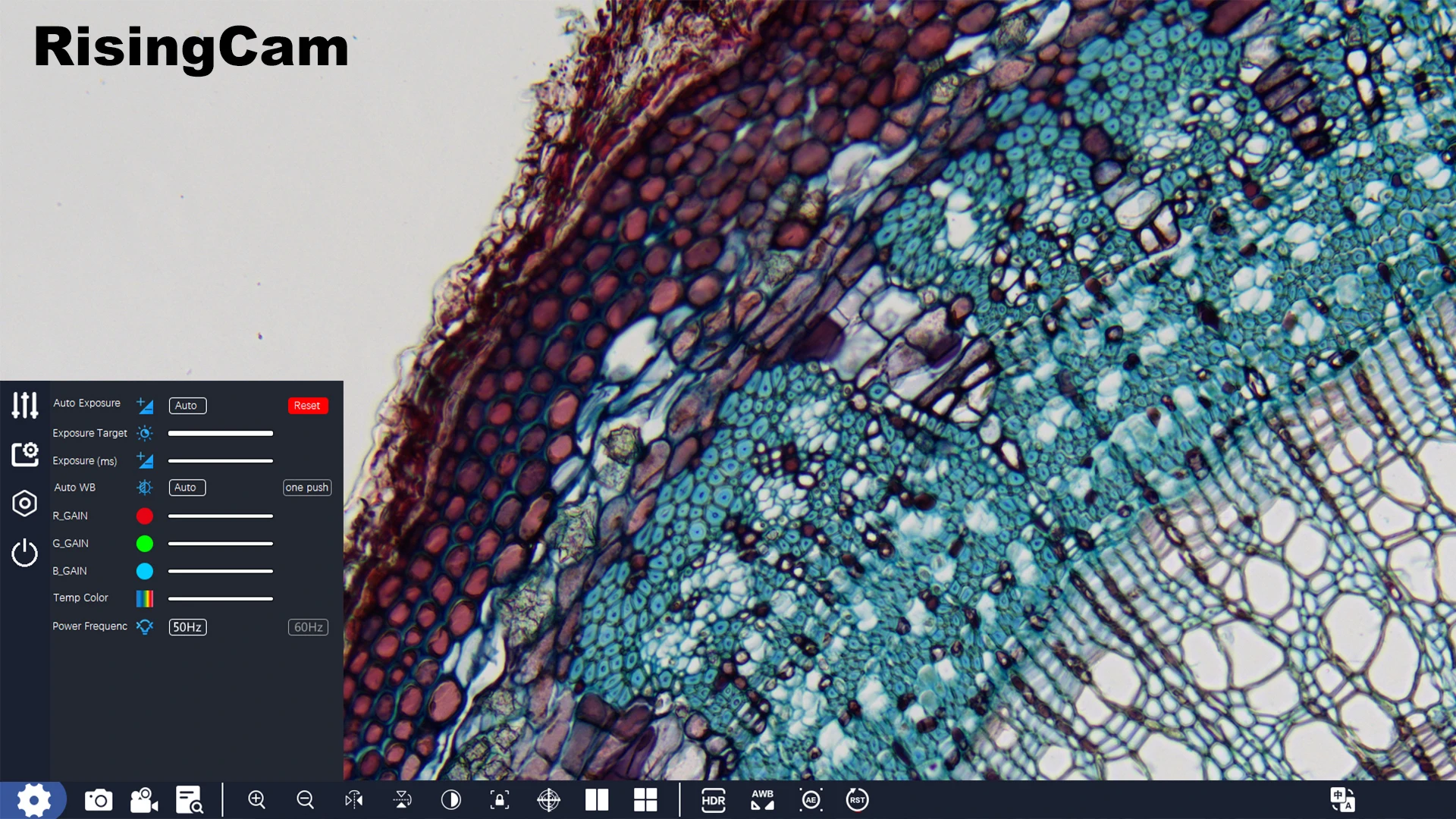
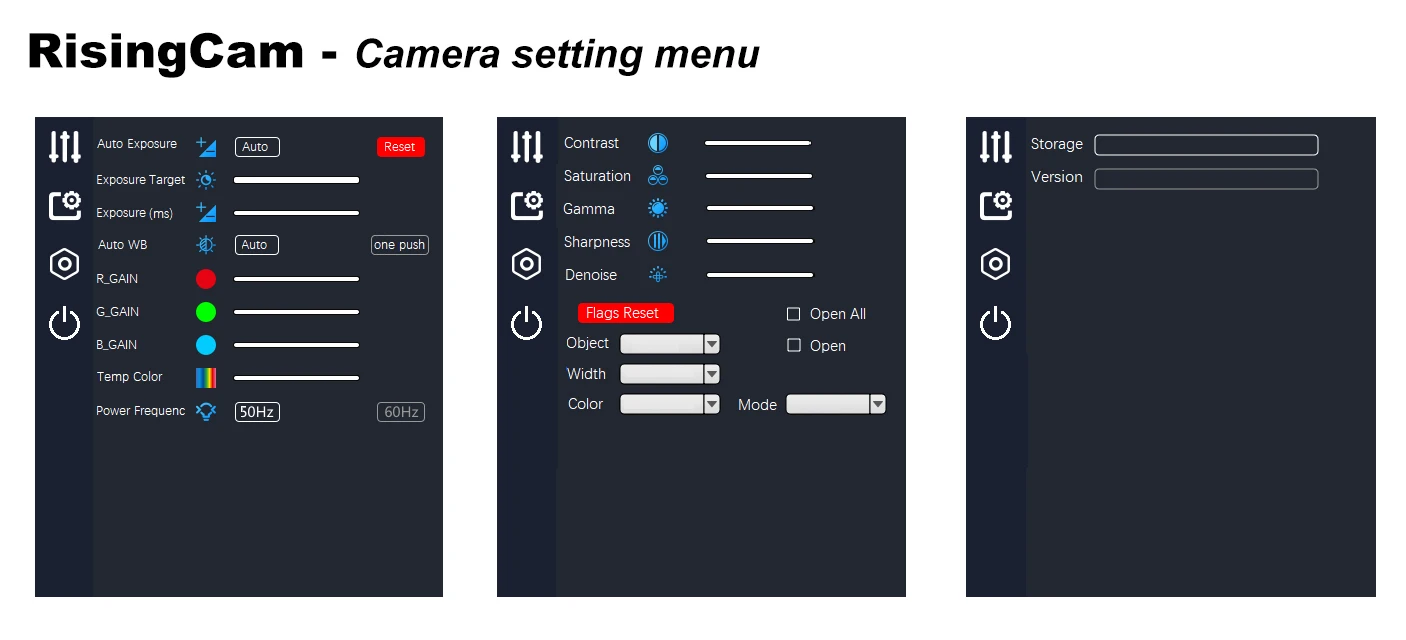
4.Move Mouse to generate Camera control and setting menu
Camera setting menu

Feature Function
Zoom in - Max 10X
Image comparison
2 image compare - one is Realtime image, other one is picture captured by camera.
The picture on the left is a real-time picture, and the picture on the right is a picture taken by the camera. The mouse wheel can zoom in and out of the picture, and holding down the wheel can drag the picture to change the position.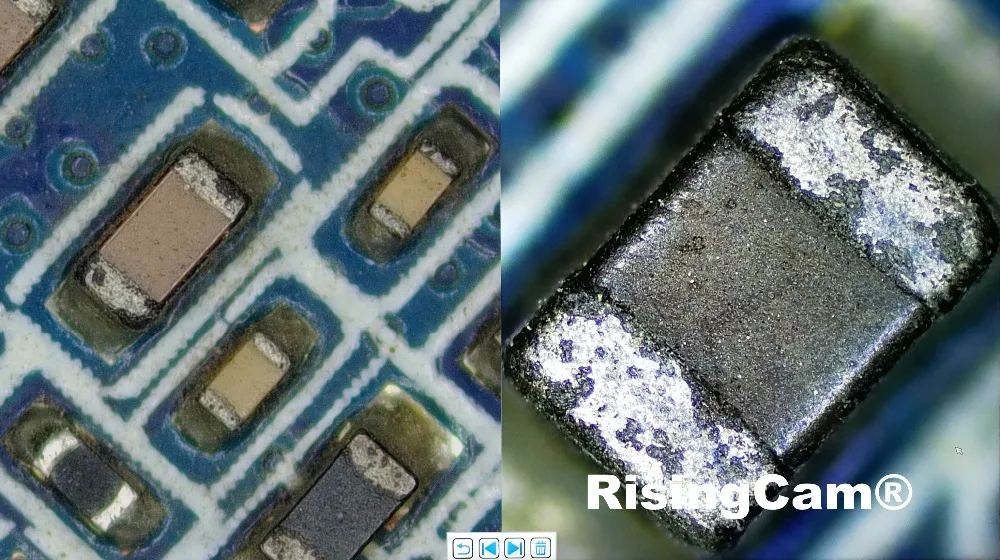
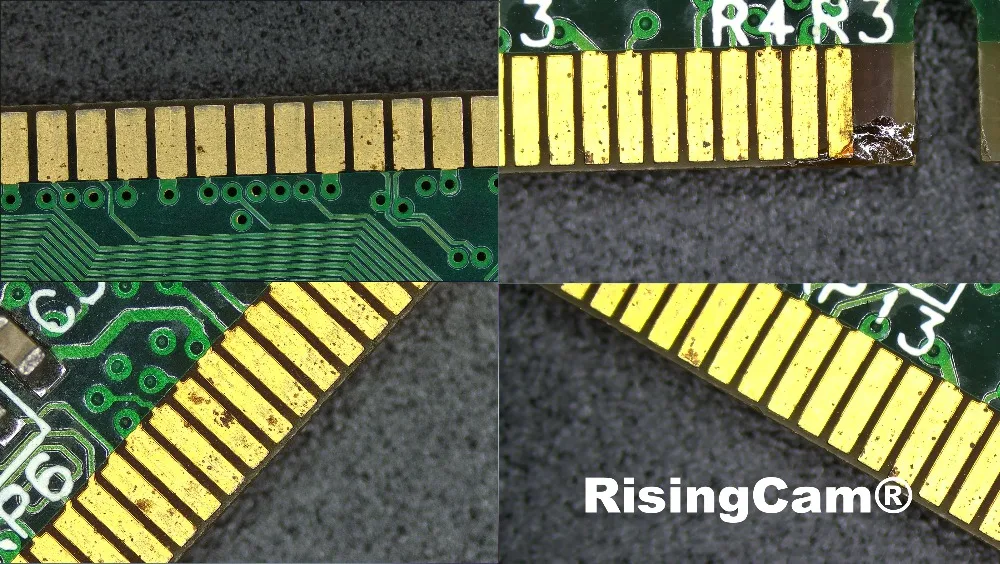
4 image compare -After clicking the four-picture comparison button, the screen is divided into four parts. Double-clicking on a part can freeze the current image. Up to 4 images can be frozen for comparison. The mouse wheel can zoom in and out of the picture, and you can drag the picture to change the position
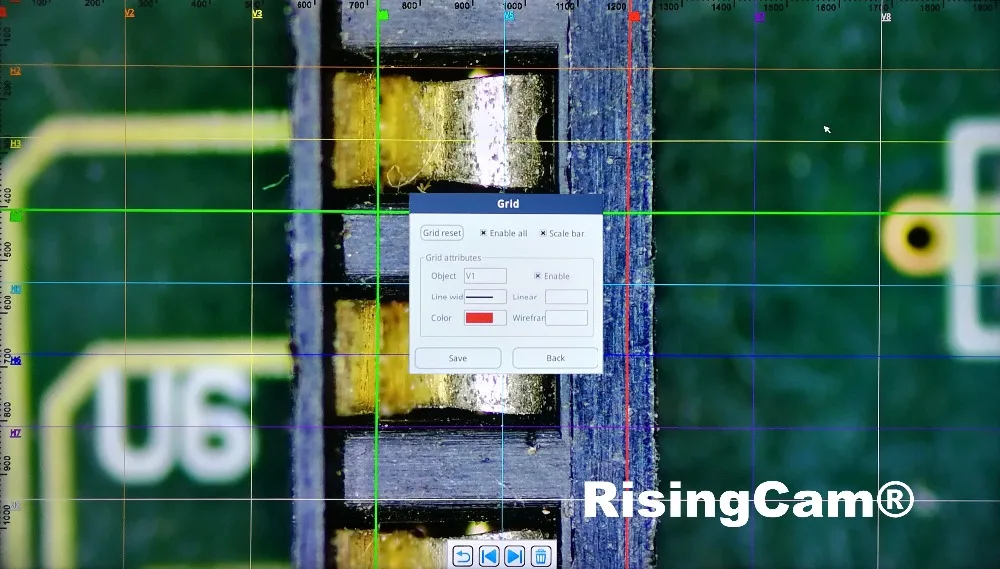
Gridlines -8 horizontal lines, 8 vertical lines, position, color, Line width adjustable
2. Camera working under USB output
Our this Camera has USB output, it can work with windows computer
RisingCam provide S-EYE2.0 software for buyers, S-EYE2.0 only support Windows system computer
buyers could download S-EYE2.0 software from this link:
https://1drv.ms/u/s!AogUbo_LJJSrgiHD34H0N4uXdFUj?e=o6ZCZH
Camera work with Windows Computer connect steps
Install S-EYE2.0 software into Windows Computer
Connect Camera to Computer via USB cable
DC-12V Power in Camera, then camera will keep blue light
Start S-EYE2.0 Software, select Camera model number, then user can see image from camera
NOTE:
1. if user use Laptop, please Make sure Windows system does not disable the camera,and,
please select laptop battery option to High performance (The Power Saver maybe limit USB working)

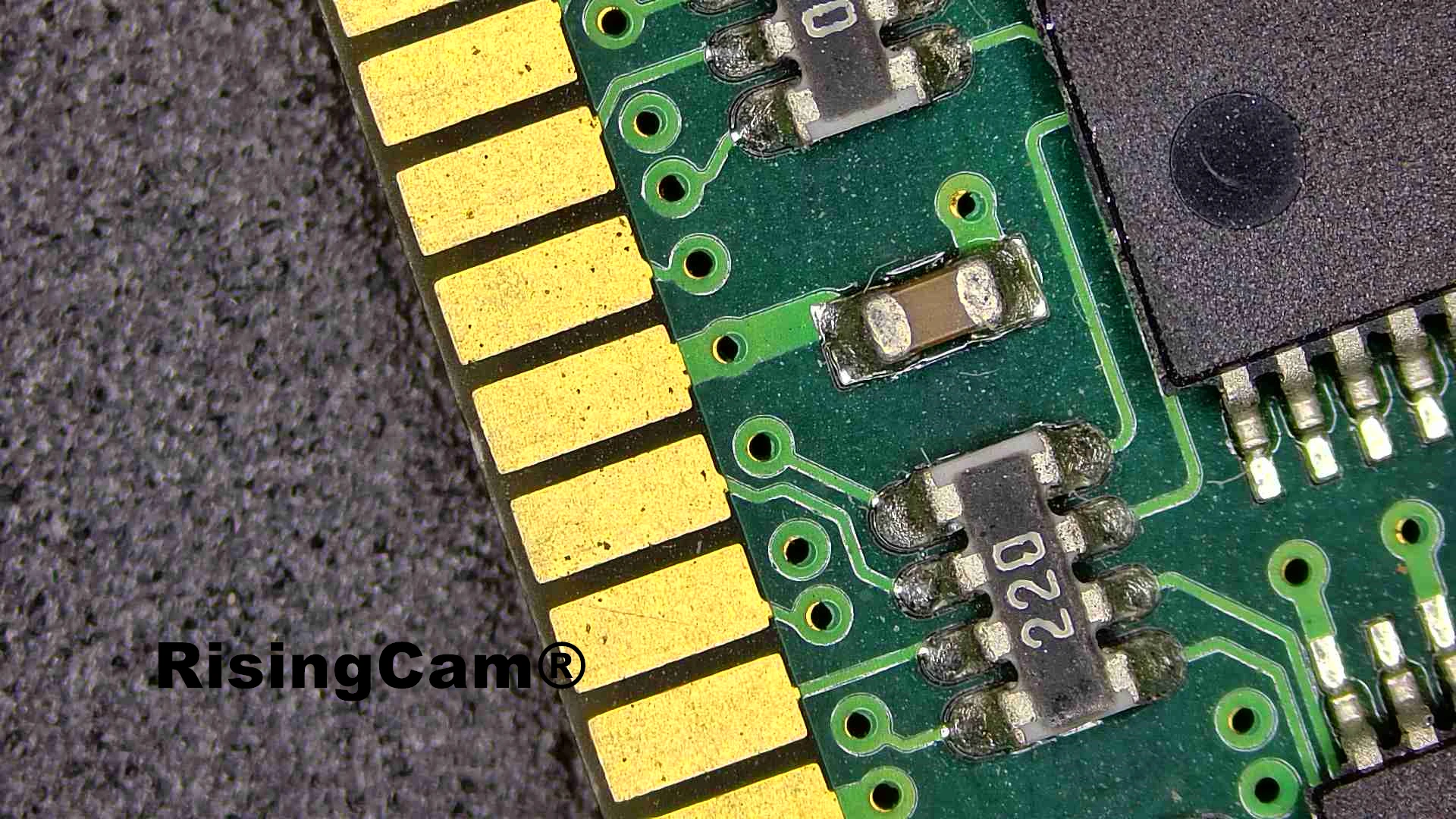
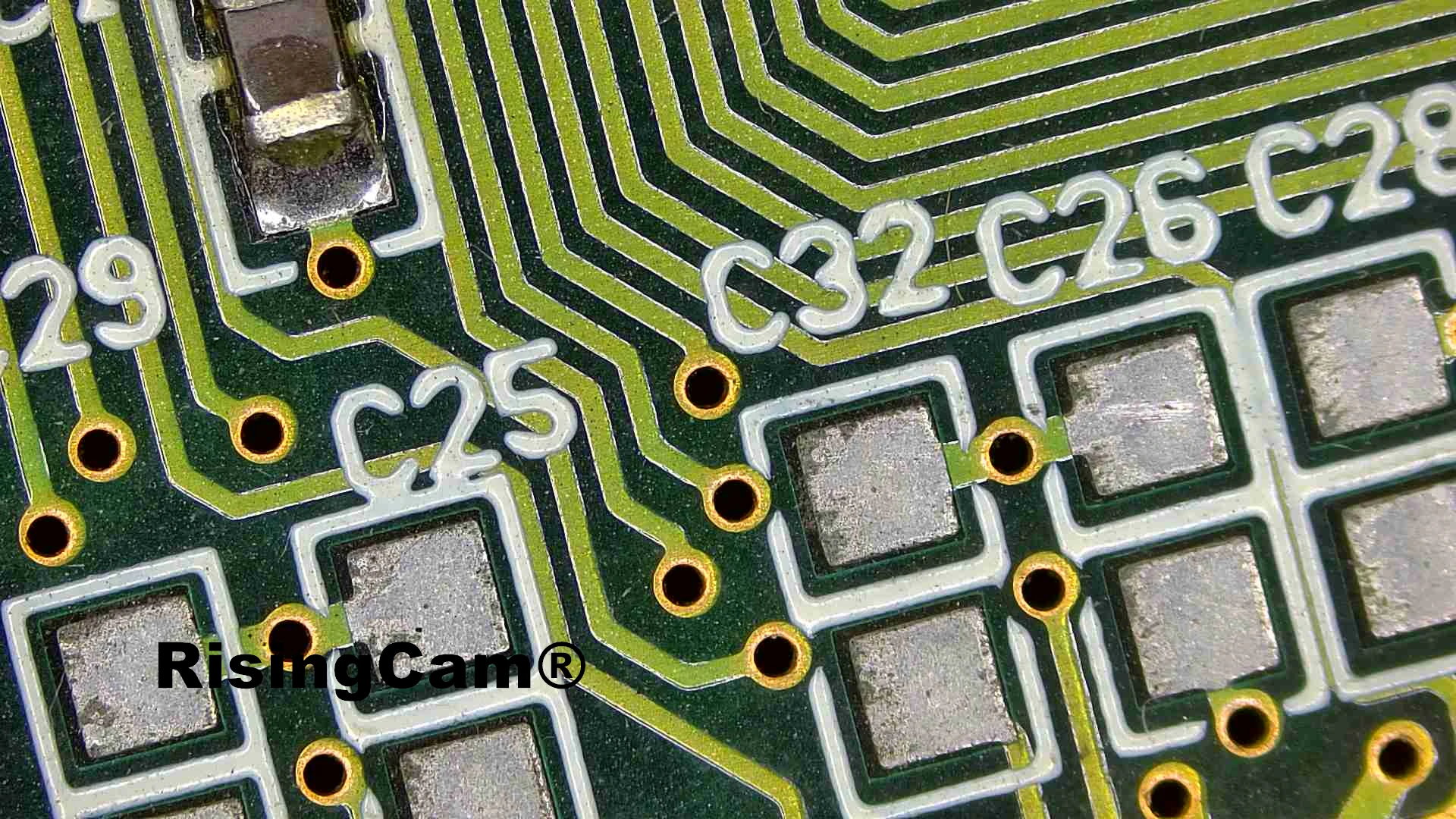
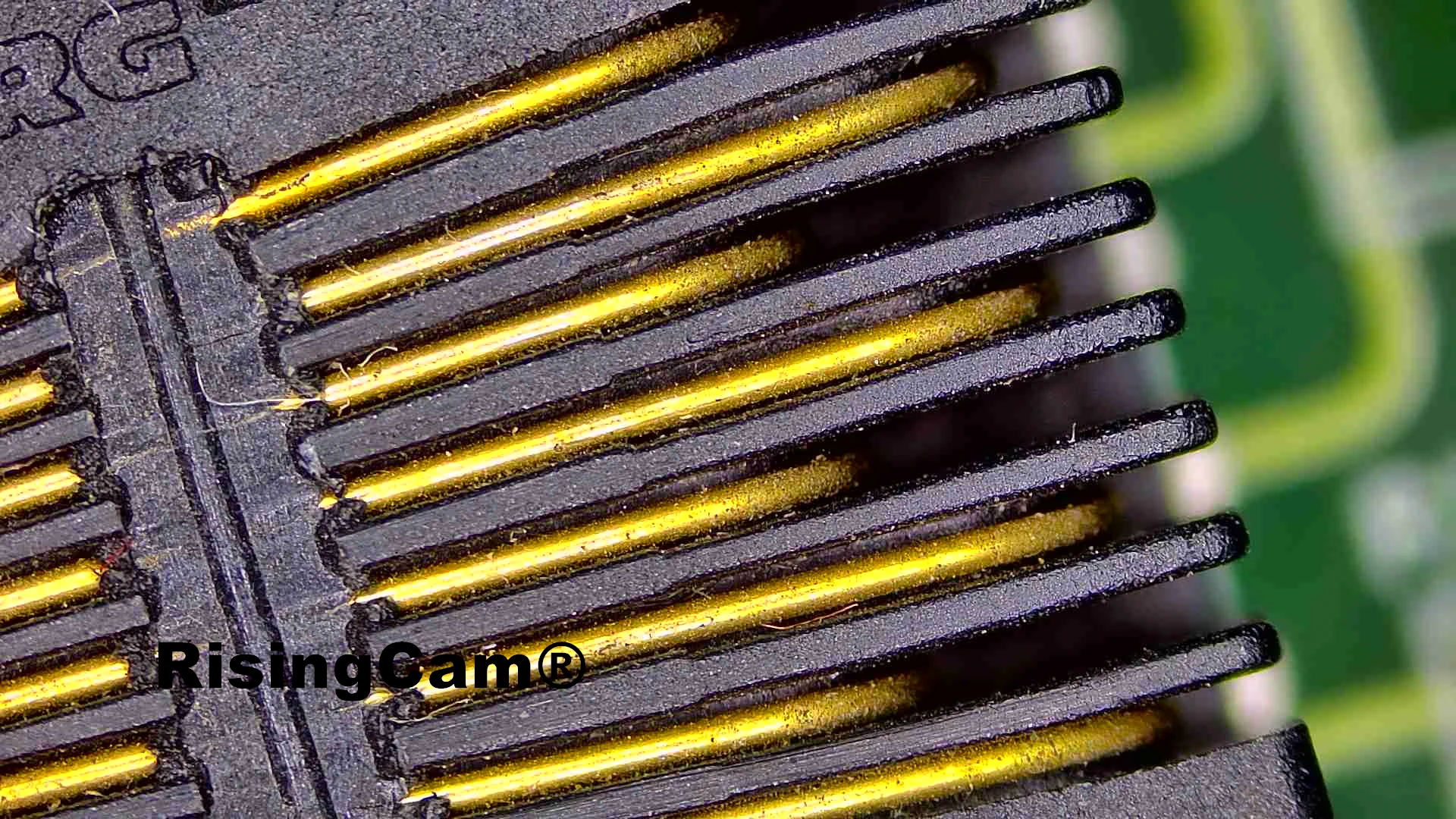
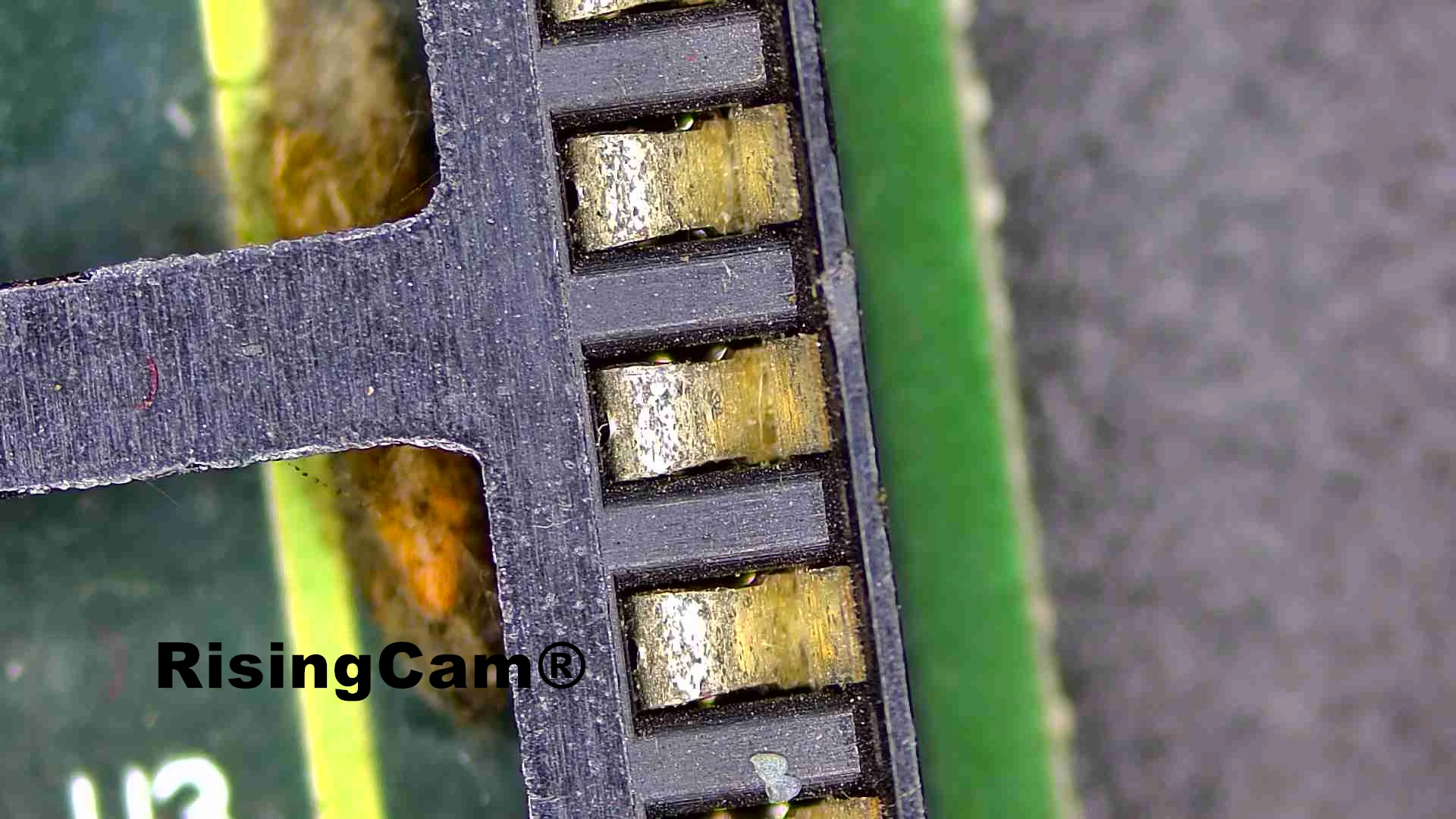
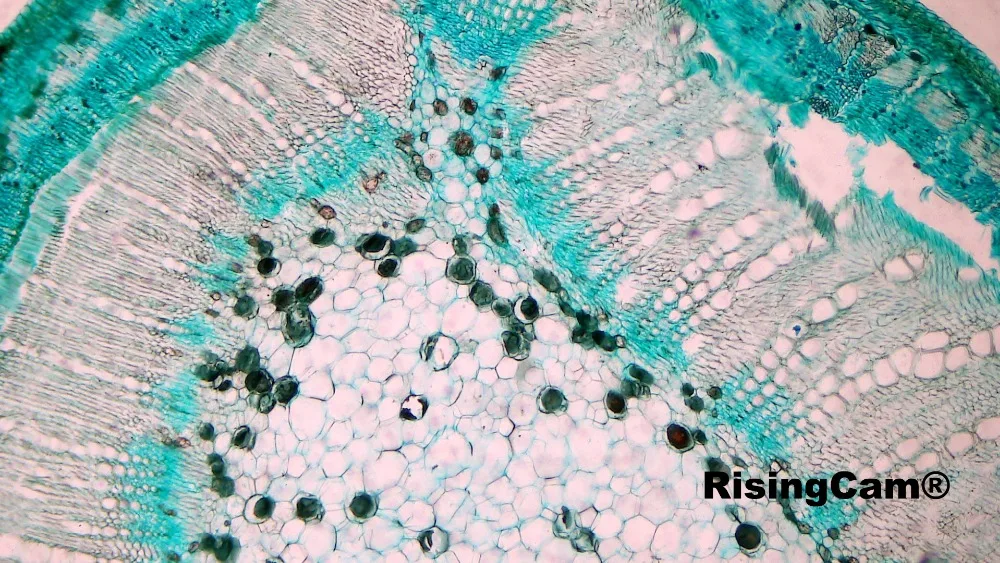
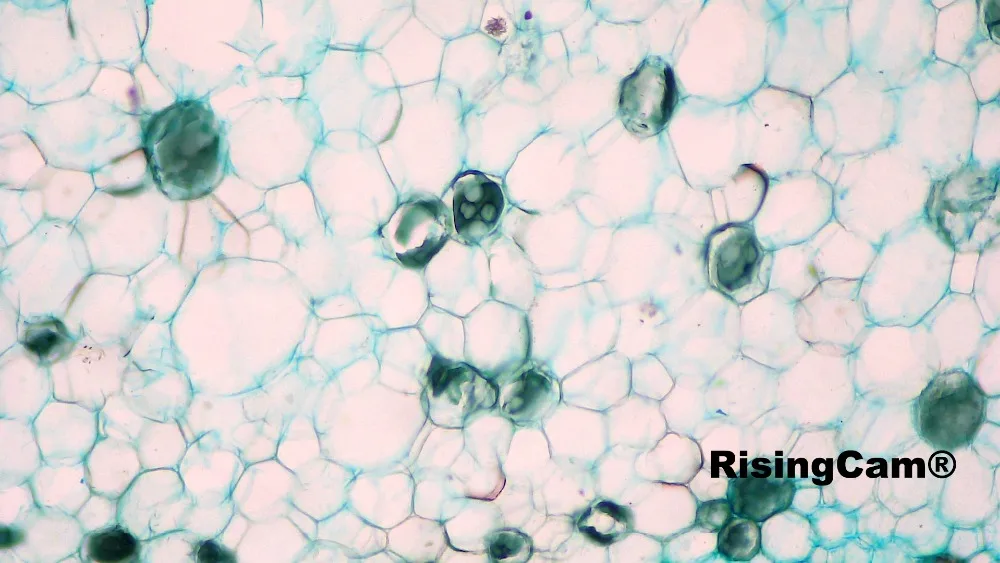
This Camera can working with biological microscope too. follow picture is Plant rhizome
The standard packing include
1. Camera
2. HDMI cable
3. Wireless Mouse
4. Type C cable
5. Power Supplier
1 Years
| Category | DIY, Tools & Hardware › Tools & Equipment › Measuring Tools |
|---|---|
| Availability | In stock |
| Ships to | Canada |
| Buyer Guarantees | 15-Day No Update Refund & 60-Day No Delivery Refund |
No reviews yet
Be the first to share what you think of this product.


