

High Sensitivity 1080p HD 60fps HDMI and USB Output Digital Microscope Camera HDMI with IMX385 1/2' CMOS Sensor
- Fast delivery
- 30-day returns
Product details
| Brand Name | RisingCam |
|---|---|
| Model Number | XCAM1080P2MPA |
| Material | Metal |
High sensitivity 1080p HD 60fps HDMI and USB Output Digital Microscope Camera HDMI with SONY imx385 1/2" CMOS sensor

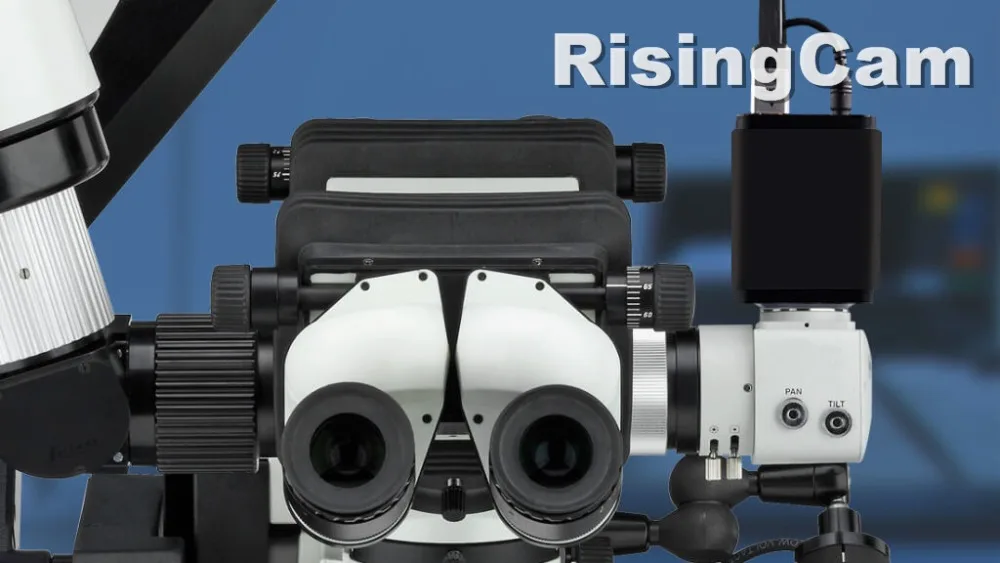
The XCAM1080P series is the next-generation live-view imaging-system with 1080p resolution at 60FPS.
it comes with Sony Exmor CMOS sensor with high sensitivity, low dark current and no smear achieved through the adoption of R, G and B primary color mosaic filters.
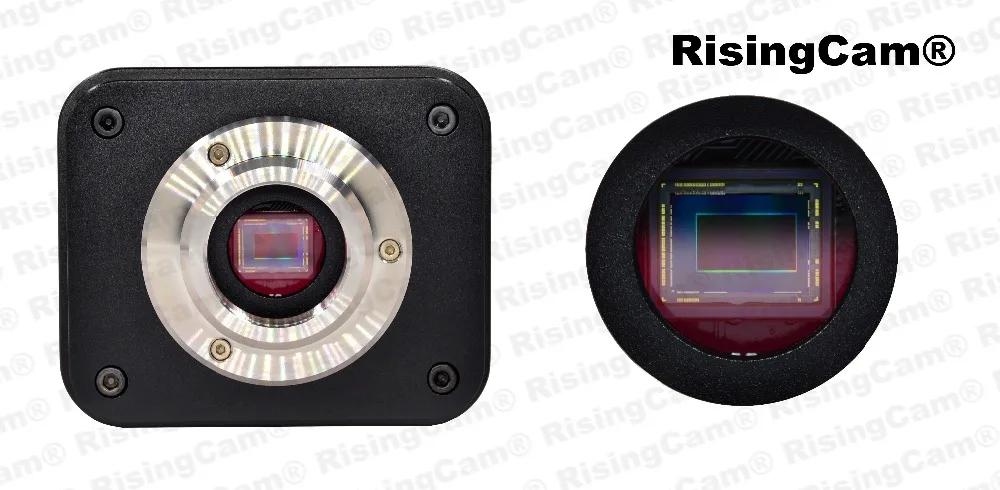
The camera uses a standard C-mount interface for maximum compatibility with various microscopy-systems.
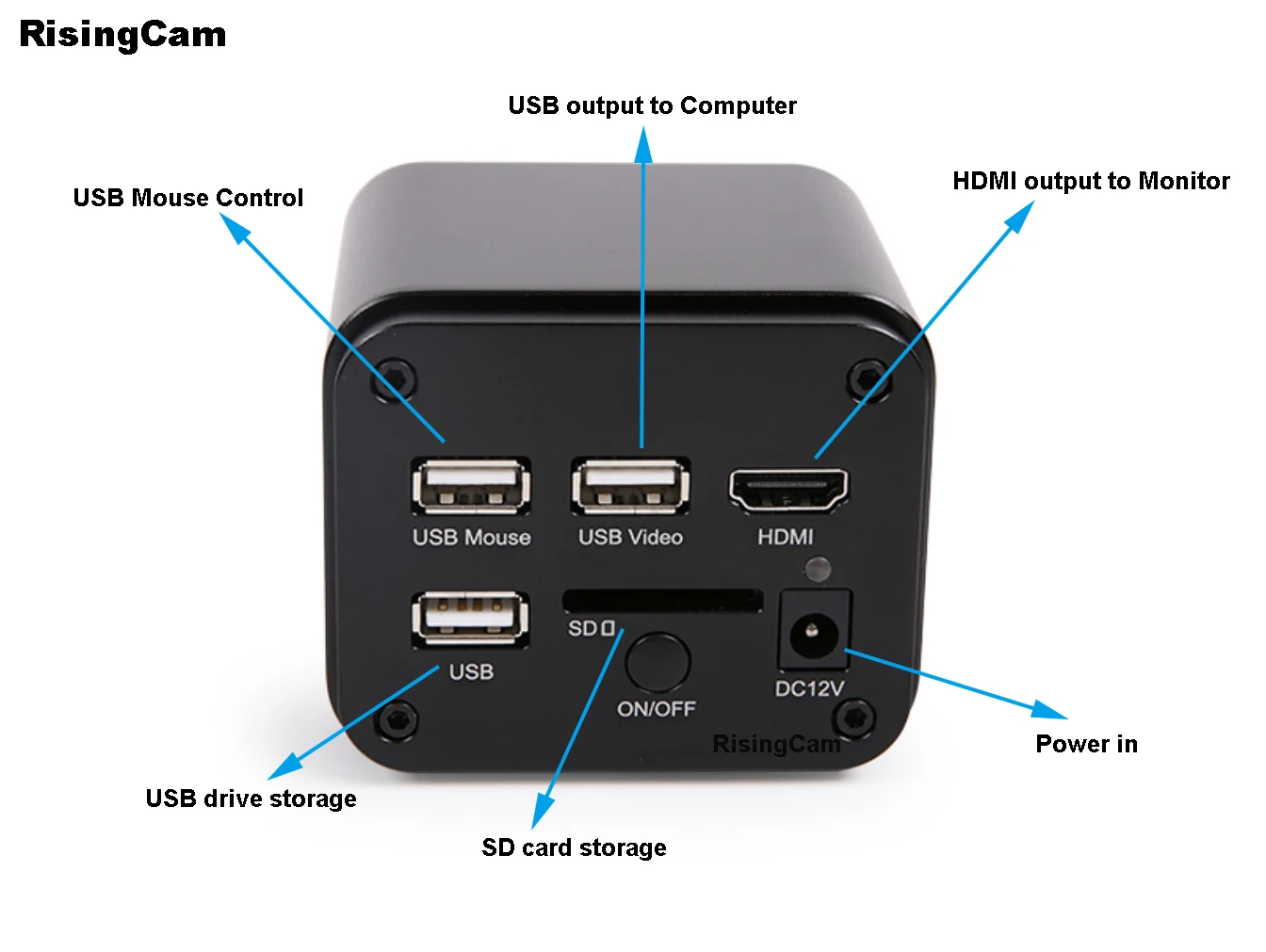
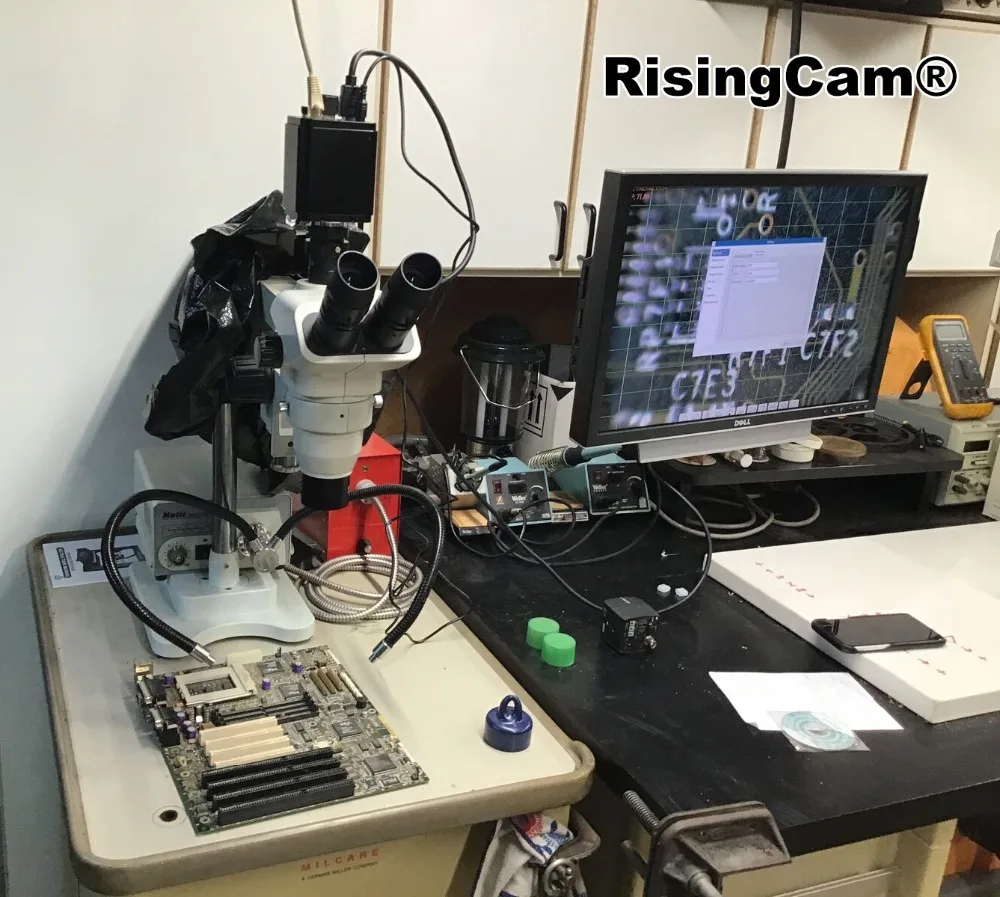
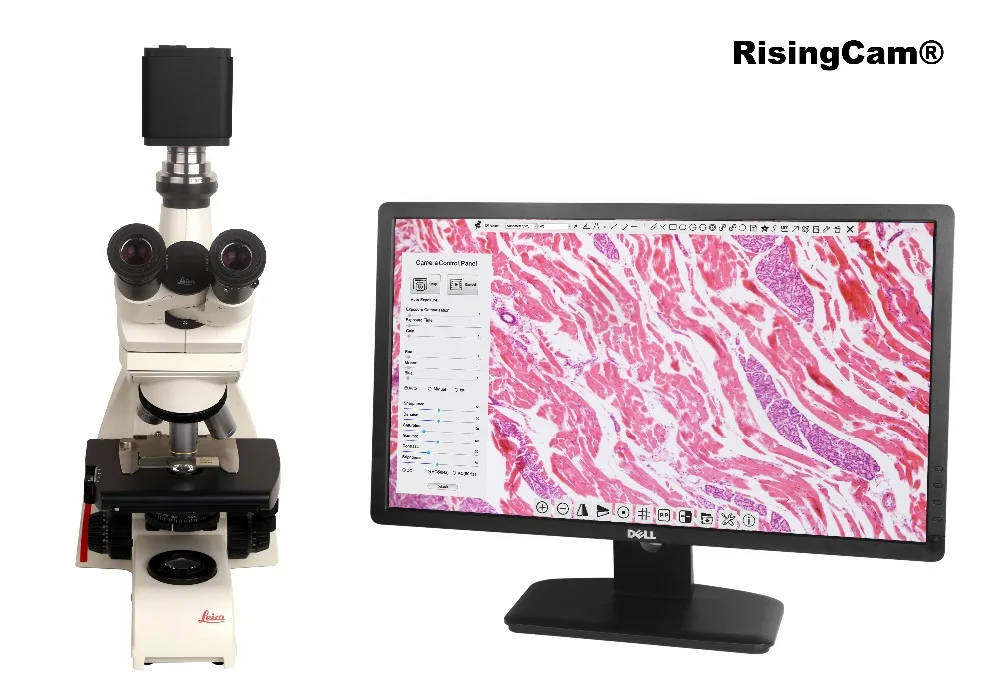
It can be used as a stand-alone recorder when used with an HDMI monitor or television, or live-streamed to a PC via USB for image-capture and video-recording.
Hardware 3D denoising, sharpness and local tone mapping control functions greatly improve the image and video quality.
The included Windows software offers image-development and measurement tools, as well as advanced compositing features such as image-stitching and extended-depth-of-focus. With the ability to calibrate scales at multiple magnifications, the software can be used for multi-level inspection.
SONY imx385 Sensor, senzor size:1/2"
Ultra-High sensitivity : 1175mv with 1/30s 0.15mv with 1/30s
Video Resolution: 1080 HD (2mp 1920x1080)
Max frame rate:
60fps / HDMI-output
50fps / USB-output
Real time measurement
Support SD card storage
HDMI & USB output
Sony Exmor back illuminated CMOS sensor
1080P HDMI/USB multiple video outputs
SD card for the captured image and video storage
Embedded XCamView for the control of the camera
With strong ISP and other related processing functions
RisingView software for PC
Order Code | Sensor & Size(mm) | Pixel(μm) | G Sensitivity | Max fps /Resolution | Binning | Exposure(ms) |
XCAM1080p-2MPA | Sony IMX385(C) 2.0MP | 3.75x3.75 | 1175mv with 1/30s | 60fps/1920x1080 (HDMI) | 1x1 | 0.04~1000 |
1/2"(7.2X4.05) | 0.15mv with 1/30s | 50fps/1920x1080 (USB) |
Video Output Interface | Function Description |
HDMI Interface | Comply with HDMI 1.4 standard; Max 60fps@1080P; |
USB Video Interface | Connecting USB port of PC for video transfer ; MJPEG format video; Max 50fps @ 2mp |
Function Name | Function Description |
Video Saving | Video format:2M(1920x1080) H264/H265 encoded MP4file; Video saving frame rate:max 60fps; |
Image Capture | 2M (1920x1080)JPEG/TIFFimage in SD card; |
Measurement Saving | Measurement information saved in layermodewith image content; Measurement information is saved together with image content in burn in mode. |
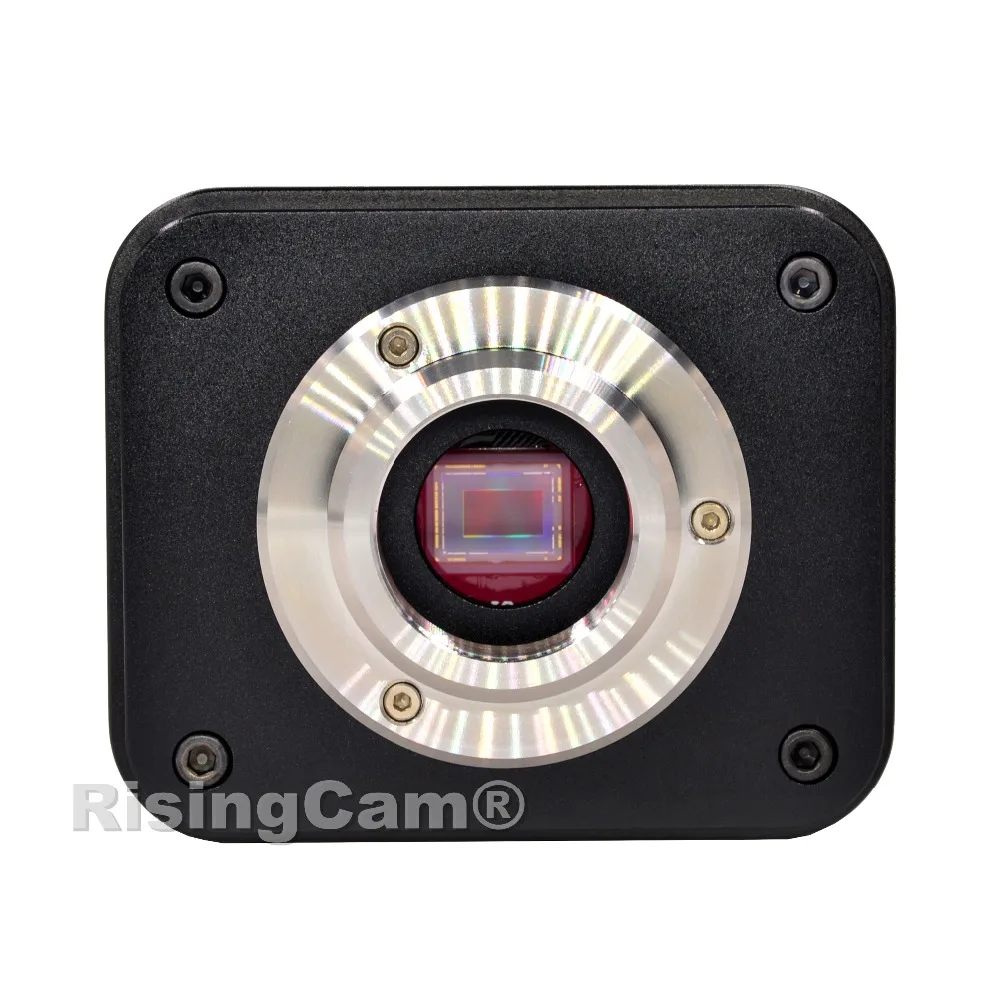
SONY imx385 Sensor, senzor size:1/2"
Ultra-High sensitivity : 1175mv with 1/30s 0.15mv with 1/30s
high sensitivity let camera can work under low light condition
Video Resolution: 1080 HD
Capture photo reolution" 2.0mp (1920x1080)
Max frame rate:
60fps / HDMI-output
50fps / USB-output
HDMI Interface | Comply with HDMI 1.4 standard; Max 60fps@1080P; |
USB Video Interface | Connecting USB port of PC for video transfer ; MJPEG format video; Max 50fps @ 2mp |
unction Name | Function Description |
Video Saving | Video format:2M(1920x1080) H264/H265 encoded MP4file; Video saving frame rate:max 60fps; |
Image Capture | 2M (1920x1080)JPEG/TIFFimage in SD card; |
Measurement Saving | Measurement information saved in layermodewith image content; Measurement information is saved together with image content in burn in mode. |
1. HDMI output mode
Camera can capture photo and recording video under HDMI mode, the photo and video can be saved into SD card, the photo and video in SD card can be replayed on TV monitor
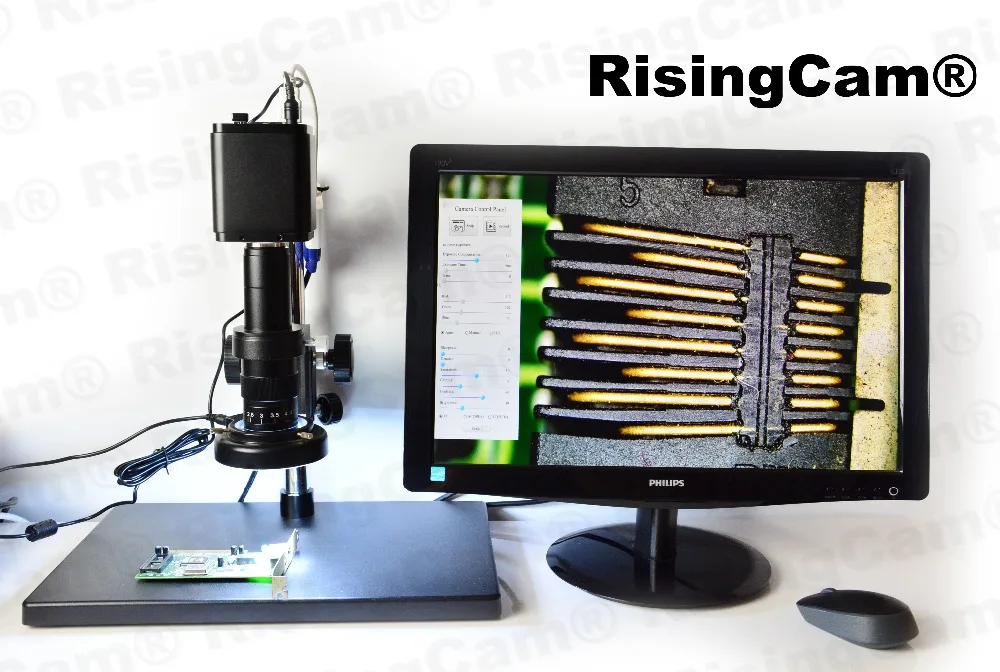
Camera connect to 19inch 1080P HDMI TV monitor
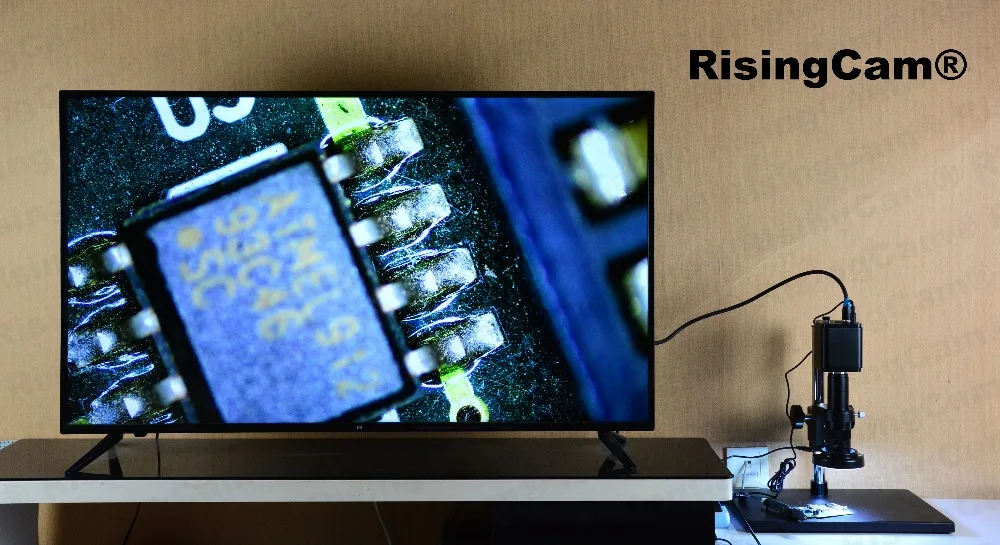
Camera connect to 55inch TV monitor
Camera UI under HDMI output
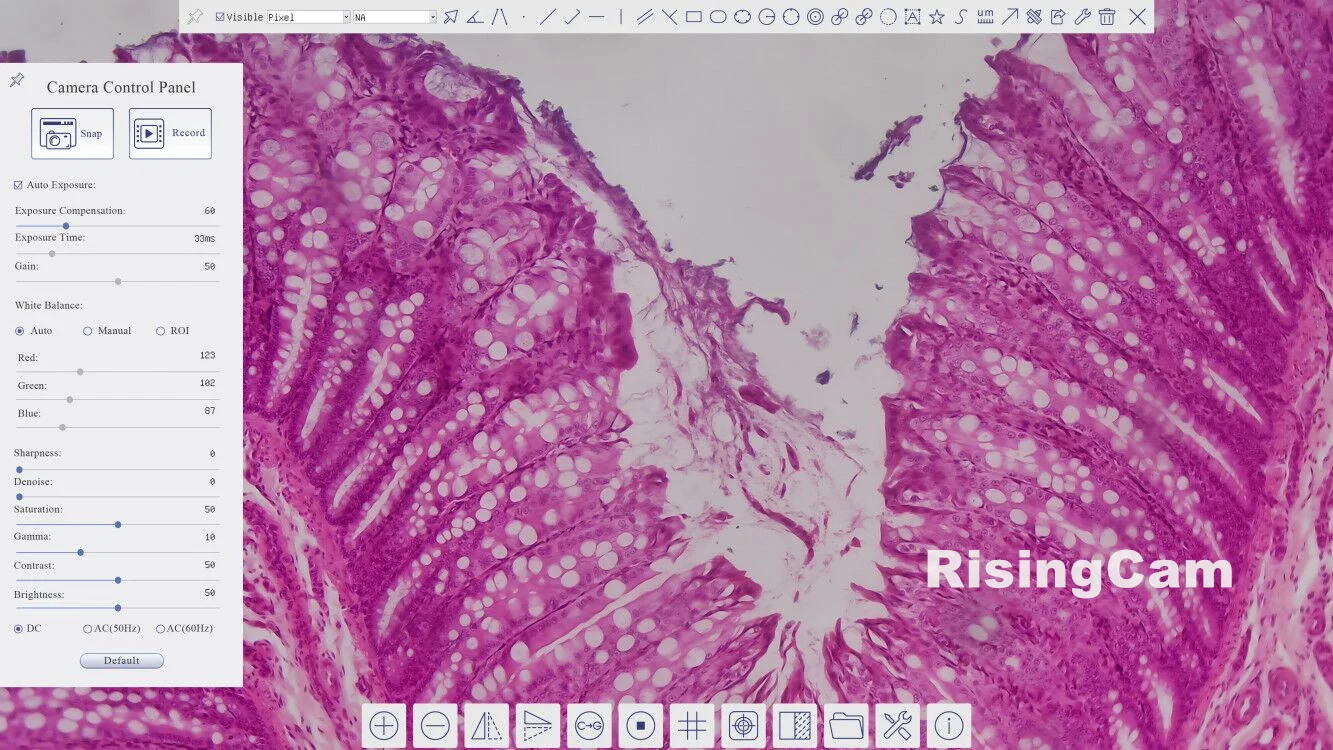
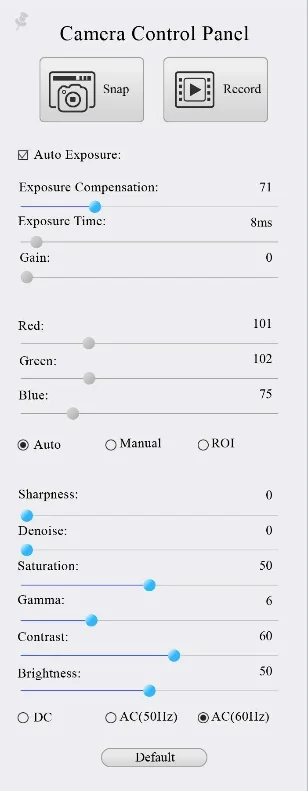
Camera Control Panel
The Camera Control Panel controls the camera to achieve the best video or image quality according to the specific applications; It will pop up automatically when the mouse cursor is moved to the left side of the video window (in measurement status, the Camera Control Panel will not pop up. The Camera Control Panel will only pop up when the measurement process is finished or terminated while user’s cursor on the left edge of the video window). Left-clicking
| Snap | Capture image and save it to the SD card |
Record | Record video and save it to the SD card | |
Auto Exposure | When Auto Exposure is checked, the system will automatically adjust exposure time and gain according to the value of exposure compensation | |
Exposure Compensation | Available when Auto Exposure is checked. Slide to left or right to adjust Exposure Compensation according to the current video brightness to achieve proper brightness value | |
Exposure Time | Available when Auto Exposure is unchecked. Slide to left or right to reduce or increase exposure time, adjusting brightness of the video | |
Gain | Adjust Gain to reduce or increase brightness of video. The Noise will be reduced or increased accordingly | |
Red | Slide to left or right to decrease or increase the proportion of Red in RGB on video | |
Green | Green is base for reference and cannot be adjusted | |
Blue | Slide to left or right to decrease or increase the proportion of Blue in RGB on the video | |
Auto White Balance | White Balance adjustment according to the window video every time the button is clicked | |
Manual White Balance | Adjust the Red or Blue item to set the video White Balance. | |
Sharpness | Adjust Sharpness level of the video | |
Denoise | Slide left or right to denoise the video | |
Saturation | Adjust Saturation level of the video | |
Gamma | Adjust Gamma level of the video. Slide to the right side to increase gamma and to the left to decrease gamma. | |
Contrast | Adjust Contrast level of the video. Slide to the right side to increase contrast and to the left to decrease contrast. | |
DC | For DC illumination, there will be no fluctuation in light source so no need for compensating light flickering | |
AC(50HZ) | Check AC(50HZ) to eliminate flickering caused by 50Hz illumination | |
AC(60HZ) | Check AC(60HZ) to eliminate flickering caused by 60Hz illumination | |
Default | Restore all the settings in the Camera Control Panel to default values |
Camera Measurement Toolbar
The Measurement Toolbar will pop up when moving mouse cursor to any place near the upper edge of the video window. Here is the introduction of the various functions on the Measurement Toolbar

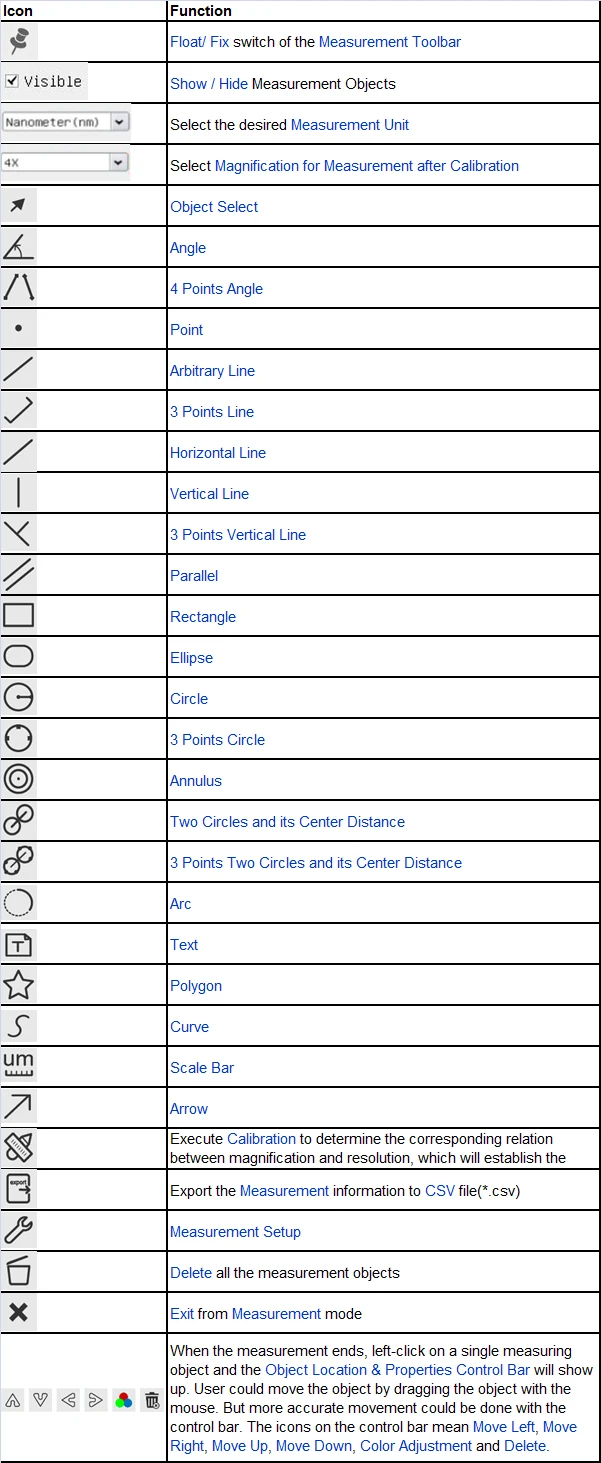
Synthesis Camera Control Toolbar

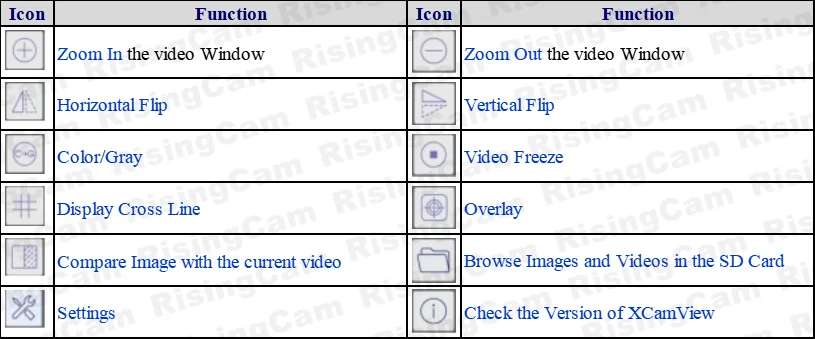
Function Name | Function Description |
Exposure/Gain | Automatic/ManualExposure |
White Balance | Manual/Automatic/ROIMode |
Sharpening | Supported |
3DDenoise | Supported |
Saturation Adjustment | Supported |
Contrast Adjustment | Supported |
Brightness Adjustment | Supported |
GammaAdjustment | Supported |
50HZ/60HZAnti-flicker Function | Supported |
Function Name | Function Description |
Zoom In/Zoom Out | Up to 10X |
Mirror/Flip | Supported |
Freeze | Supported |
CrossLine | Supported |
Overlay | Supported |
Embedded Files Browser | Supported |
Video Playback | Supported |
Measurement Function | Supported |
Function Name | Function Description |
Embedded RTC(Optional) | To support accurate time on board |
Restore Factory Settings | Supported |
Multiple Language Support | English / Simplified Chinese / Traditional Chinese / Korean / Thai / French / German / Japanese / Italian / Russian |
2. USB output mode
This Camera support UVC, so it can working with computer by USB port.
Max frame rate 50fps@ 1080p resolution screen
RisingCam will provide RisingView software for buyer
RisingView software support Windows and MAC system
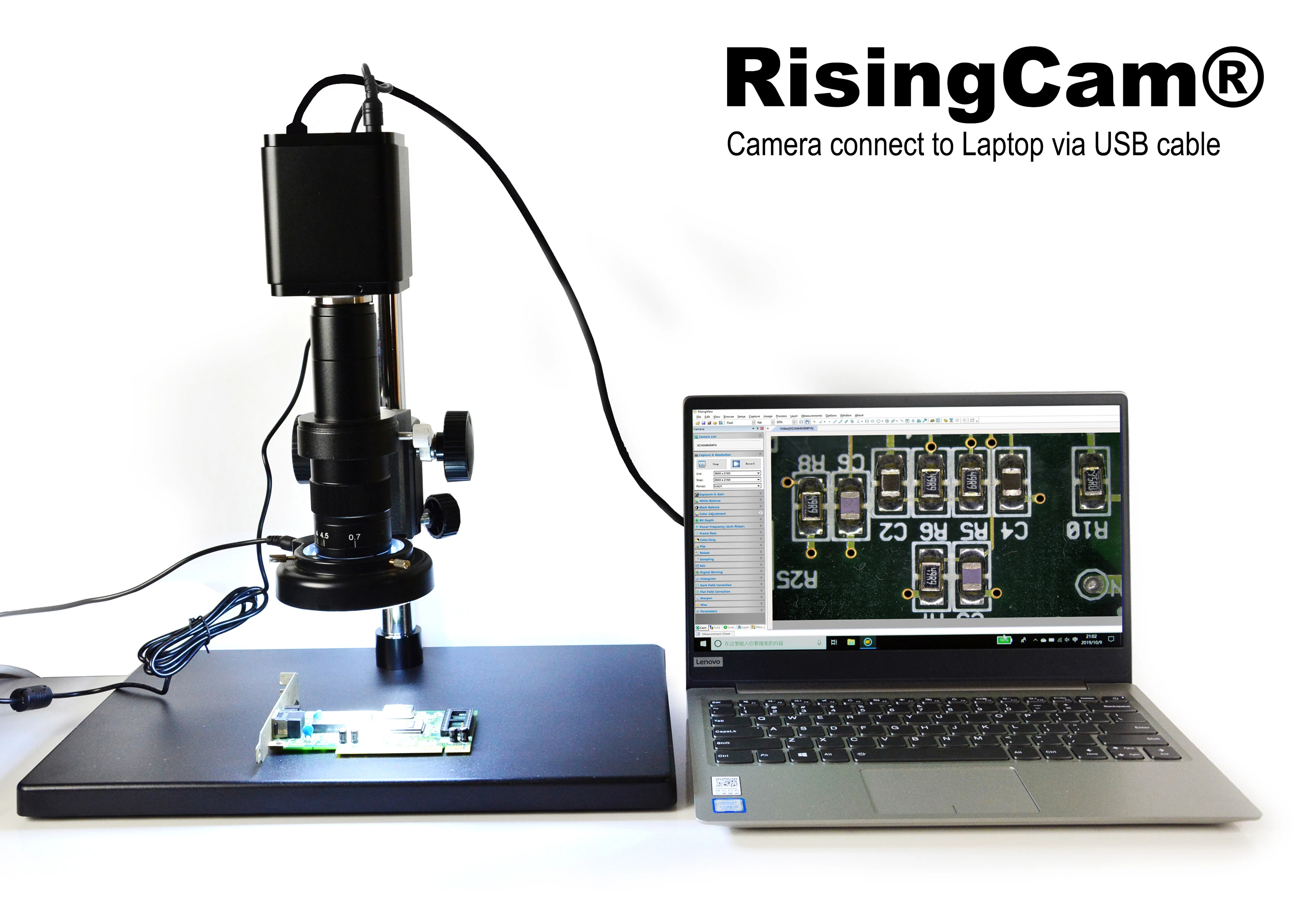
RisingView for Windows
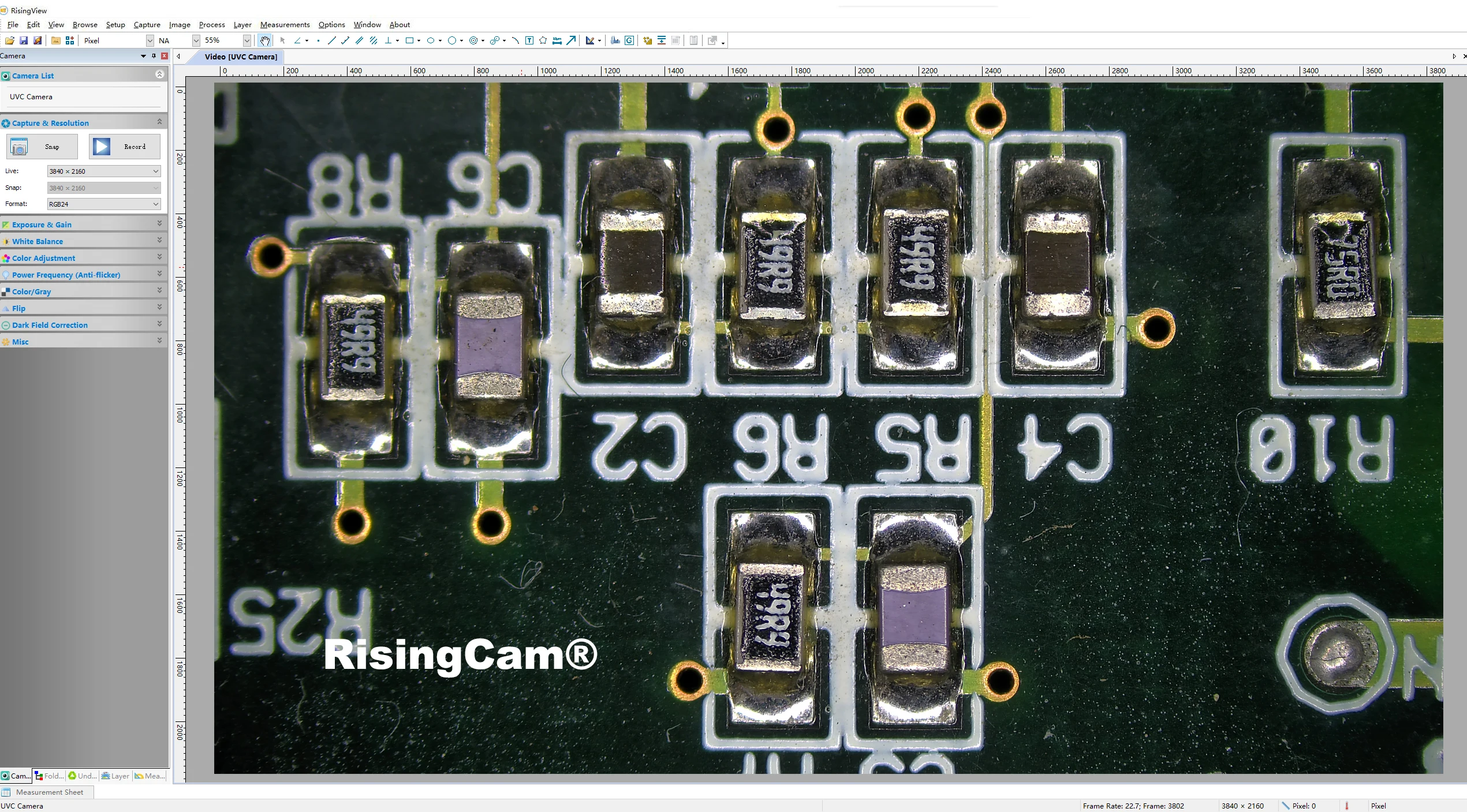
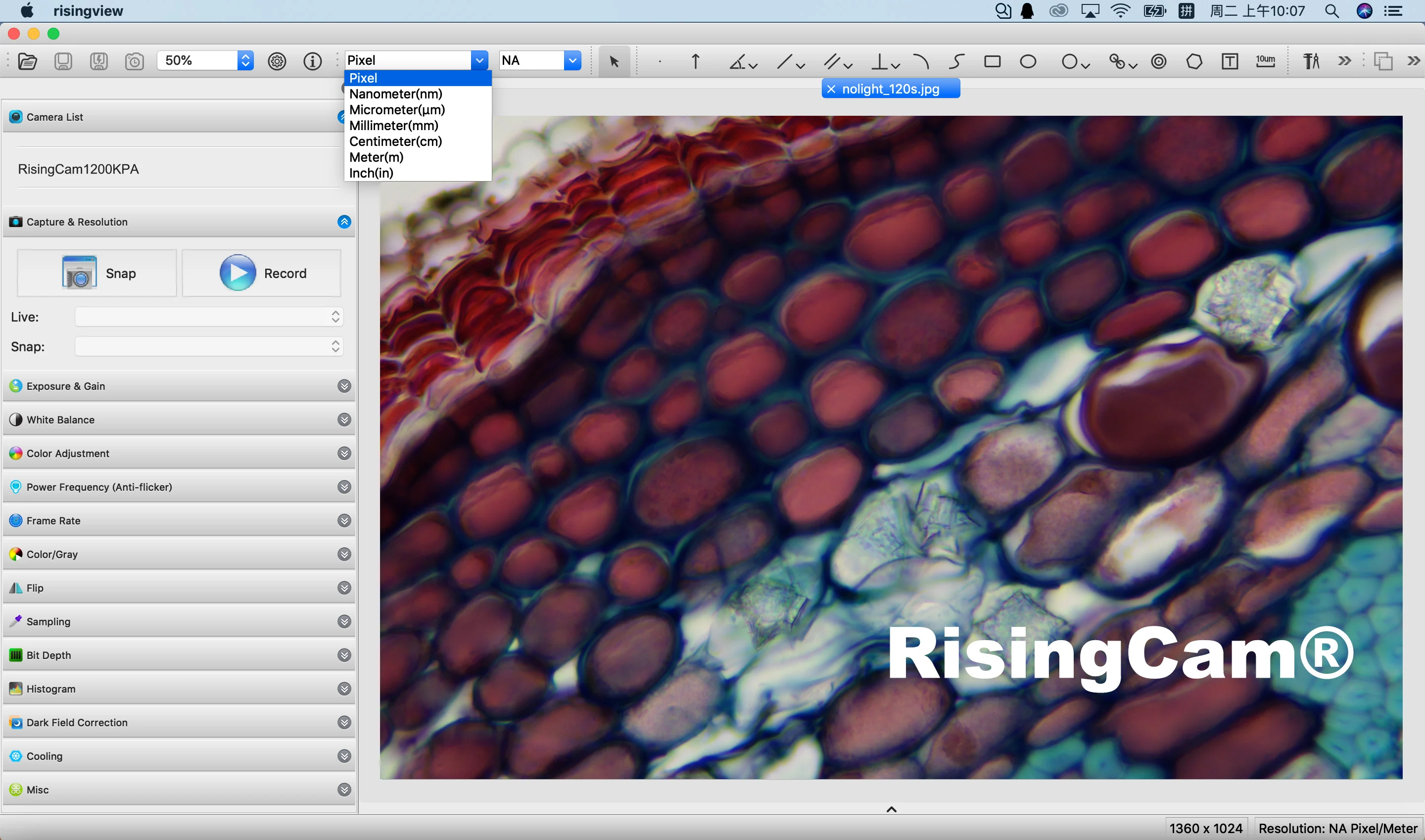
The Photo made by Camera's USB output under Zeiss Lab A1 Bilogical microscope
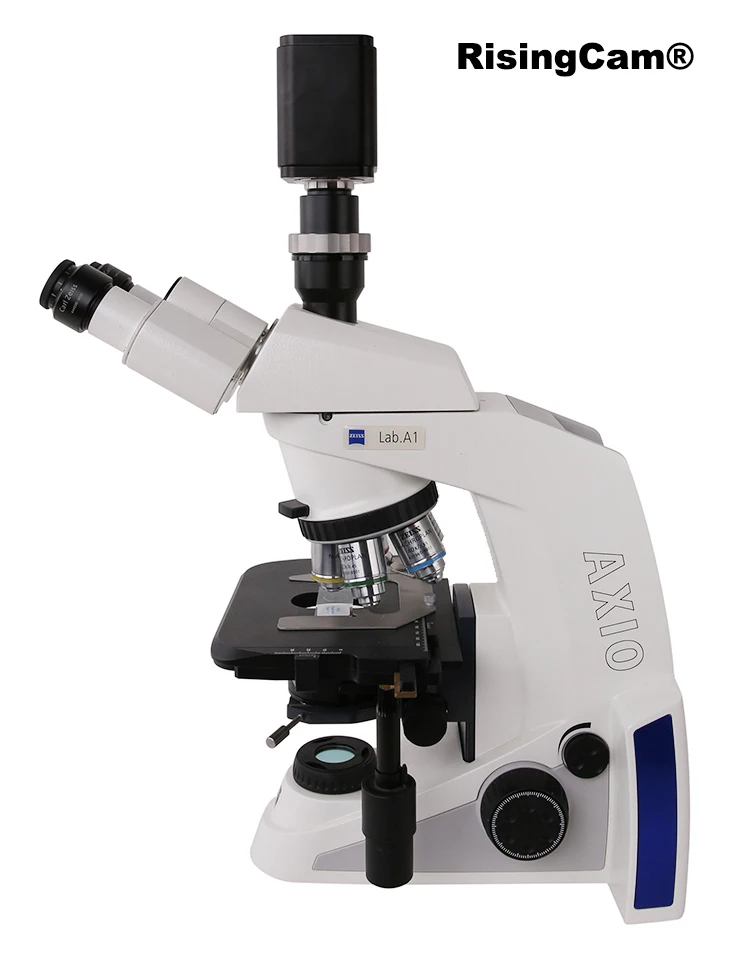
Zeiss Lab.A1 Trinocular microscope, Objective lens 4X, Sample:Plant rhizome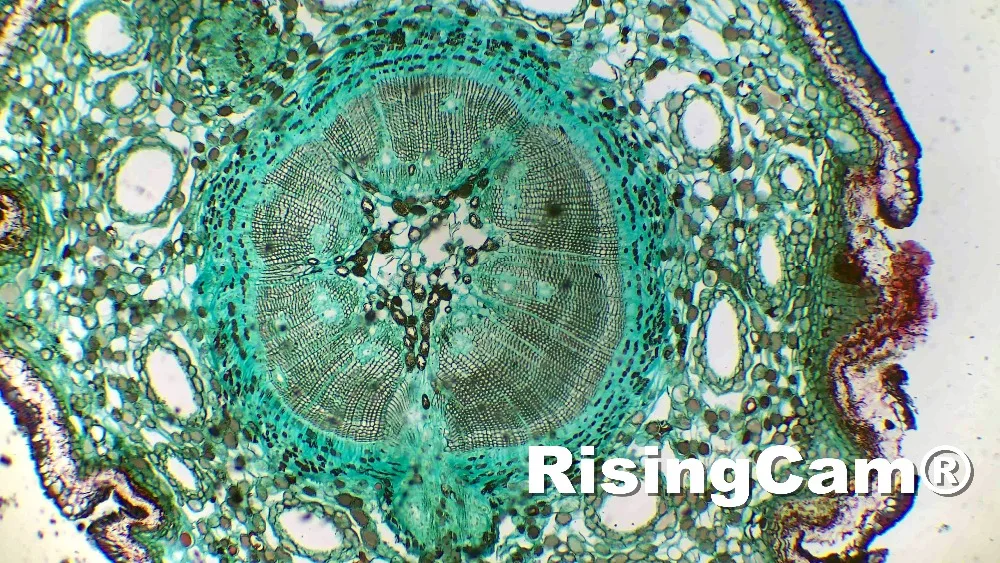
Zeiss Lab.A1Trinocular microscope, Objective lens 40X, Sample:Plant rhizome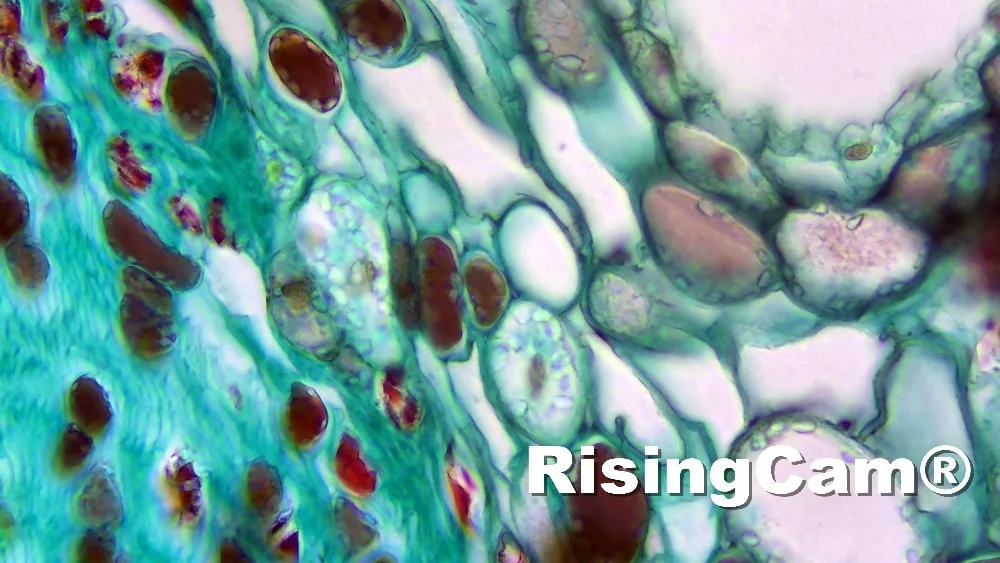
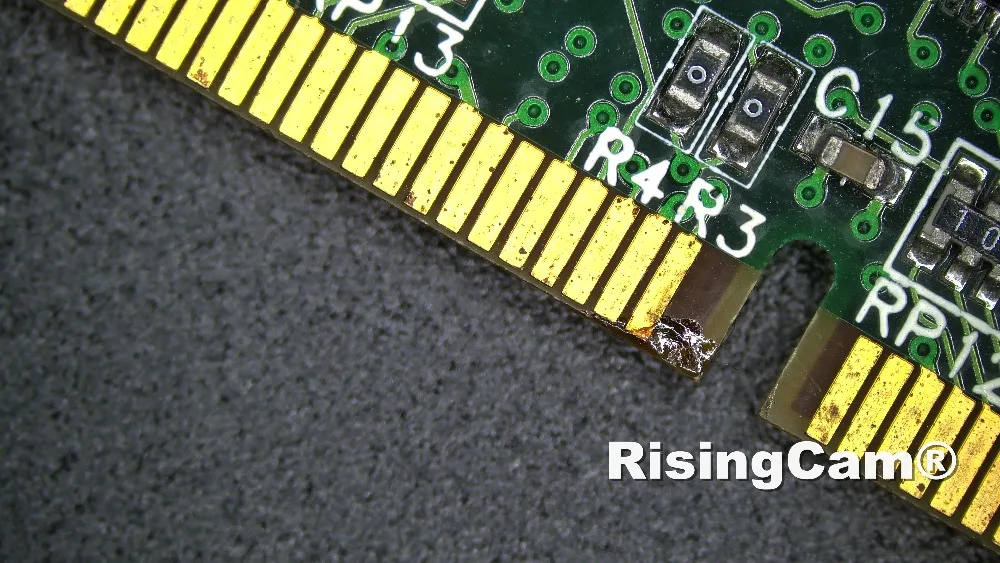
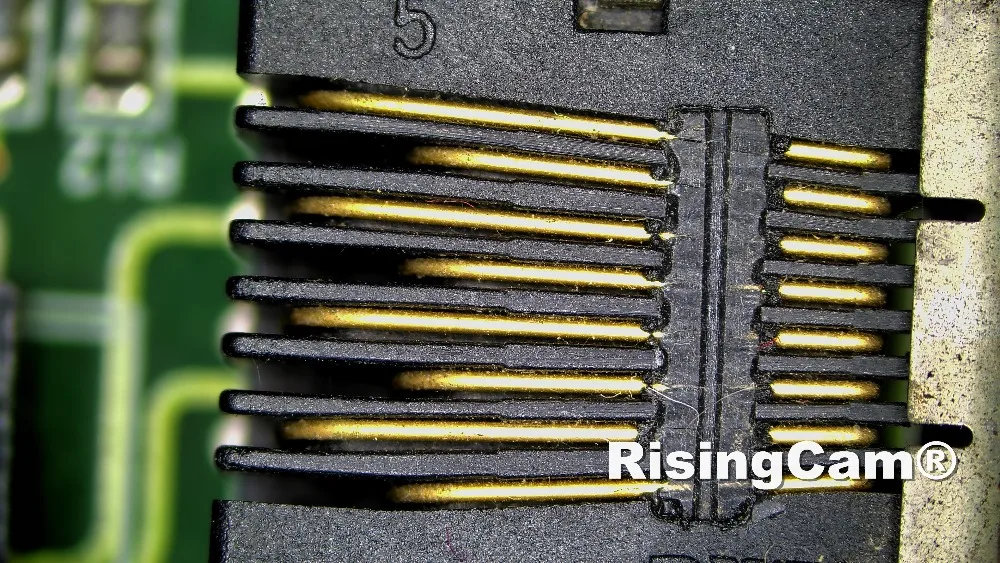
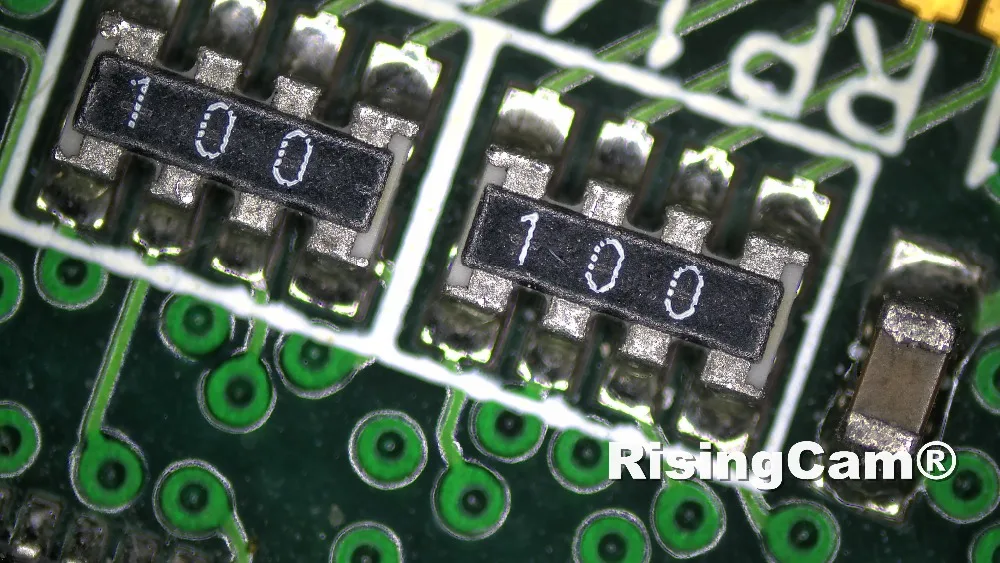
PCB sample
Biology Sample
MK54
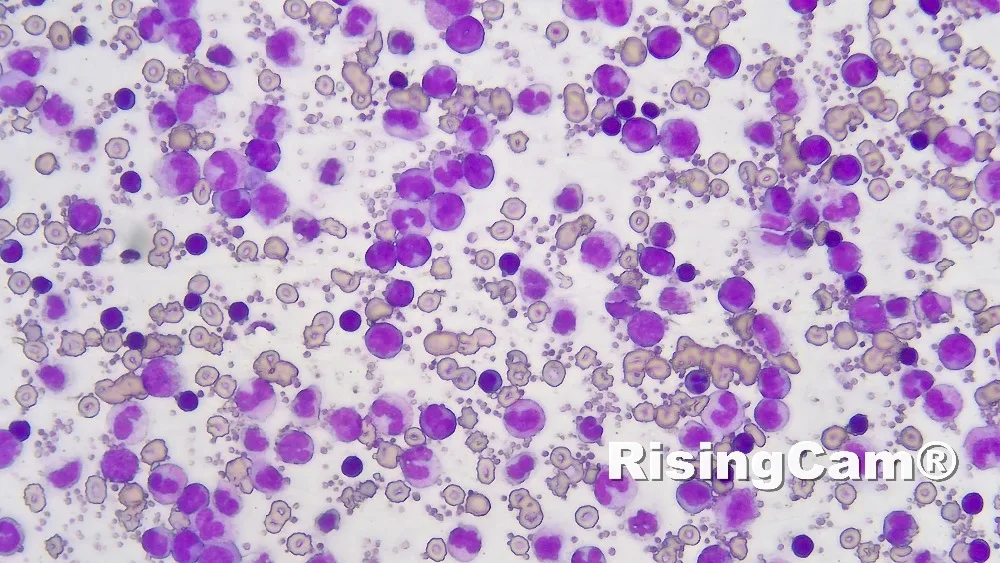
Rabbit Emdryo
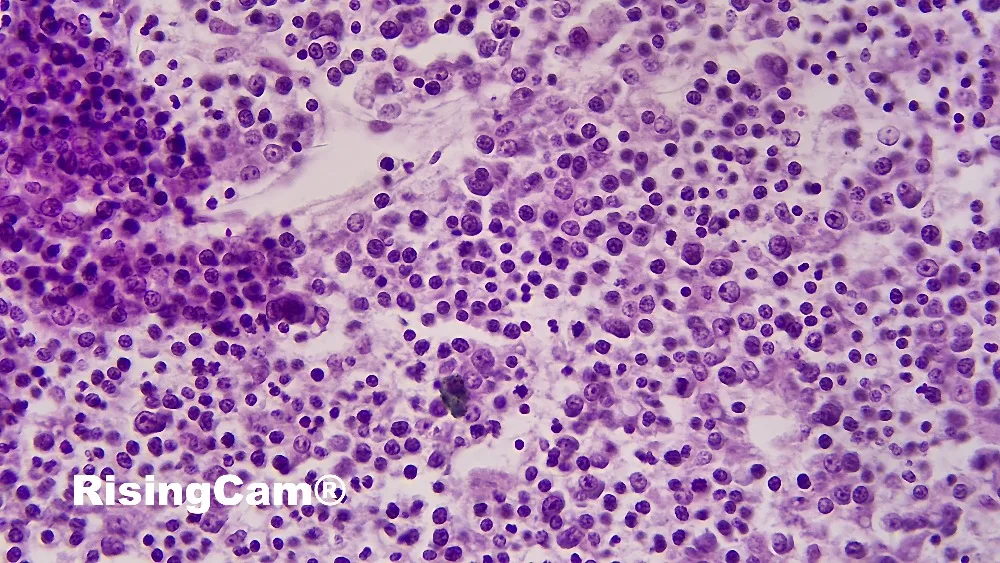
Ovary
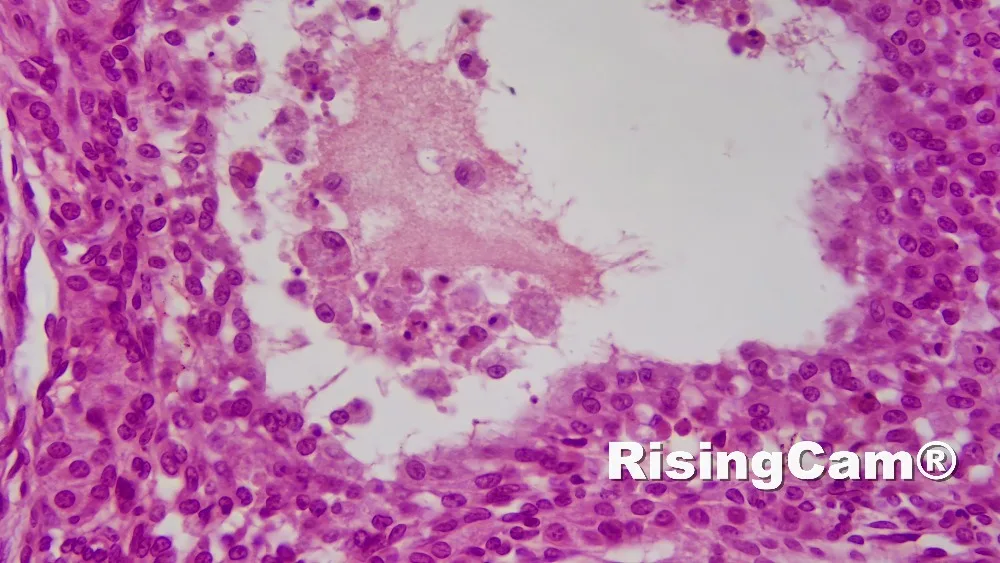
Taste
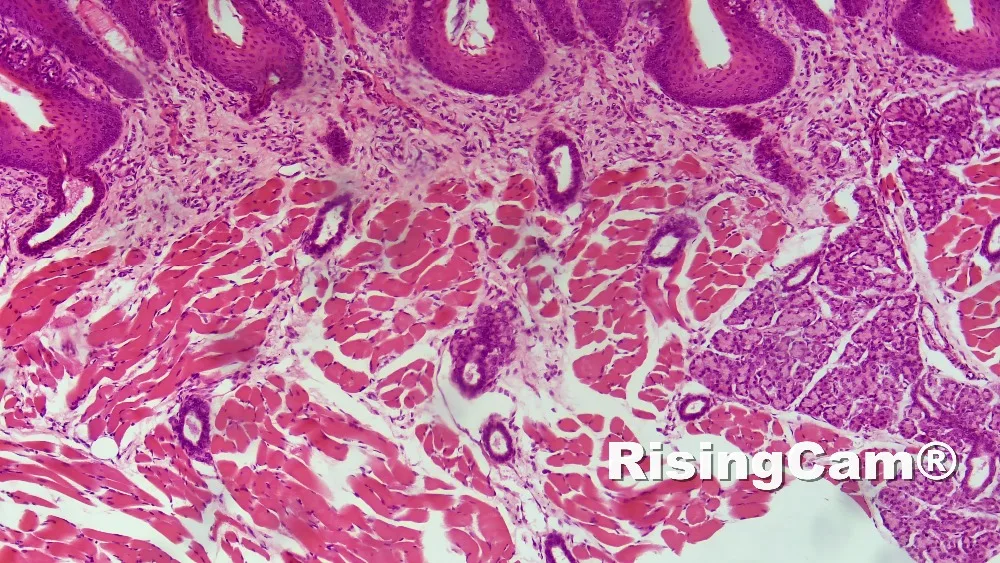
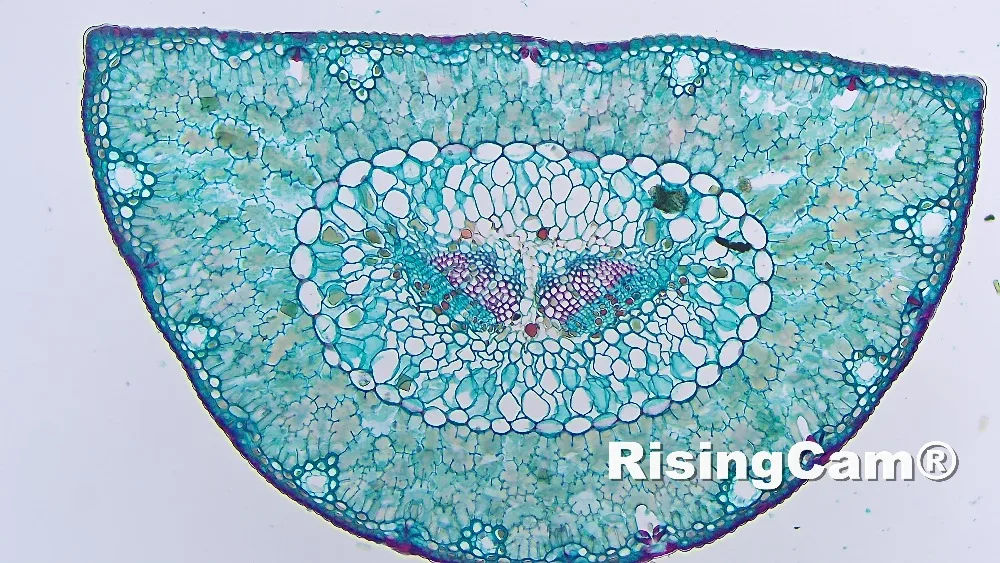
PineLeaf
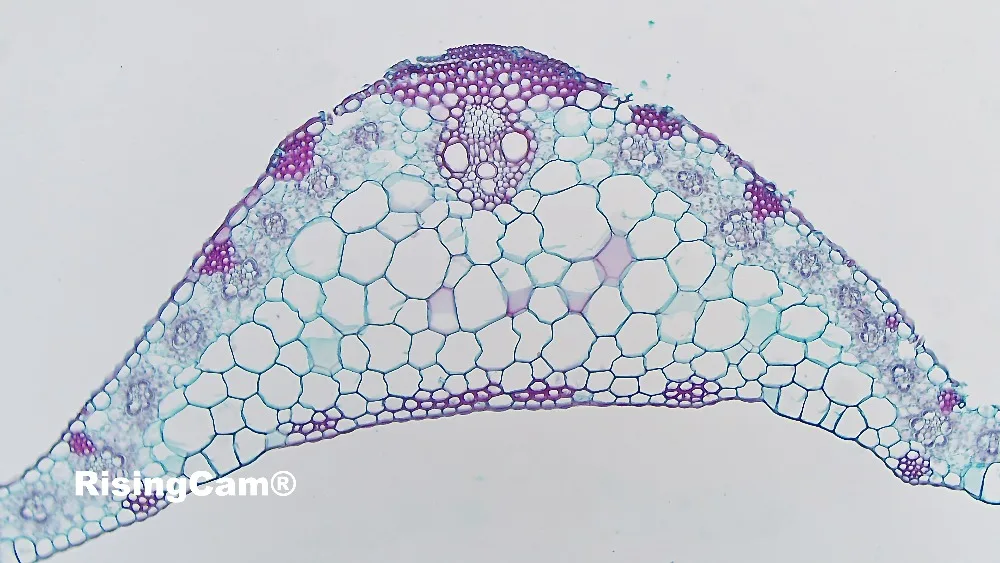
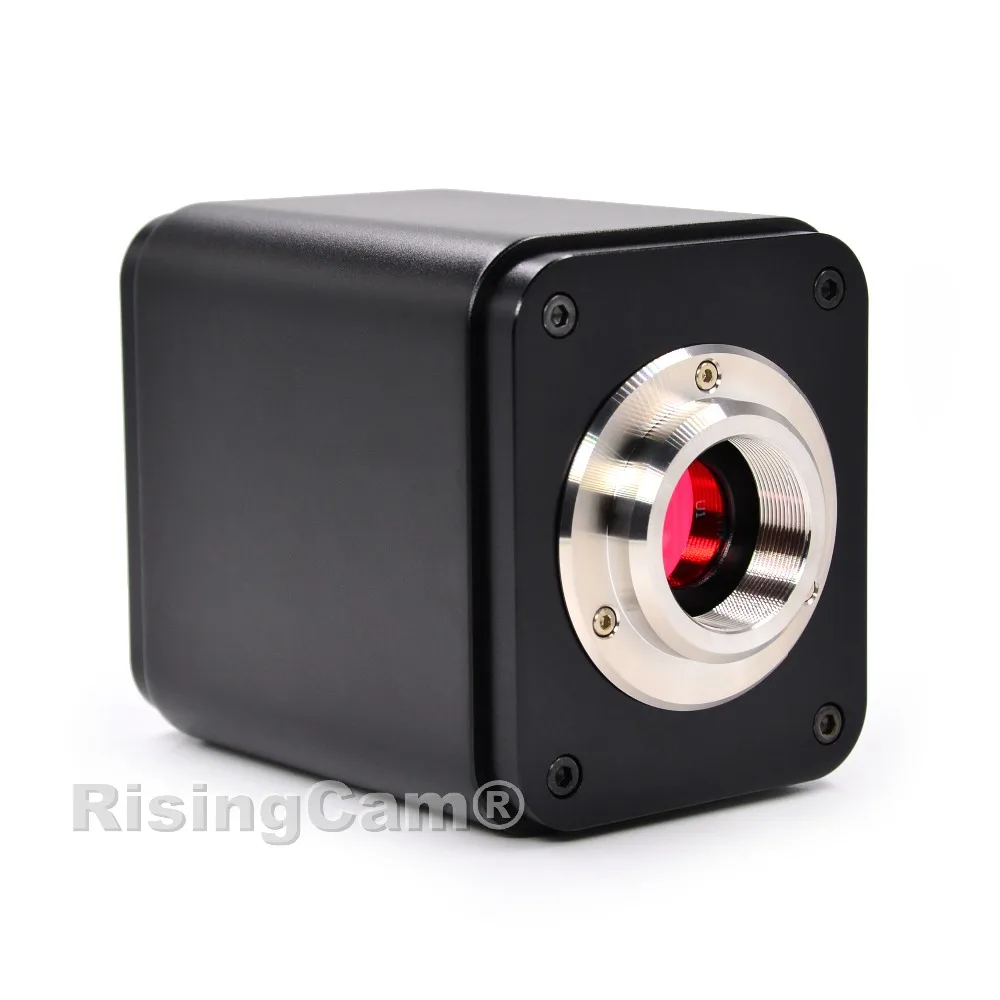
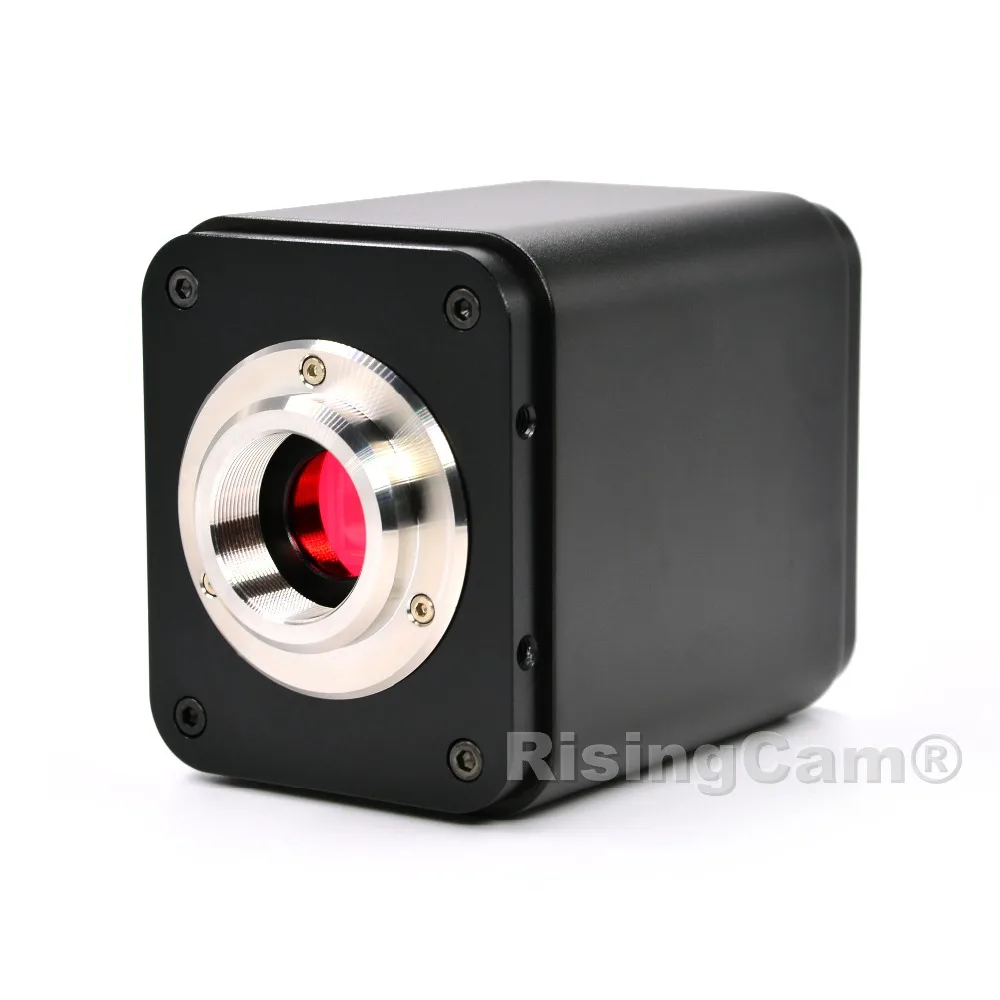
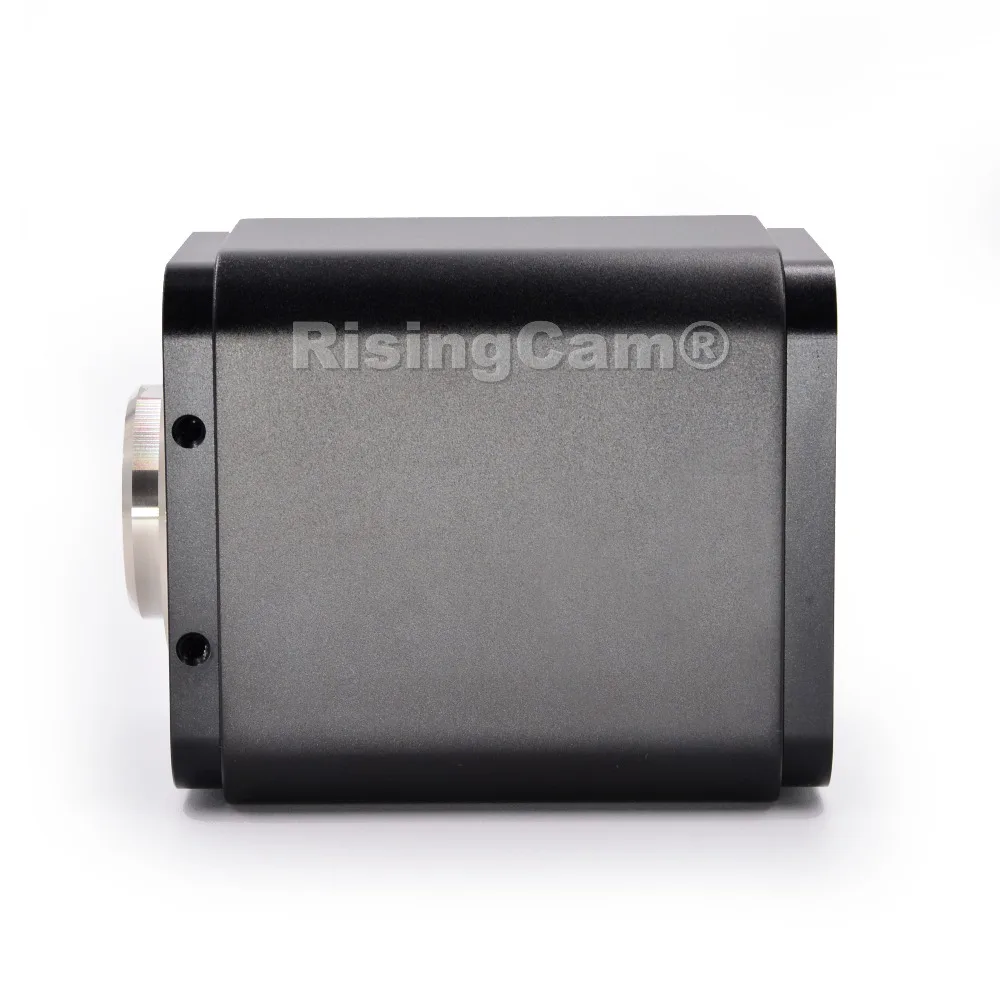
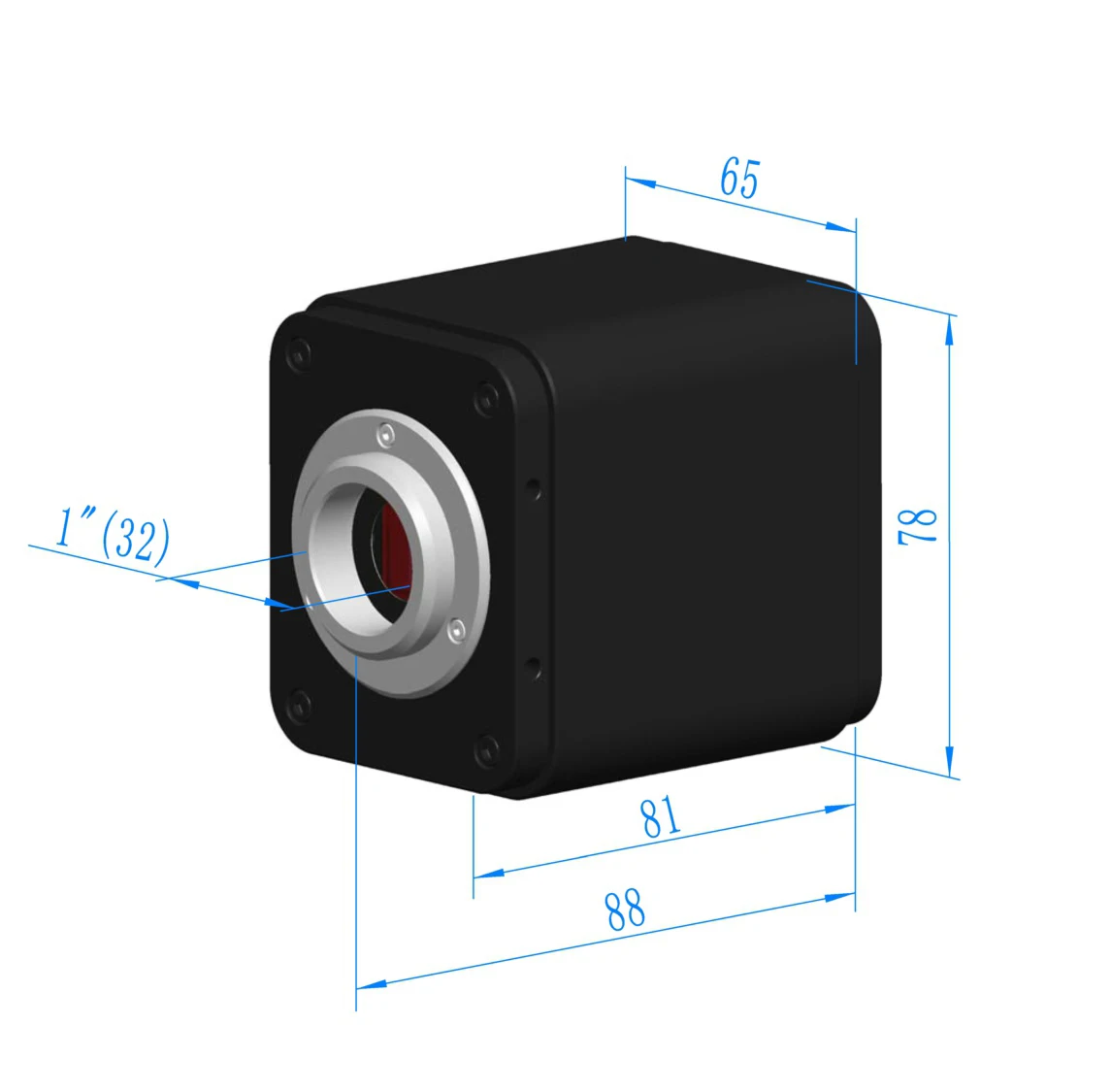
camera body, made from tough, CNC aluminium alloy, ensures a heavy duty, workhorse solution. The camera is designed with a high quality IR-CUT to protect the camera sensor. No moving parts included. This design ensures a rugged, robust solution with an increased lifespan when compared to other industrial camera solutions.
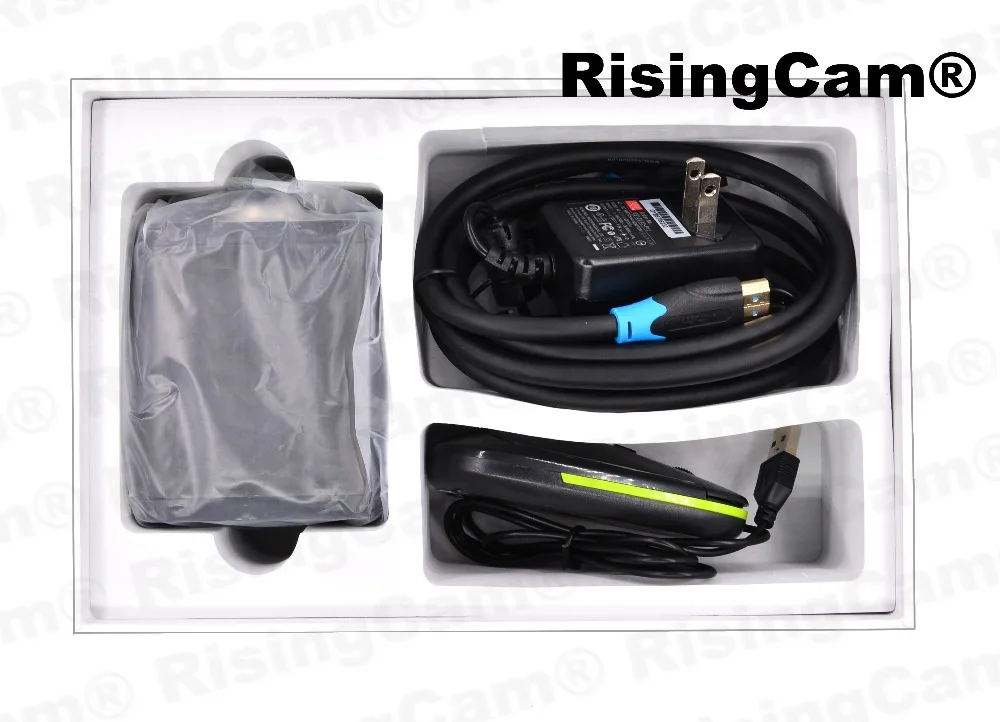
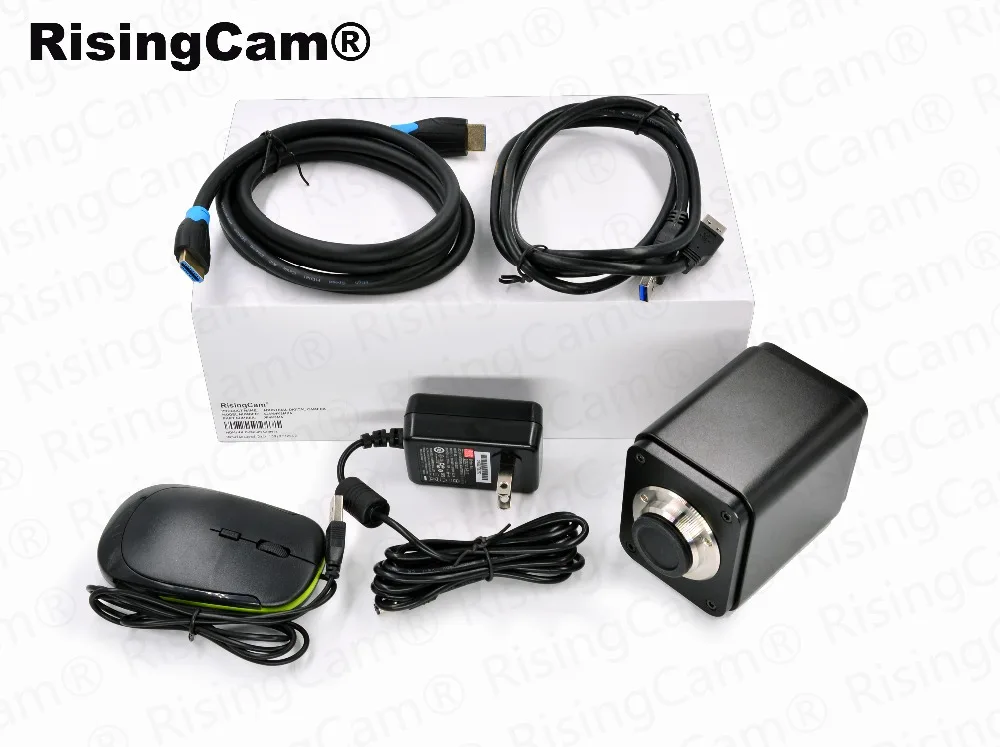
The standard packing include
1. Camera
2. HDMI-compatible cable
3. USB2.0 Cable
4. Mouse
5. Power Supplier (EU, US and UK for choice)
1 Years
| Category | DIY, Tools & Hardware › Tools & Equipment › Measuring Tools |
|---|---|
| Availability | In stock |
| Ships to | Canada |
| Buyer Guarantees | 15-Day No Update Refund & 60-Day No Delivery Refund |
No reviews yet
Be the first to share what you think of this product.


