

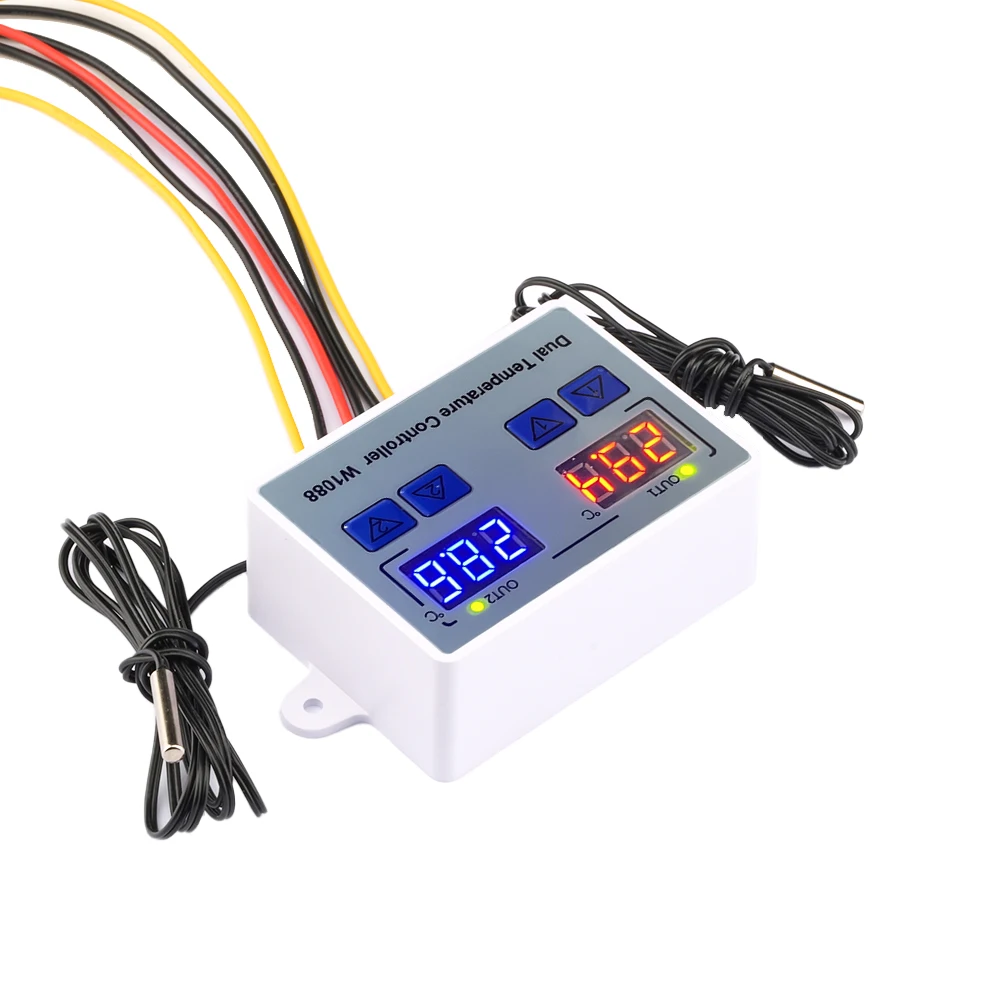
W1088 Dual LED Digital Temperature Sensor Meter Controller Electric Heating Thermostat 220V Aquarium Incubator Thermoregulator
- Fast delivery
- 30-day returns
Parameter
Temperature sensor: NTC 10K B value 3435
Temperature measurement range: -50 ° C~120 ° C
Resolution: 0.1 ° C
Accuracy: ± 1 ° C
Sensor length: 1m
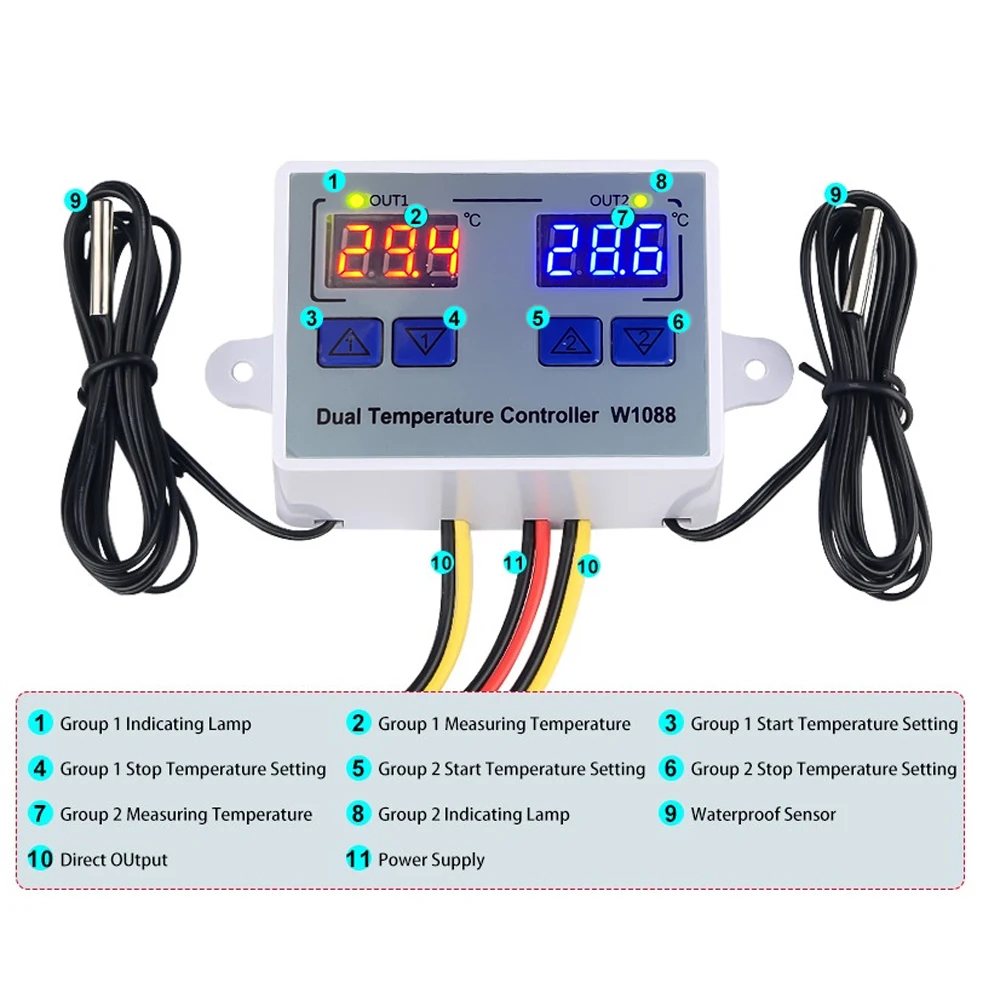
Output type: direct output 10A
Voltage specification: AC110-220V
Size: 7.5 * 5.5 * 3cm
Heating mode setting method
Setting essentials: Start temperature<stop temperature (the program automatically determines that the working mode is heating mode)
Setting method:
1. Press and hold the up/down button, the startup temperature flashes, and set the startup temperature value through the up/down buttons
2. Long press the down button to stop the temperature flashing, and set the stop temperature value through the up and down buttons
Use Case:
Control the water heater, stop heating at 65 ° C, and start heating again when the temperature drops back to 50 ° C.
How to set it?
Step 1: Confirm that the working mode is heating mode, with starting temperature<stopping temperature
Step 2: Long press the up/down button to flash the startup temperature. Use the up/down buttons to set the startup temperature to 50 ° C
Step 3: Long press the down button to stop the temperature flashing. Use the up and down buttons to set the stop temperature to 65 ° C, and the setting is complete
Cooling mode setting method
Setting essentials: Start temperature>Stop temperature (the program automatically determines that the working mode is refrigeration mode)
Setting method:
1. Press and hold the up/down button, the startup temperature flashes, and set the startup temperature value through the up/down buttons
2. Long press the down button to stop the temperature flashing, and set the stop temperature value through the up and down buttons
Use Case:
Control the breeding farm, stop ventilation at 26 ° C, and start cooling again when the temperature rises to 28 ° C.
How to set it?
Step 1: Determine the working mode as refrigeration mode, start temperature>stop temperature
Step 2: Long press the up/down button to flash the startup temperature. Use the up/down buttons to set the startup temperature to 28 ° C
Step 3: Long press the down button to stop the temperature flashing. Use the up and down buttons to set the stop temperature to 26 ° C, and the setting is complete!
Package List
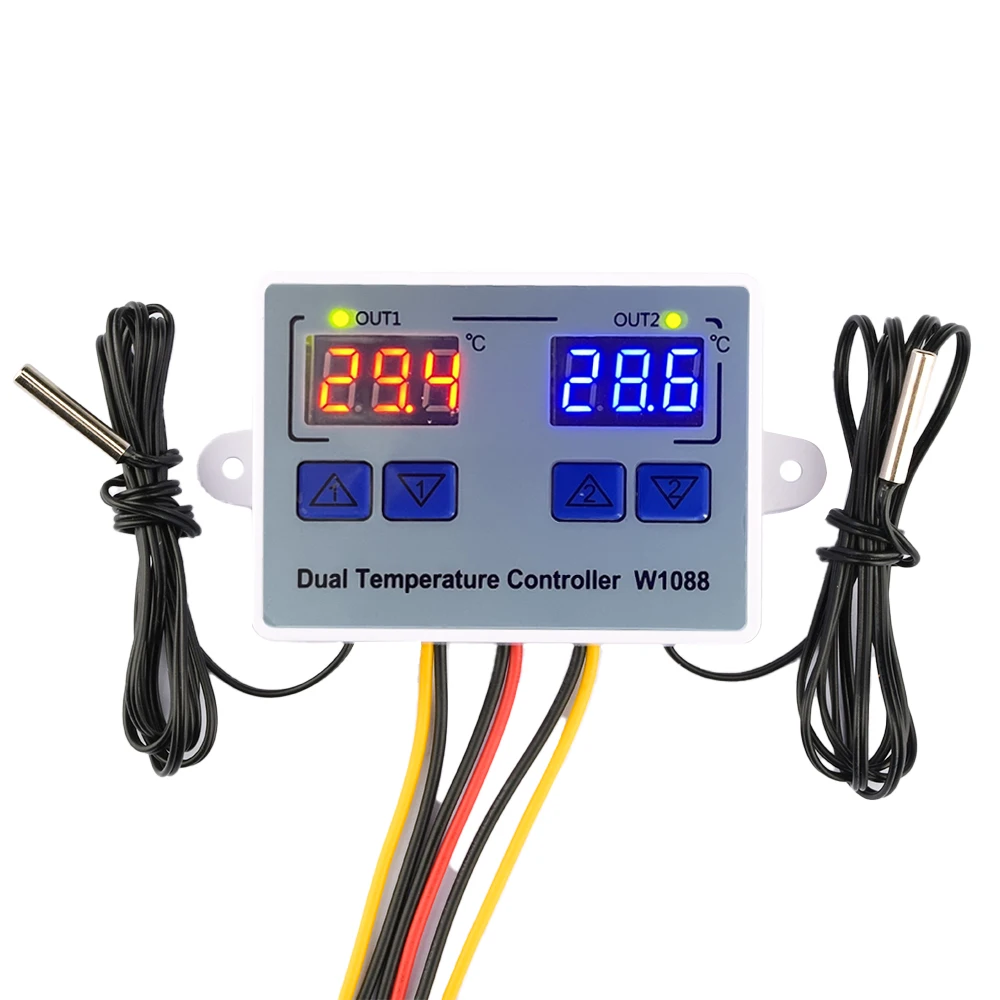
1 * Digital display intelligent temperature dual controller (AC110-220V)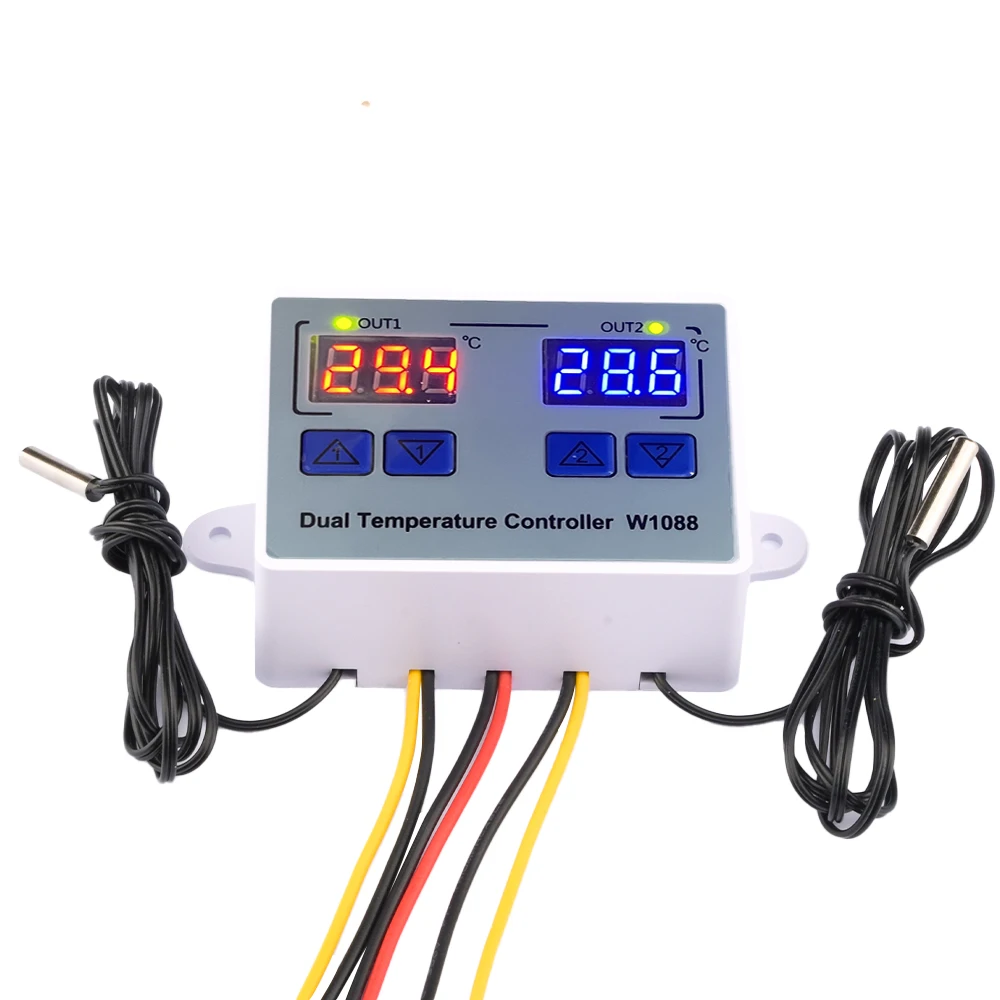
| Category | DIY, Tools & Hardware › Tools & Equipment › Measuring Tools |
|---|---|
| Availability | In stock |
| Ships to | Canada |
| Buyer Guarantees | 15-Day No Update Refund & 60-Day No Delivery Refund |
No reviews yet
Be the first to share what you think of this product.


